
ECOMMERCE PRODUCT VIDEO
Create an Ecommerce Product Video That Answers Buying Questions
Turn one product image into the detail reveal, in-use moment, scale demonstration, or visual idea your product page is missing. Describe the scene and motion you want, then create it with Seedance 2.5.
What Should the Next Product Video Prove?
Ecommerce product videos work best when each clip answers one product-page question.
- 1
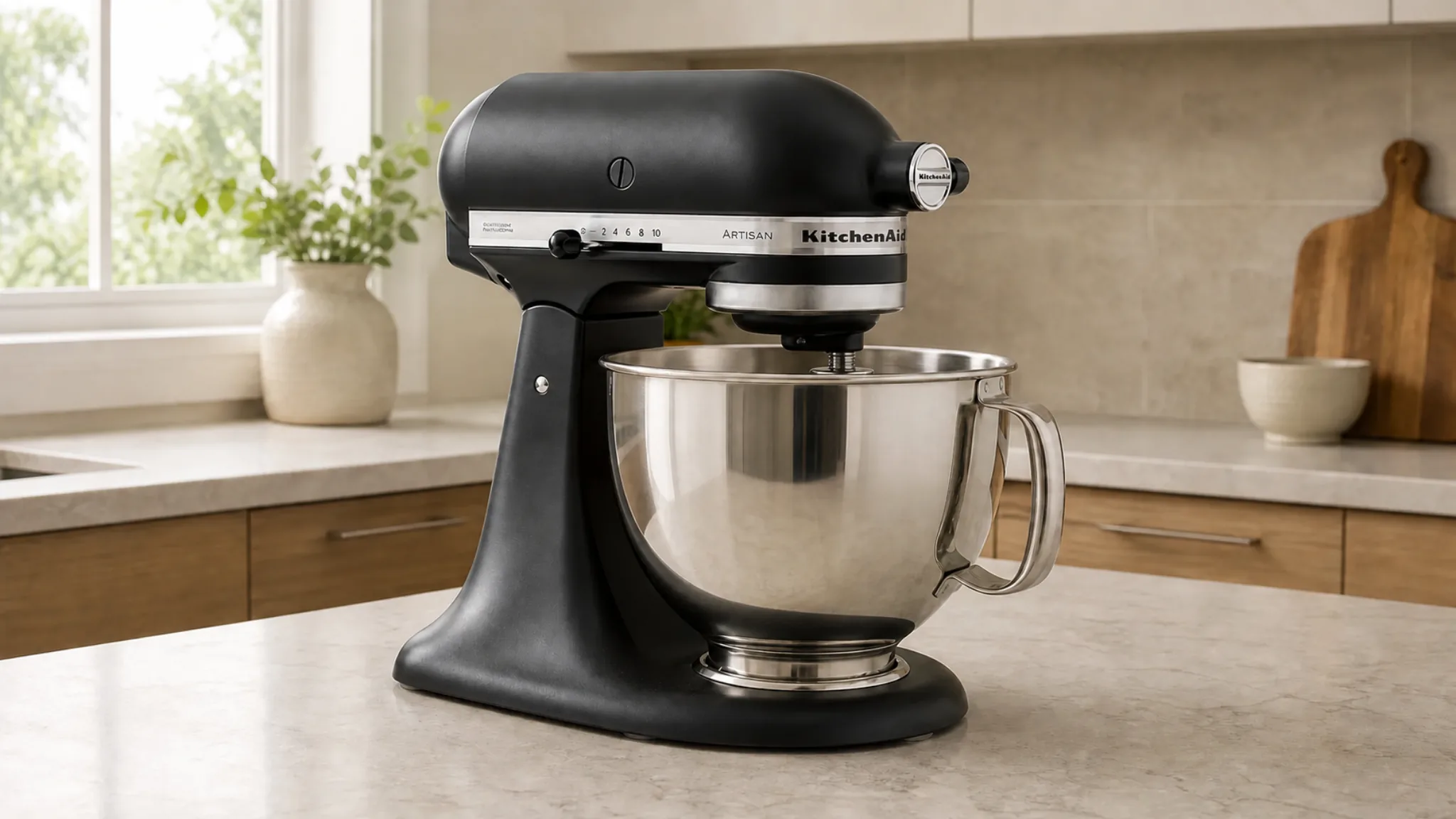
Complete product
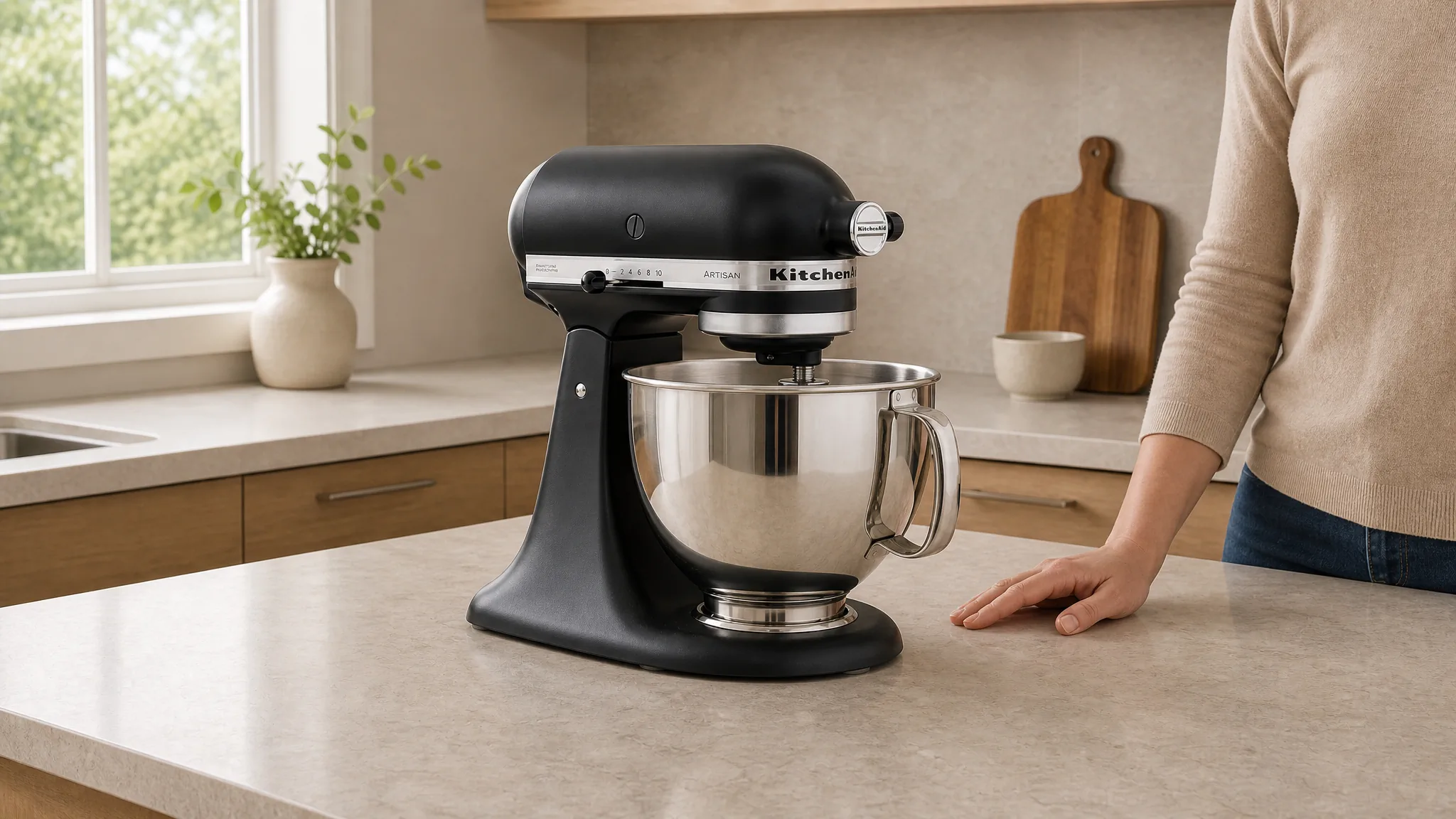
Open with the full product so shoppers can understand its shape, proportions, and major parts before anything begins to move.
- 2
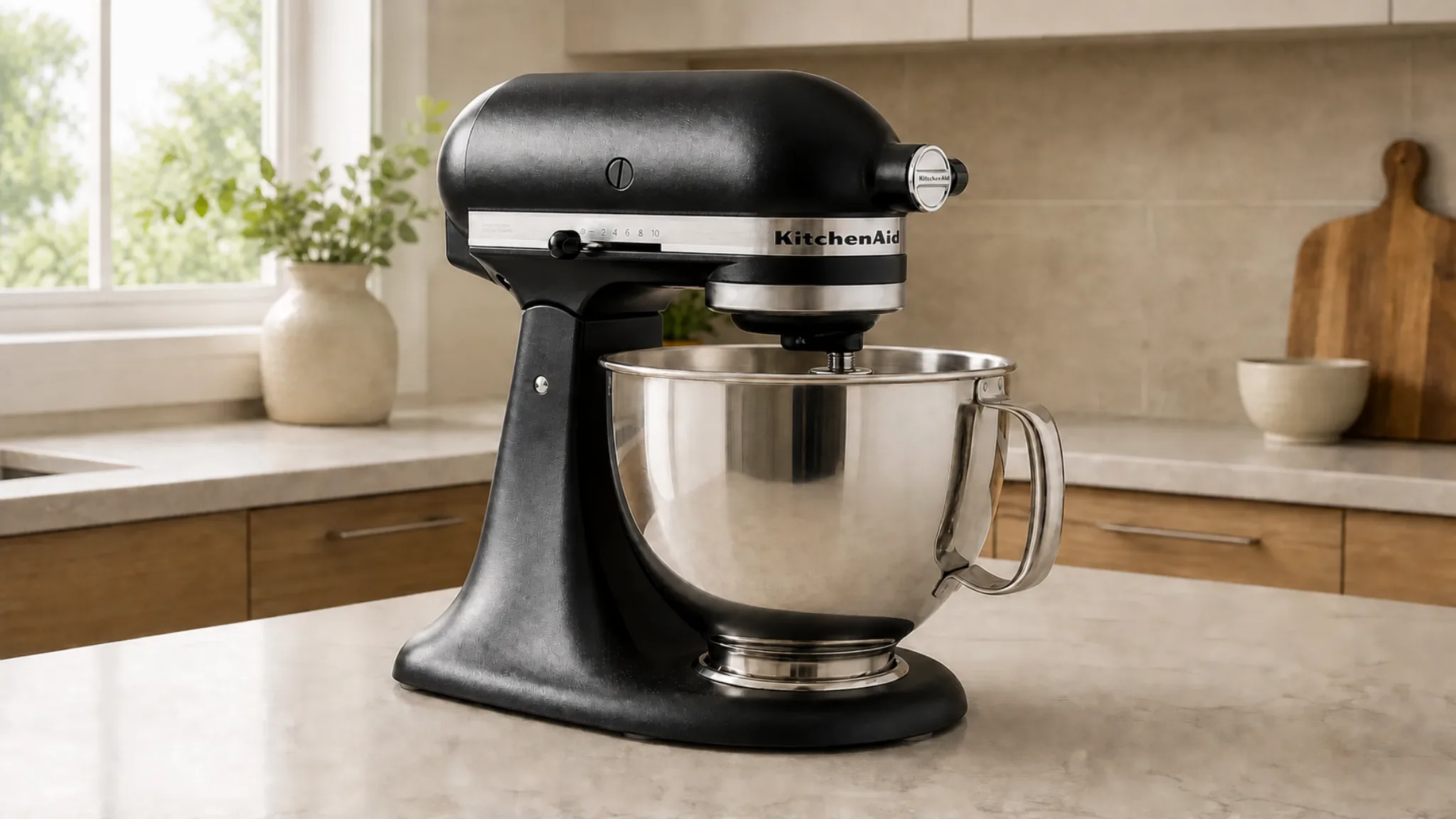
Mechanism
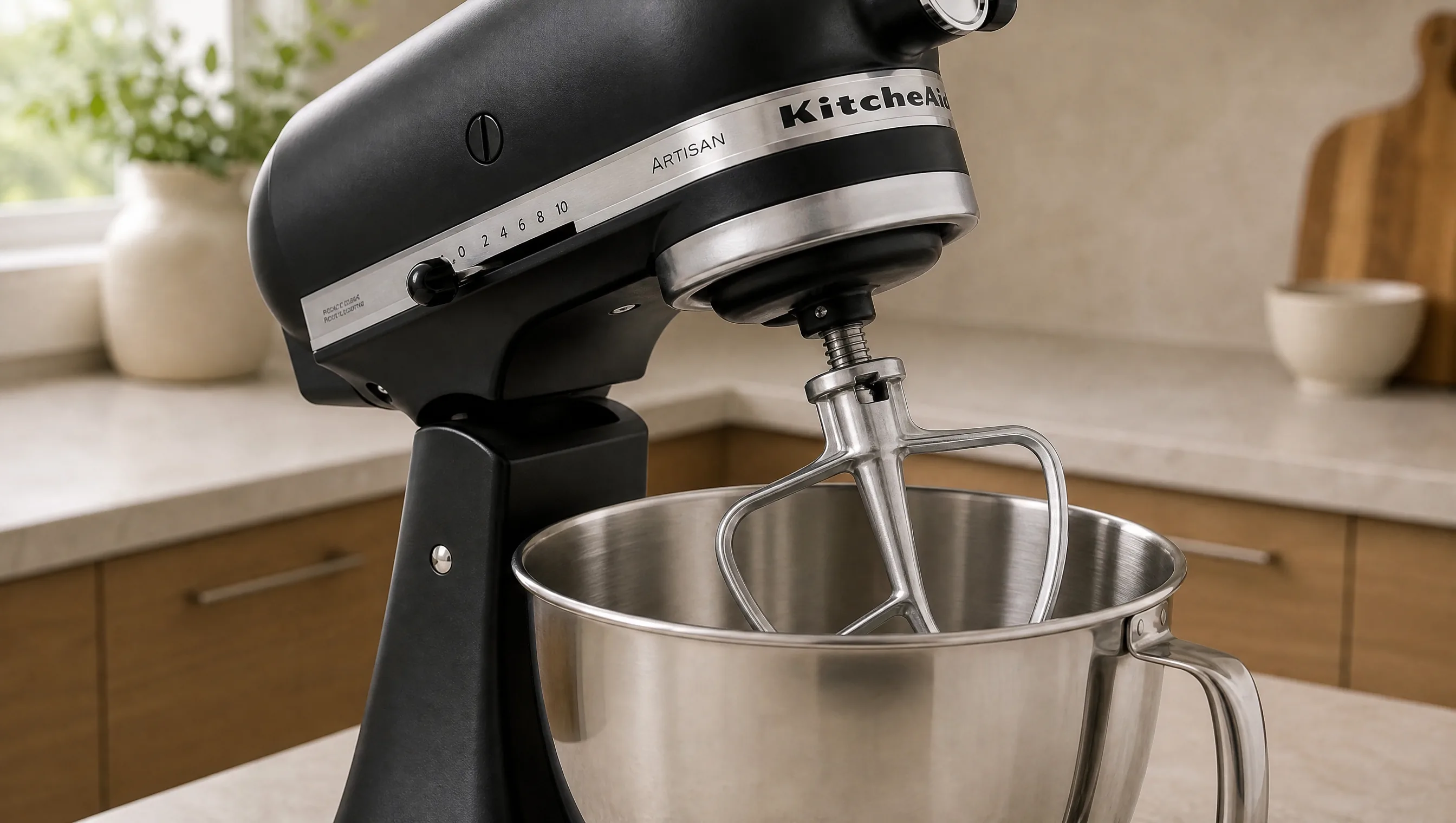
Move closer to the hinge, controls, or working parts so the relationship between components becomes easy to follow.
- 3
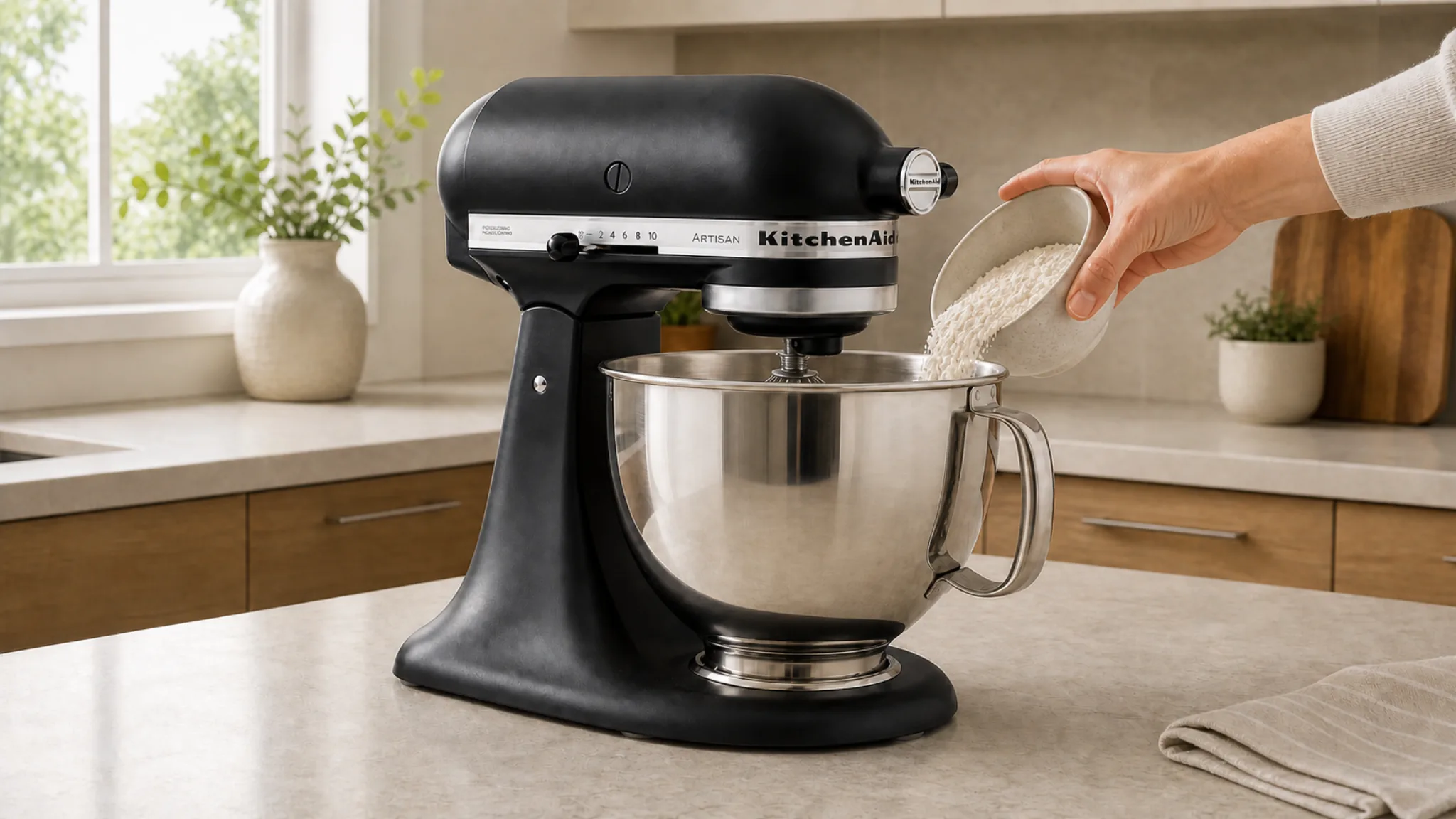
Use
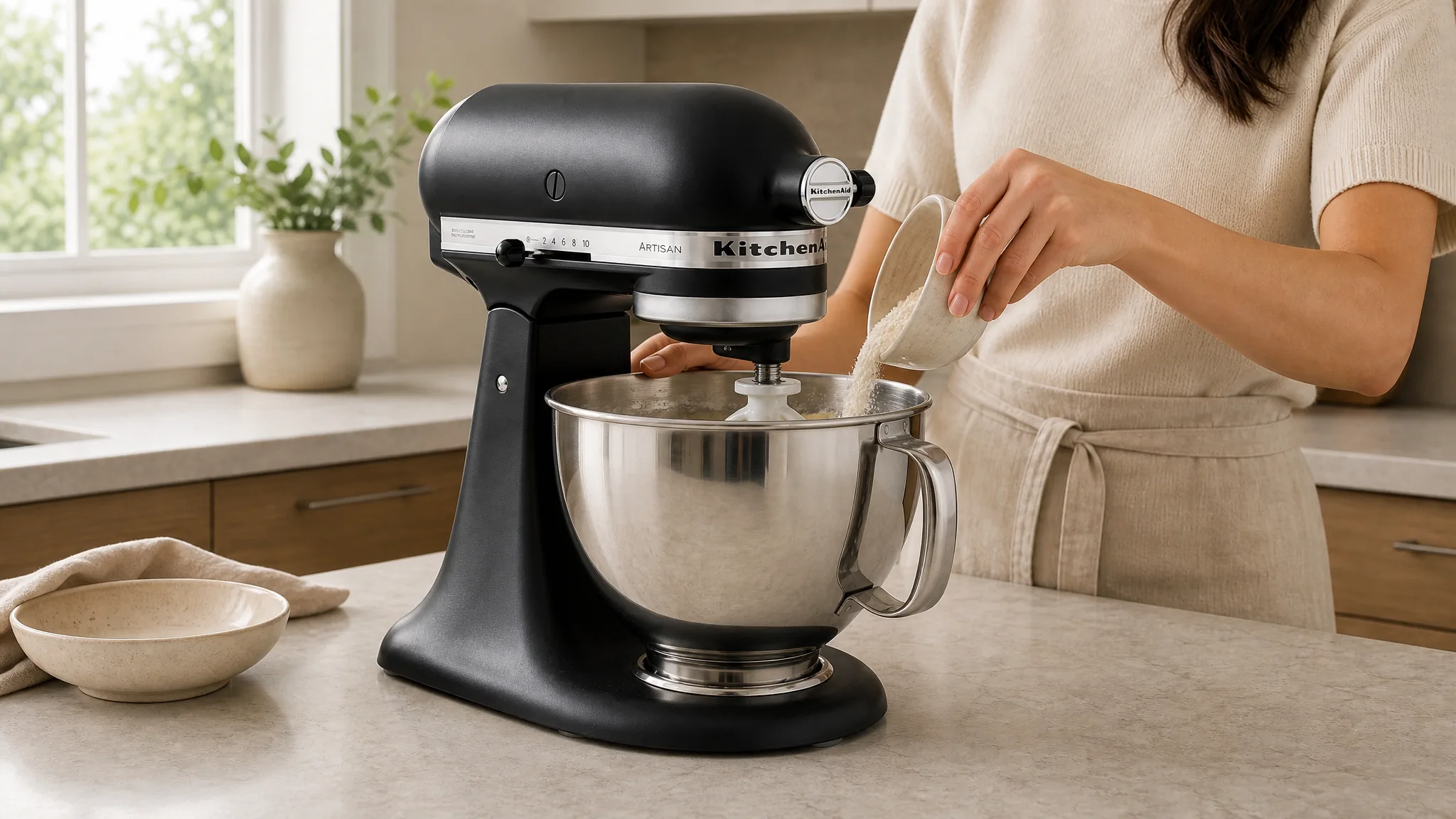
Show the product in a believable action at a natural speed so the shopper can picture how it fits into a real routine.
- 4
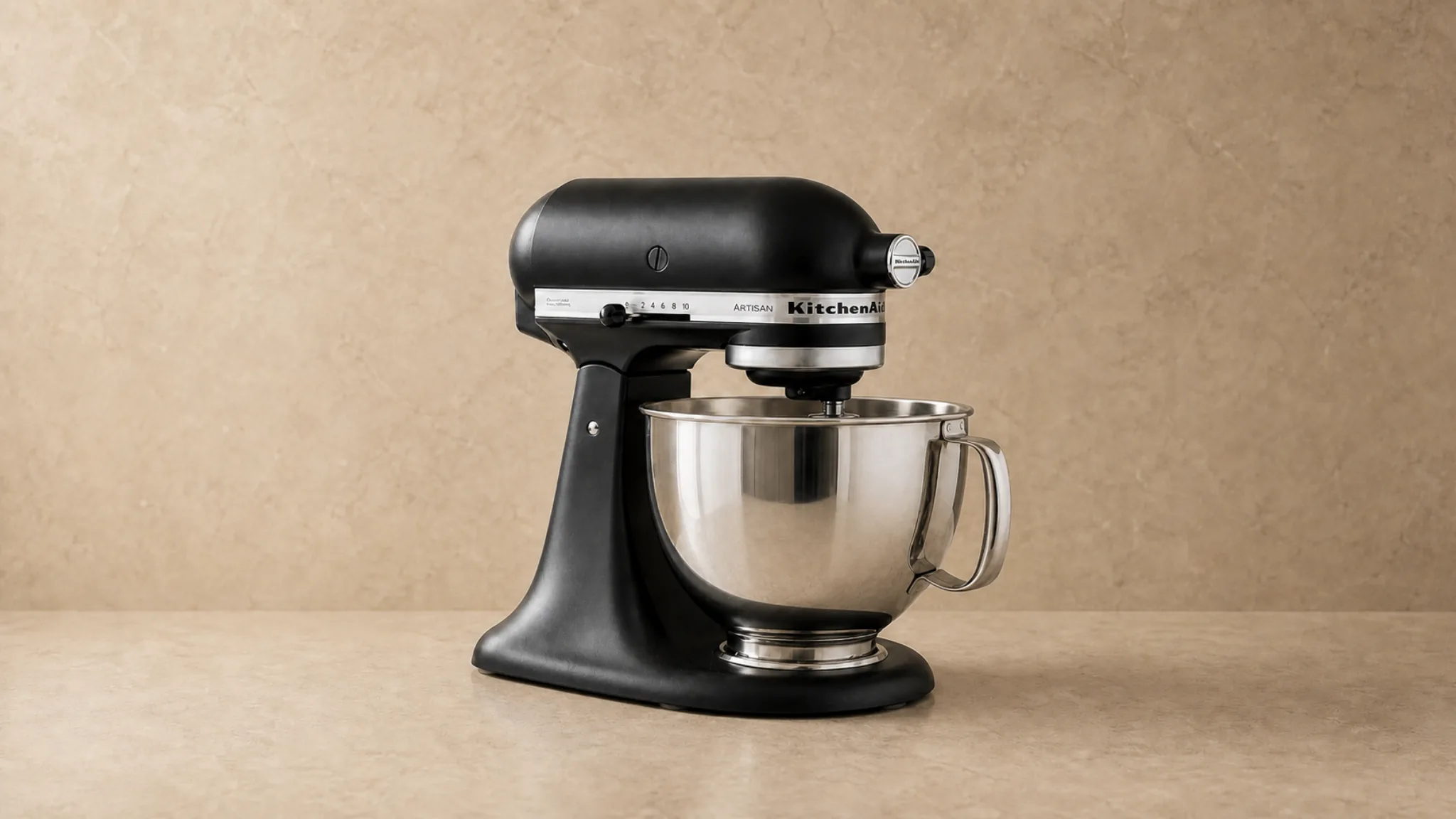
Final hold
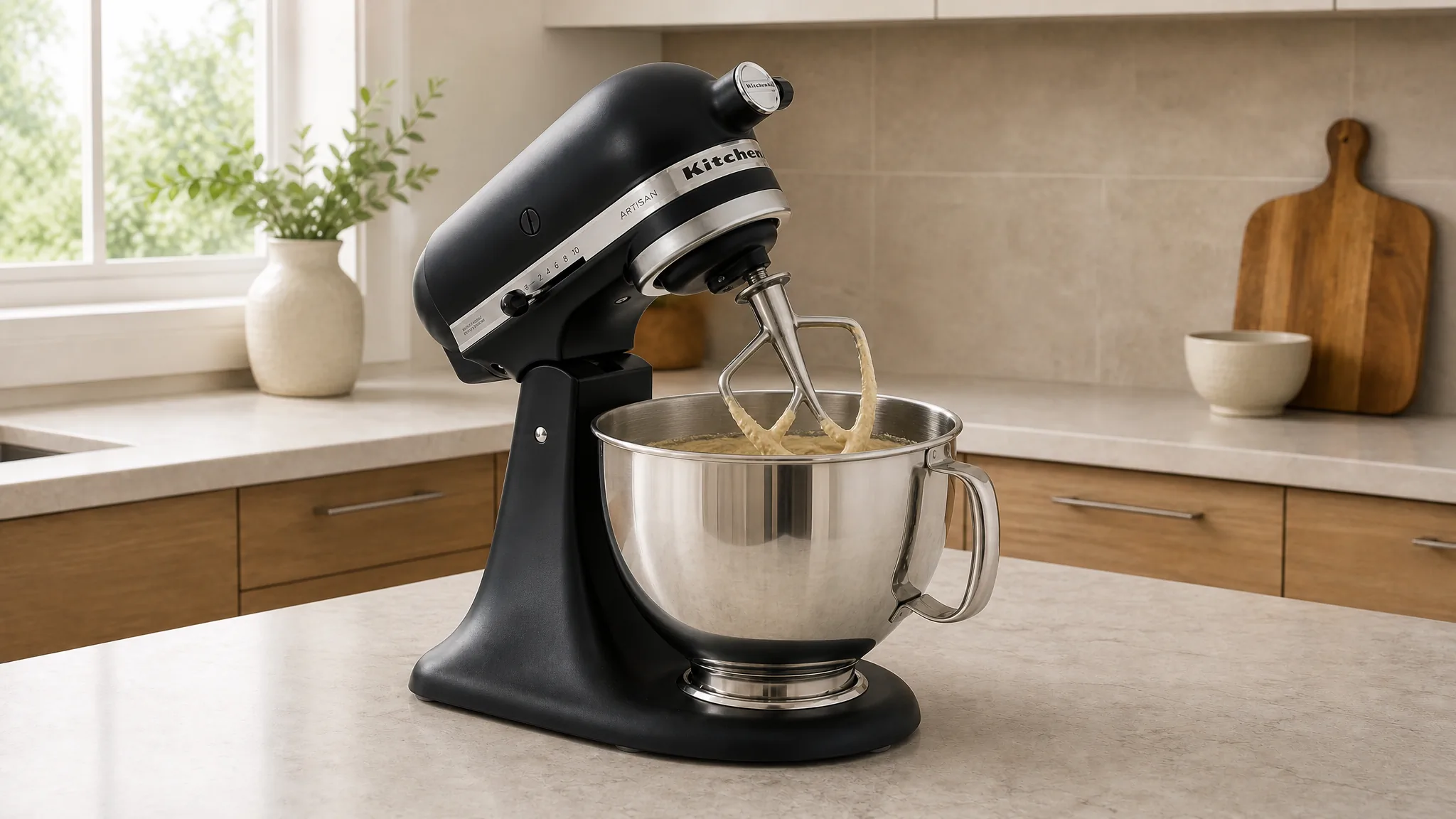
End on a clean, stable product view after the benefit is understood, giving the listing a clear and reusable closing frame.
Start With the Question the Product Page Still Leaves Open
A focused brief starts with the detail, scale, movement, or use the shopper still needs to see.
Turn One Buyer Question Into a Short Product Video
 1
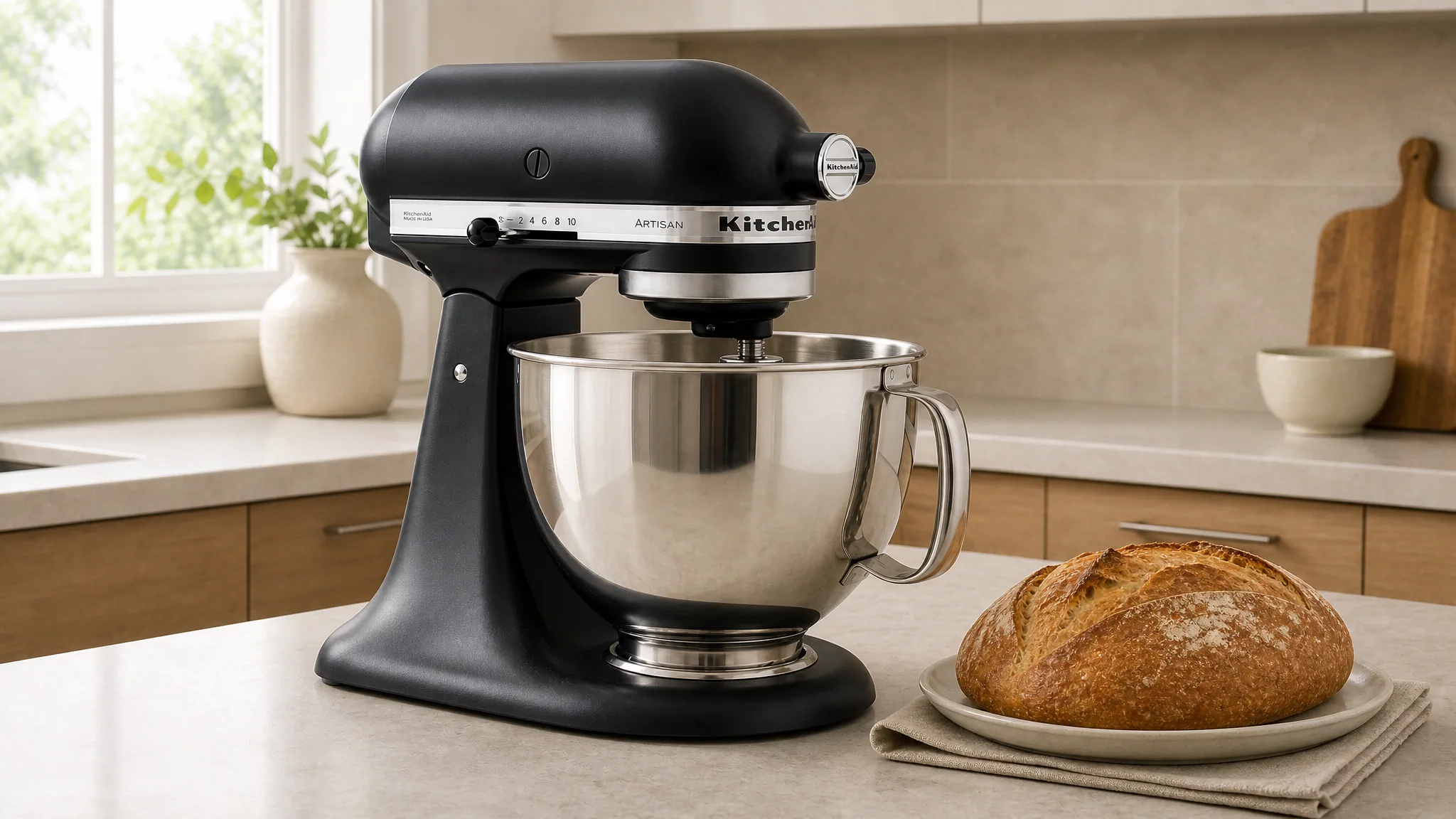
1Establish the product
Give viewers one clean look at the complete item so every later detail has a clear visual reference.
 2
2Reveal the useful detail
Bring the camera to the part that changes the buying decision, such as a joint, control, texture, or included component.
 3
3Show the action
Let the product perform one meaningful task so shoppers can understand the movement instead of imagining it from stills.
 4
4Close with confidence
Return to a stable product view that connects the demonstrated action with the reason to choose the product.
Three Product Video Patterns for Ecommerce Pages
Use a form reveal when shape or scale is unclear, an interaction sequence when shoppers need to see how the product works, or a kit view when included parts affect the decision.
 01
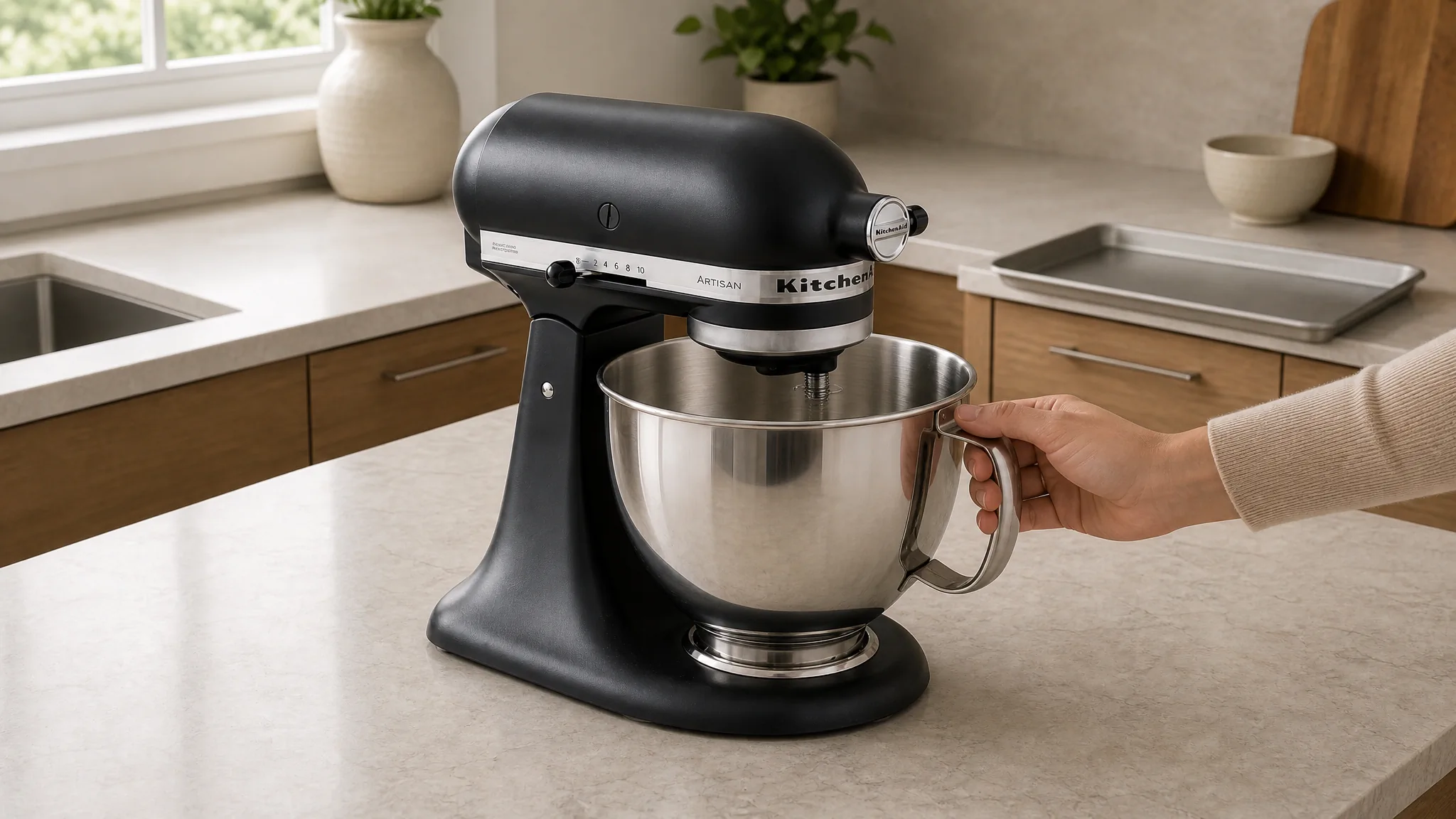
01Form and scale
Use a controlled orbit or hand-held comparison when shoppers need to judge dimensions, depth, or how the item occupies space.
 02
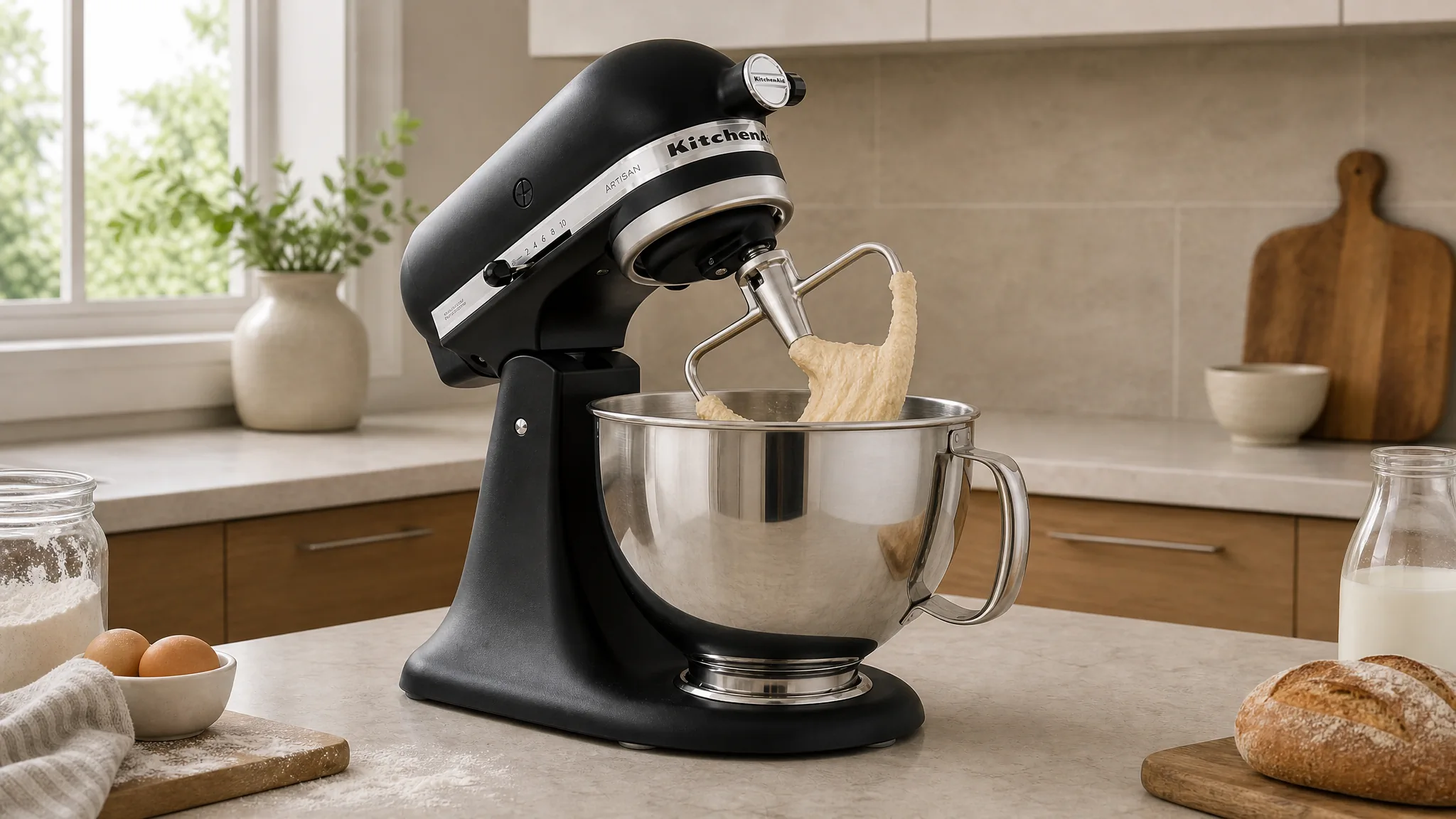
02Product interaction
Show the hand, accessory, or moving component at the moment of use so the operation feels immediate and understandable.
 03
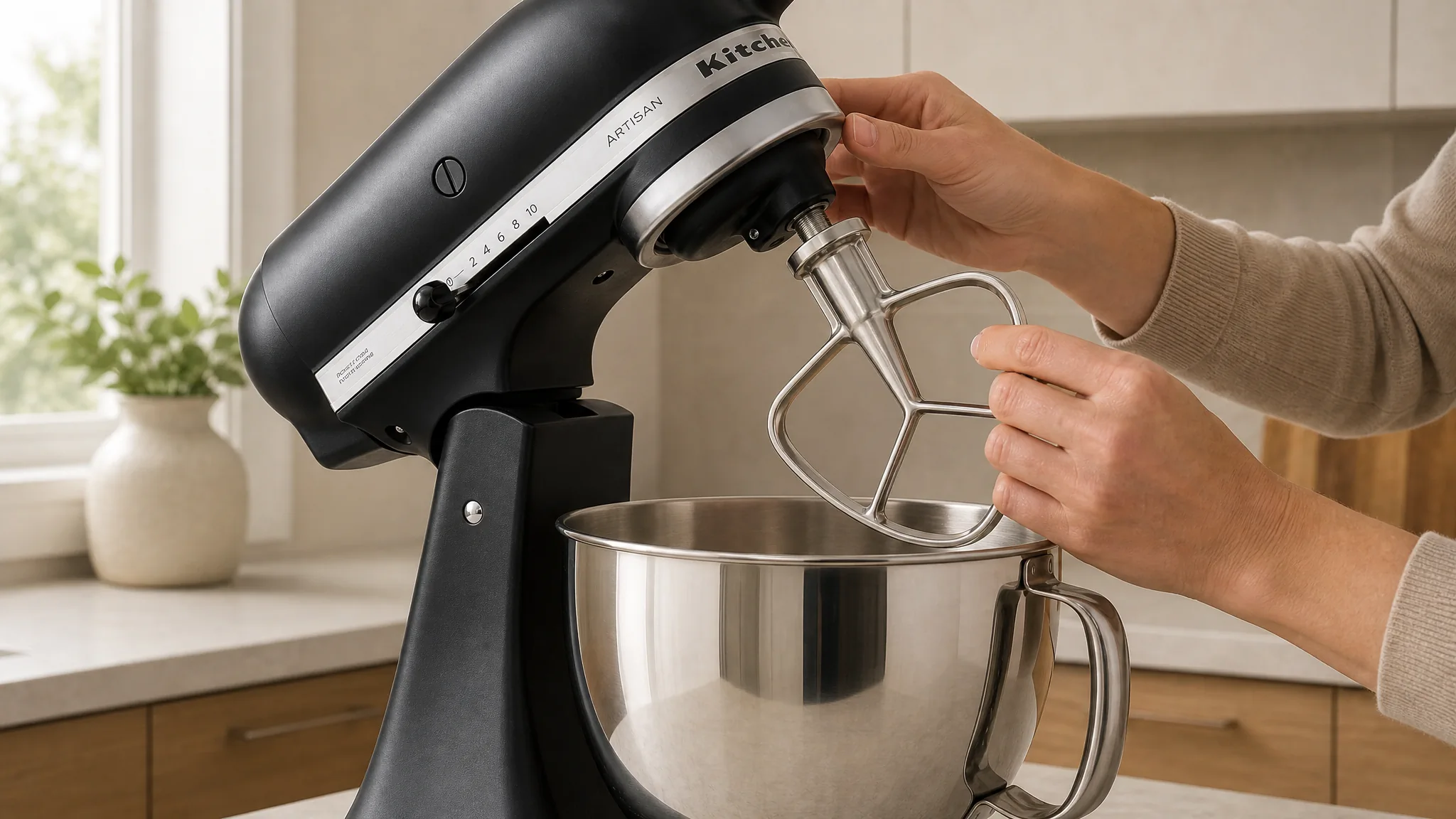
03Included parts
Reveal the product and its accessories in one sequence so customers know what arrives and how the pieces work together.
Go Beyond the Product Shots You Could Film in a Day
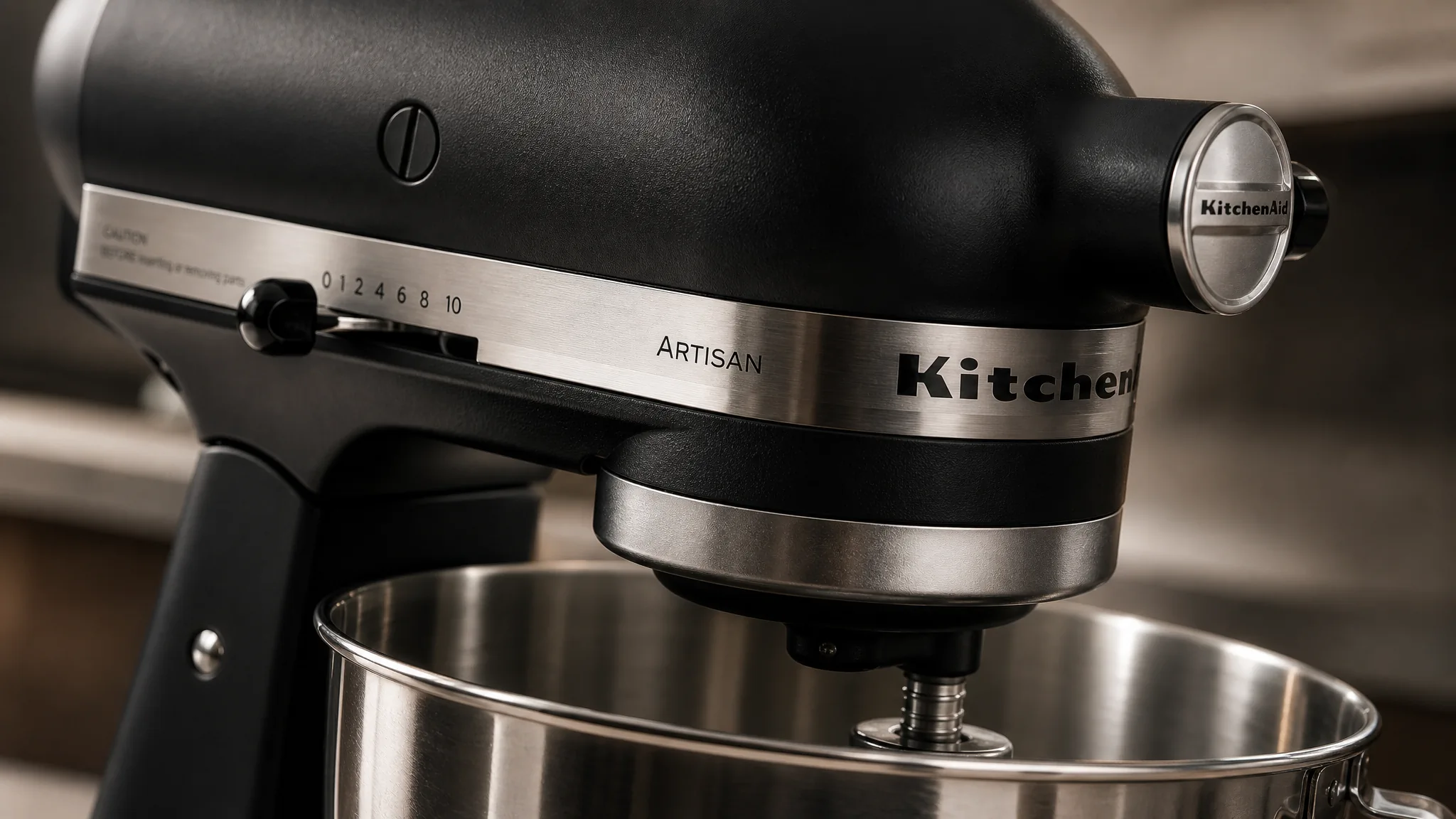
Impossible close-up
Describe a camera move through a small mechanism or across a difficult surface to make an overlooked feature feel important.
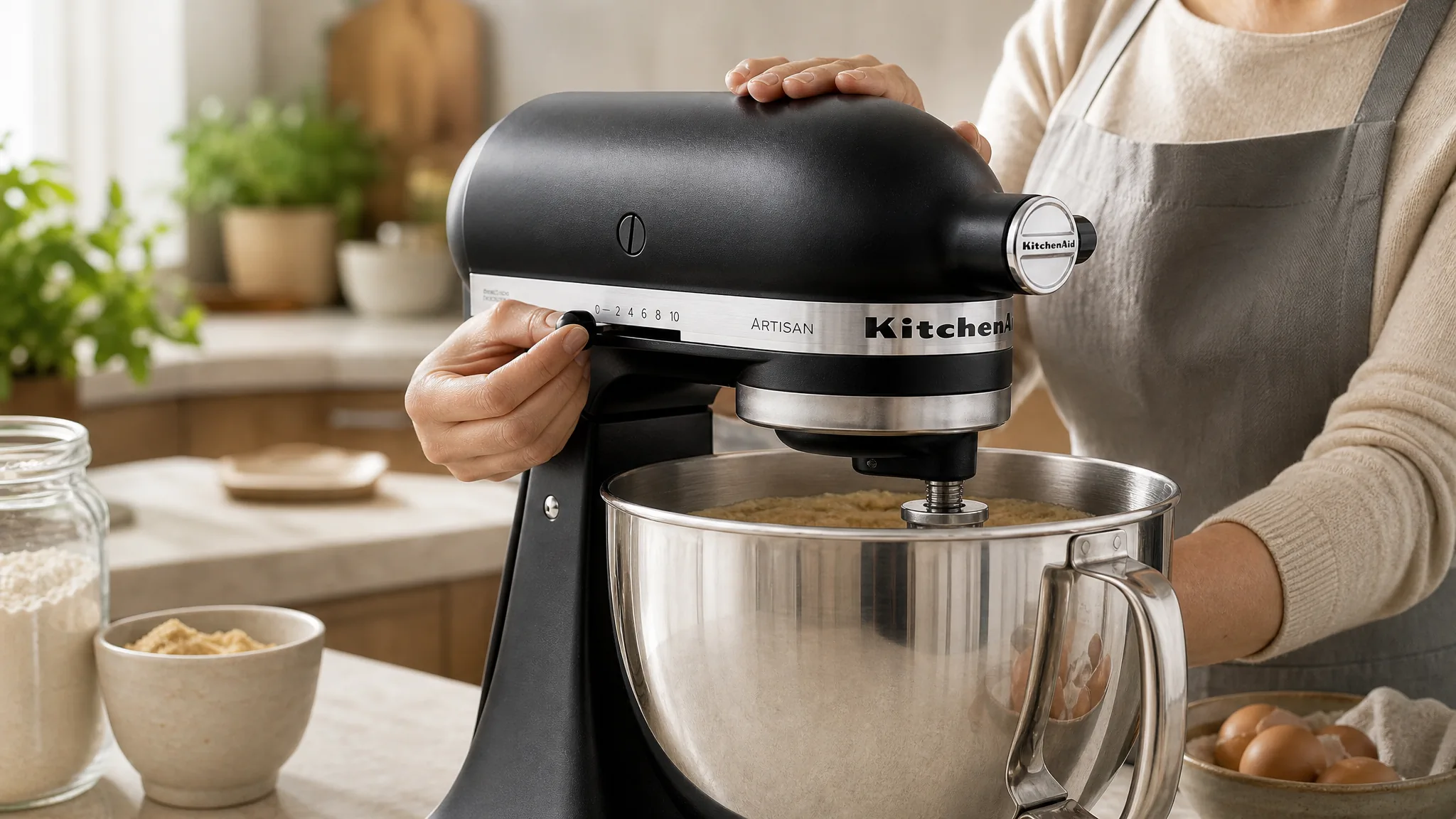
Believable use scene
Place the product in a complete everyday moment with natural hands, motion, lighting, and scale.
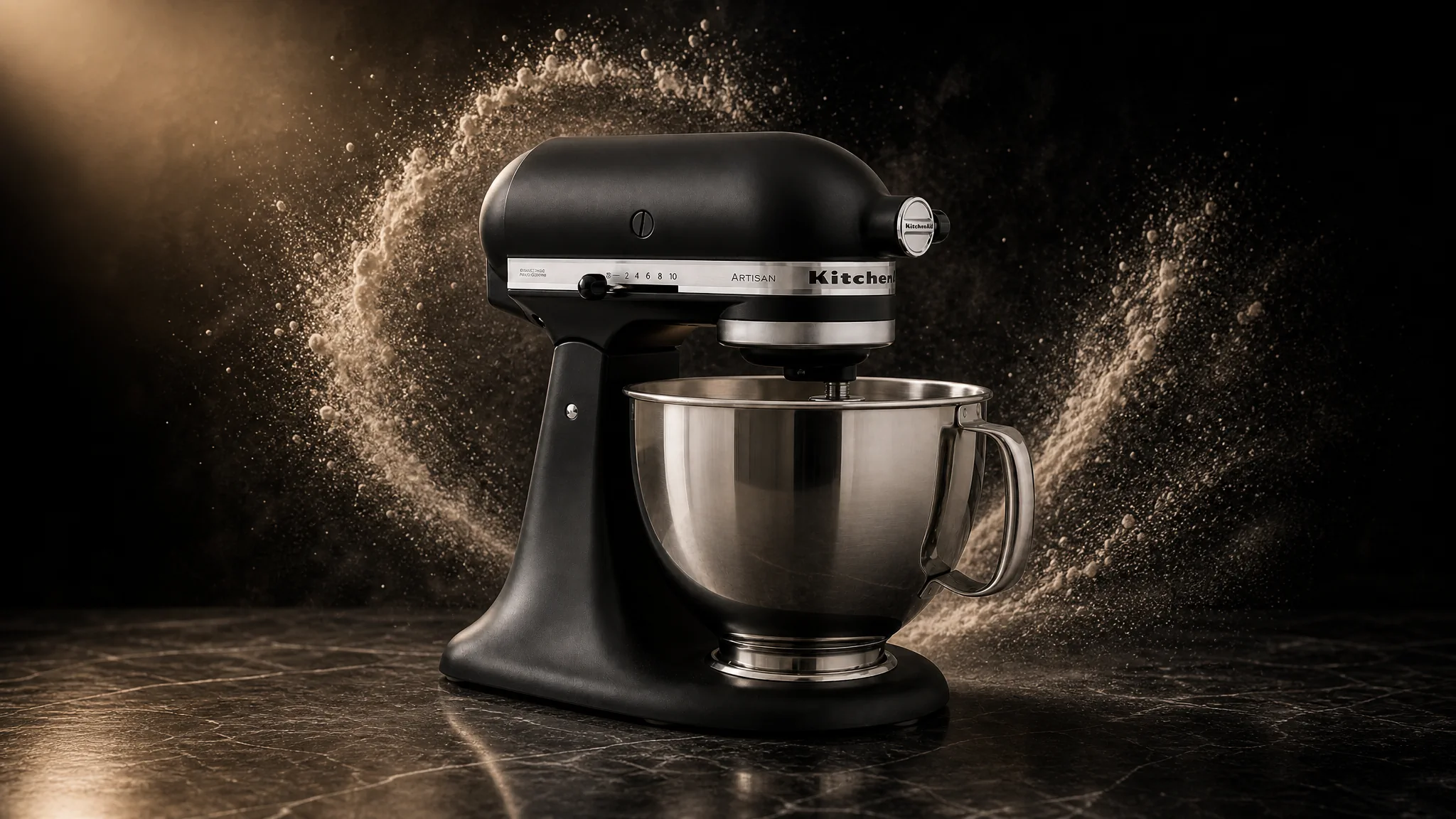
Campaign reveal
Build a more dramatic environment, light change, or final reveal while keeping the product readable throughout the shot.
Direct the camera, product action, hands or people, environment, lighting, pace, mood, and final reveal in plain language. Create anything from a restrained PDP detail shot to a product moment that would be difficult to capture on a normal set.
How Ecommerce Teams Use Product Video
“Our standing desk converter looked fine in photos, but every shot showed it sitting flat - shoppers couldn't tell how the mechanism moved or how tall it actually gets. I uploaded the main product image and described the desktop lifting smoothly to full height with a hand adjusting it. The generated video showed the lift, the real height, and the motion exactly the way I'd pictured it. For someone who's only seen the stills, it finally makes the product click.”
“I wanted our serum bottle surrounded by drifting droplets with a slow light sweep across the glass - the kind of shot that usually means a studio day, a macro lens, and a pile of failed takes. I described the whole thing in plain language: the droplets floating, the light moving, the bottle staying sharp. What came back was surprisingly close to the image in my head. It actually looks like a campaign clip, not a quick generation.”
“I run the store with one other person, and neither of us has ever touched Premiere or DaVinci. I was honestly nervous it'd be too technical. It isn't - upload the photo, describe what you want, pick the model and length and ratio, download. I had a usable product clip on my first try without watching a single tutorial. The fact that a team our size can do this at all still surprises me.”
FREQUENTLY ASKED QUESTIONS
Ecommerce Product Video Questions
Answers about source images, creative direction, duration, and product-page formats.
What should an ecommerce product video show?+
Show the detail a shopper still cannot understand from the image gallery: scale, movement, setup, material, included parts, or real use.
Can I create a product video from one product image?+
Yes. Upload a clear JPG, PNG, or WebP image, describe the video you want, and MakeAD uses the product image as the visual starting point.
What kinds of product scenes and motion can I describe?+
You can direct camera moves, product actions, hands or people, environments, lighting changes, visual effects, pacing, mood, and the final frame.
How long can an ecommerce product video be?+
With Seedance 2.5, one generation can be up to 30 seconds. Choose a shorter or longer duration according to the product question and placement.
Which aspect ratio should I choose for a product page?+
Use landscape for wide PDP media, square for flexible catalog placement, and vertical when the same product story is designed for a mobile-first surface.
CREATE WITH MAKEAD
Answer the Question That Is Still Blocking the Purchase
Upload one clear product image and show the detail, scale, movement, or use shoppers still need to understand—without scheduling another shoot.