
PRODUCT DEMO VIDEO
Create a Product Demo Video That Shows How the Product Works
Turn one product image into a clear setup, assembly, operation, adjustment, or before-and-after demonstration. Describe every action and camera move, then create it with Seedance 2.5.
Choose One Task for the Product Demo
Product demonstration videos are clearest when they show one task from the first touchpoint to the result.
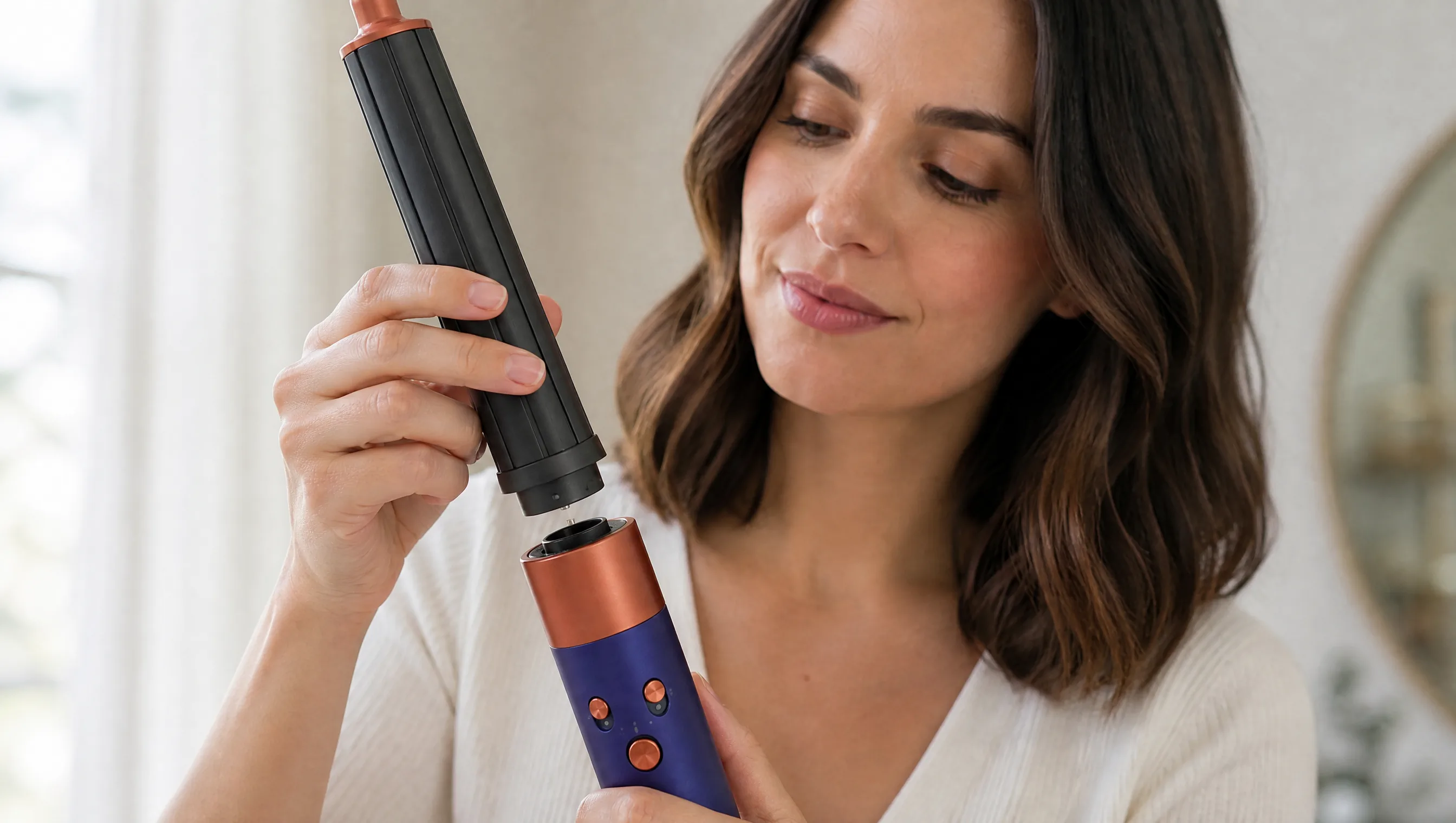
Show Where the Action Starts
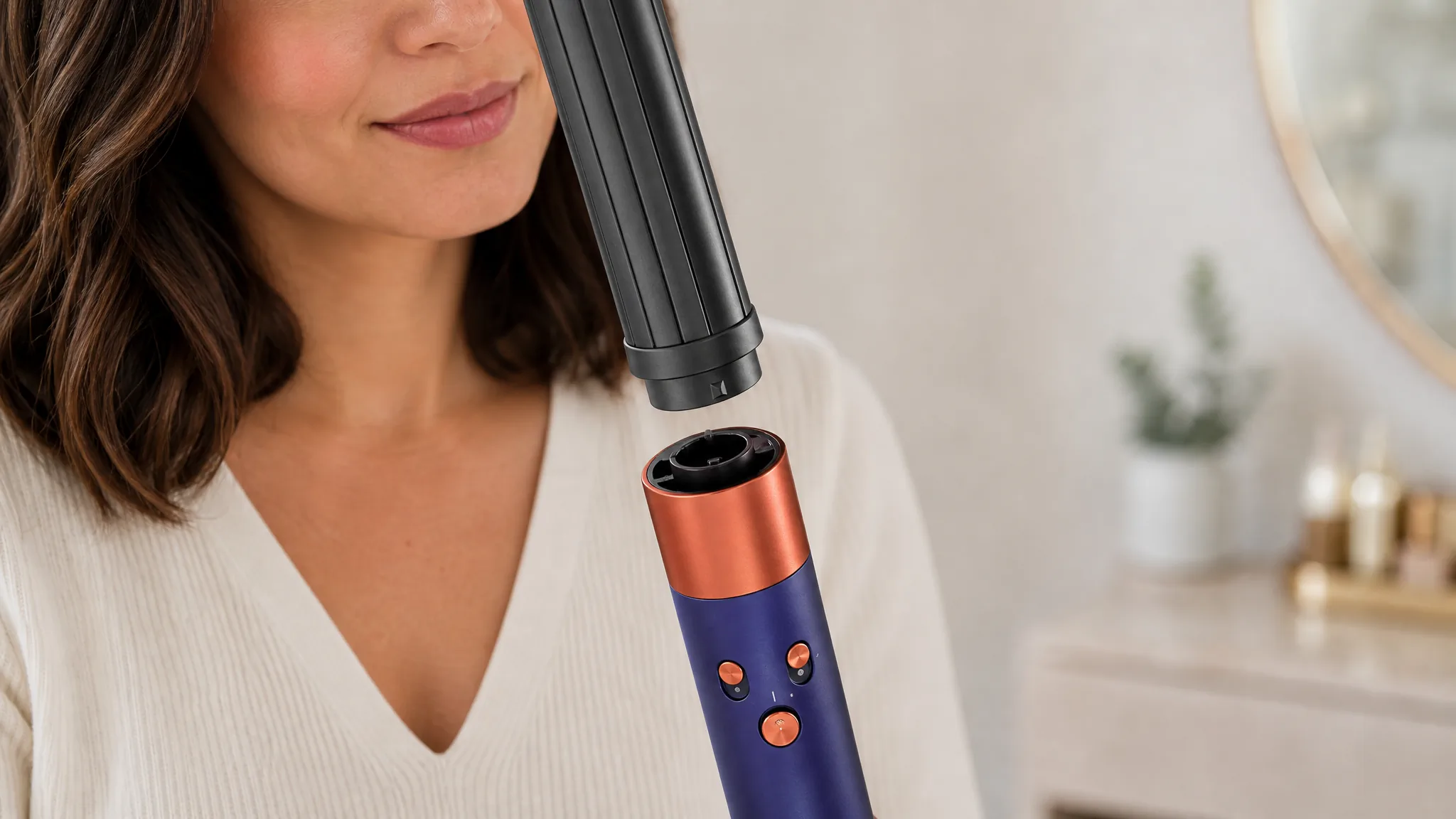
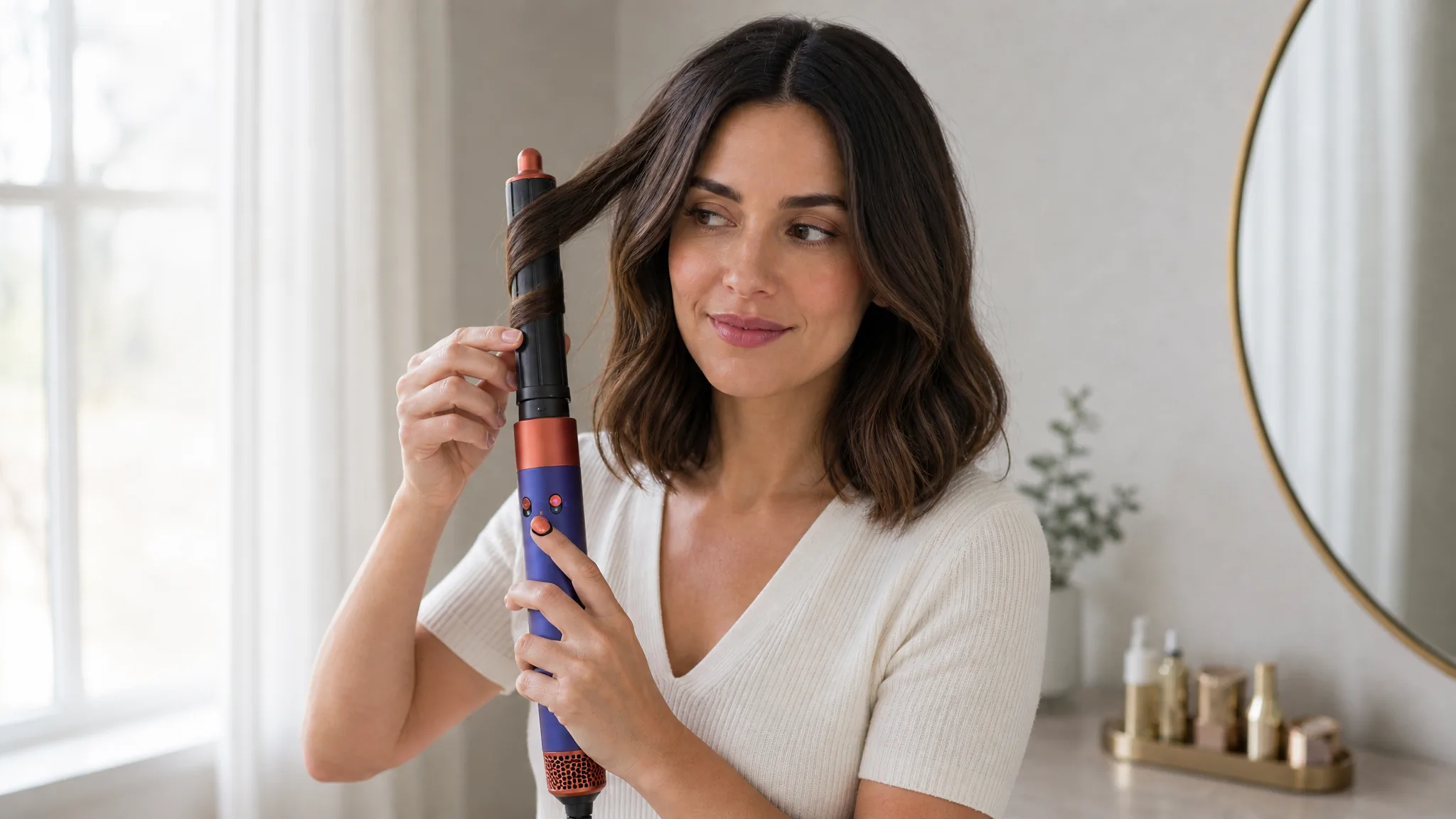
Follow the Action From Attachment to Result
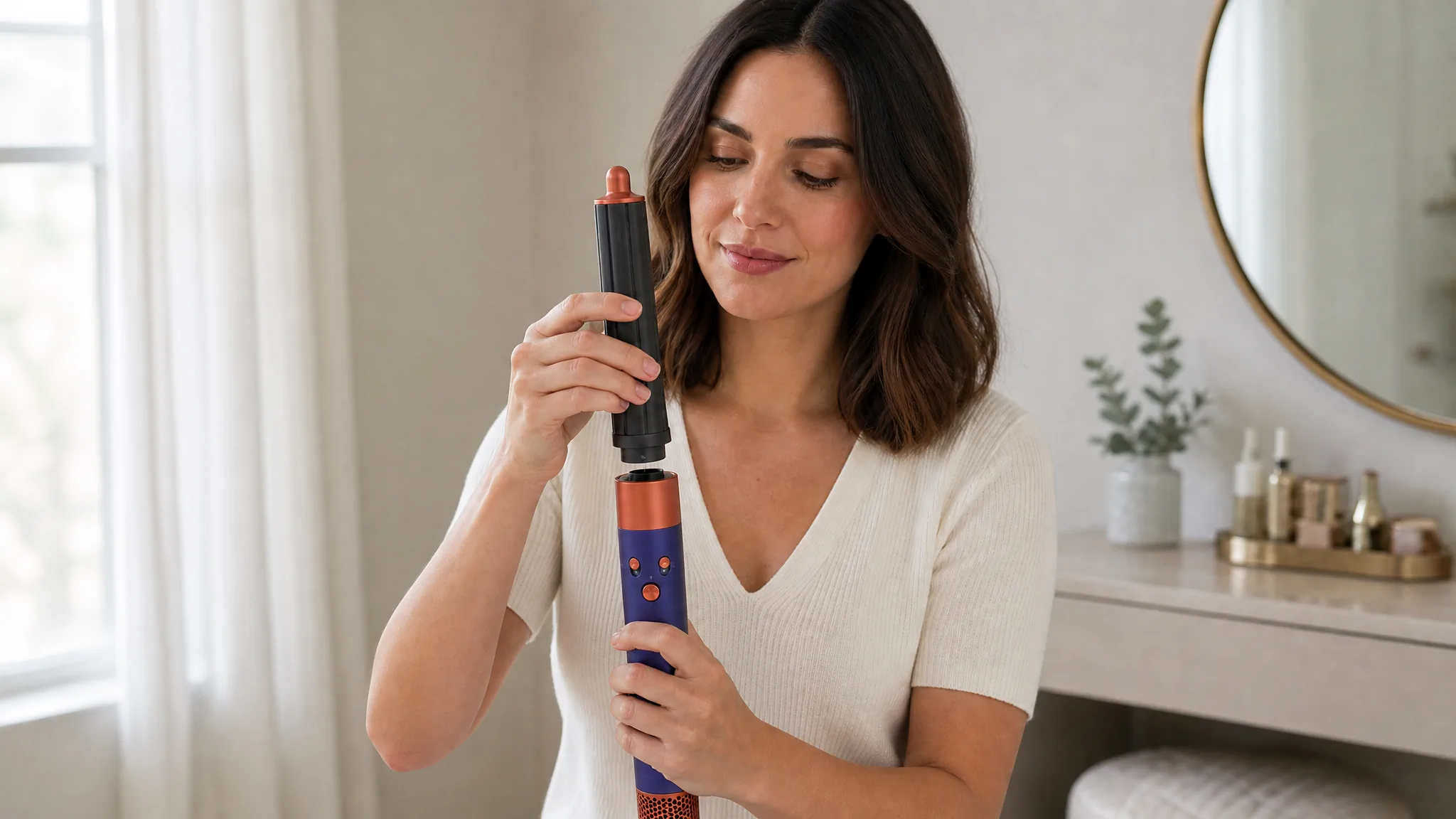
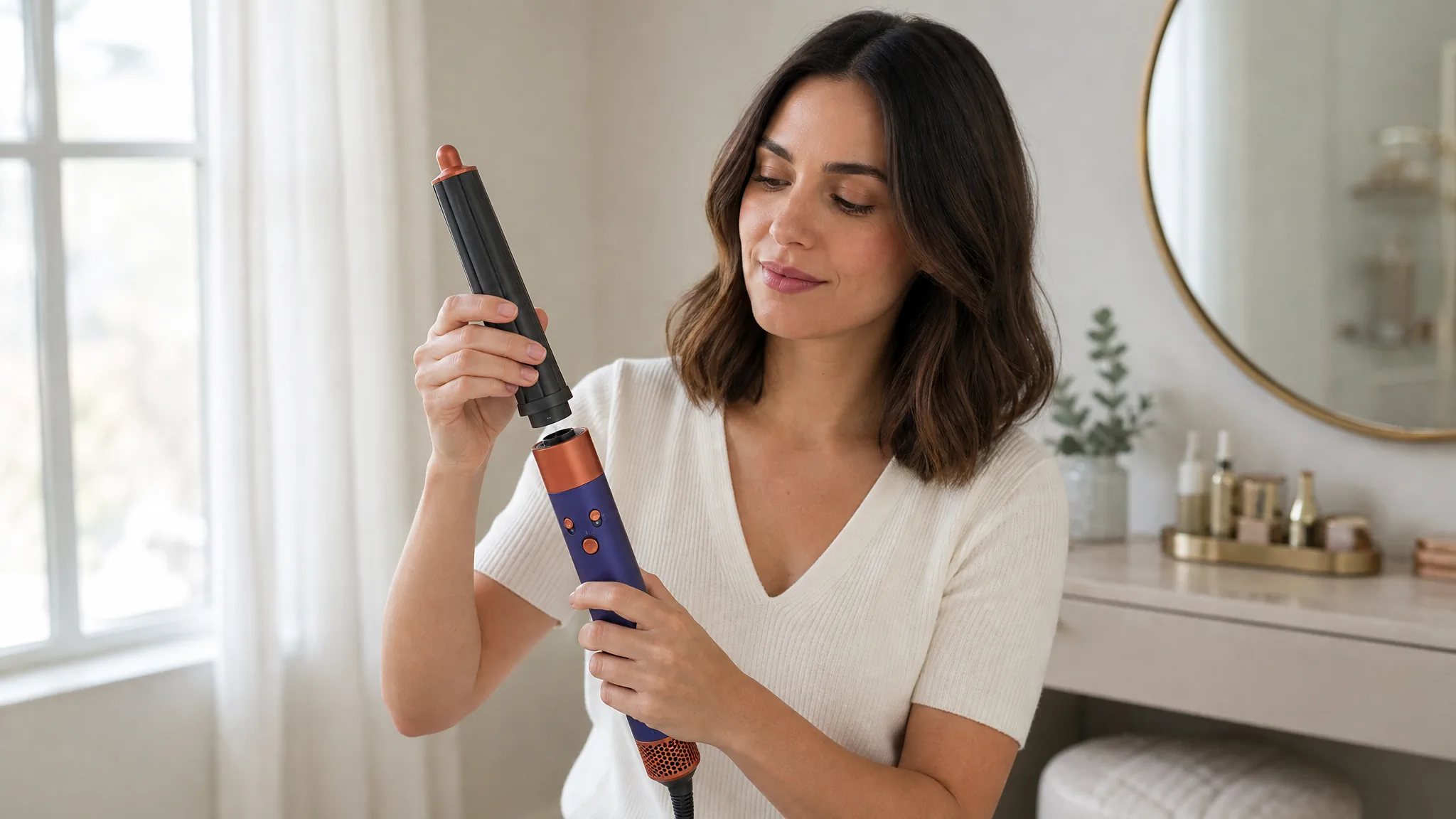 1
1Find the touchpoint
Begin close enough to show where the user needs to place a hand, tool, or accessory.
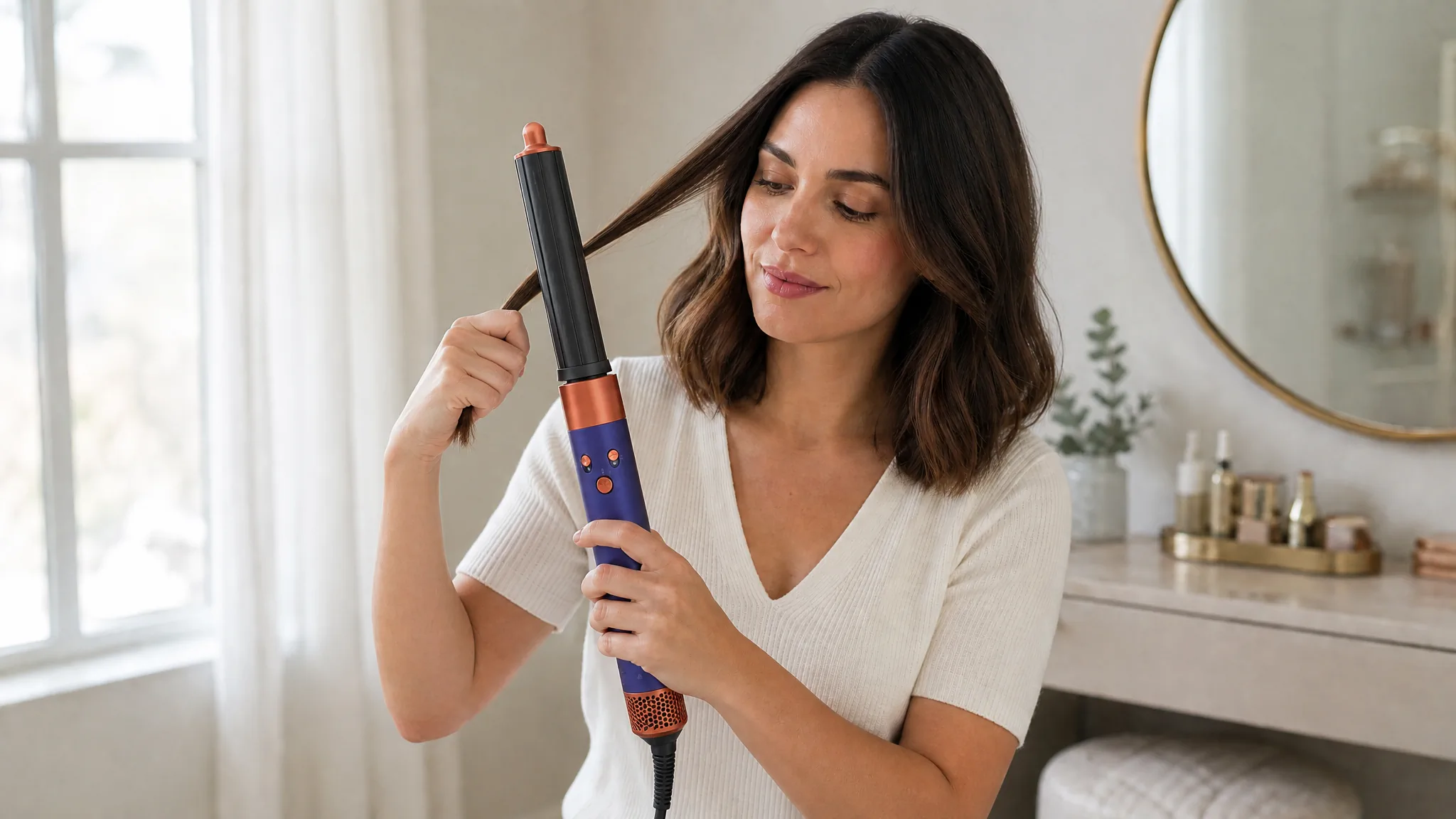
 2
2Complete the setup
Show alignment and confirmation in one continuous action so the setup does not feel ambiguous.
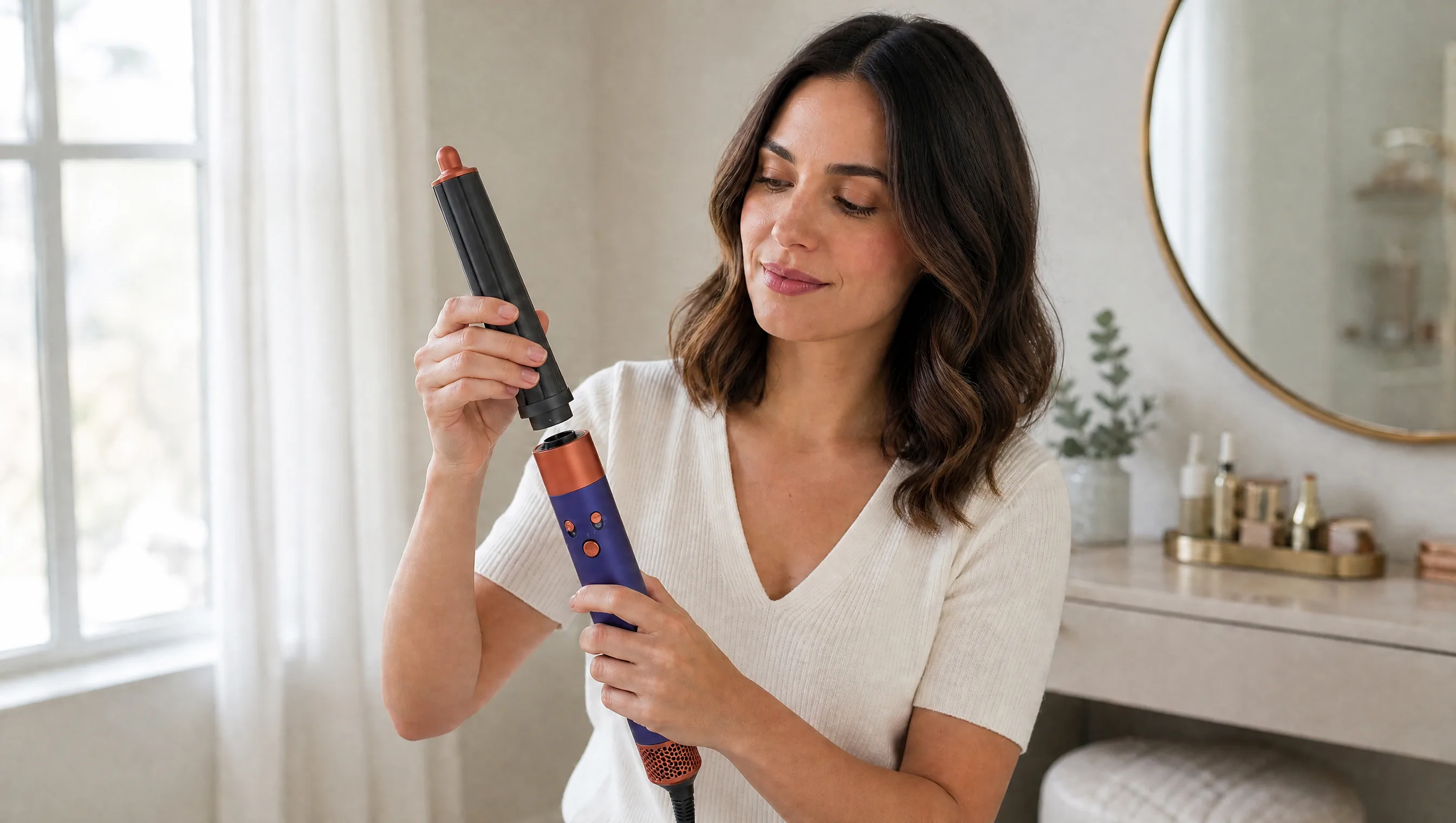
 3
3Perform the task
Follow the working part through the main task at a pace that keeps the cause visible.
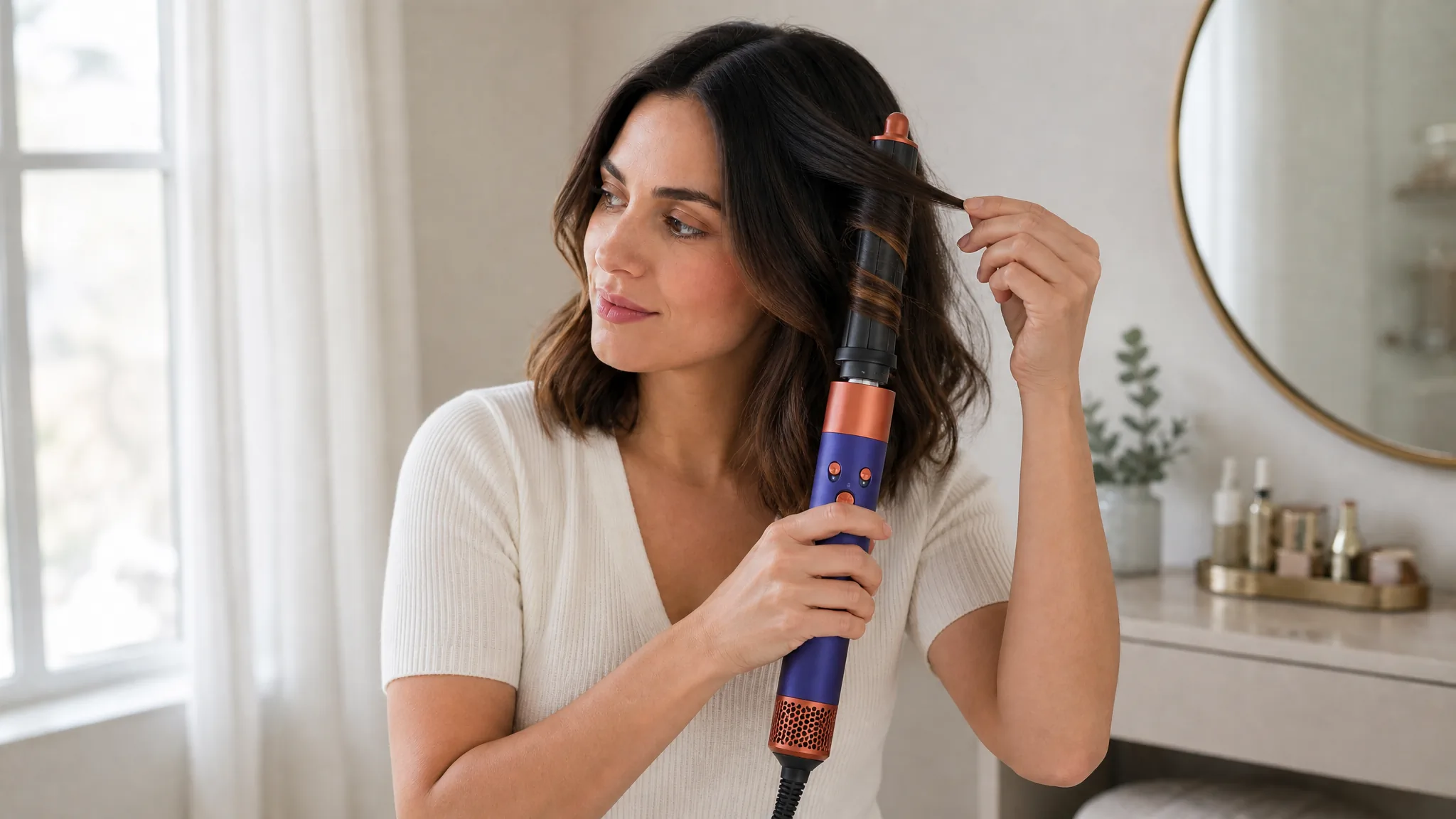
 4
4Show the result
End with the changed state beside the product so viewers can connect the action to its outcome.
Keep the Cause and the Result in the Same Story
- 1
The action
Keep the working component, hand movement, and product contact visible long enough to understand the cause.
- 2
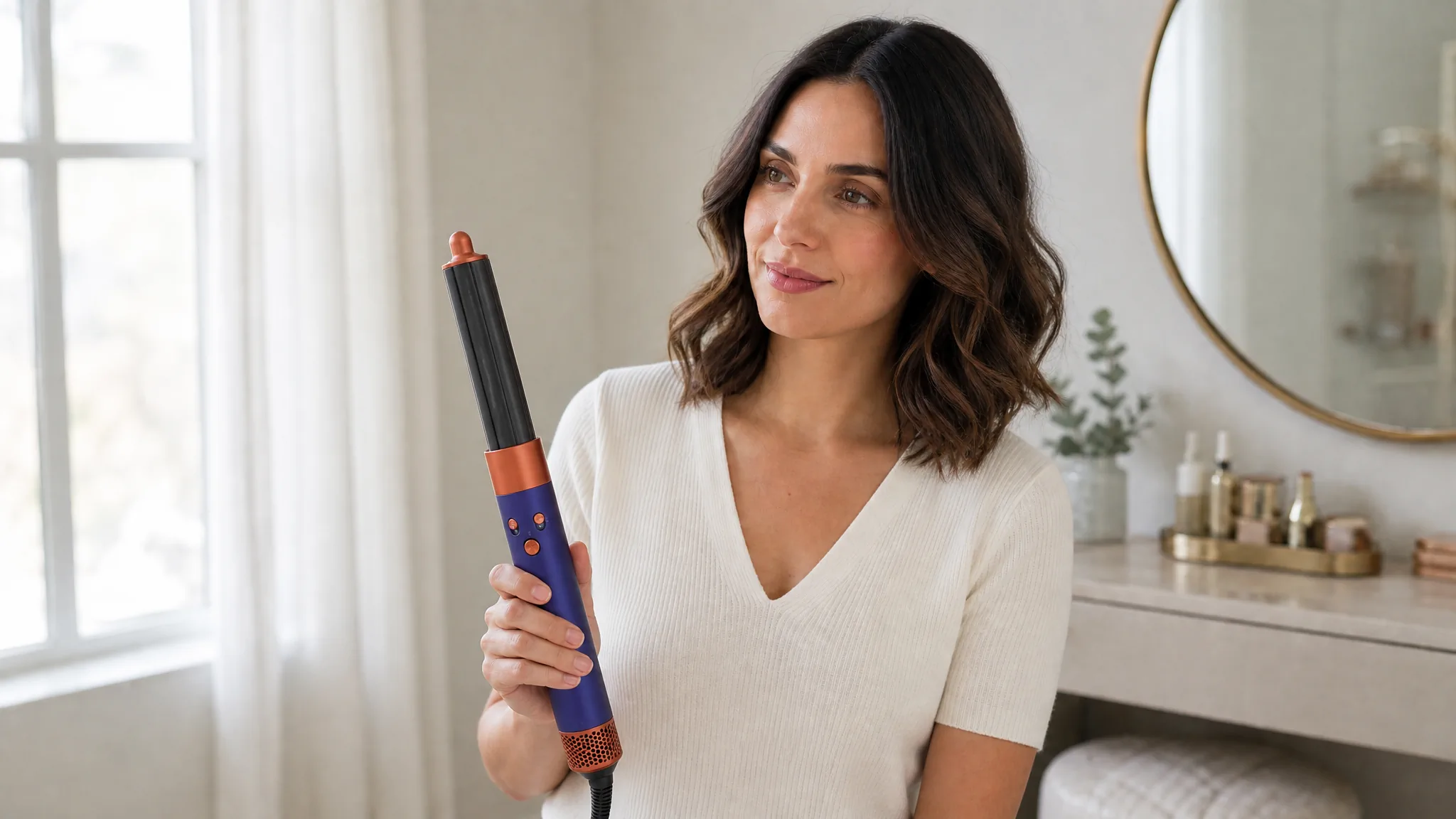
The visible result
Show the immediate changed state from the same visual story so the result feels connected and credible.
Show the Product Task From Any Useful Angle
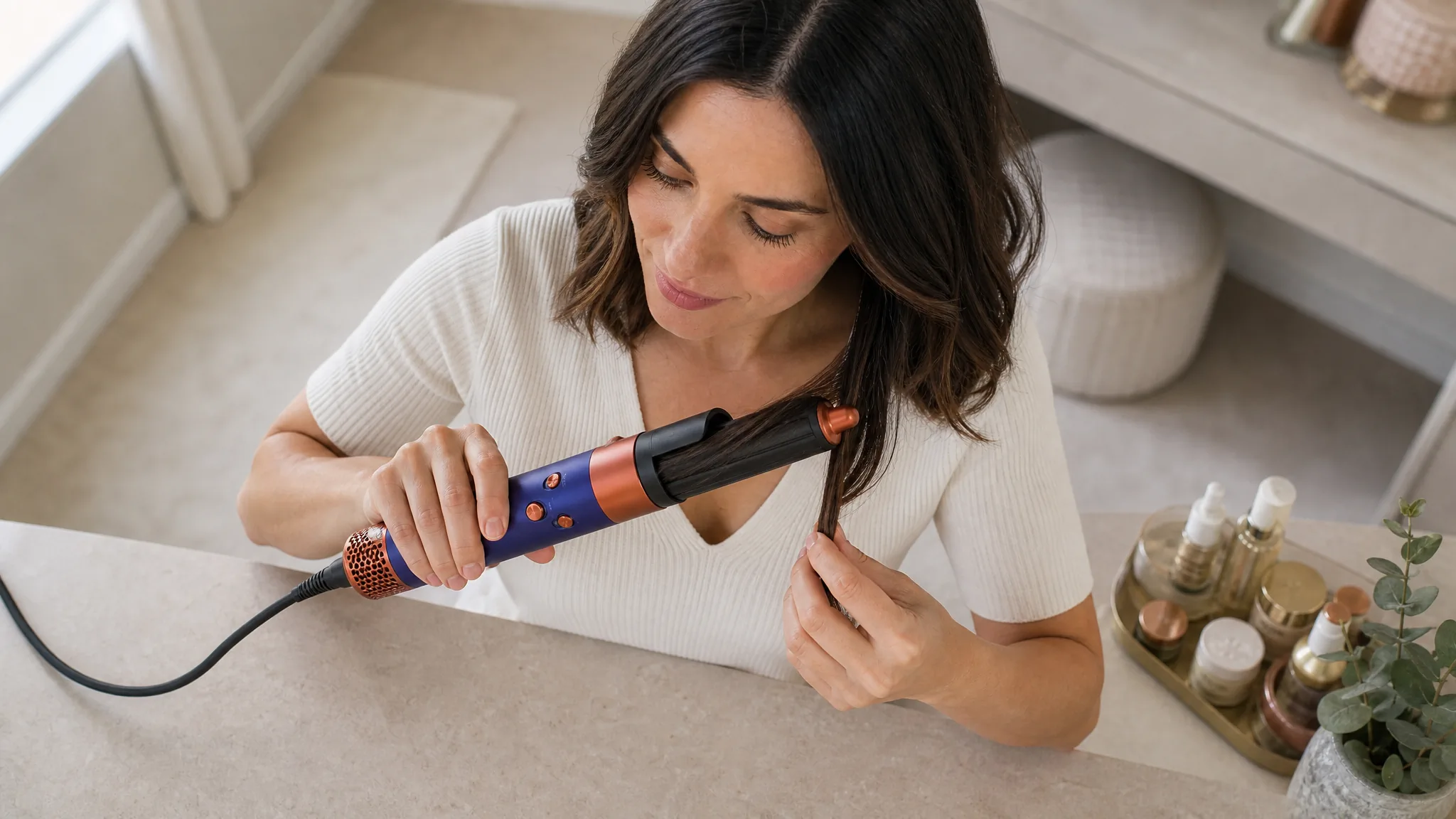
Hard-to-film angle
Describe an overhead, internal, macro, or moving viewpoint that makes a complex action easier to understand.
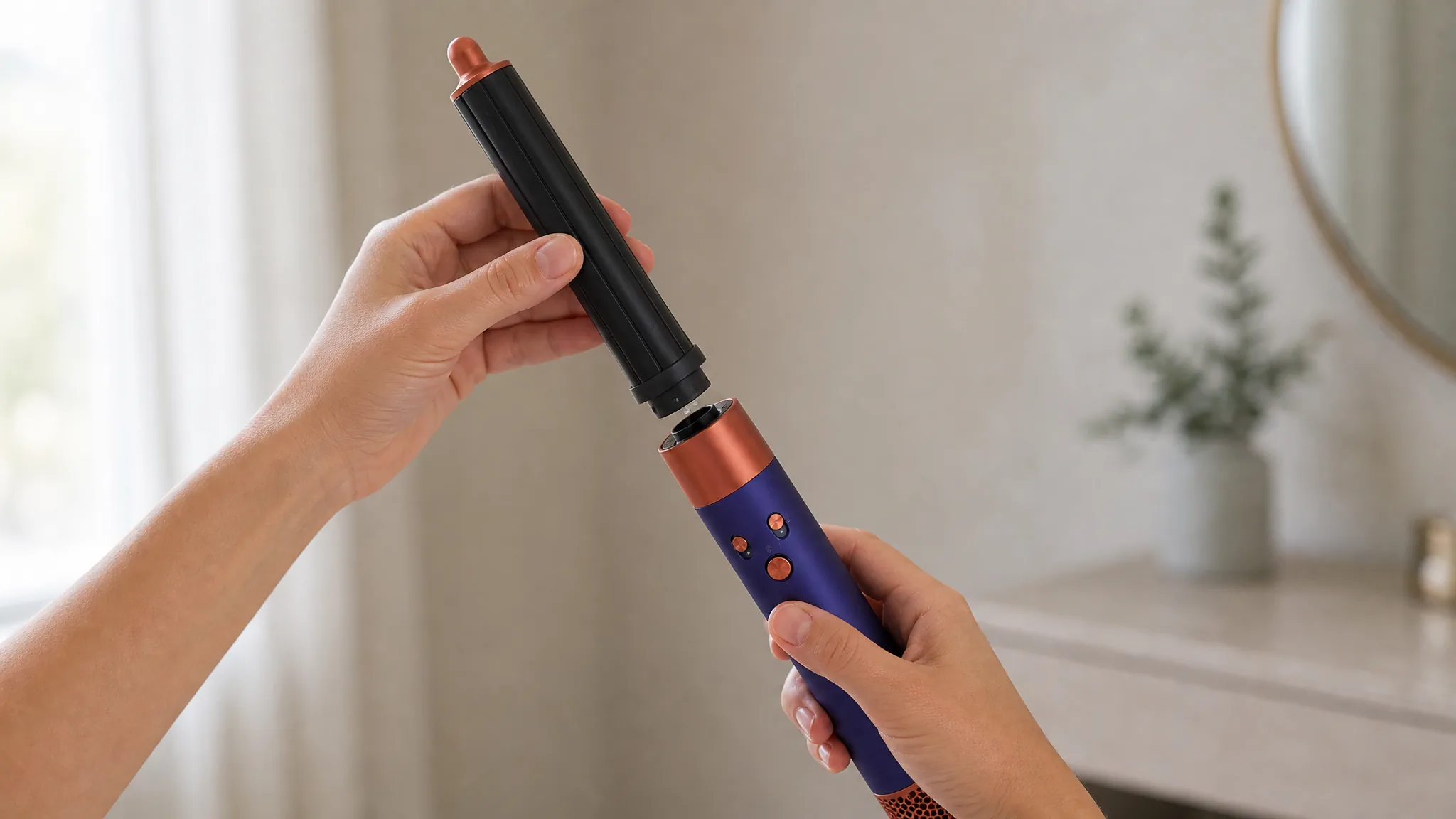
Repeatable close-up
Keep the key contact point in frame through every step when ordinary footage would lose it behind hands or tools.
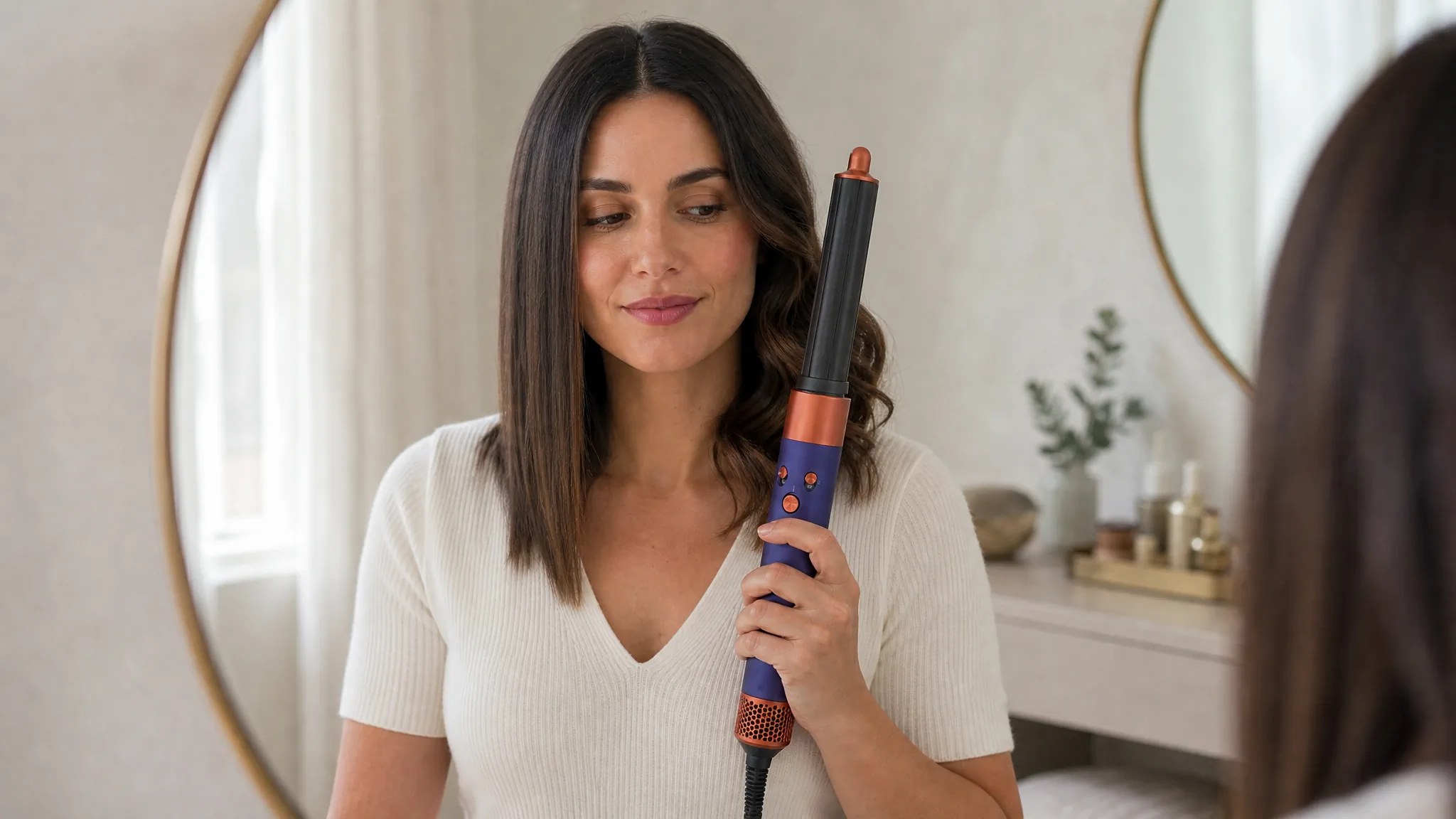
Before and after
Connect the starting state, product action, and finished result in one coherent sequence.
Direct the setup, assembly, hand position, control, moving part, camera angle, close-up, pace, environment, and final result. Show a product task from the angle that makes it easiest to understand, even when that angle would be difficult to film.
How Teams Use Demo Video to Make a Step Clear
“The one step everyone got wrong was how the blade locks in - photos and the manual both failed to make it click. I described a close view of the alignment and the click, slow and centered. Watching the generated clip, I finally thought yes, that is the part. The demo does what our instructions could not.”
“We needed a how-to-load-the-cartridge video and had no model, location, or time to shoot it. I uploaded the product image and described the hand action and the click. The demo that came back is clear, the contact looks right, and we never booked a single thing. No shoot, no set, still got the demo.”
“I knew exactly how the tool works but I have never used editing software in my life. I just wrote what happens first, second, and third - hand grips here, lever pulls down, result shows - and the video followed that order. I directed a demo in plain sentences and it came out right.”
FREQUENTLY ASKED QUESTIONS
Product Demo Video Questions
Answers about demo tasks, source images, prompts, and the difference between demos and explainers.
What is a product demo video?+
A product demo video shows a specific task from the first touchpoint through the product action to a visible result.
Can I create a product demo video from one image?+
Yes. Upload a clear product image and describe the task, contact points, action, camera view, and result you want to show.
What should a product demo video prompt include?+
Name the product task, starting state, hand or tool interaction, moving parts, camera angle, pace, environment, and final result.
What kinds of product tasks can I demonstrate?+
Create videos for setup, assembly, operation, adjustment, attachment changes, opening and closing, cleaning, transformation, or a visible before-and-after result.
What is the difference between a product demo video and a product explainer video?+
A demo shows the product performing a task. An explainer connects a problem, product idea, and outcome so the viewer understands why the product matters.
CREATE WITH MAKEAD
Show the Step Customers Keep Getting Wrong
Turn one product image into a clear contact point, action, product response, and result—without coordinating another crew, model, or multi-angle shoot.