
Exposure
Photo lighting
Tune the light and camera for one selected angle, then verify highlight and shadow detail in that frame.
Video lighting
Keep exposure stable across movement and avoid flicker, color shifts, or sudden changes between shots.
COMPARE STILL AND MOTION
Both formats need clear form, accurate color, controlled reflections, and visible material. A video setup must preserve those qualities while the camera, product, or person moves through the scene.
STILL OR MOTION
Use the photography guide to shape one final frame. Use the video guide when exposure, reflections, and key product details must remain stable throughout a shot.
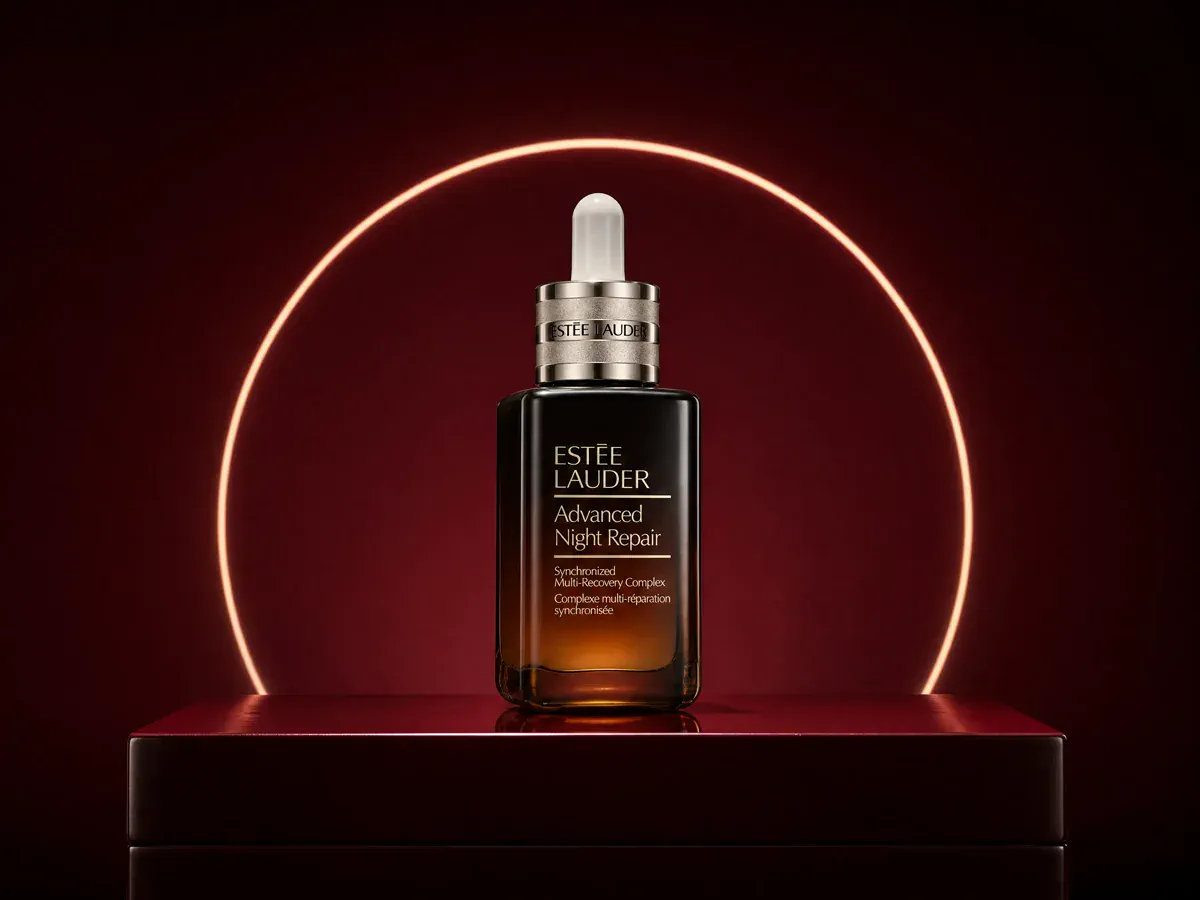
Control light size, direction, distance, fill, diffusion, reflections, highlights, and shadows for one final frame.
Open the photo lighting guide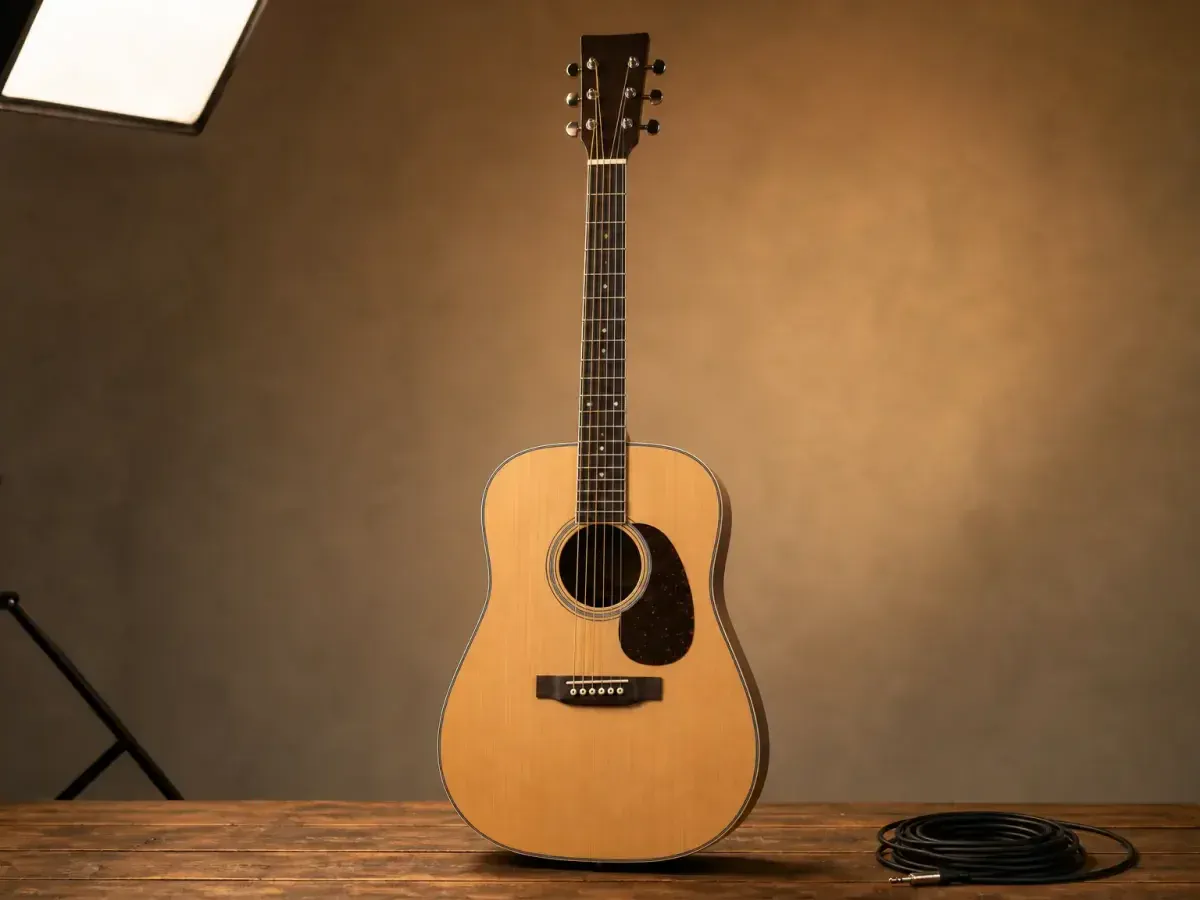
Keep exposure, surface detail, color, reflections, movement paths, and shot continuity clear throughout the sequence.
Open the video lighting guideTHREE PRACTICAL DIFFERENCES
The same product can need a different lighting plan once the camera angle, product position, or exposure changes over time.
Photo lighting
Tune the light and camera for one selected angle, then verify highlight and shadow detail in that frame.
Video lighting
Keep exposure stable across movement and avoid flicker, color shifts, or sudden changes between shots.
Photo lighting
Move the product, camera, light, or flags until one frame shows clean and informative reflections.
Video lighting
Test the complete motion path so glare does not sweep across labels, edges, screens, or reflective surfaces.
Photo lighting
Match a series by recording light position, power, camera settings, background, and color reference.
Video lighting
Also match direction, contrast, color, practical lights, movement marks, and exposure from shot to shot.
PLAN ONE LIGHTING BRIEF
When one campaign uses both formats, define the product qualities that must remain accurate before adapting the lighting for motion.
Record the product color, texture, gloss, transparency, edges, labels, and reflective areas that buyers need to see.
Save light positions, power, diffusion, camera settings, background, and a color reference before changing formats.
Check flicker, exposure shifts, moving reflections, focus changes, and continuity across the complete camera or product path.
CREATE WITH MAKEAD
Keep the product shape, color, material, and key details recognizable while changing the scene and lighting.