
Primary role
Listing images
Identify the exact product, then show important views, details, scale, included parts, and context.
Product video
Demonstrate setup, movement, operation, handling, transformation, or an outcome that takes time to show.
AMAZON PLATFORM GUIDES
Plan the Amazon listing images and video together. Start with the image set buyers use to inspect the product, then check whether video can explain setup, scale, included parts, or use more clearly.
AMAZON REQUIREMENTS AND PUBLISHING
Choose the detailed guide that matches the file or listing question you need to solve now.
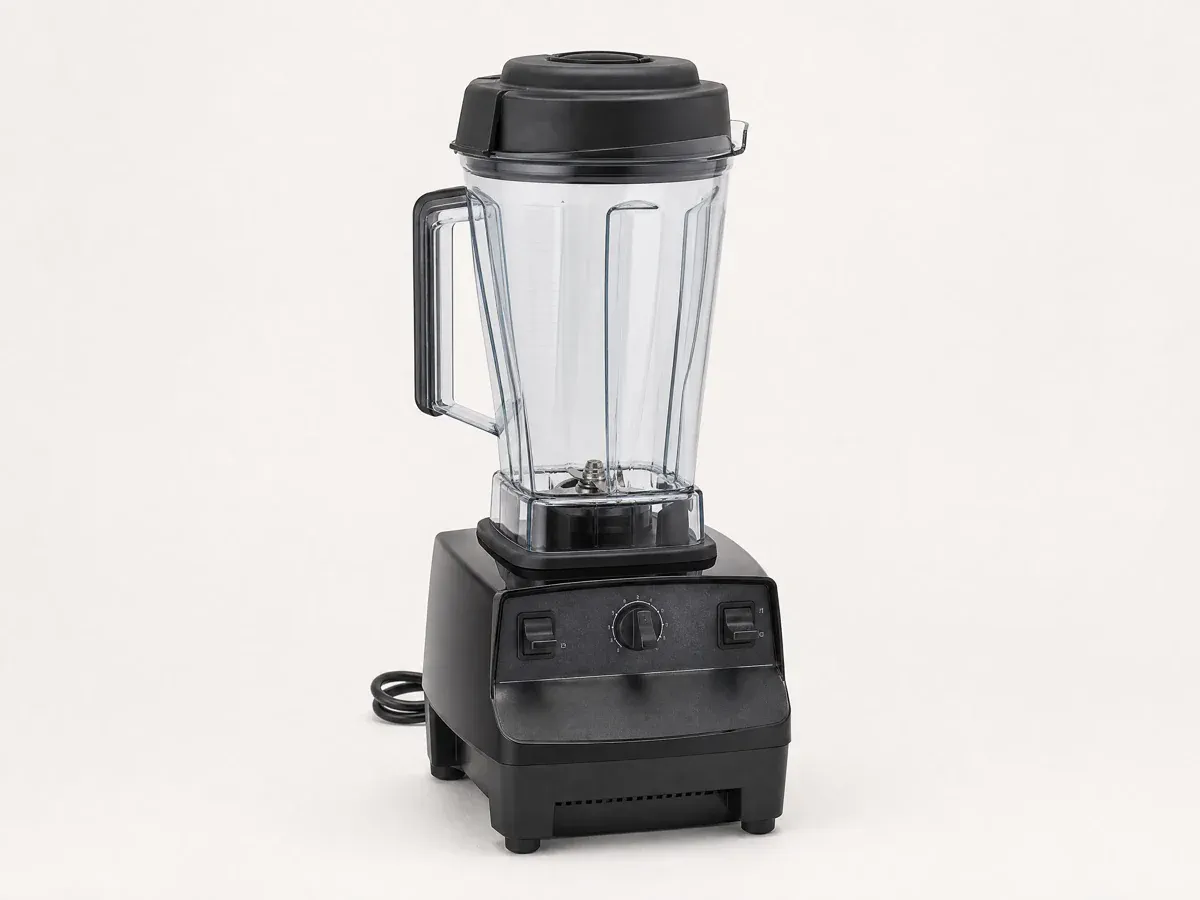
Check dimensions, formats, main-image background and framing rules, supporting-image roles, and the upload checklist.
Review Amazon image requirements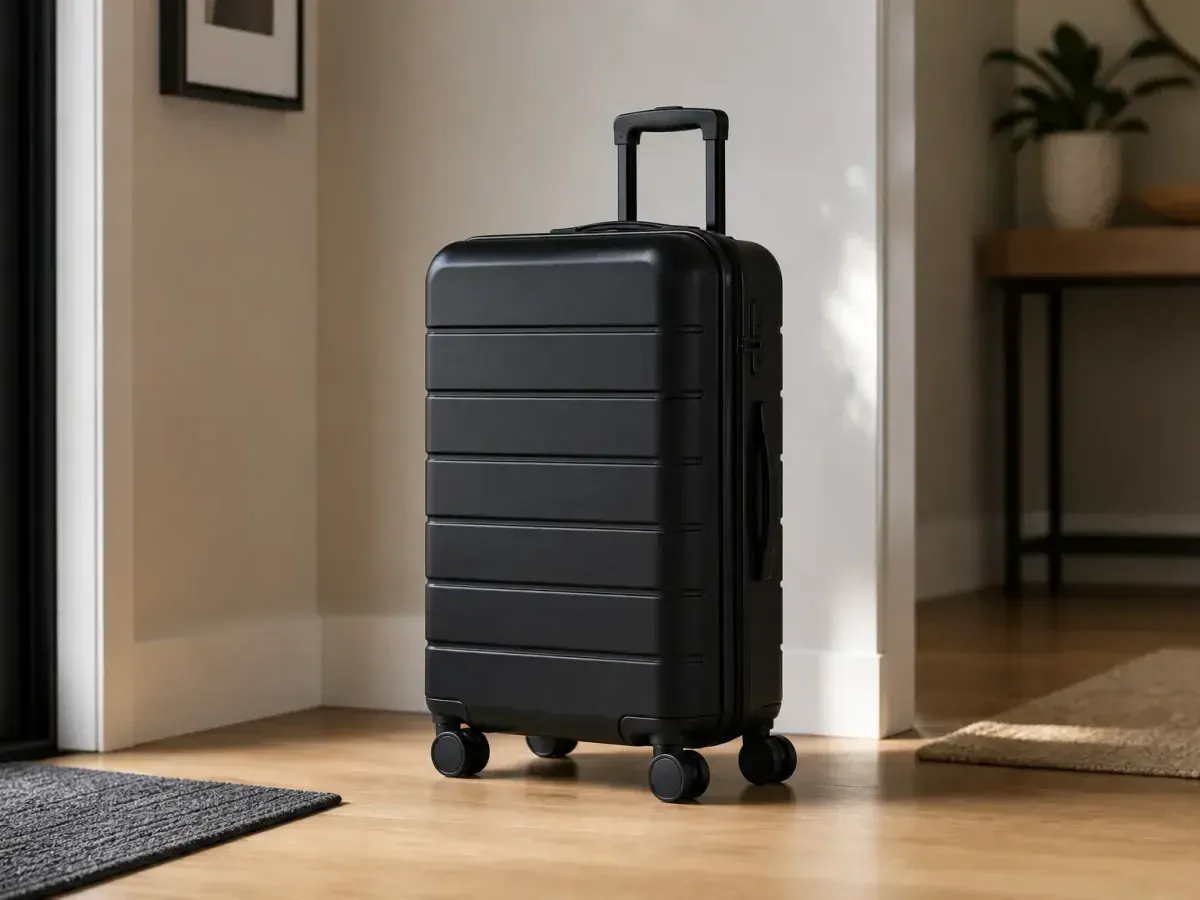
Check eligibility, format, size, length, placement, and the current upload path for Amazon product video.
Review Amazon video requirementsASSIGN EACH ASSET A JOB
Images help buyers inspect the listing at their own pace. Video is most useful when it adds operation, movement, sequence, scale, or a visible result.
Listing images
Identify the exact product, then show important views, details, scale, included parts, and context.
Product video
Demonstrate setup, movement, operation, handling, transformation, or an outcome that takes time to show.
Listing images
Map the main image and supporting images to different buyer questions before producing the set.
Product video
Write one focused story, keep the product visible, and make every shot add information the image set lacks.
Listing images
Confirm current dimensions, formats, main-image rules, framing, text use, and supporting-image requirements.
Product video
Confirm current eligibility, file limits, duration, placement, content rules, and upload path.
PLAN THE COMPLETE LISTING
Plan the image set and product video together. Each asset should answer a different buyer question.
Use the main image to identify the product clearly and keep the complete form easy to examine.
Use supporting images for details, scale, included parts, and context without repeating the same view.
Show setup, movement, operation, or a result that a still image cannot explain efficiently.
CREATE WITH MAKEAD
Start from a clear product image, create the missing listing asset, and use the detailed requirement guide before upload.