
01
Upload your artwork
Start with a clear front panel, label, or flattened package design in JPG, PNG, or WebP format.
AI packaging mockup generator
Upload packaging artwork and place it on a box, bottle, pouch, or another packaging structure. Preview the form, folds, materials, light, and shadows before production.
Select the form and material your design should wrap around.
Your design is processed securely and saved to your account.
One design system, multiple structures
A useful 3D packaging mockup generator does more than paste a rectangle onto a photo. It follows box corners, bottle curvature, pouch seams, material response, and the light in the scene.
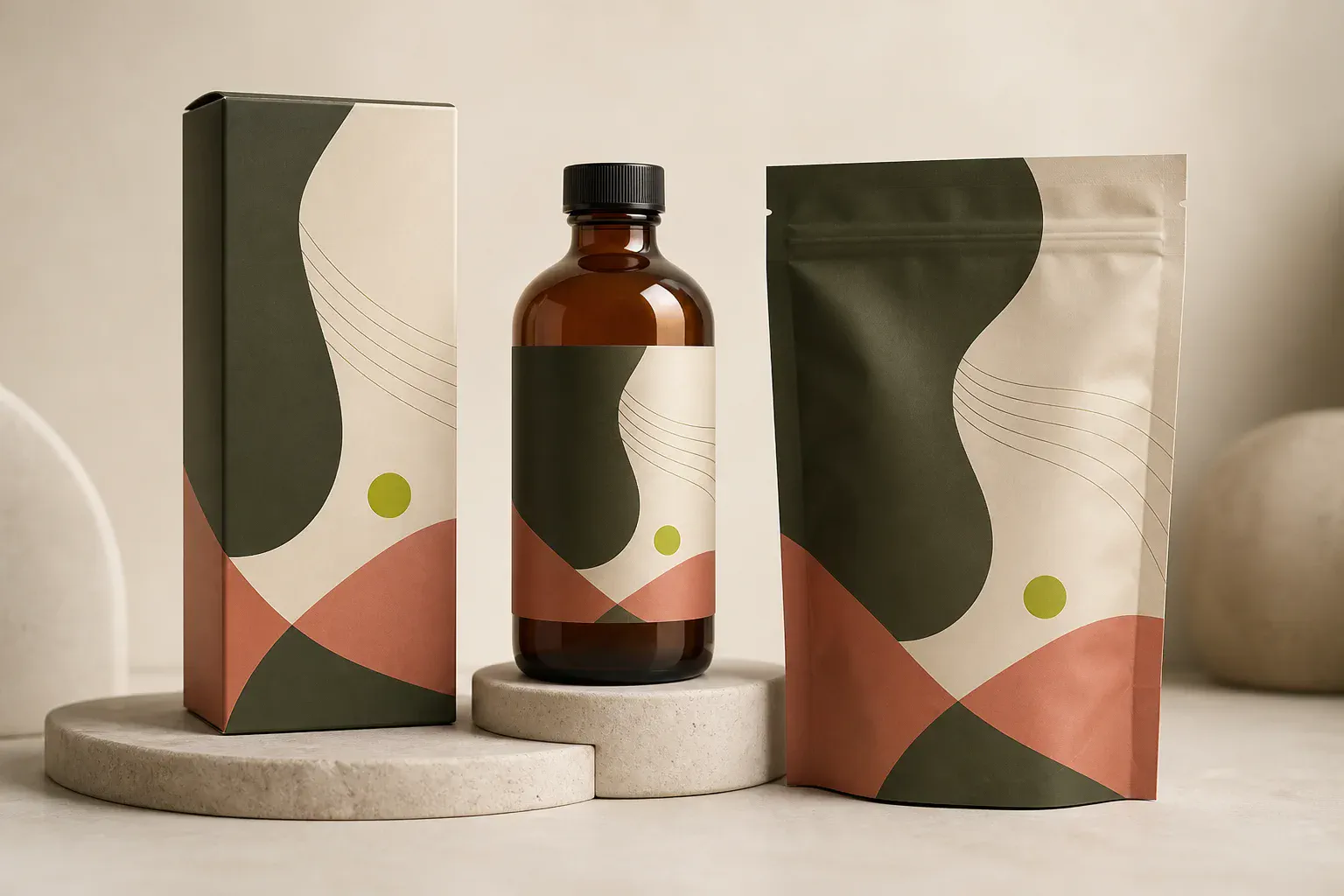
Three simple steps
Move from flat artwork to a presentation-ready packaging concept without building a 3D scene manually.
Start with a clear front panel, label, or flattened package design in JPG, PNG, or WebP format.
Select a box, bottle, pouch, or custom structure, then name the finish and any important construction detail.
Create a realistic 3D packaging mockup, inspect the wrap and small text, then download the 1K PNG.
Built for packaging concepts
Use the box packaging mockup generator for rigid forms, switch to bottles for curved labels, or explore flexible food packaging and custom structures.
Preview front, side, top, corners, folds, and paper finish on cartons or rigid boxes.
Wrap labels around glass or plastic while keeping curvature, reflections, caps, and pumps believable.
See artwork respond to gussets, seals, soft folds, and flexible food packaging materials.
Describe a tube, can, sleeve, jar, mailer, or another package when a preset is not enough.
Packaging mockup examples
Different structures need different material and lighting cues. These examples keep the design system connected to the physical form.
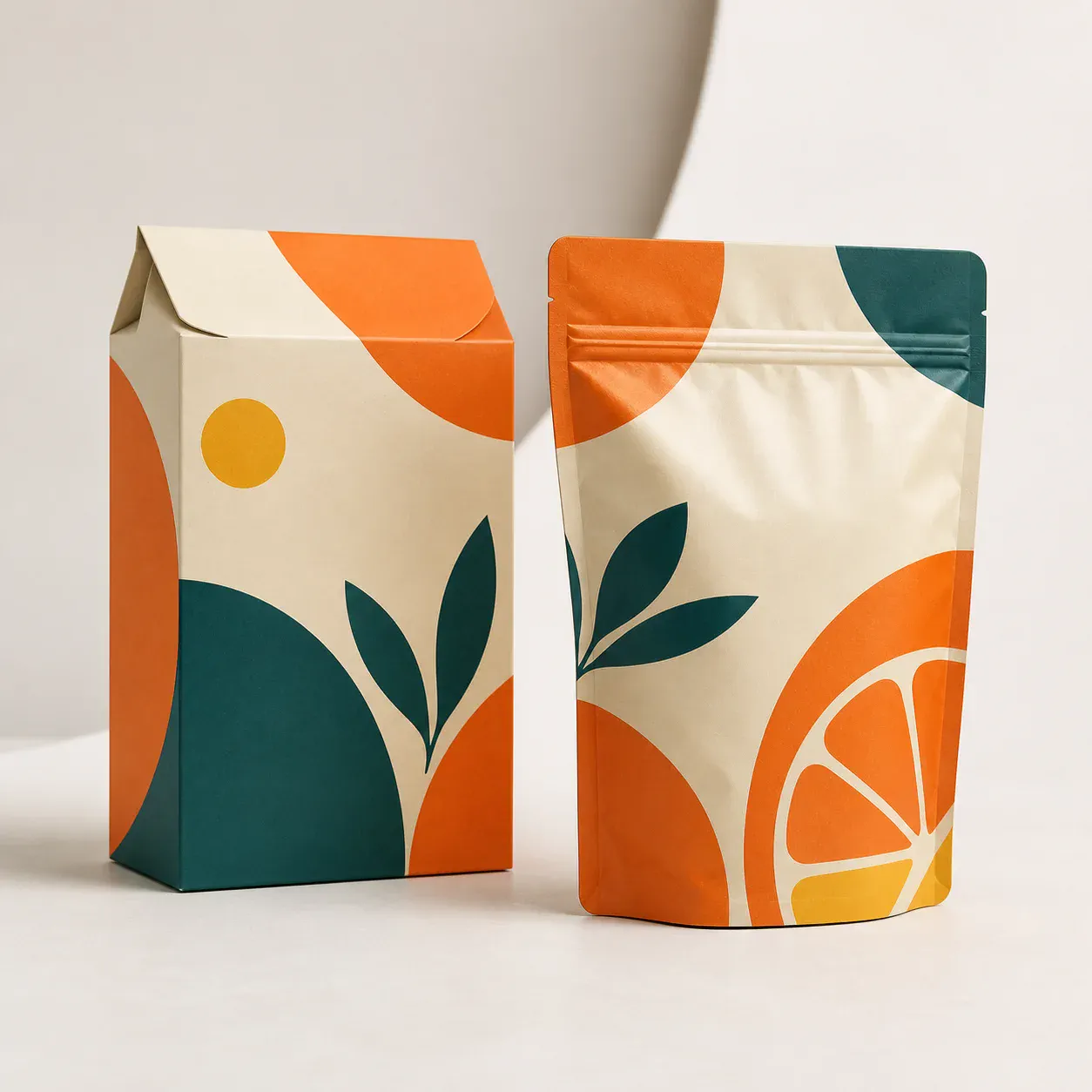
Test a coordinated design across a carton and resealable pouch with realistic folds and seals.
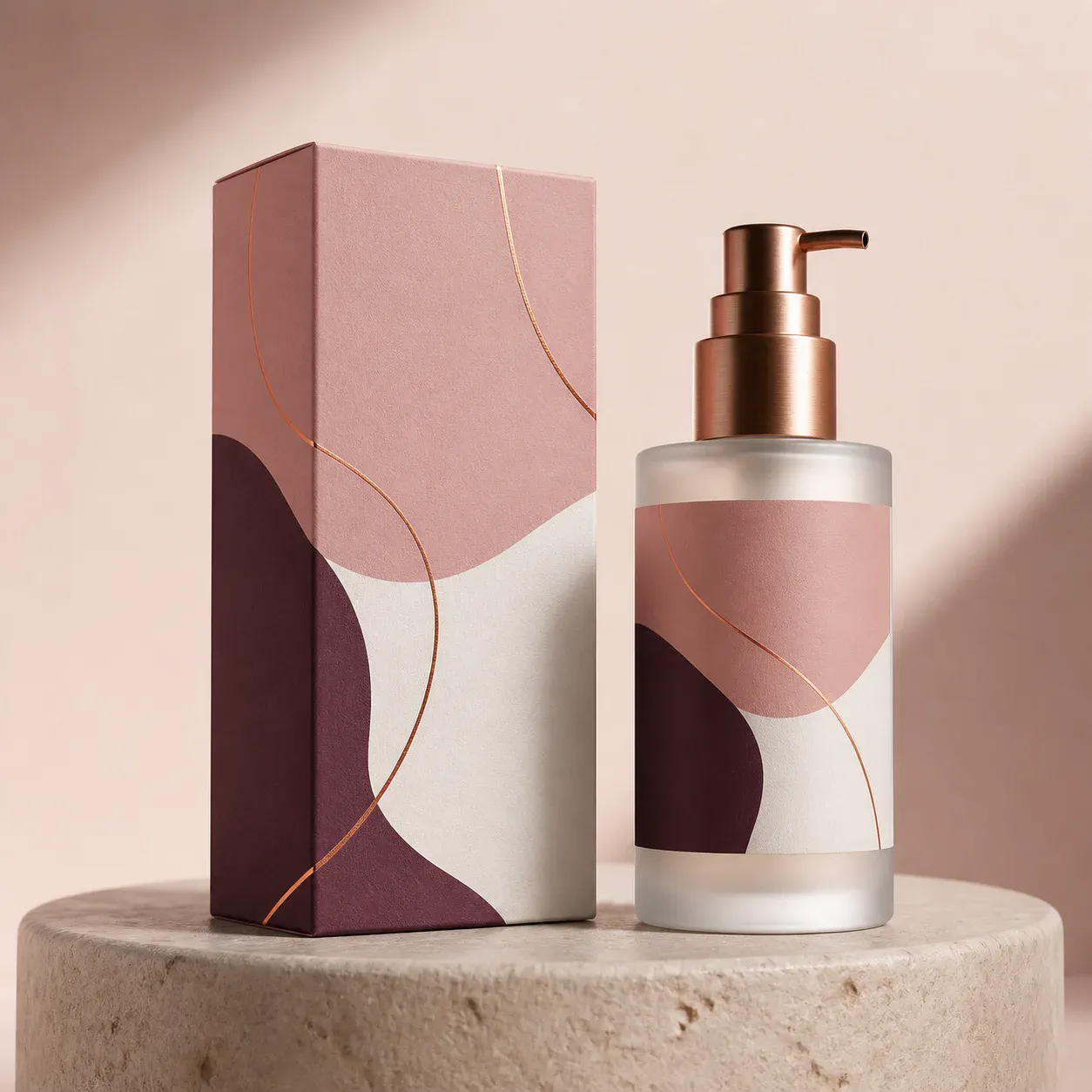
Present premium paper and frosted glass together with consistent color, label placement, and reflections.
Review before production
AI packaging mockups are useful for direction, presentations, and early decisions. They are not a print proof or manufacturing dieline.
Questions
Answers about artwork, boxes, bottles, food packaging, 3D results, and production review.
It uses your uploaded design as a visual reference and renders it on a packaging structure such as a box, bottle, pouch, jar, tube, or can. The result helps you present and compare packaging directions before building a physical sample.
Yes. Choose Box for a folding carton or rigid paper box. For the clearest result, upload a high-resolution front panel or flattened design and describe the box proportions or closure when they matter.
The generator asks AI to preserve the artwork while adding believable perspective, wrapping, materials, folds, highlights, contact shadows, and studio lighting. Always inspect important design details at full size.
Yes. Use Pouch for resealable bags and flexible packs, Box for cartons, or Other for cans, cups, trays, sleeves, and custom structures. Do not treat an AI render as evidence of food-label compliance.
No. Use it for concepts, presentations, ecommerce visuals, and creative review. Your approved dieline, printer proof, material specification, and regulatory review remain the production source of truth.
Start with your design
Upload one design, choose the structure, and create a presentation-ready packaging mockup in MakeAD.