
PRODUCT MARKETING VIDEO
Create a Product Marketing Video for the Job It Needs to Do
Turn one product image into the next video your campaign needs: lifestyle, detail, demo, ad, launch, seasonal, or repeat-use. Describe the complete idea in natural language, then create it with Seedance 2.5.
Start With the Customer Stage
Product videos for marketing should change with the customer stage instead of repeating one clip everywhere.
- 1
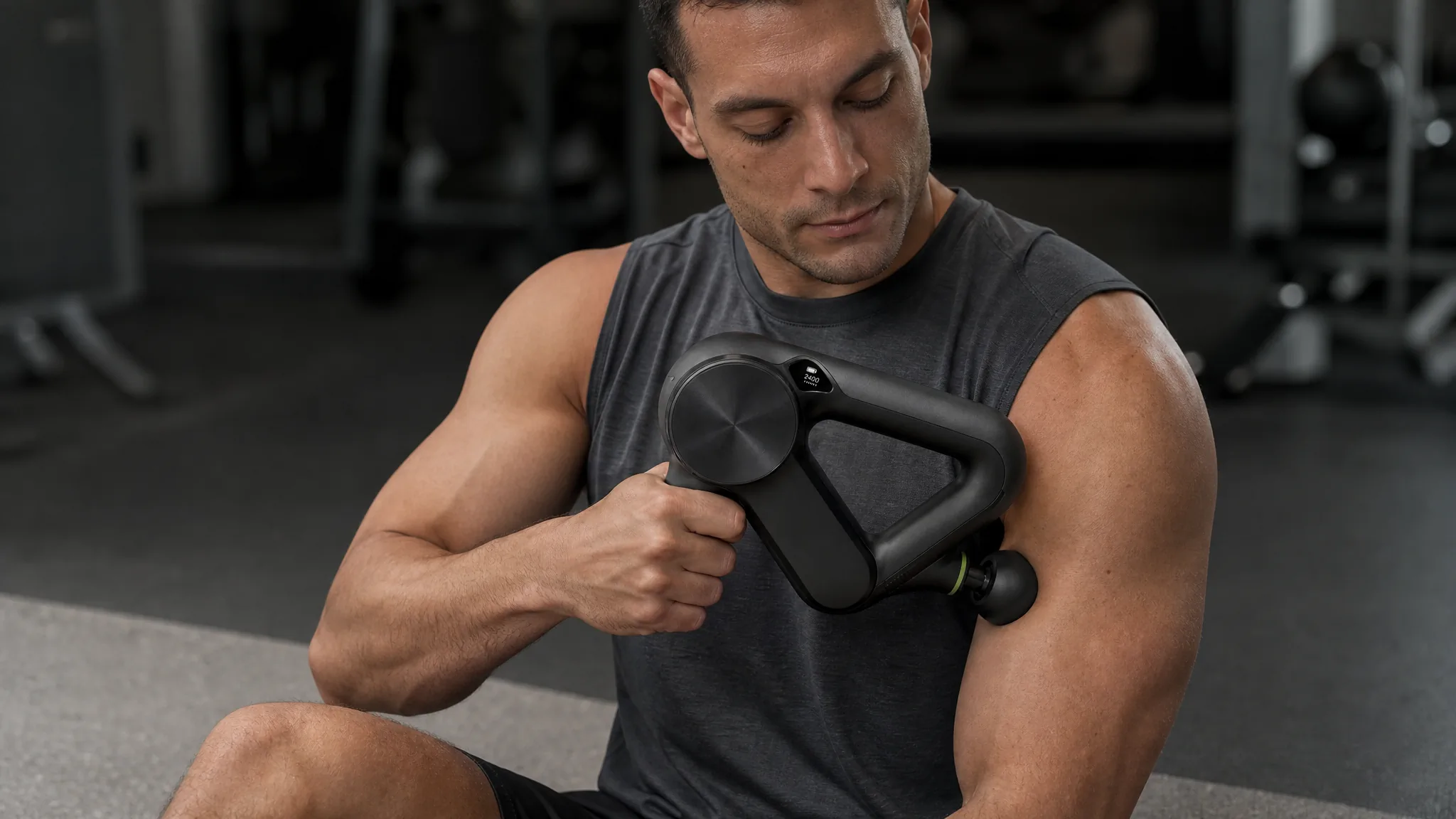
Notice
Use a strong product entrance or unexpected visual moment to make the right audience stop and recognize the category.
- 2
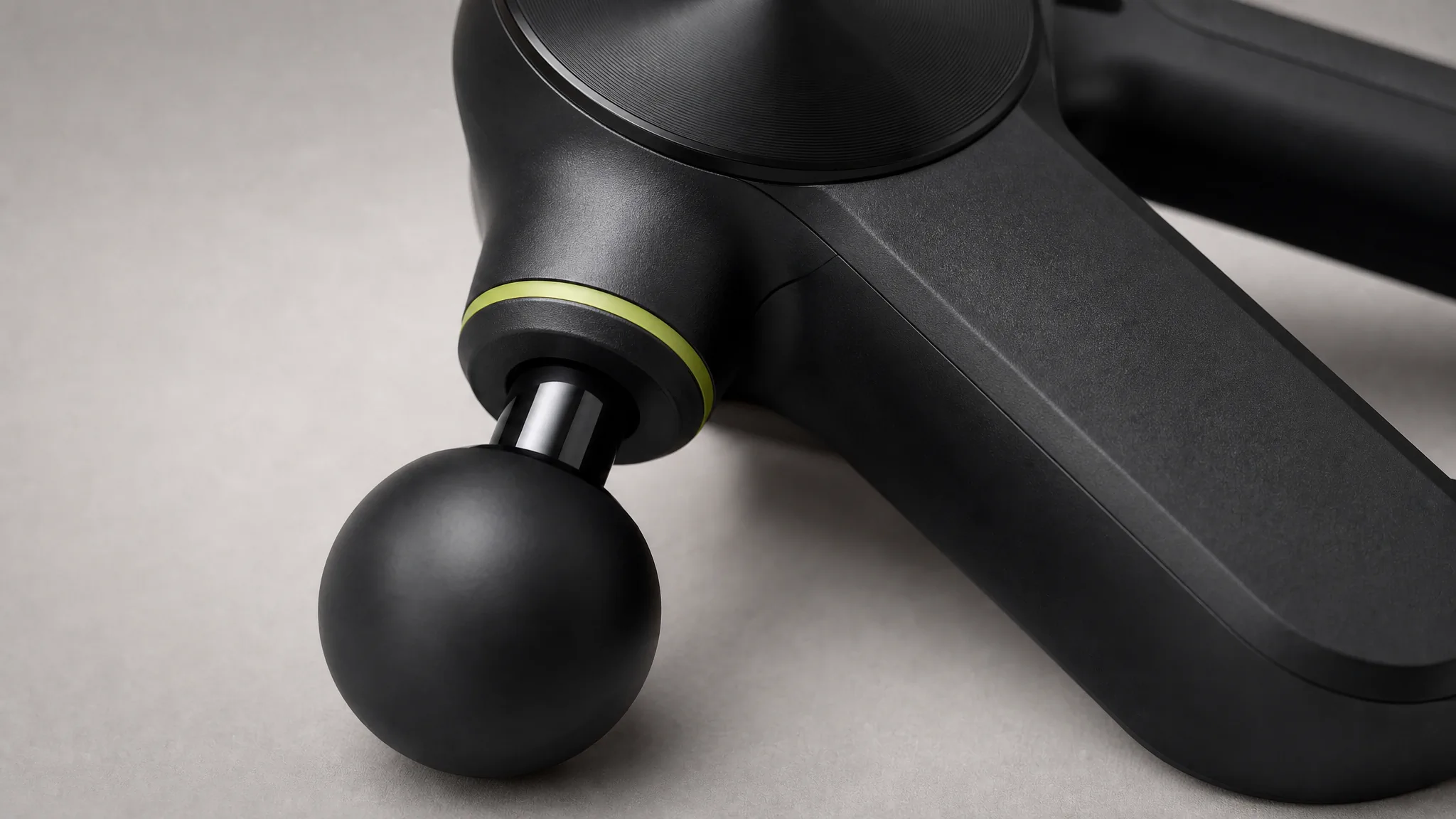
Understand
Show the feature, mechanism, material, or use case that turns initial interest into practical understanding.
- 3
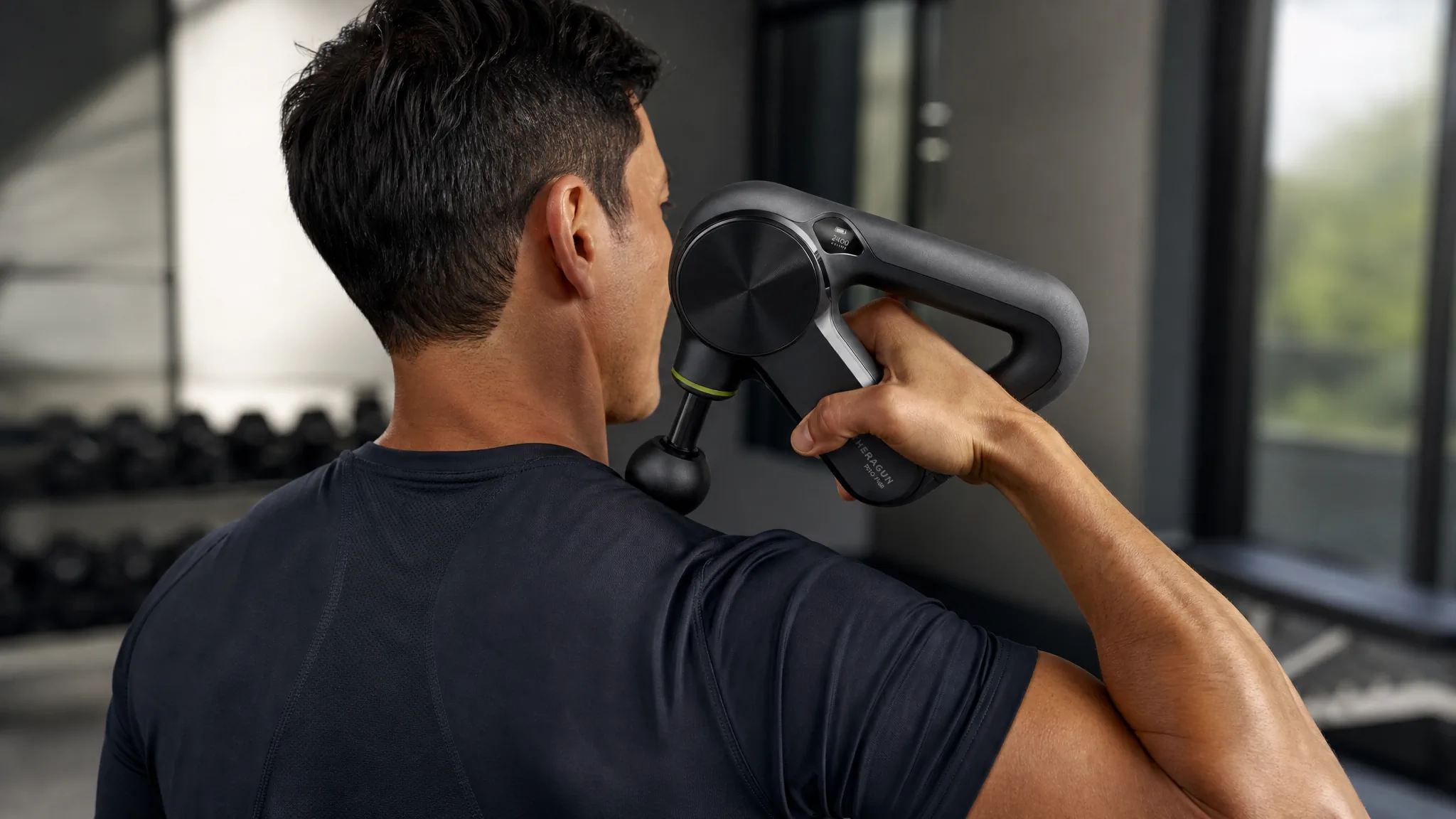
Decide
Answer the final question about fit, scale, result, setup, or included parts that could still delay purchase.
- 4
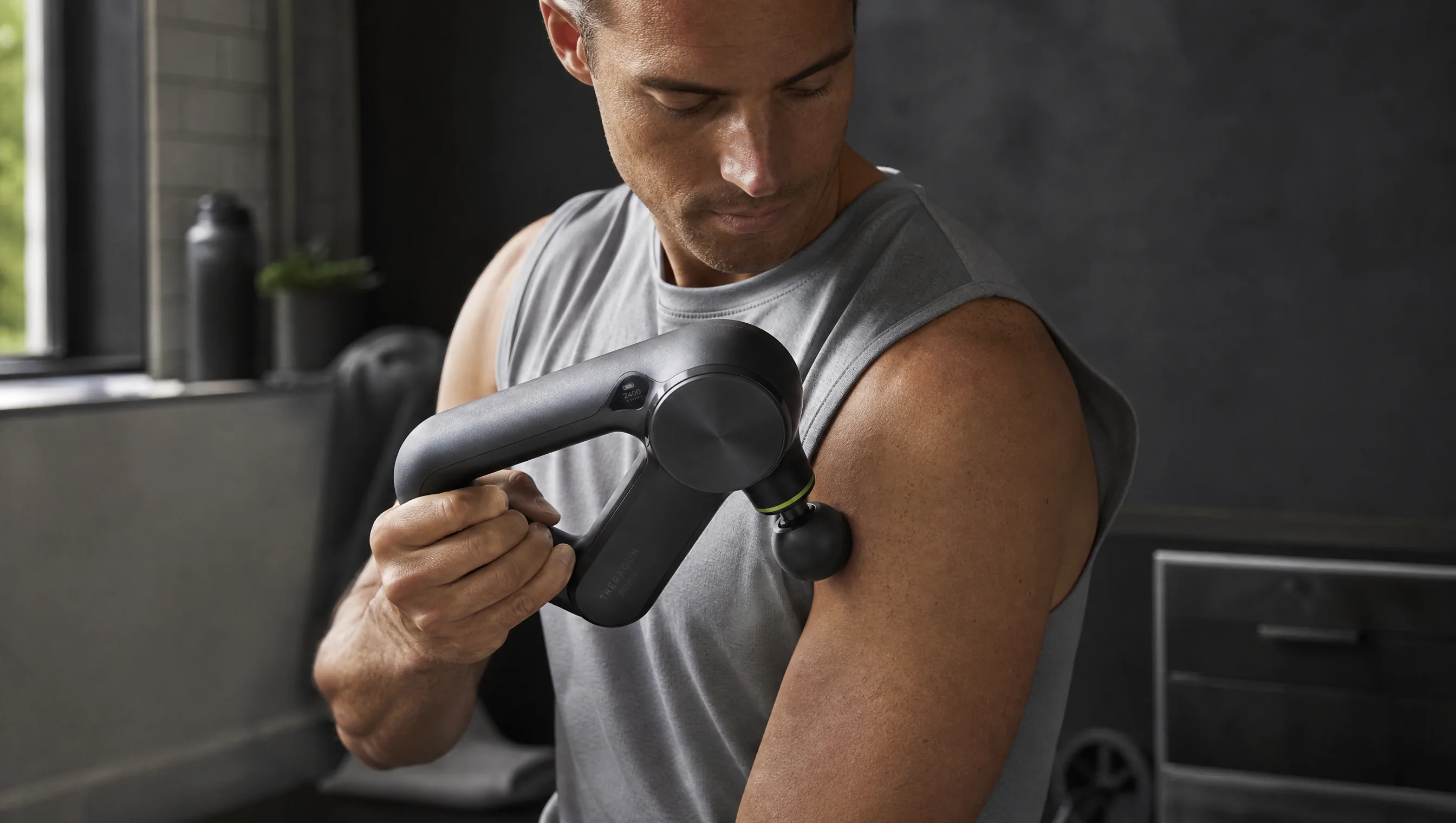
Keep using
Show a repeatable routine, new use idea, or seasonal context that keeps the product relevant after purchase.
Give Each Video One Message and One Next Action
Plan product marketing videos around one message, one visible proof, and one next action.
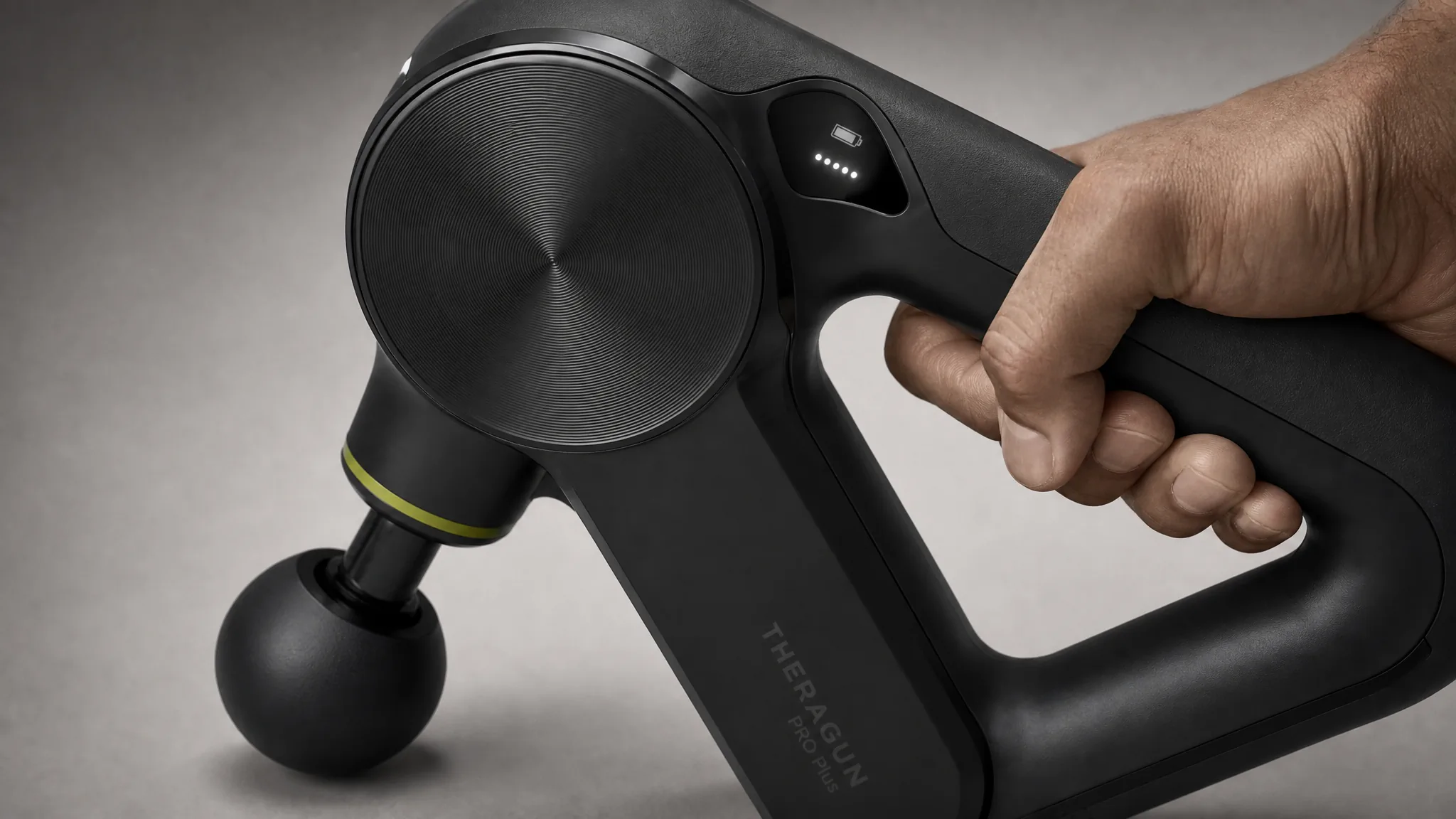 01
01Earn attention
Pair one recognizable product with one visually surprising moment and a simple next step to learn more.
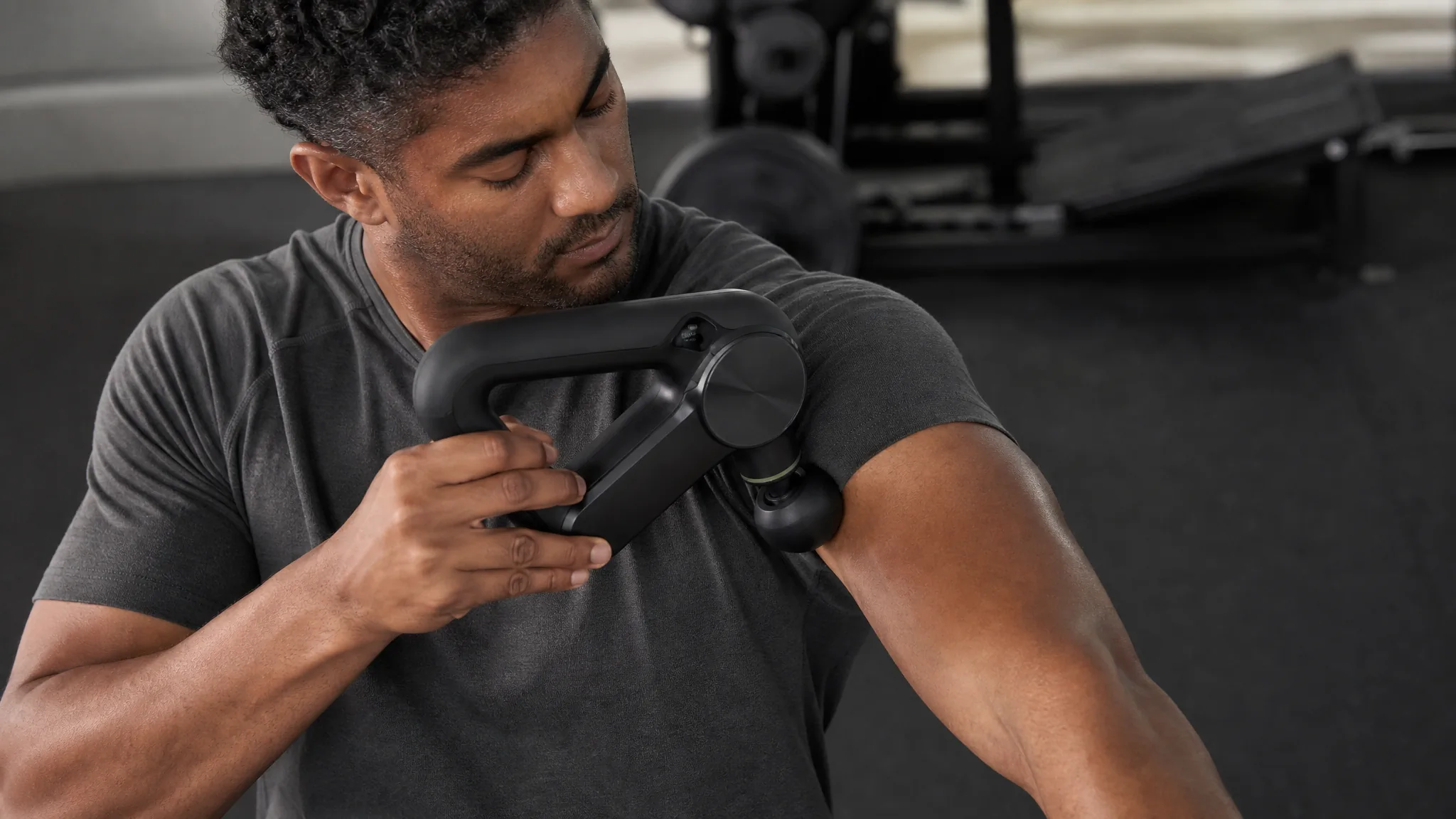 02
02Build understanding
Use a concrete action or comparison to explain the feature that matters most at this stage.
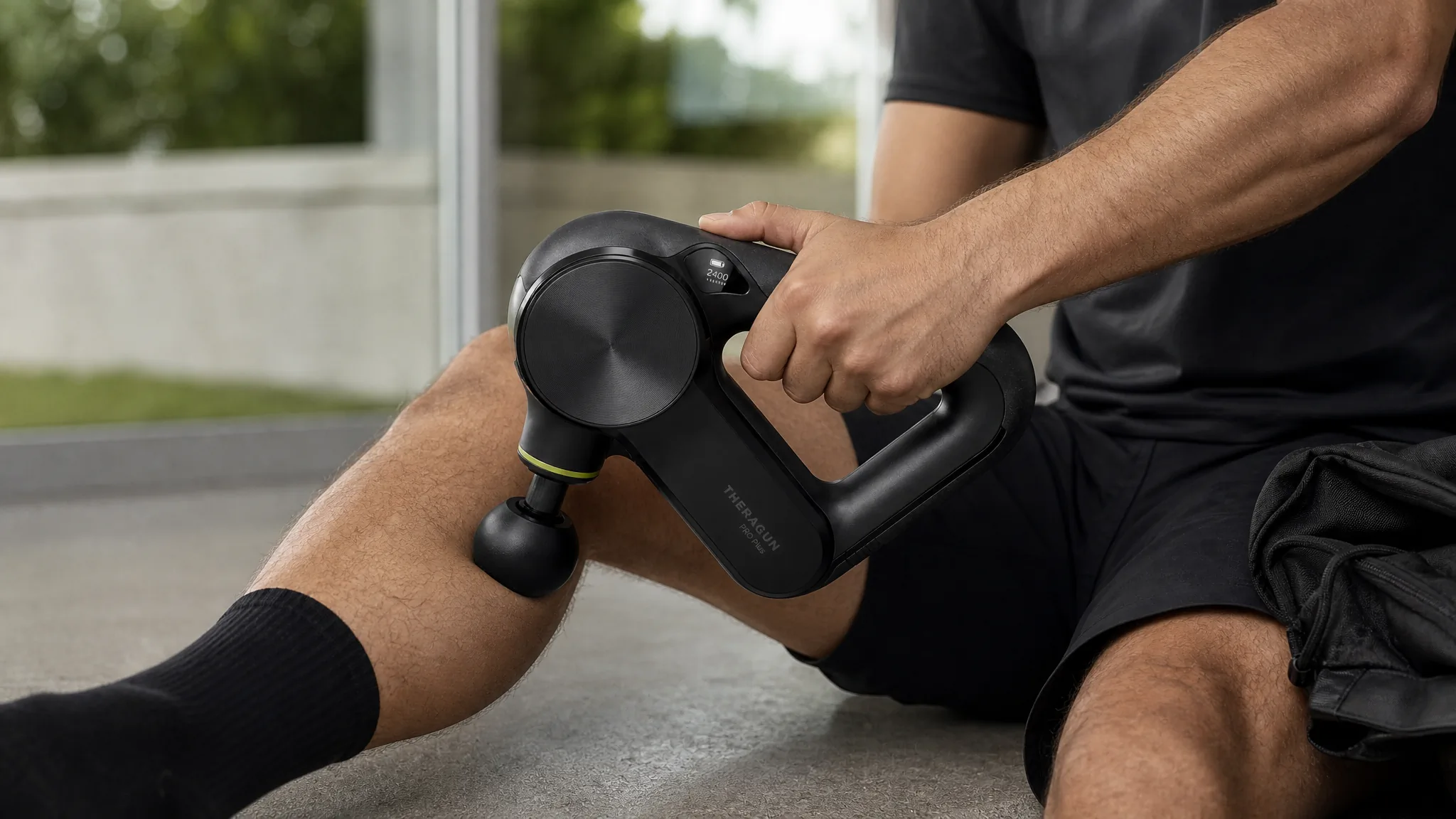 03
03Support the decision
Show the exact evidence a ready buyer needs, such as scale, fit, setup, operation, or the finished result.
 04
04Reinforce the habit
Create a useful routine or new scenario that gives existing customers another reason to use the product.
Build Different Videos Around the Same Product
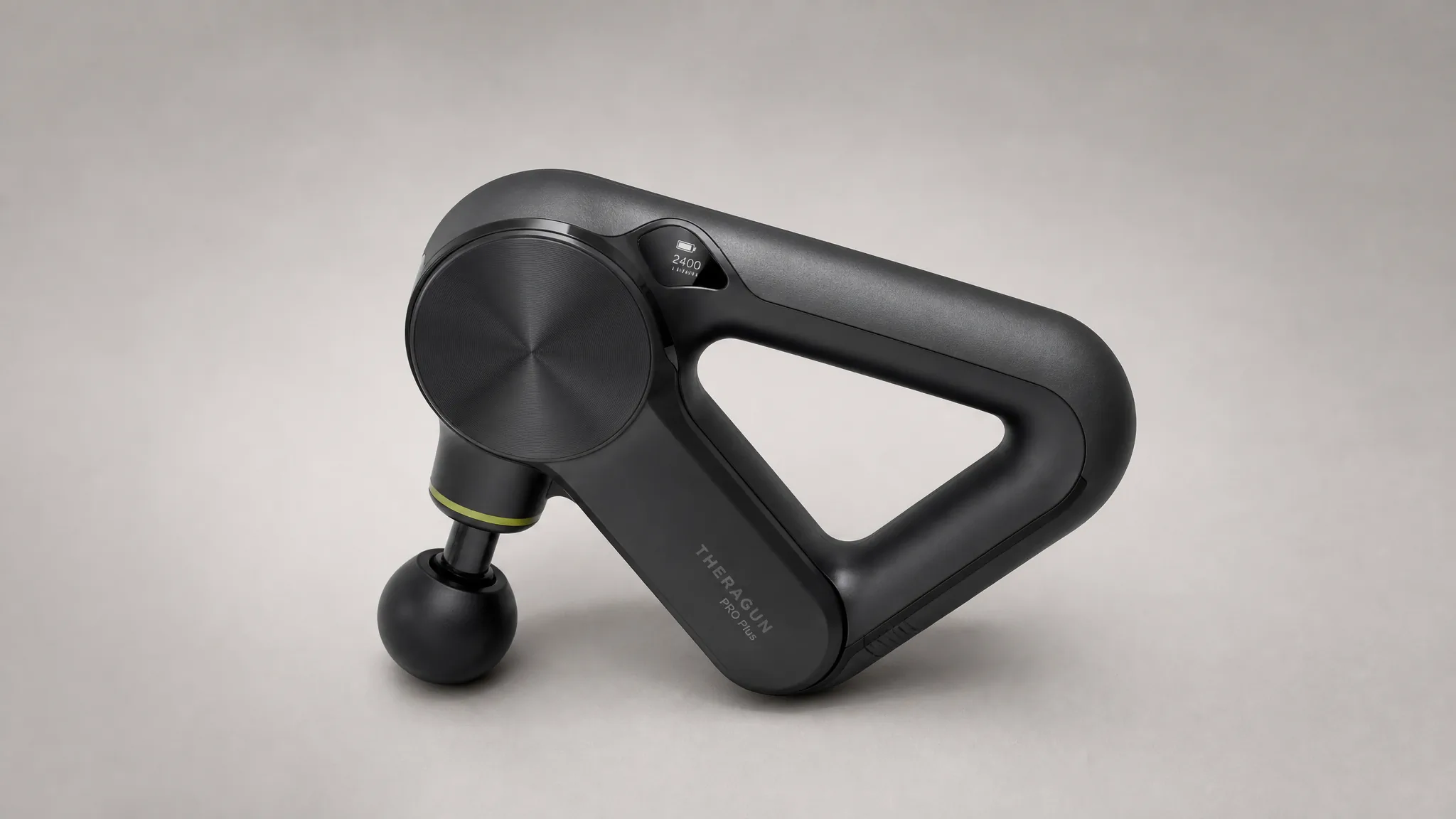 1
1Awareness video
Introduce the product through a distinctive scene or movement that makes the category and mood immediately clear.
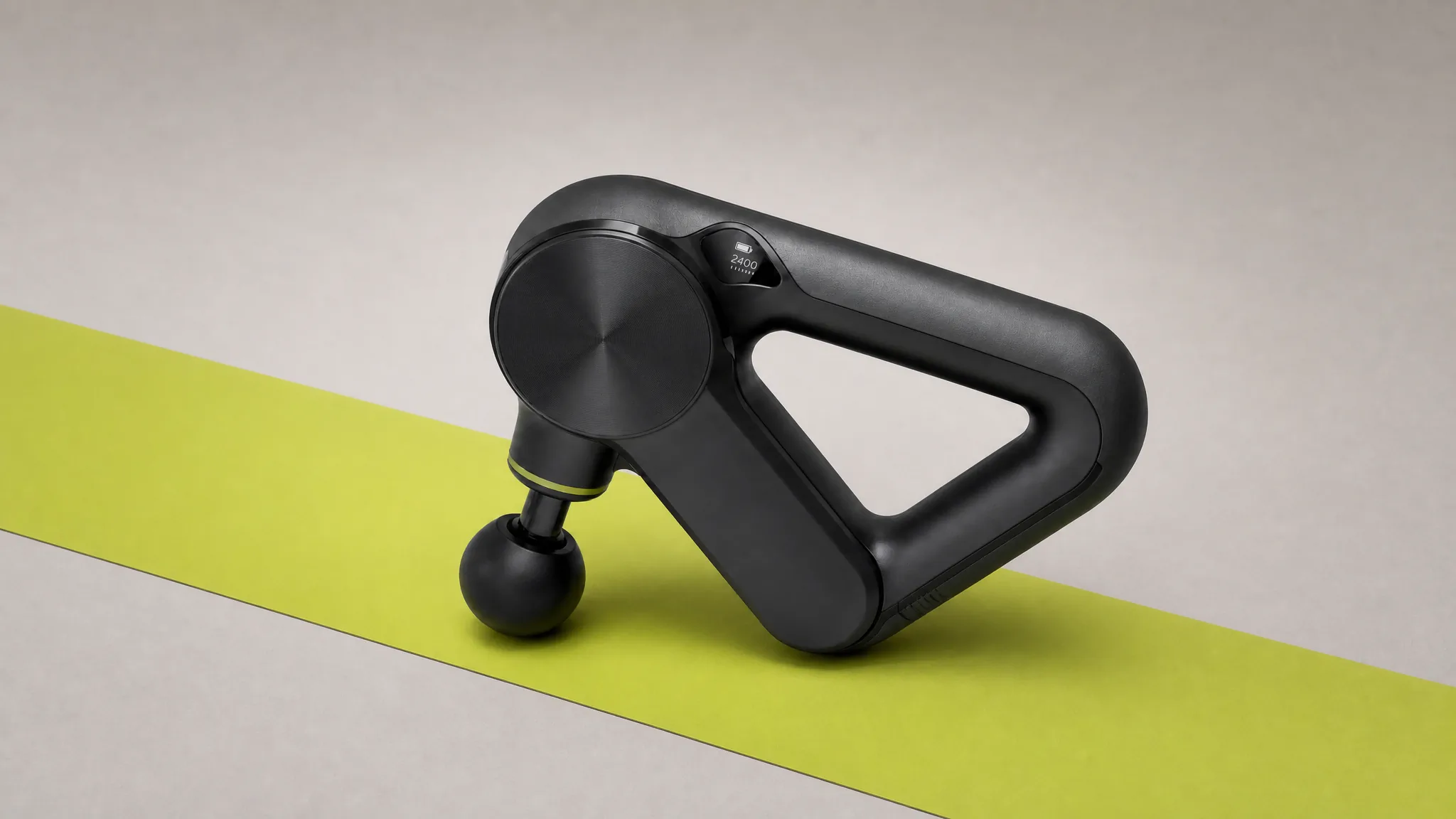 2
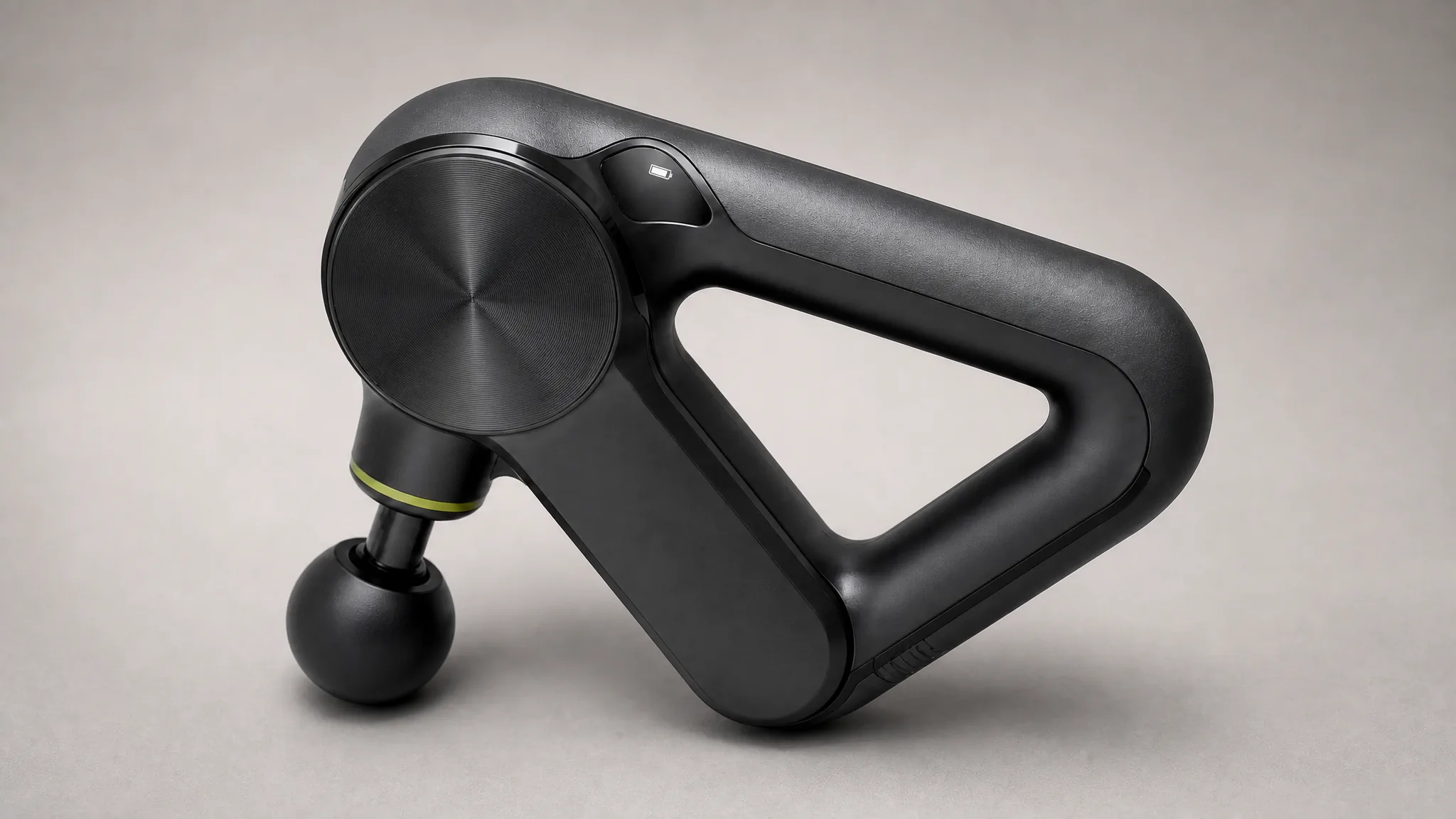
2Education video
Focus on the mechanism, feature, or material that helps an interested viewer understand the difference.
 3
3Decision video
Show the use, scale, result, or included parts that resolve the last practical objection.
 4
4Retention video
Show a new routine, advanced use, or seasonal context that extends the product story beyond the first purchase.
Choose the Frame for the Placement
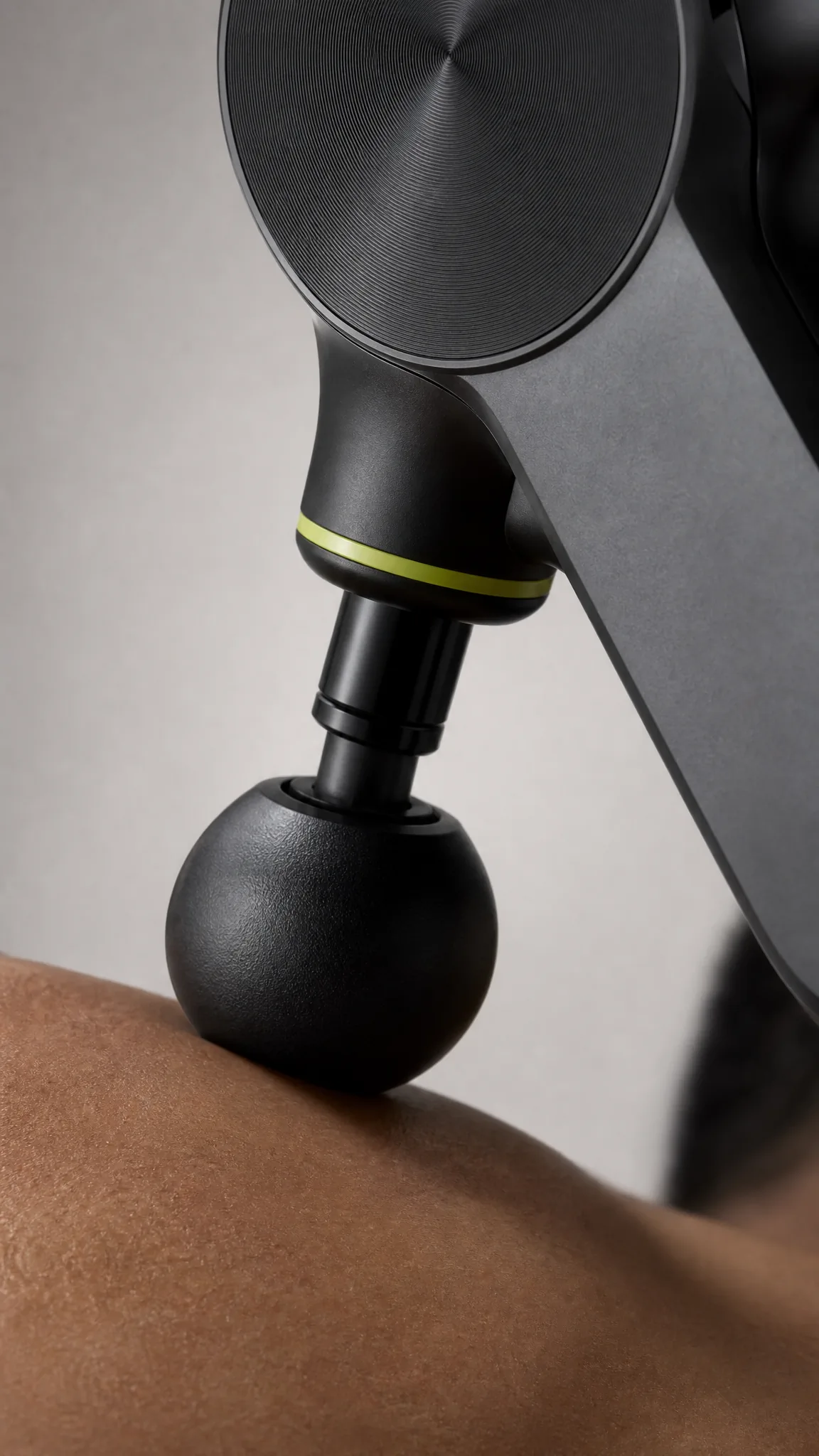
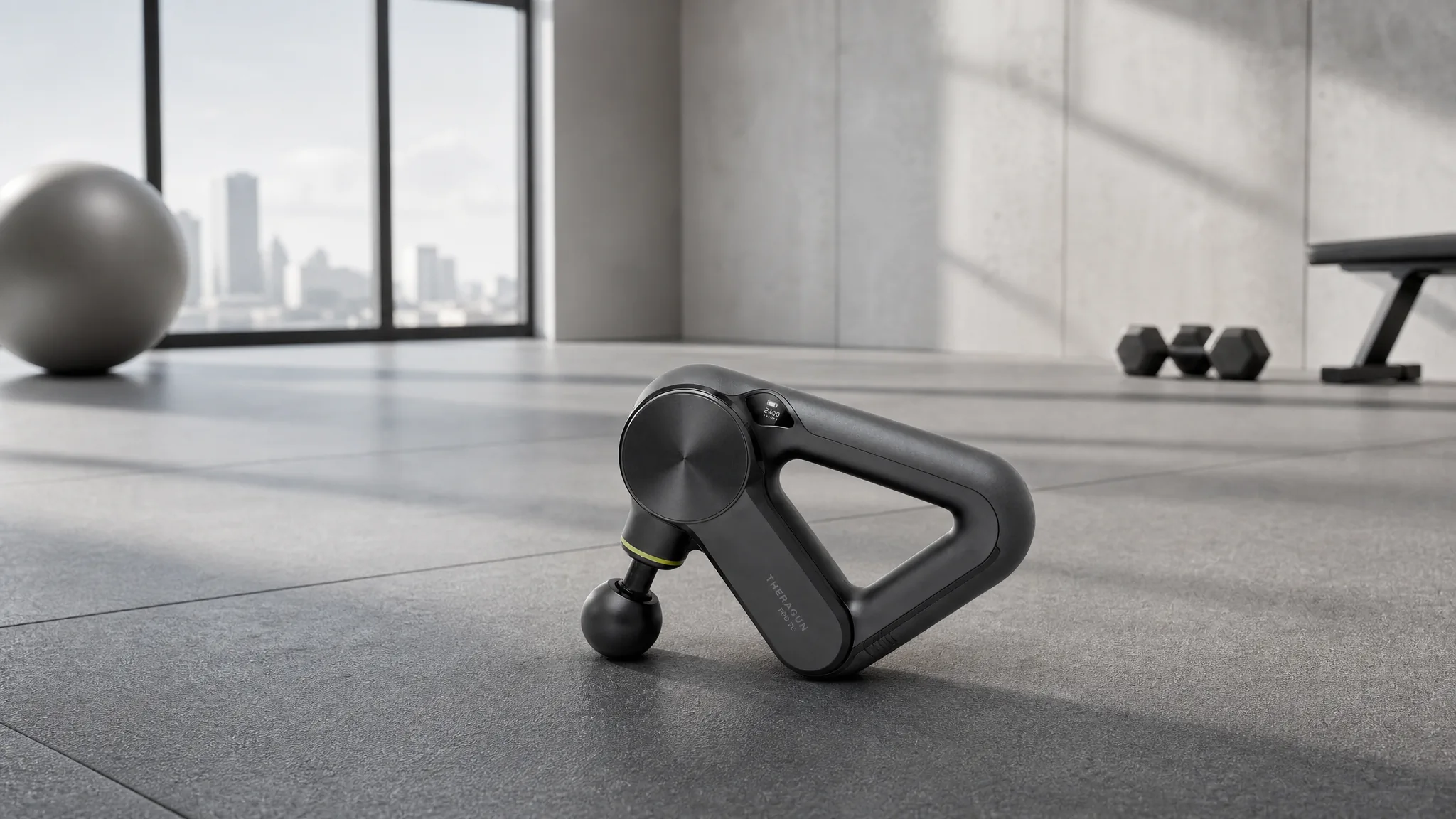
Take One Product Across an Entire Campaign

Lifestyle story
Place the product inside a believable routine that helps the audience recognize when and why they would use it.
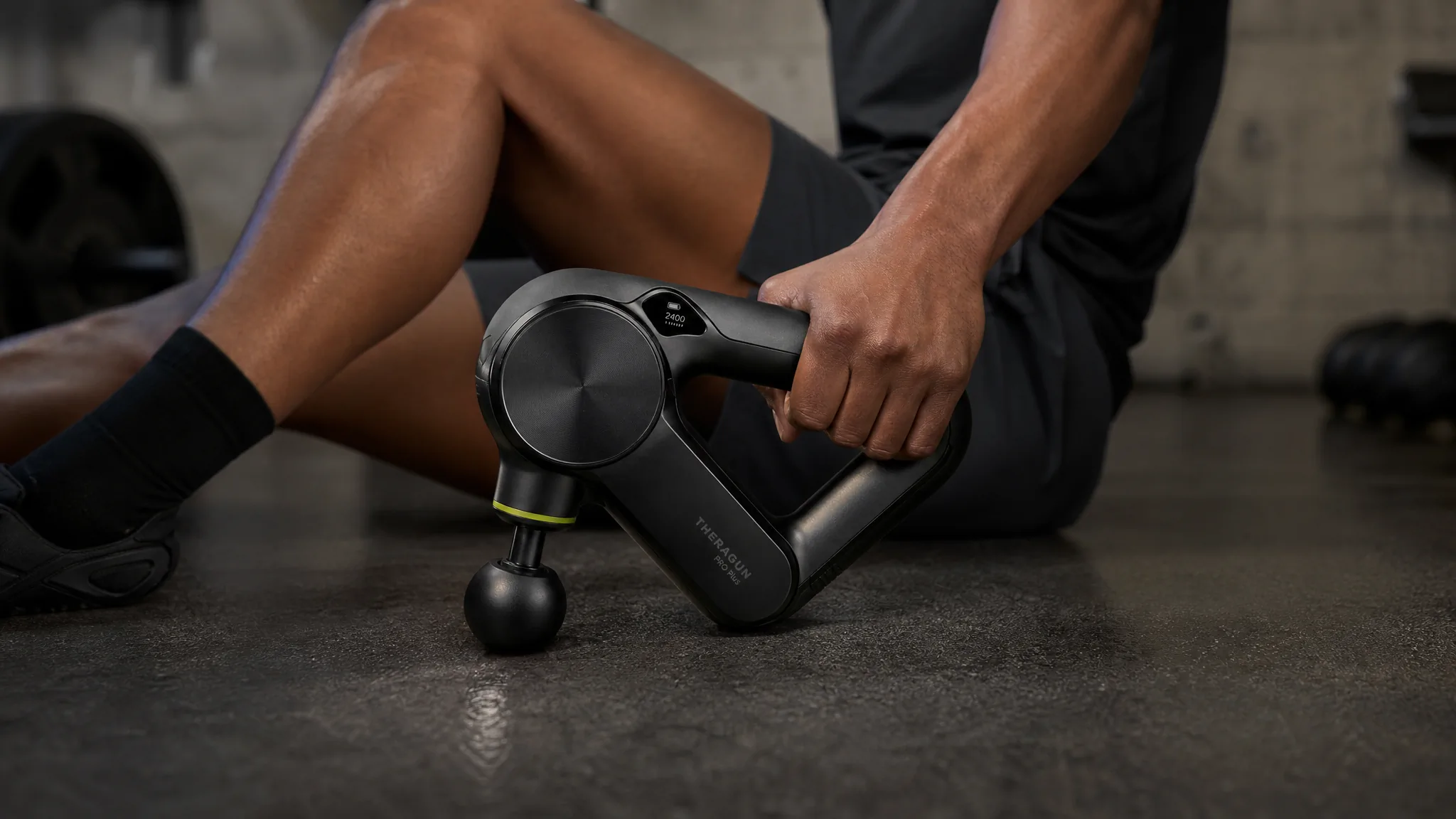
Feature proof
Create a focused demo, comparison, or detail sequence that makes one important benefit visible.
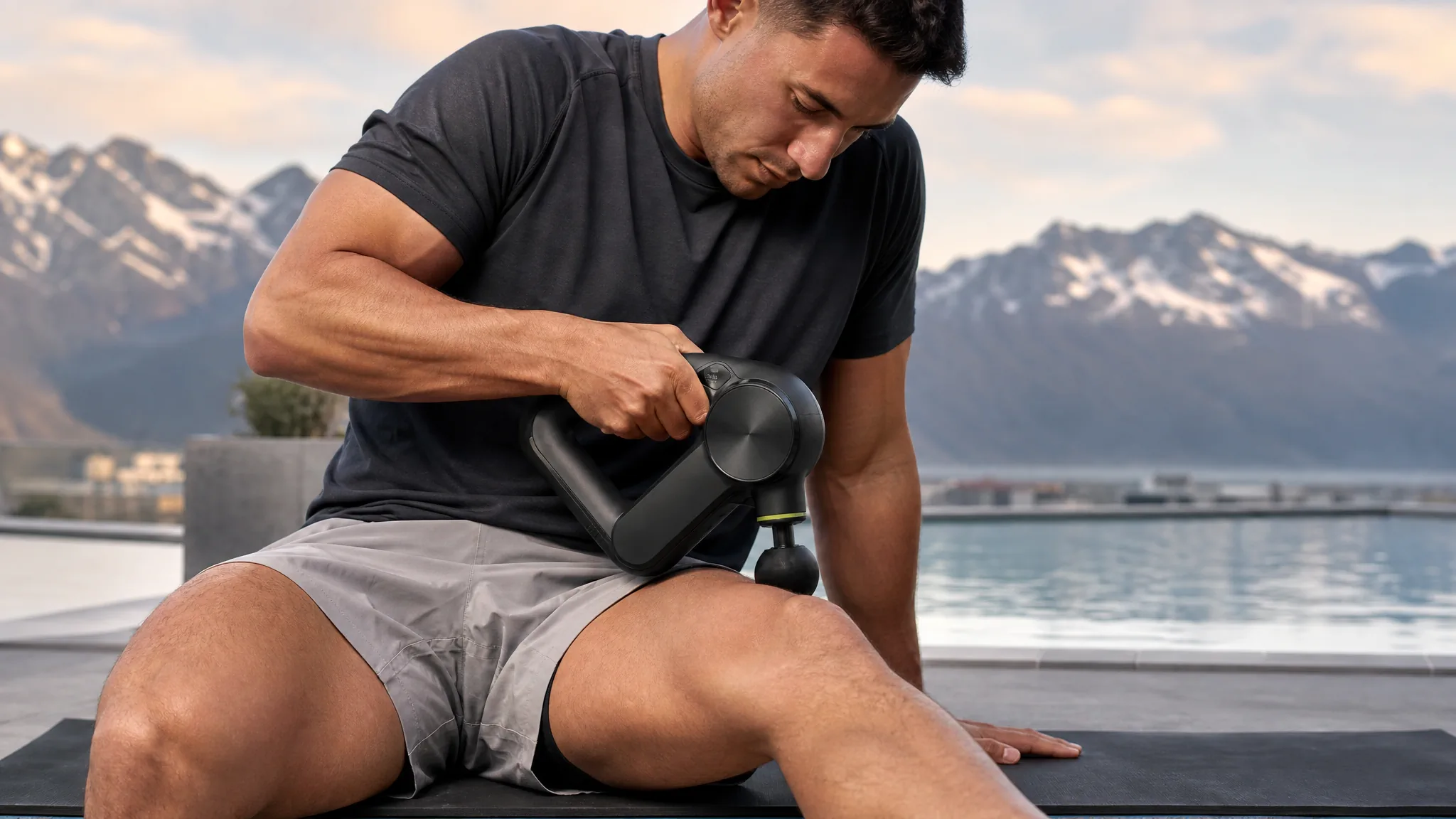
Seasonal campaign world
Move the same product into a launch, holiday, travel, weather, or cultural moment while keeping the message specific.
Create lifestyle moments, premium showcases, product demos, social-native ads, cinematic launches, seasonal worlds, feature stories, and repeat-use scenes. Direct the people, product action, camera, environment, effects, pace, mood, and final frame for each idea.
How Teams Create Product Video for Each Customer Stage
“We had awareness covered and a demo, but nothing for the consideration stage - the why-this-one gap. I described a detail-led story from the product image and it filled exactly that slot. It is now doing a real job in the funnel, not sitting in a folder. A genuine gap got filled.”
“One product image became a lifestyle intro, a detail proof, a use moment, and a repeat-use story - four stages, four directions. I rewrote the prompt each time around a different customer job. They are genuinely different stories, not reshoots. One source carried the whole arc.”
“I had a specific vision: a seasonal world where the product emerges through a warm transformation. I described the mood, the transformation, and the final frame, and the video carried all of it. The product and the feeling both came through as intended. The idea made it to screen intact.”
FREQUENTLY ASKED QUESTIONS
Product Marketing Video Questions
Answers about customer stages, source reuse, channel formats, and ecommerce ads.
What is a product marketing video?+
It is a product-led video created for a specific marketing job, such as earning attention, explaining value, supporting a decision, launching a product, or encouraging continued use.
Which product video should I create for each customer stage?+
Use lifestyle or category context for awareness, feature and explainer stories for consideration, demos or product ads for decision moments, and routine or fresh-use ideas for retention.
Can I use one product image for several marketing videos?+
Yes. Keep the product image and create new prompts for different people, settings, camera moves, actions, effects, messages, and campaign moments.
How should product marketing videos change across channels?+
Change the frame, opening pace, amount of context, product detail, and final action according to where the video appears and what the viewer should do next.
What is the difference between a product marketing video and an ecommerce video ad?+
Product marketing video is the broader category covering the full customer journey. An ecommerce video ad is one paid or promotional execution designed to earn a specific action.
CREATE WITH MAKEAD
Fill the Next Campaign Gap With One Product Image
Choose the customer stage and message, then turn the same product source into the next useful video instead of organizing another shoot for every channel.