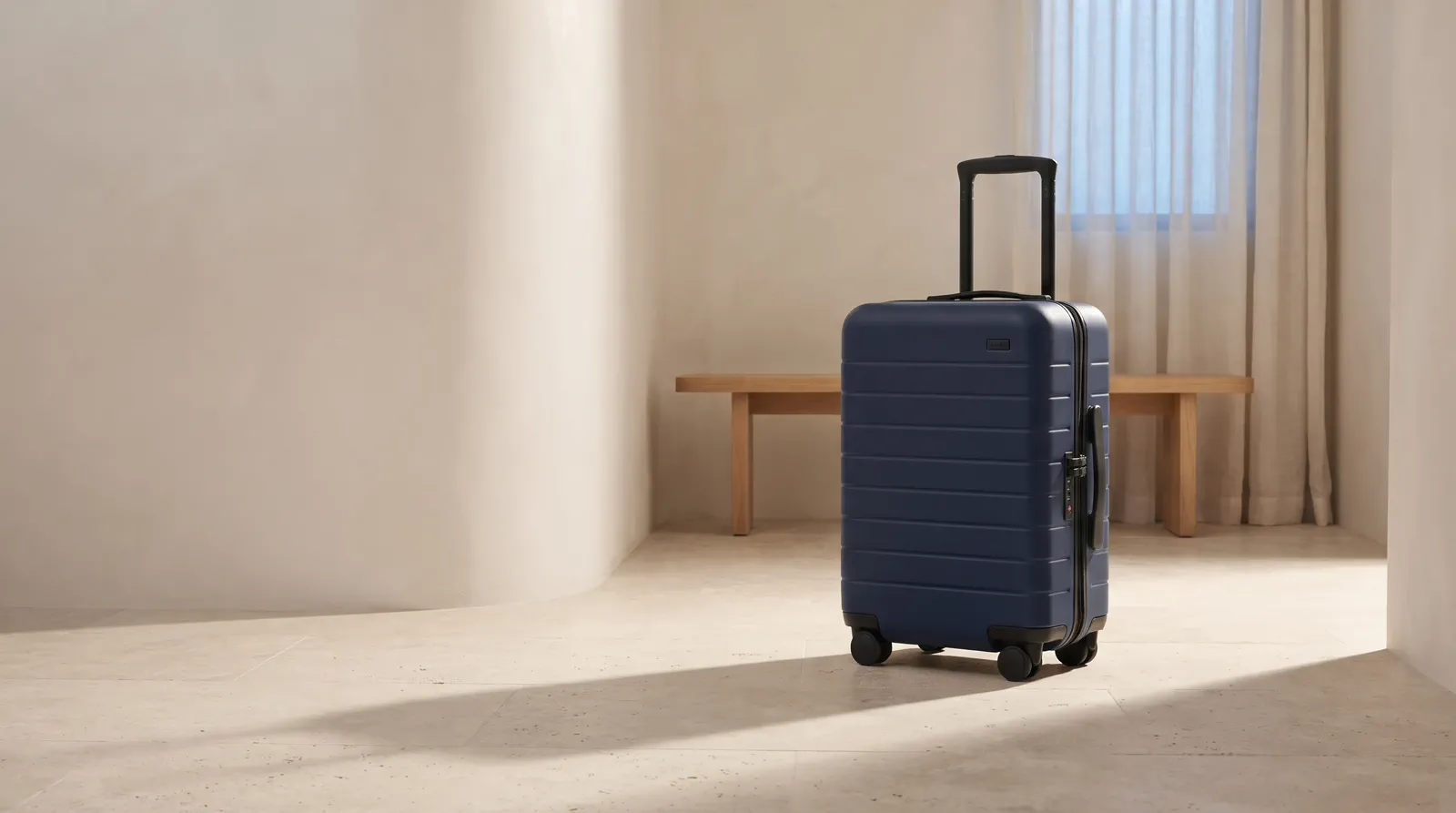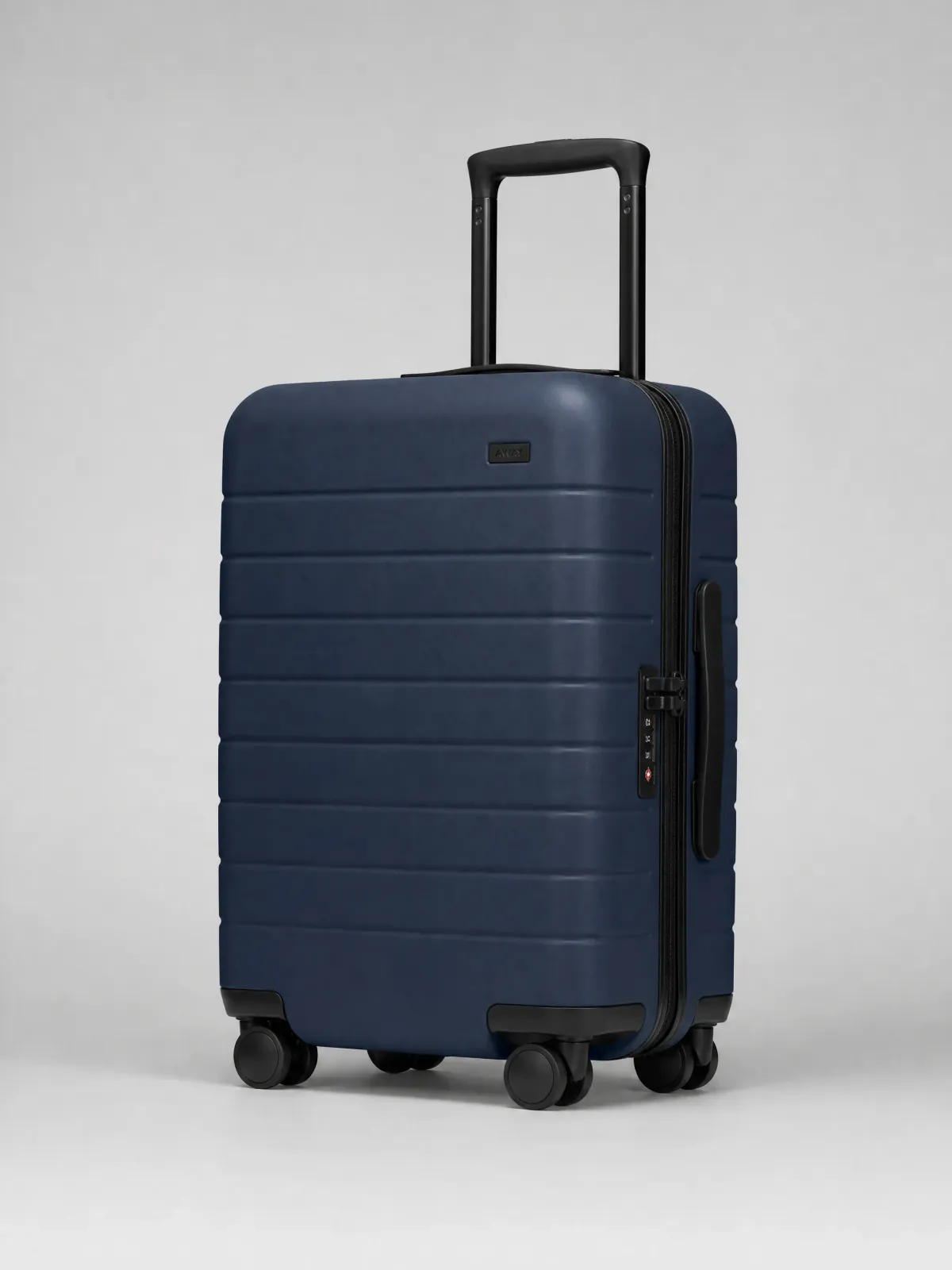
RIMOWA Original Cabin
Product detail page
Show the shell, telescoping handle, locks, and wheels in one complete product-page view.
MAKEAD AI CREATIVE WORKSPACE
Create product images, short videos, and campaign visuals without rebuilding every idea from scratch. Start with a clear product image, describe the direction, and continue from the results in MakeAD.
ONE PRODUCT LIBRARY, MANY SELLING JOBS
A product page must make form and detail easy to inspect. Lifestyle content adds scale and use. Ads need an immediate memory cue, while brand channels need a consistent visual voice. MakeAD gives each scene a clear job.
RIMOWA Original Cabin
Show the shell, telescoping handle, locks, and wheels in one complete product-page view.
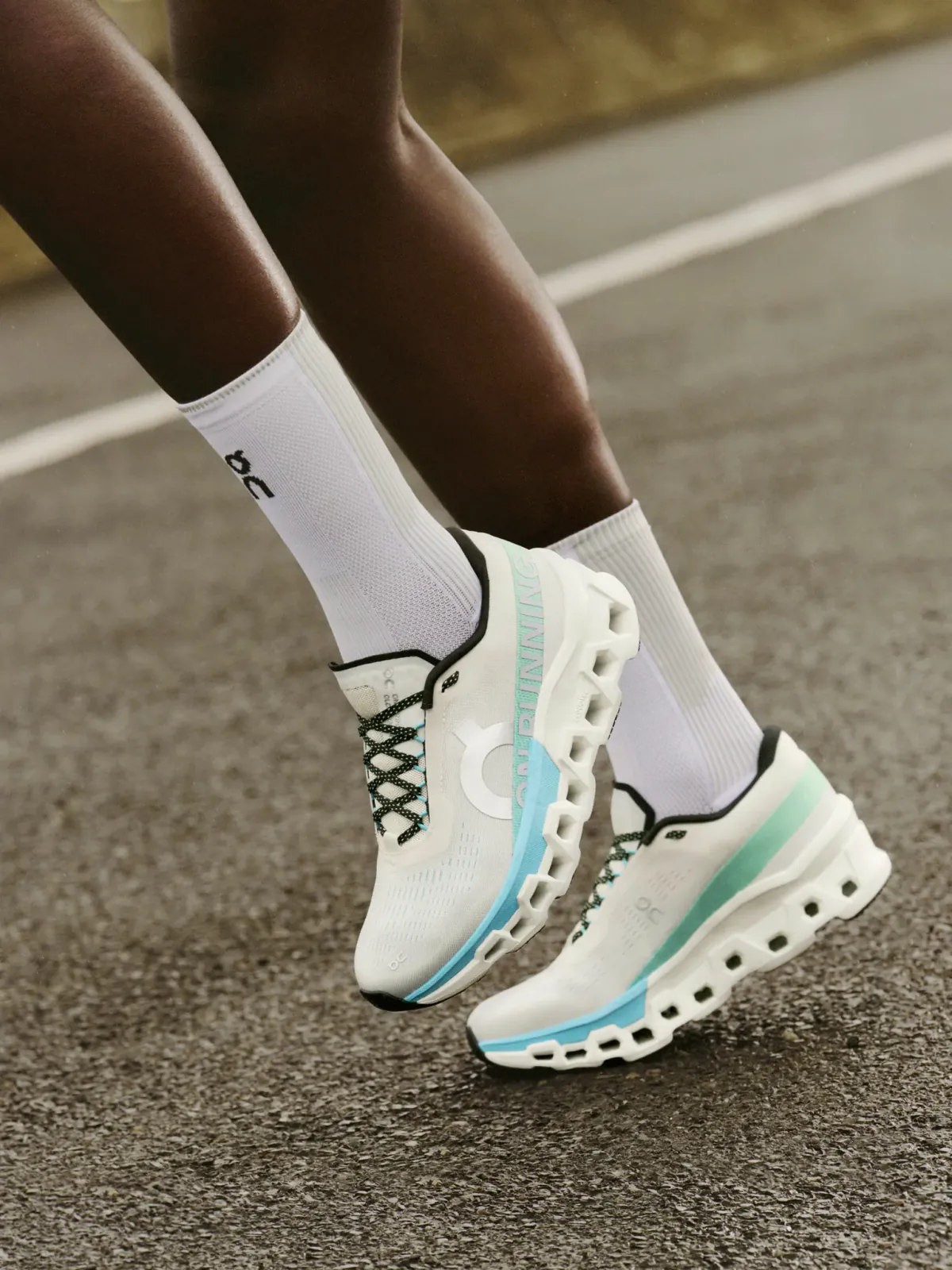
On Cloudmonster 2
Use a real running stride to establish on-foot scale, sole height, and motion.
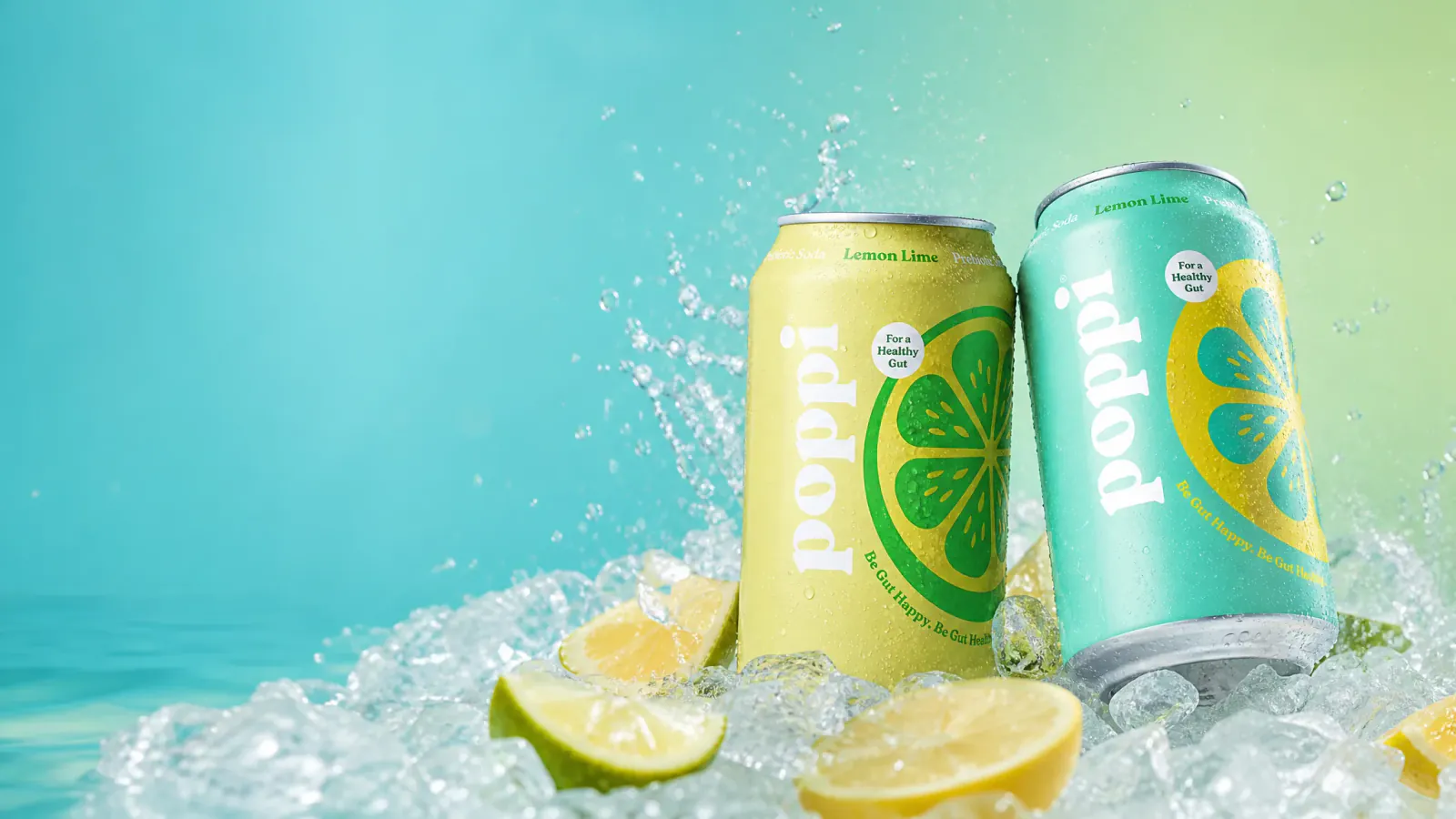
Poppi Lemon Lime
Use color, ice, and water to make the refreshing launch idea clear at a glance.
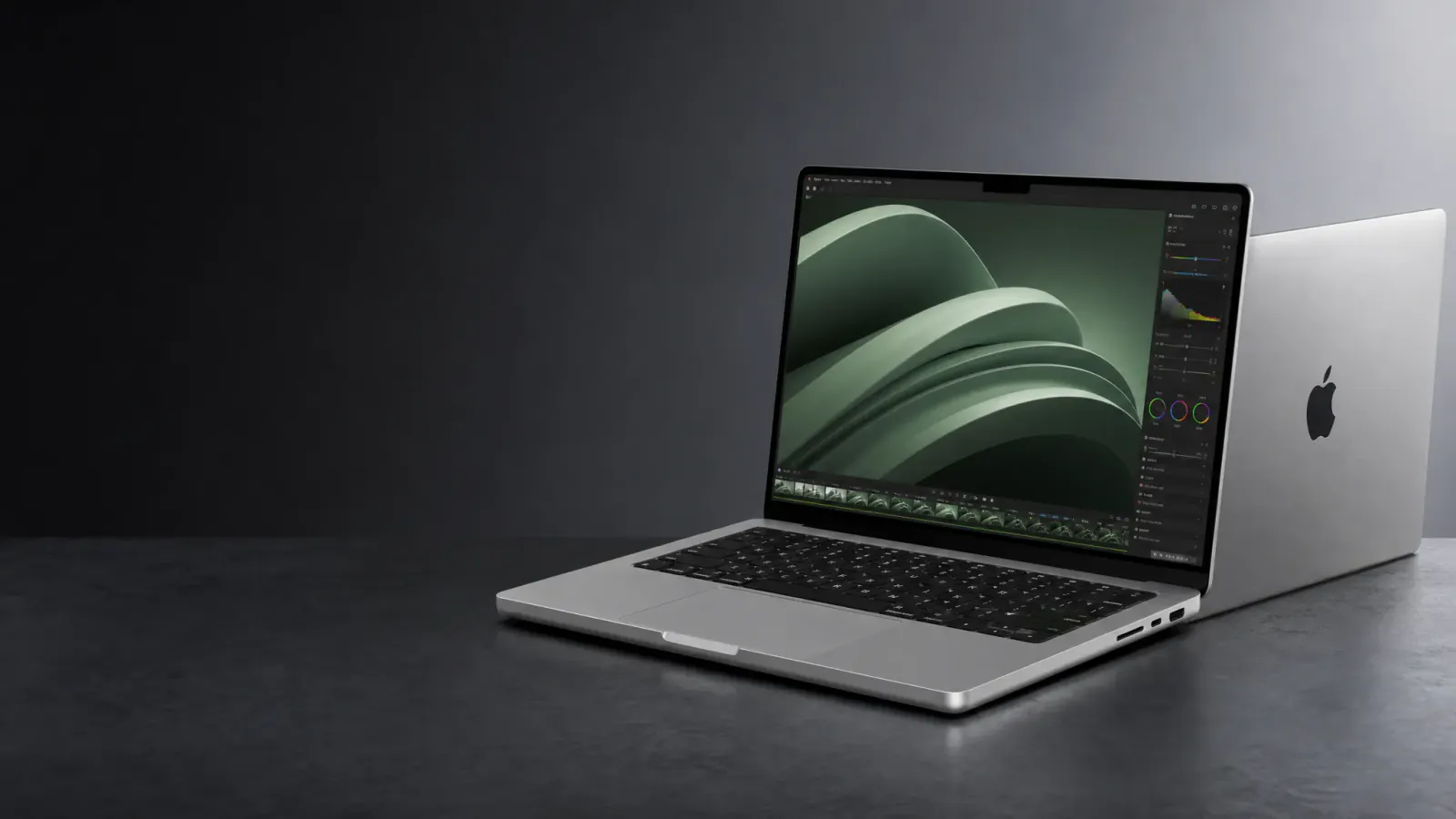
Apple MacBook Pro
Keep the complete device and generous message space for banners, editorial posts, and brand launches.
FROM SOURCE TO SELLING MOMENT
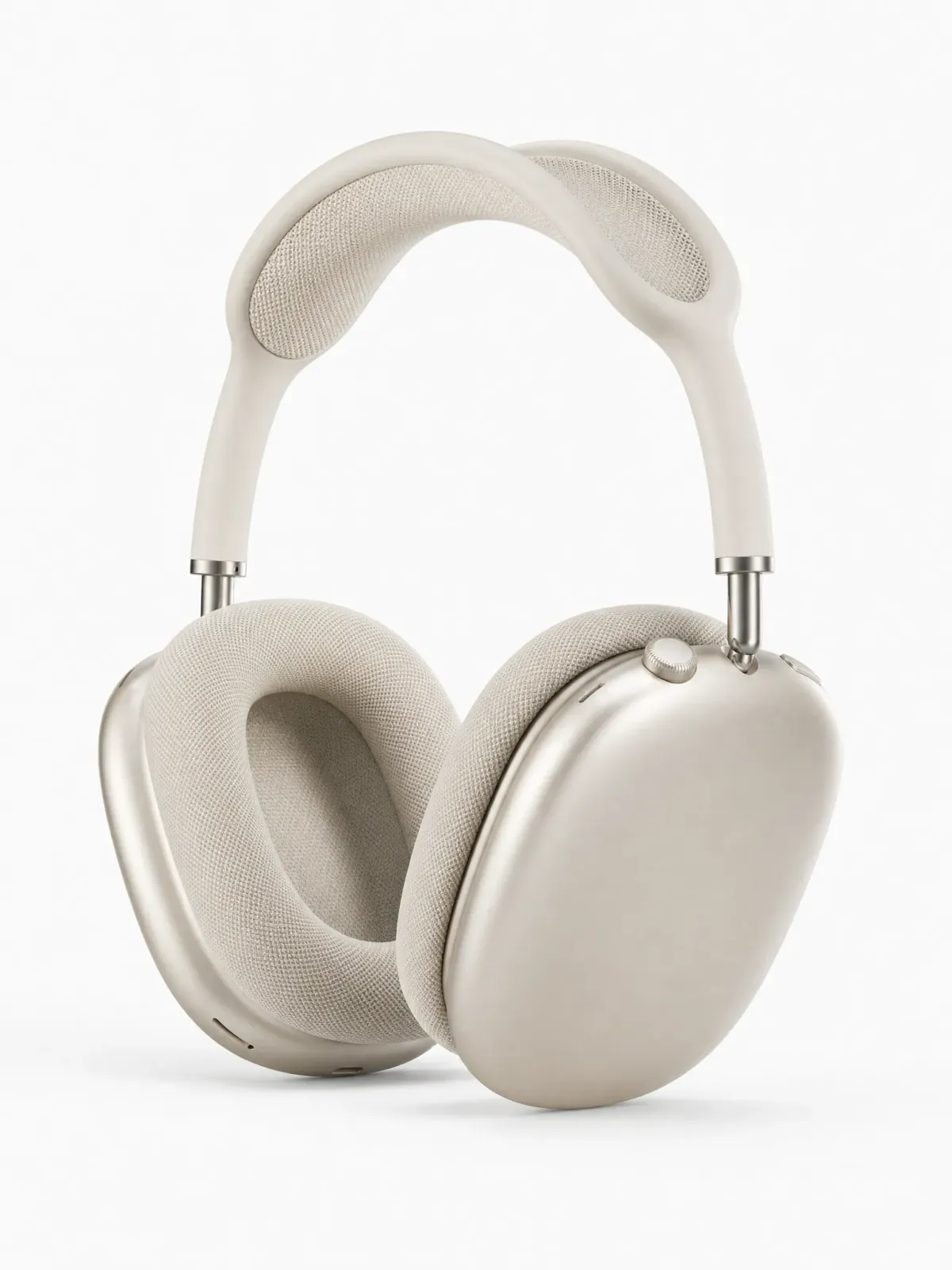
A recognizable source gives every new direction a clear starting point. Drag across the AirPods Max example to compare the clean product view with a believable daylight routine.
The ear cups, color, headband, and defining construction remain easy to recognize in both views.
The desk and worn view introduce scale, use, and a believable daily setting.
Drag the divider to judge whether the new direction adds information without losing the product.

CHOOSE THE NEXT OUTPUT
Start with the asset the business needs now. Each route has its own visual job, format, and place in the buying journey.
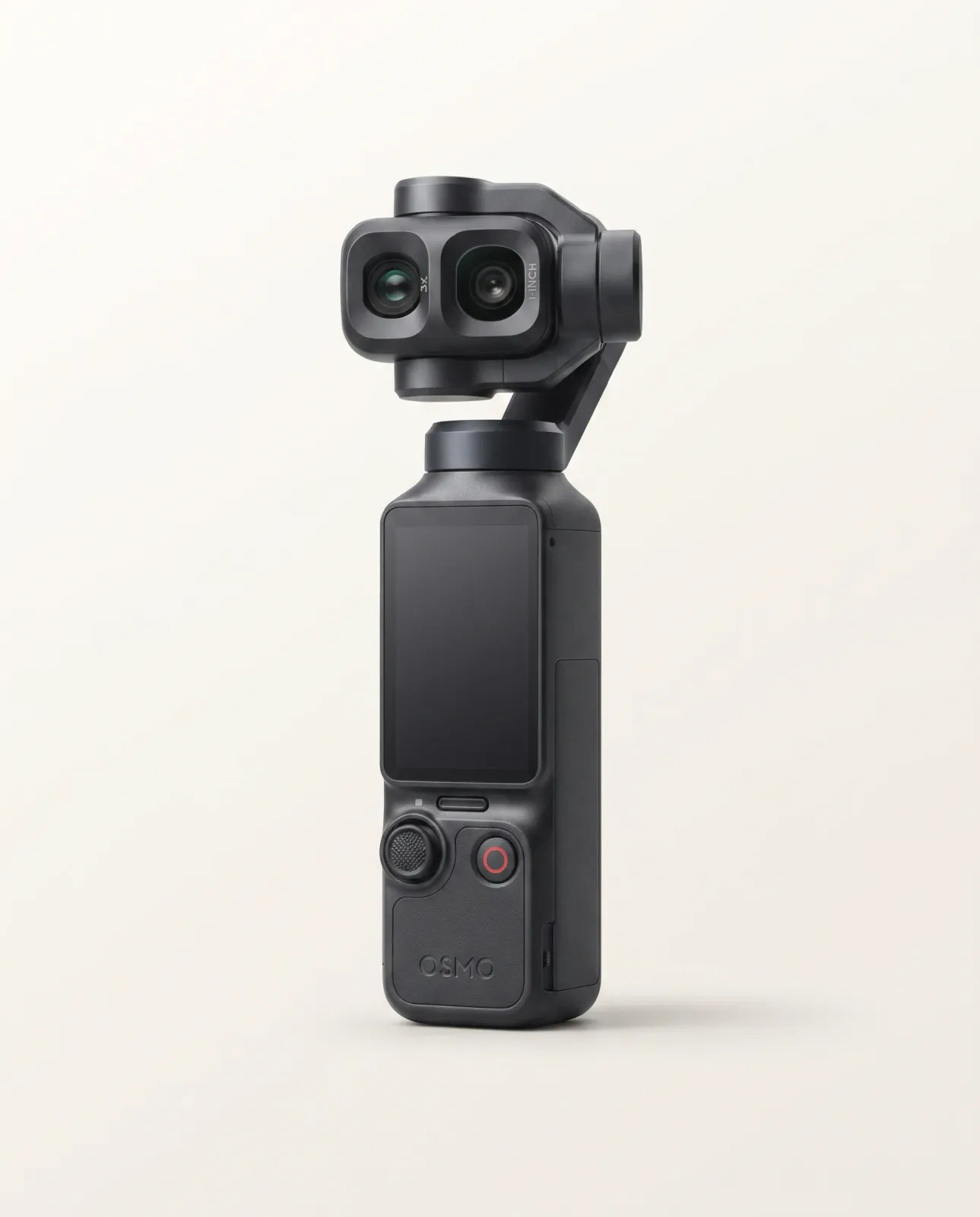
Create listing images, believable lifestyle scenes, and polished product-first visuals from a clear source.
Create Product ImagesShow motion, use, scale, detail, or a visual reveal that a still image cannot explain.
Create Product Videos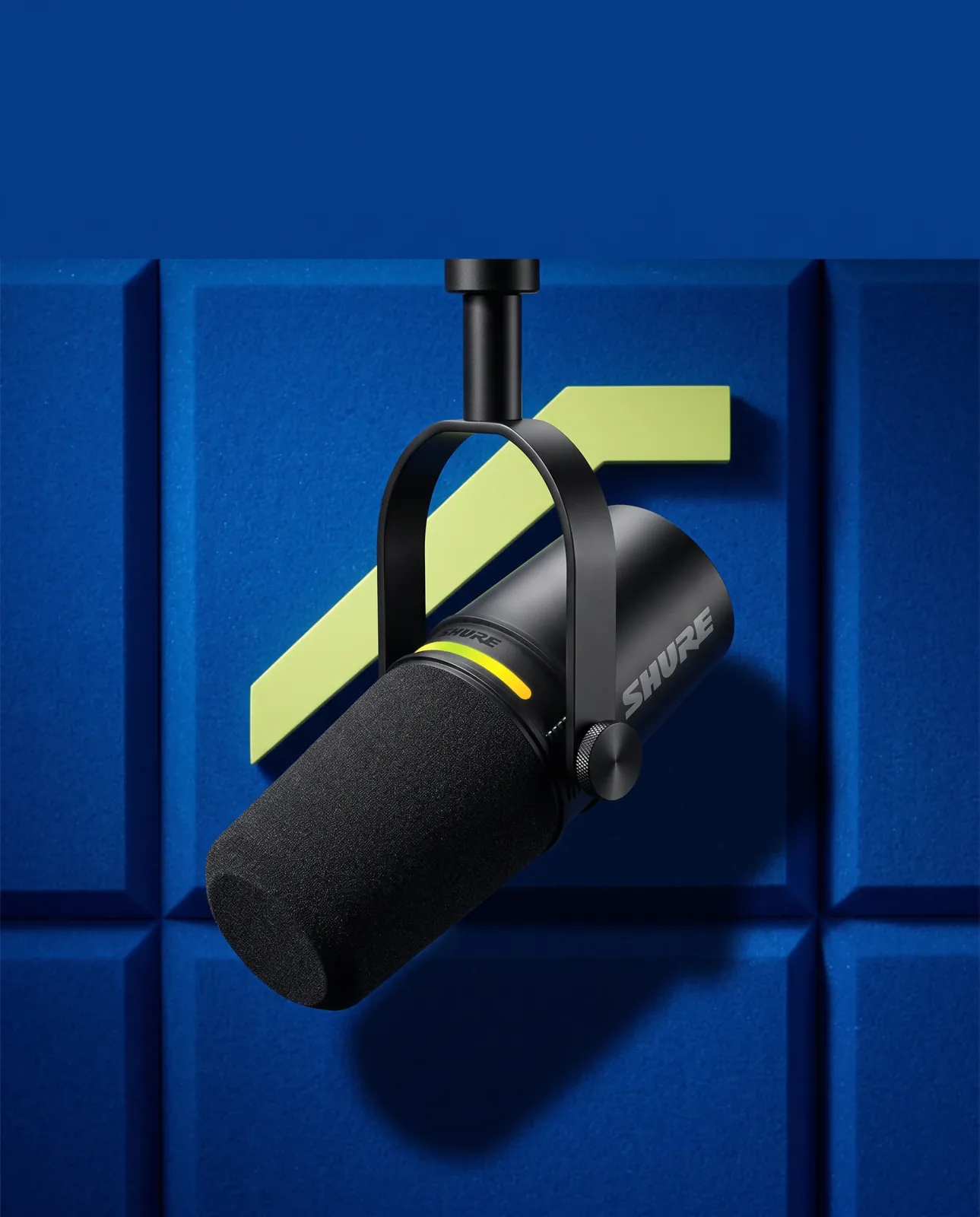
Turn an approved product source into a stronger composition for a launch, offer, or campaign message.
Create a Campaign VisualFROM DIRECTION TO FINISHED ASSET
A clear product source becomes easier to reuse when the direction and finished work stay connected.
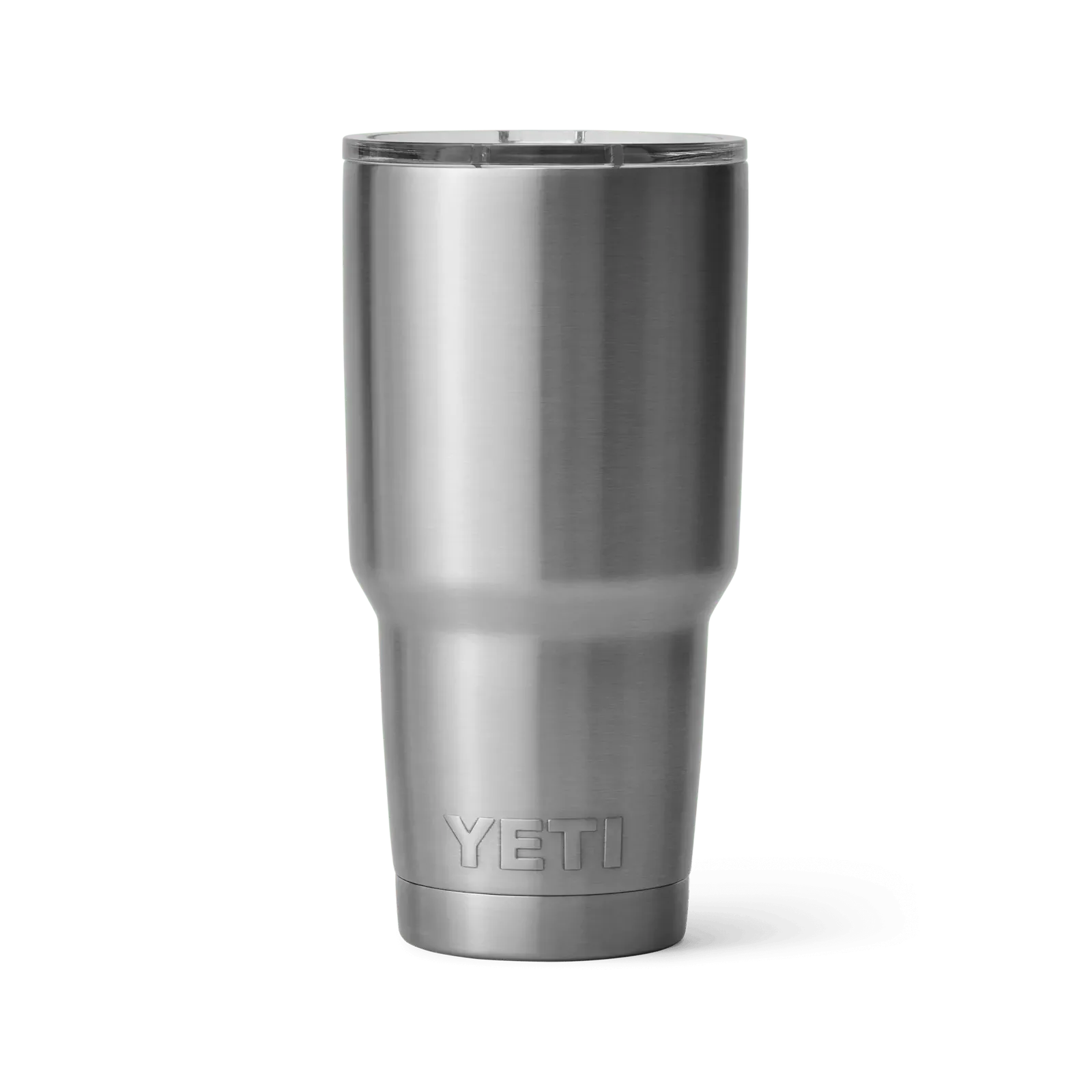
Plain-language direction
“Place the tumbler in a controlled charcoal studio. Keep the lid, rim, brushed finish, taper, and base easy to inspect.”
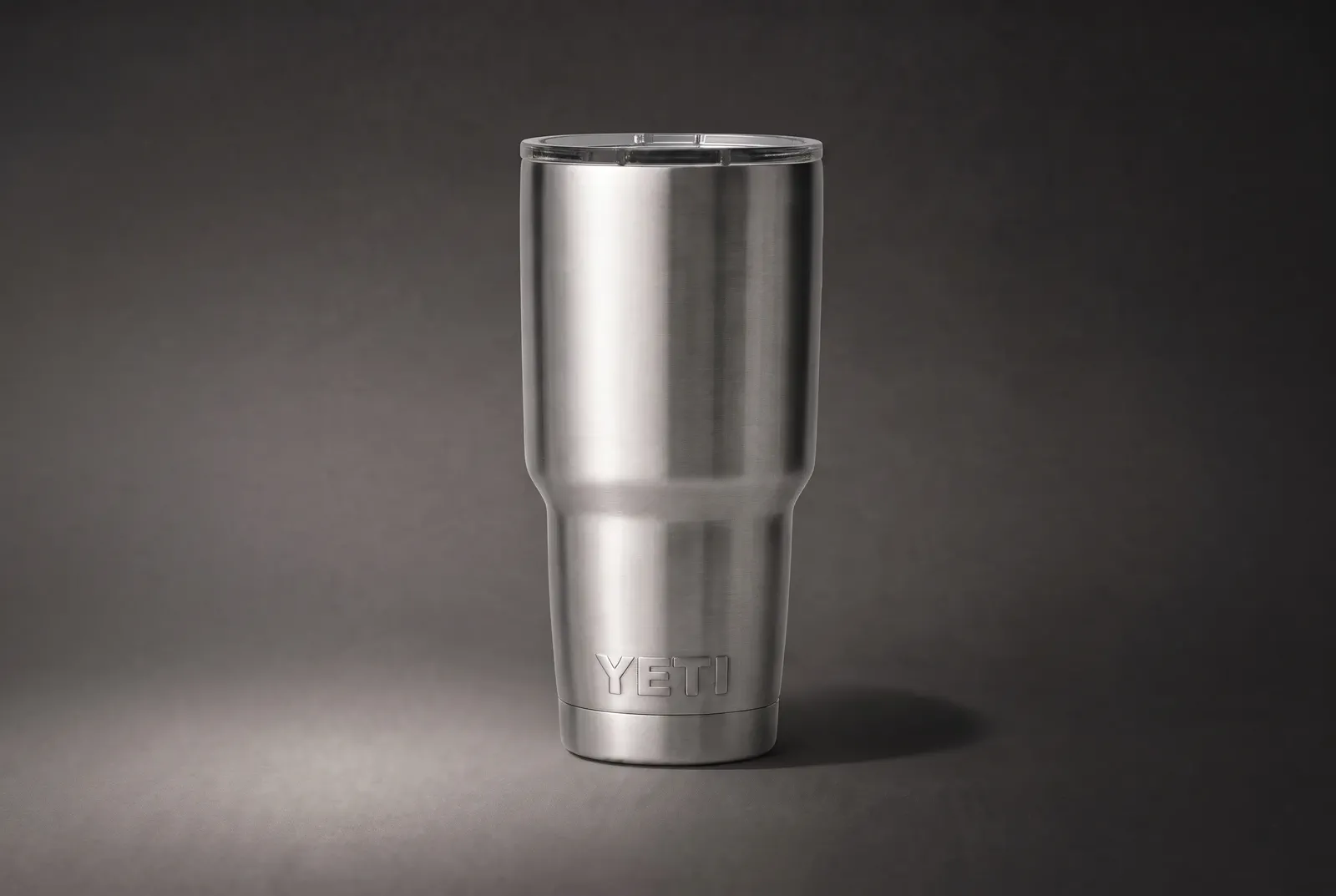
Start with a clean, recognizable product image.
Explain the scene, light, composition, or motion in plain language.
Open the completed image or video and decide what to keep.
Find finished work again, reuse it as a reference, or download it.
PRODUCT MOTION
Still images make the product recognizable. Short video explains movement, use, changing scale, and the final state. Together, they complete the product story.
Confirm color, silhouette, parts, and proportion in one clear still first.
Use the handle, wheels, and a natural walking pace to show how the product moves with a person.
End on the complete product so the page, ad, or next scene has a clean handoff.
Video reference image
The finished video uses the source image to preserve the navy shell, horizontal grooves, handle, zipper, and four-wheel structure across wide, front, and side views.
START WITH THE JOB
The best starting point is the buyer question, campaign moment, or selling context the current content still leaves open.
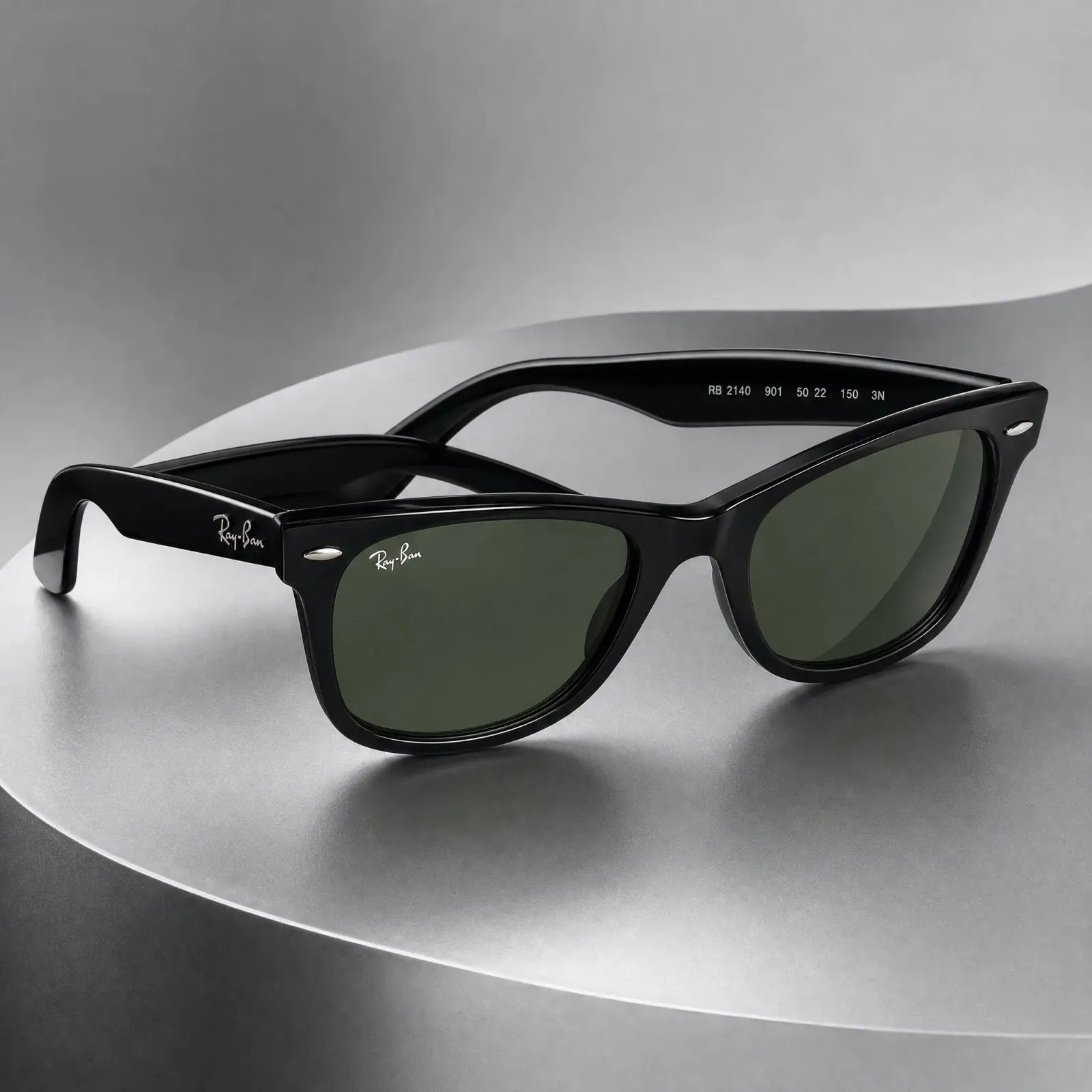
Make the product clear for listings, catalogs, marketplaces, and product detail pages.
THE PRODUCT STAYS CENTRAL
Use a clear source, choose the visual direction and output, then continue from the results that keep shape, color, materials, and defining details easy to see.

PLAN THE NEXT ASSET
Use practical guides to plan the shot, choose the right format, estimate the work, and decide what the content should show.
Start with the output your business needs next. Create a product image, direct a product video, or compare the current plans before you begin.
FREQUENTLY ASKED QUESTIONS
Choose the right starting point for the product content you need to create.
MakeAD is an AI creative workspace for product content. Start with a clear product image and written direction to create product photos, lifestyle scenes, product ads, or short product videos. Related requests and results stay in tasks, and completed work can be found again in Assets.
Choose AI product photography when the next gap is a listing image, background, lifestyle scene, campaign visual, or another still asset. Choose AI product video when motion, use, scale, setup, or a visual reveal would explain the product better than a still image.
Yes. A clear product source can support several separate creative directions, such as a clean listing image, a believable use context, a campaign composition, or a short motion brief. Each output remains its own task or asset so you can review and continue the most useful directions.
Use an image where the complete product, main shape, materials, color, and defining details are easy to see. A clean angle with enough resolution and minimal obstruction gives the image or video direction a clearer product reference.
For image creation, MakeAD provides Auto and selectable visual styles together with supported aspect ratios, resolutions, and file formats. For video, available models and output settings appear in the video generator. The controls shown in each tool are the current source of truth for that output.
Completed images and videos remain connected to their task conversations. Assets brings finished work into one place so you can browse it, use an existing result as a new reference when supported, or download the file you need.
Use MakeAD when an approved product image already shows the identity needed for a new visual direction. Choose a new shoot or live capture when the buyer needs evidence that is not present in the source, such as exact unseen construction, measured performance, live sound, or complex physical interaction.
CREATE WITH MAKEAD
Start with an image for listings and campaigns, or create a video that shows motion, use, scale, or detail.