
AI product background generator
Create Realistic Product Backgrounds with AI
Traditional product photography is expensive and slow. Upload one product image to create polished studio or lifestyle backgrounds without arranging another shoot.
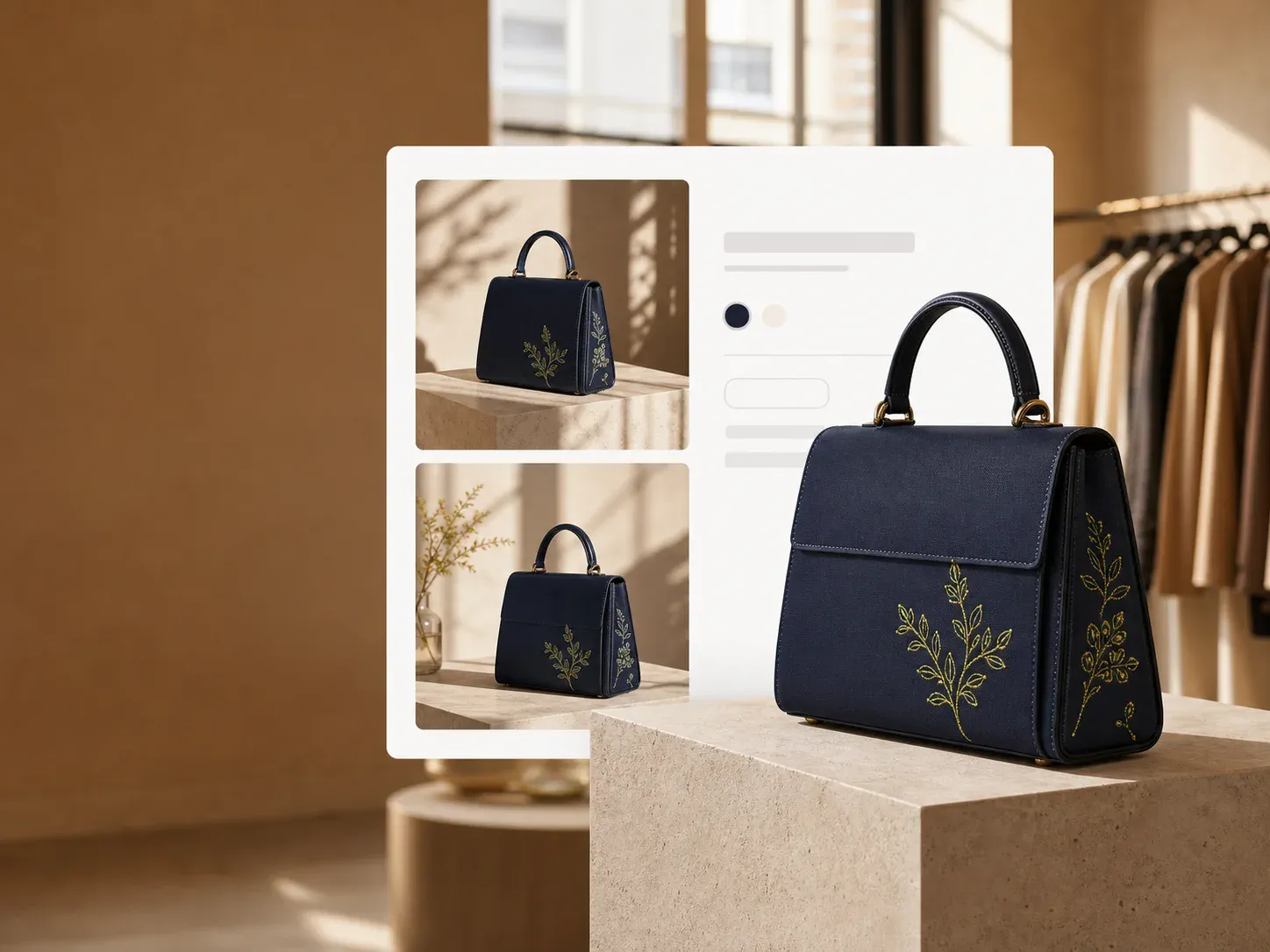
From upload to new background
Design the new background
Choose a background direction, lighting style, and optional detail.
Design the new background
Choose a background direction, lighting style, and optional detail.
Background direction
Best-fit background · Natural daylight
Your upload is processed securely and saved to your account.
AI generated backgrounds for product photography
Change the background of a product photo, not the product
Upload a product image you already have and the AI product background generator replaces only the environment around the item: a minimal studio, a premium tabletop, a lifestyle room, or a natural outdoor setting. Each run returns a new 4:5 PNG at 1K, so one product shot can become several ecommerce backgrounds without another photo session.
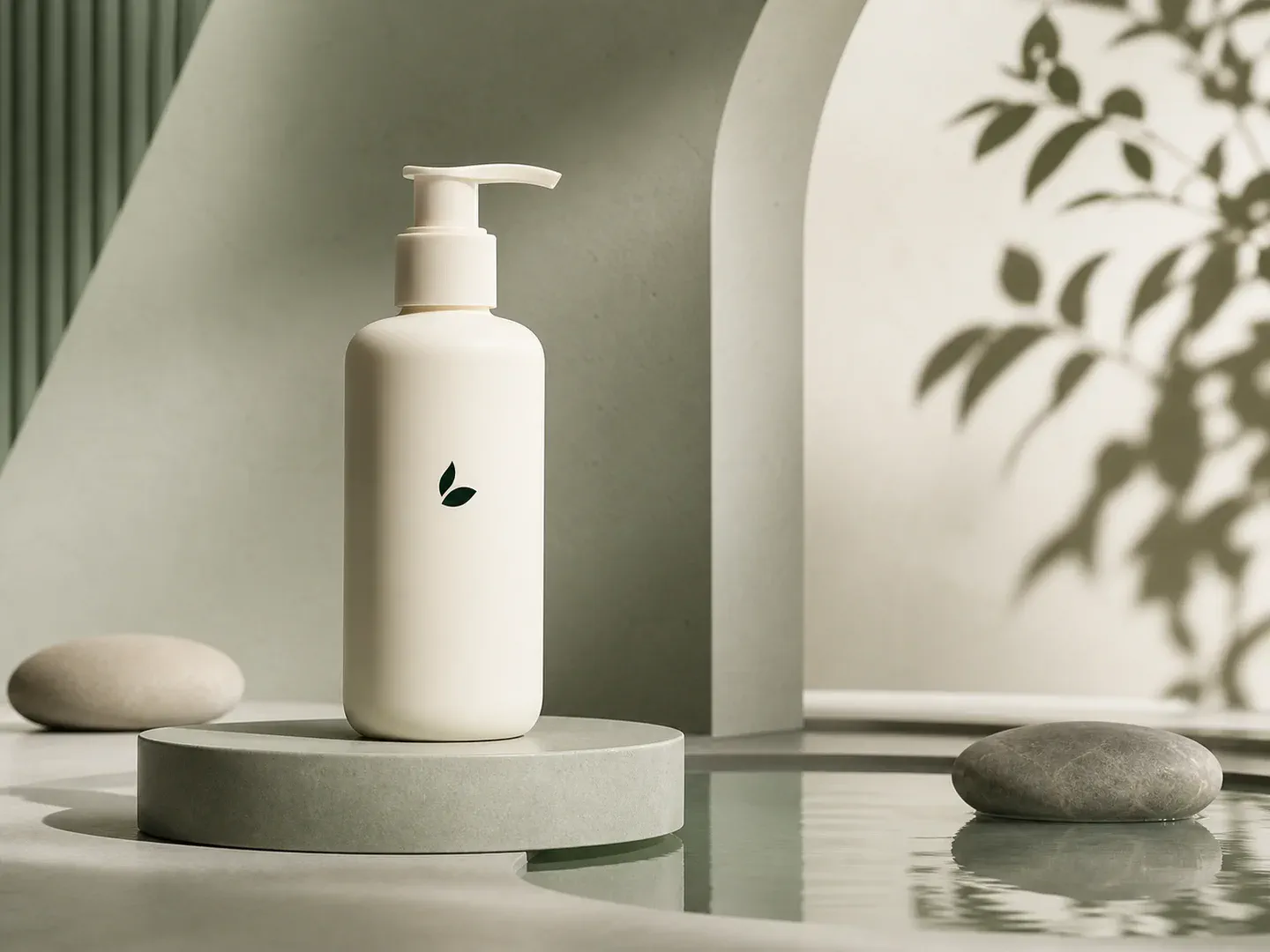
Background replacement that looks photographed
Replace the background without the cut-and-paste look
A background changer that only swaps pixels behind a cutout leaves products floating in mismatched light. This generator keeps your upload as the product source of truth and rebuilds perspective, contact shadows, reflections, and ambient light around it.
- Preserve product shape, color, materials, packaging, and branding
- Match camera perspective, scale, contact shadows, and reflections
- Direct the palette, surface, props, lighting, and visual mood
- Need a plain white or transparent background? Use the background remover instead
From upload to new background
How to replace a product photo background with AI
Upload the product photo, pick one of five background directions and a lighting mood, add an optional detail, then review the new background before you download the PNG.
- 01
Upload one product image
Choose a clear photo that shows the complete item, its shape, materials, packaging, and key details.
- 02
Direct the background
Select best-fit, studio, tabletop, lifestyle, or outdoor, then add one precise detail such as a surface, palette, or season.
- 03
Generate, review, and download
Review product accuracy, lighting, contact, and shadows, then download the PNG for your commercial workflow.
Questions
AI Product Background Generator FAQ
Answers about product accuracy, background control, commercial use, and source images.
Can I change the background of an existing product photo?
Yes. Upload the photo you already have (JPG, PNG, or WebP, up to 10 MB) and the generator replaces only the environment around the product with a new studio, tabletop, lifestyle, or outdoor background. The result is a new 4:5 PNG at 1K, so check edges, labels, and logos before publishing. For a plain white or transparent background, use the background remover instead.
What is an AI product background generator?
It uses a product photo as the reference and generates a new environment around the item. MakeAD matches scene direction, light, perspective, contact shadows, and reflections so the result feels composed rather than pasted together.
Can I control the generated background?
Yes. Choose a background style and lighting direction, then add a short detail for the surface, palette, props, season, or setting you need.
Will AI preserve my exact product?
The prompt treats your upload as the product source of truth, but generative AI can still alter packaging, logos, text, color, or construction. Review those details before publishing.
Can I use an AI generated background commercially?
The output is designed for ecommerce, social, and advertising workflows. You remain responsible for checking product accuracy, third-party rights, channel rules, and any claims shown in the final image.
What source image works best?
Use a sharp, well-lit image with the complete product visible and some space around its edges. Simple source backgrounds make the product boundary easier to preserve.
Can I try the AI product background generator for free?
Yes. A new account starts with 16 credits and a 1K image costs 3, so you get five backgrounds to judge the quality before adding more. Higher resolutions cost 5 credits at 2K and 8 at 4K.
One product, a new visual world
Create the background your product needs
Turn one clear product image into a controllable commercial visual without booking another studio shoot.