 01
01Upload a clothing photo
Start with a flat lay, hanging garment, mannequin shot, or model image that shows the complete product.
AI ghost mannequin generator
Turn a flat lay, hanger, mannequin, or model photo into a clean, mannequin-free clothing image. Show fit, drape, and garment construction with a consistent ecommerce-ready finish.
Choose the view, garment structure, and clean catalog background.
Selected direction
Front view · Natural fit and drape · Clean white
Your upload is processed securely and saved to your account.
Try it yourself
Move from one garment photo to a polished listing image in three steps.
01Start with a flat lay, hanging garment, mannequin shot, or model image that shows the complete product.
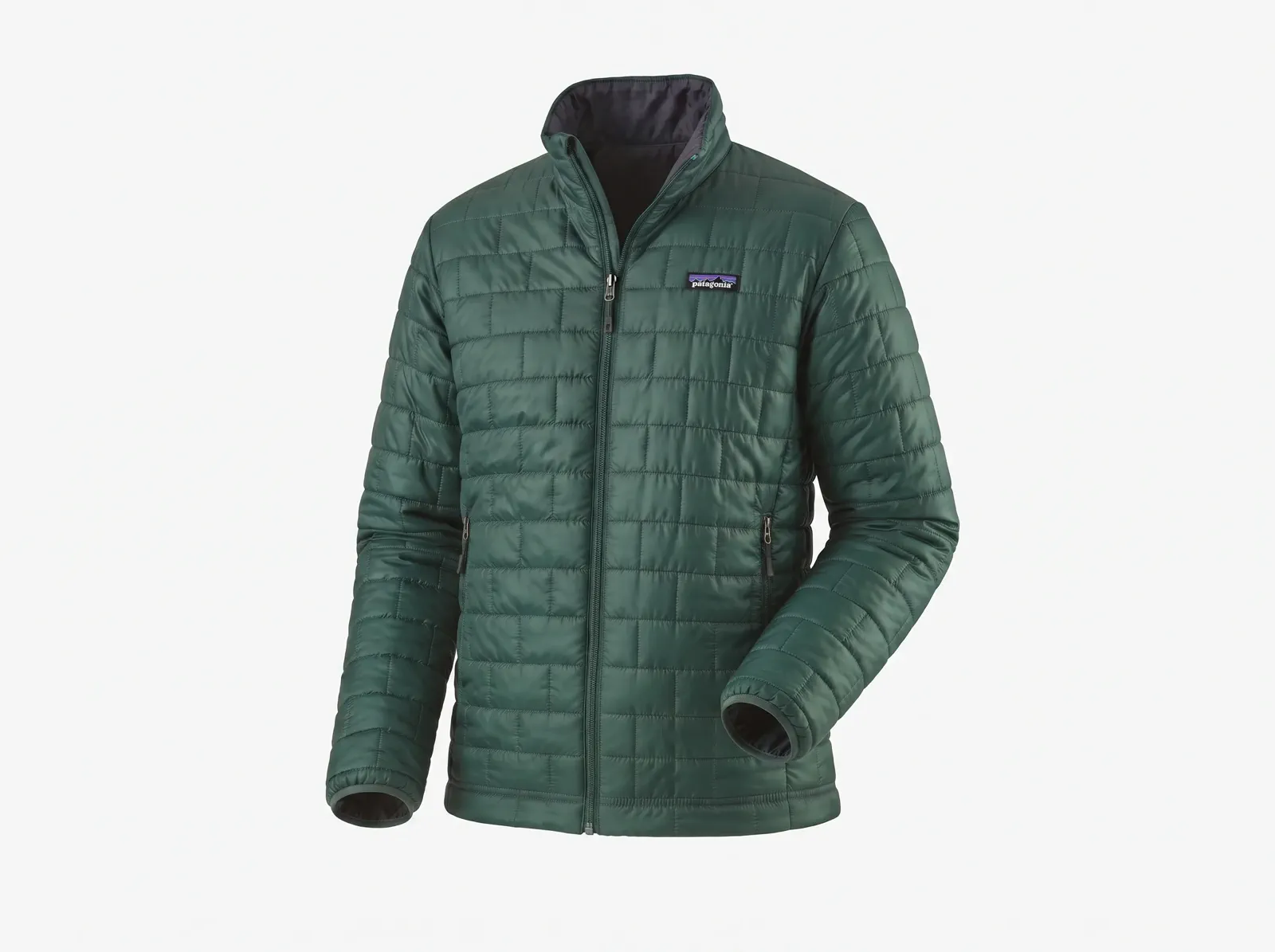 02
02Set the view, structure, background, and any garment detail that must stay especially clear.
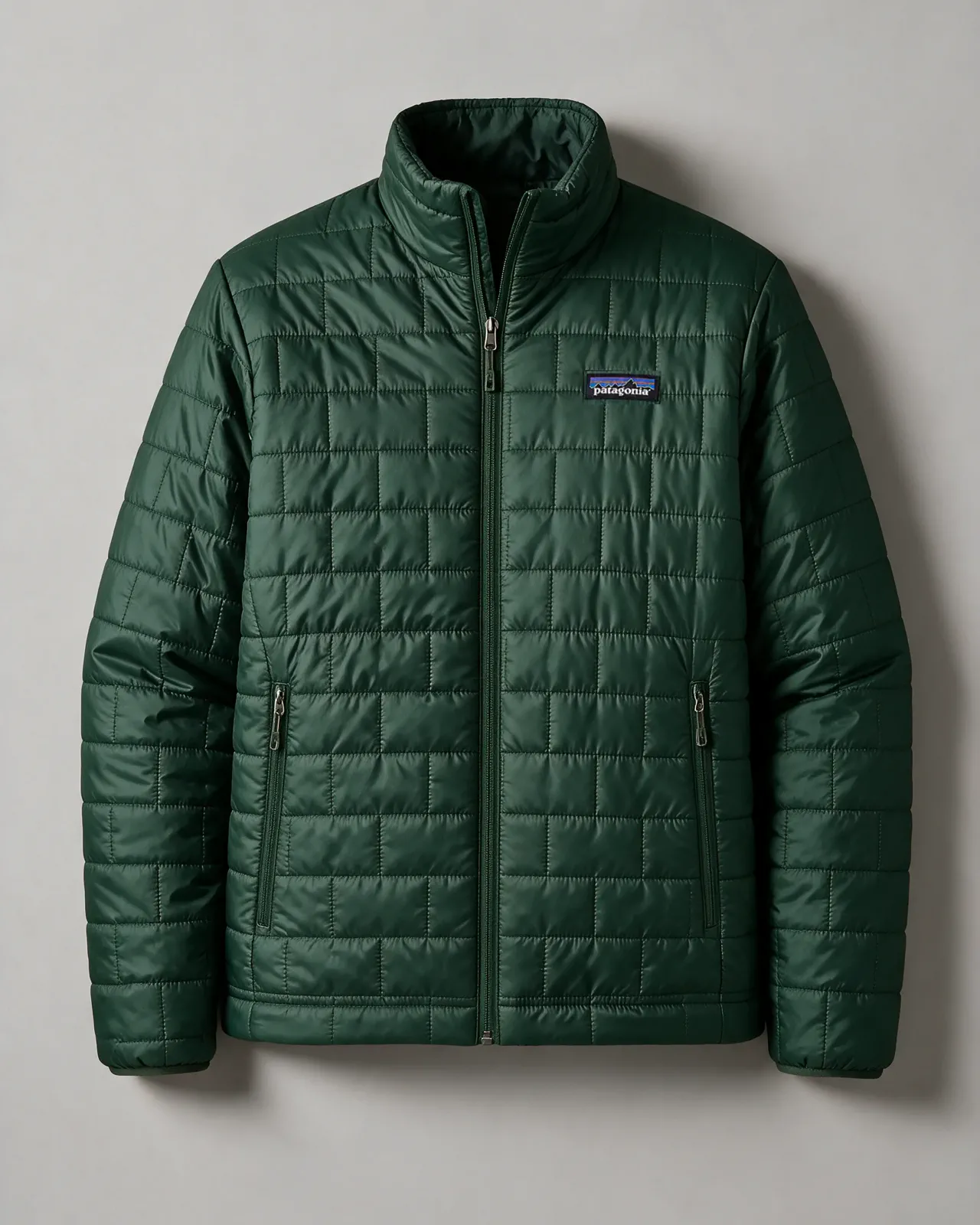 03
03Review the shape, construction, color, and fabric, then download a 4:5 PNG for your storefront or marketplace.
Better workflow
Ghost mannequin, invisible mannequin, and floating mannequin photography are three names for the same result: a garment that keeps its worn, three-dimensional shape with no visible person, mannequin, or hanger inside it. A studio usually gets there by shooting the garment on a mannequin, shooting the inner neck and back separately, and compositing the layers by hand. MakeAD starts from a single image instead. Upload one JPG, PNG, or WebP photo of the garment on a person, mannequin, hanger, or flat surface, then choose a front, three-quarter, or back view; a natural, structured, or soft shape; and a white, light-gray, or warm-neutral background. AI removes the visible support, rebuilds only the hidden garment areas conservatively, and keeps the clothing hollow, as if worn by an invisible form. You download one centered 4:5 PNG—review the details before you publish.
Ghost mannequin guide
Ghost mannequin clothing photos show the inside of the neckline, the opening of the garment, and its worn volume. Here is how to get a usable AI ghost mannequin result for ecommerce, and where the limits are.
Ghost mannequin works best for garments with an inside to reveal: shirts, knitwear, jackets, coats, dresses, hoodies, and tops with a visible neckline or opening. Structured pieces such as denim jackets and blazers suit the crisp structured setting, while knits and jersey suit the soft or natural setting. Small, sheer, or strappy items such as lingerie, swimwear, mesh, and lace can be tried, but thin straps and see-through fabric are where generative AI most often changes details, so compare the result with the real garment closely before you publish.
The tool builds the prompt from your choices. It uses your photo as the source of truth for the garment and asks AI to remove every visible person, mannequin, hanger, pin, clip, or stand, rebuild only the areas that support was hiding, and keep the clothing hollow. Your view, structure, and background are added to that prompt, together with the one detail you type into “Important detail to preserve”, such as a ribbed collar or pearl buttons. The prompt also tells AI not to add a model, props, text, or extra views, so each run returns one centered garment.
In an online store, ghost mannequin images pay off through consistency. Pick one view, one structure, and one background for a product line and reuse them for every garment so the category grid lines up. Each generation returns one 4:5 PNG of one view. For a back view, upload a photo that actually shows the back of the garment, so AI does not have to guess what it looks like. Check each marketplace’s own image rules before you upload, especially for the main image.
People often search for a 3D ghost mannequin when they want clothing to look filled out instead of flat. That is the result here: the garment keeps three-dimensional volume, depth at the neckline, and natural folds. The output is still a single 2D PNG, not a 3D model or a rotating 360-degree view. If you need several angles of the same product, create a clean garment image first, then use a multi-angle product photography tool.
Built for apparel details
Keep the invisible-form treatment consistent while giving each fabric, collar, sleeve, and silhouette the room it needs.
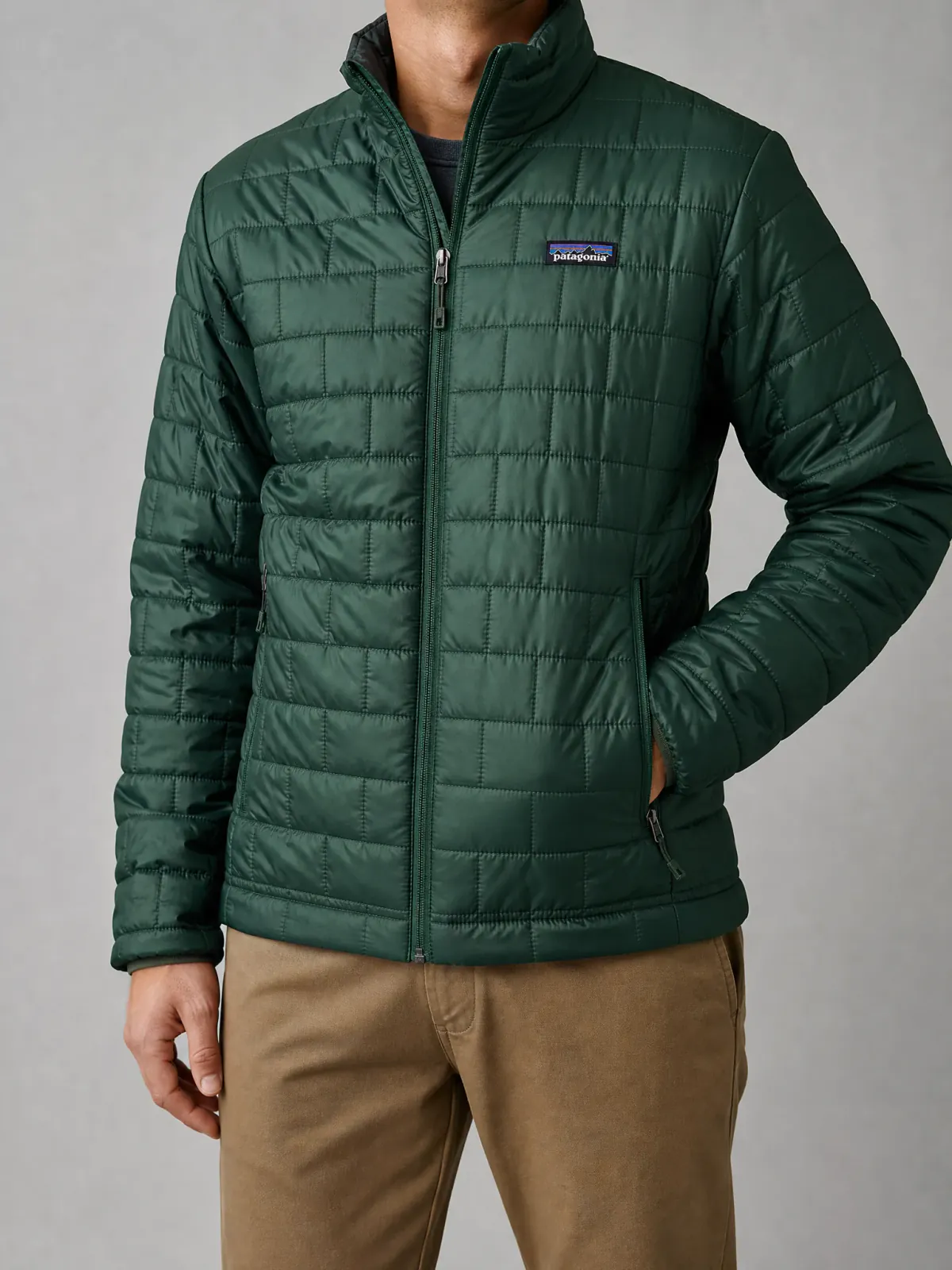
Hold the jacket open naturally so the collar, quilting, zipper, pockets, and sleeve depth stay readable.
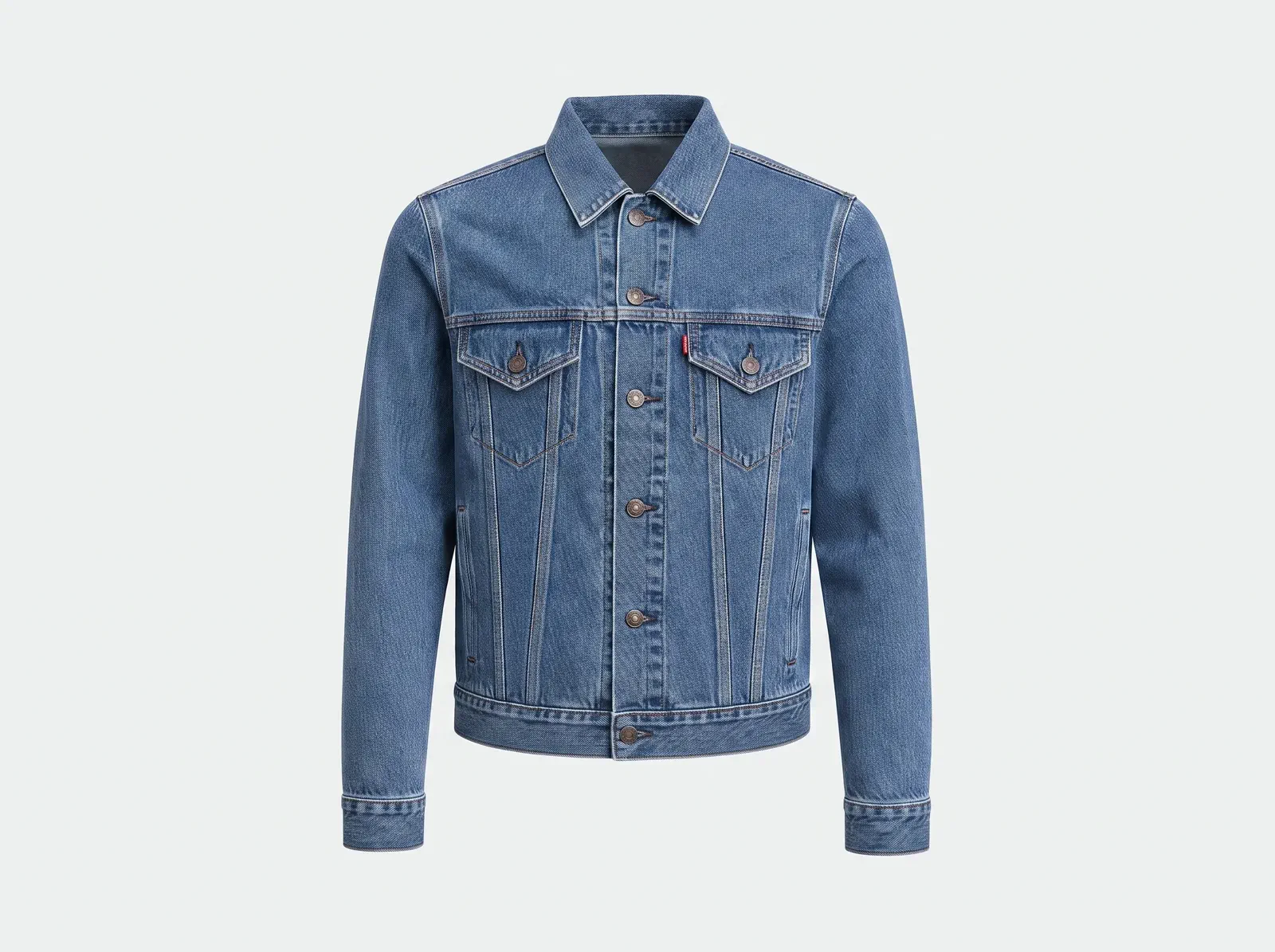
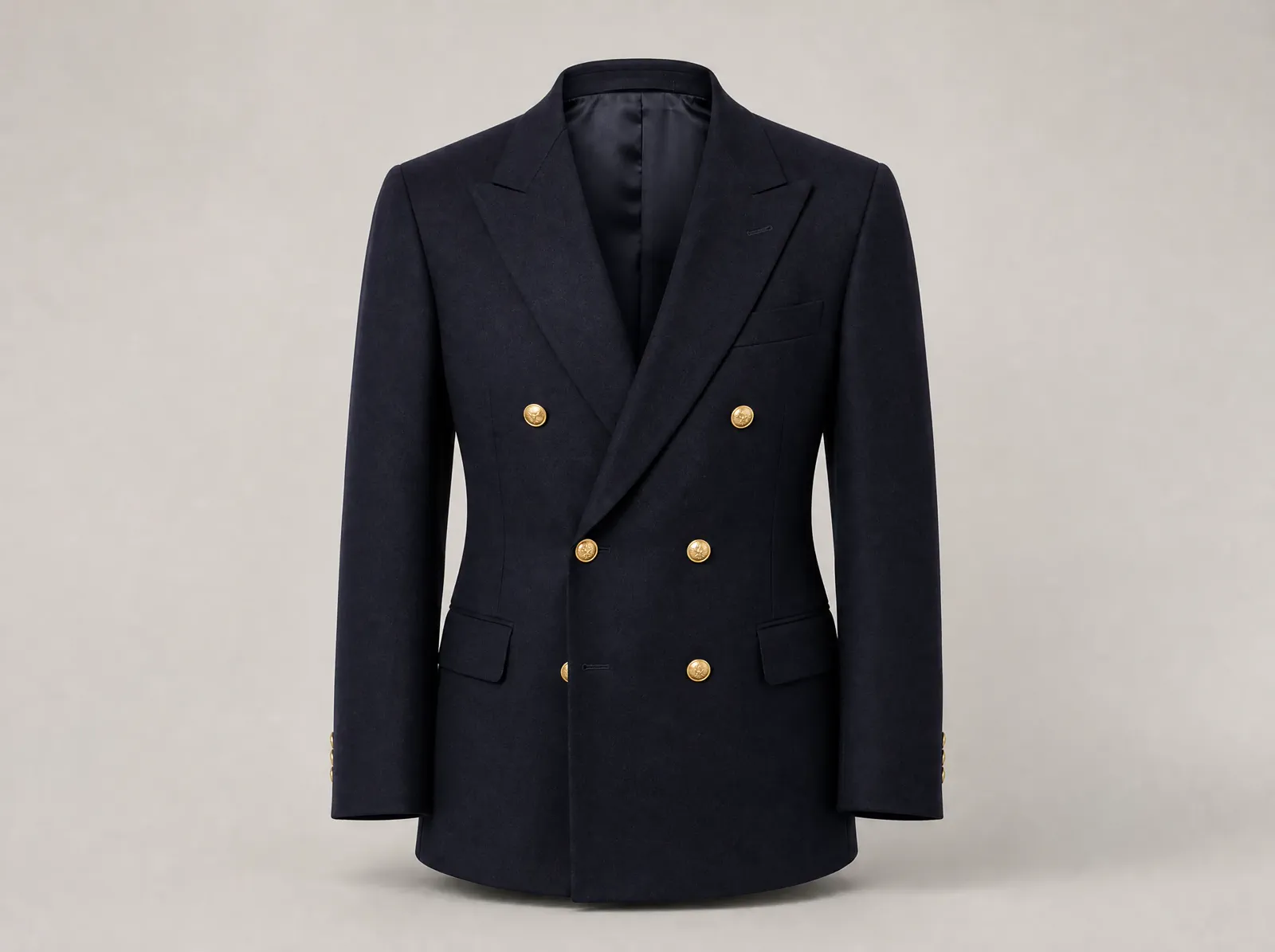
Keep rigid shoulder lines, collar points, plackets, pockets, seams, and cuffs clear without a visible support.
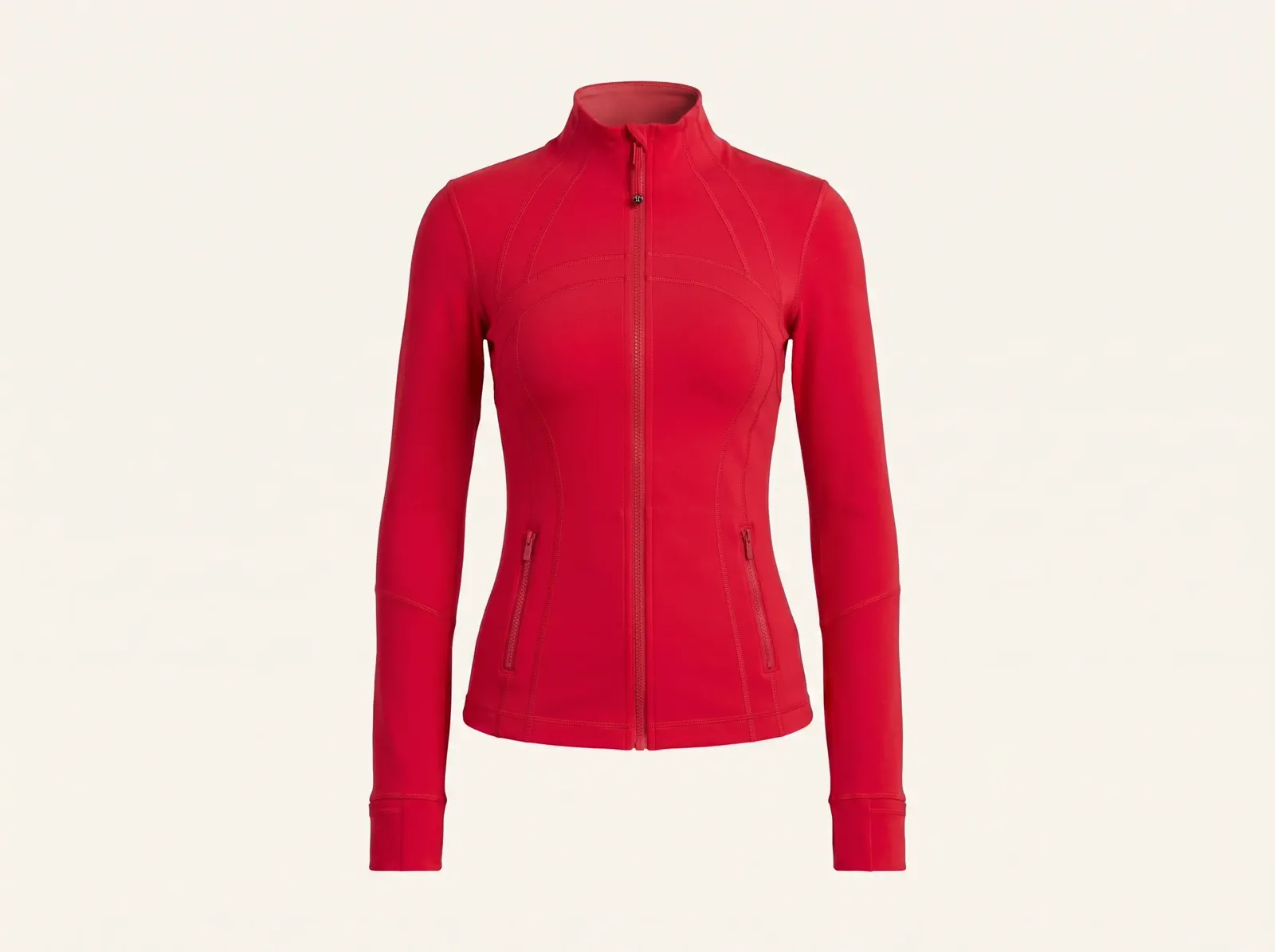
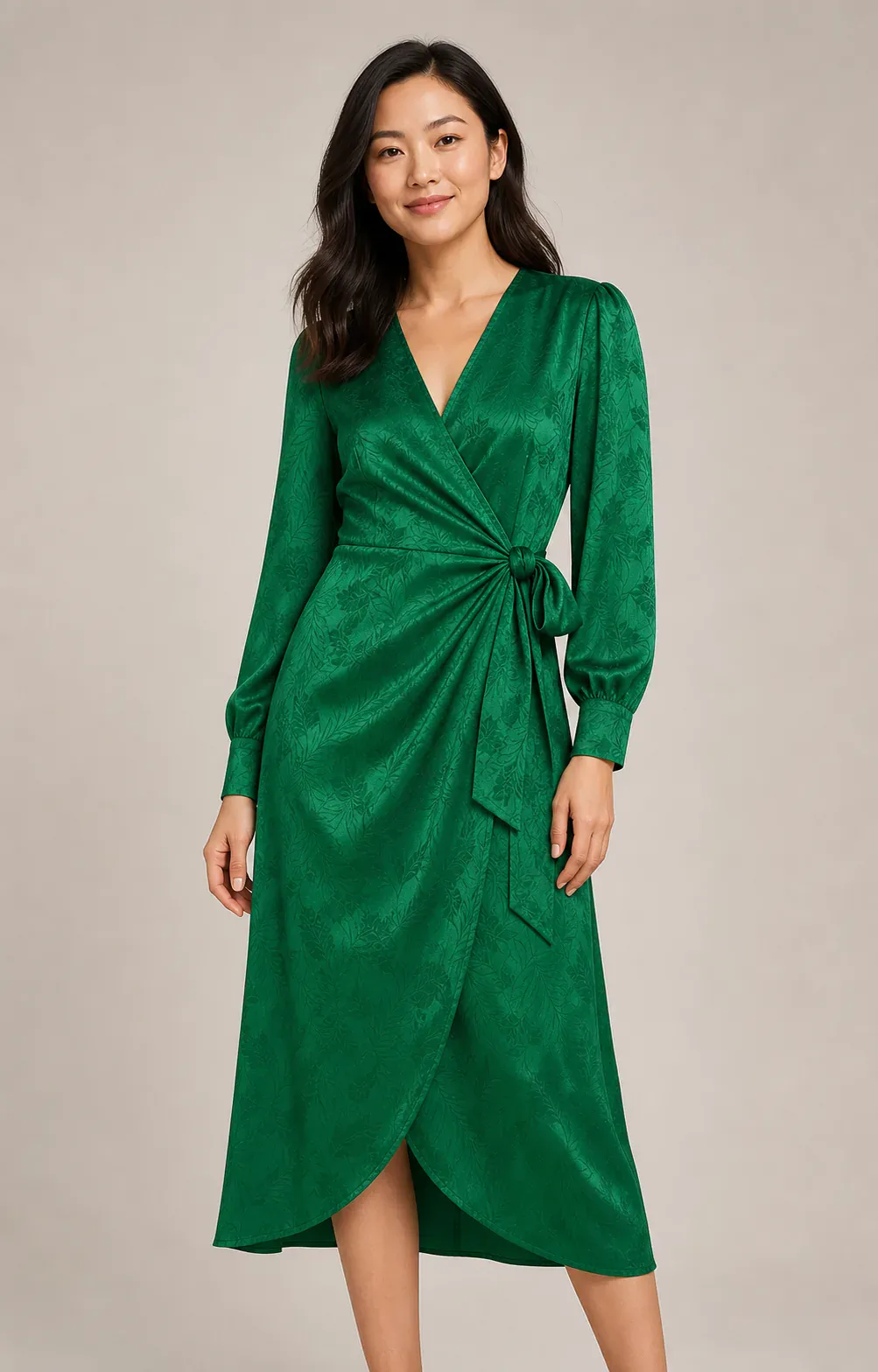
Preserve waist shaping, long sleeves, fitted panels, and clean symmetry for close-fitting apparel.
Clearer product decisions
Flat or incomplete product photos can leave shoppers guessing about fit, proportions, sleeves, openings, and drape. A ghost mannequin view makes those details easier to inspect while keeping attention on the garment.
A complete apparel workflow
Continue from a clean garment image into on-model, background, and multi-angle product visuals.
Questions
What to know before creating mannequin-free clothing images.
An AI ghost mannequin tool removes a visible model, mannequin, hanger, or other support while keeping the garment in a realistic worn form. It reconstructs only the hidden clothing areas needed to complete the image.
Yes. Ghost mannequin, invisible mannequin, and floating mannequin all describe clothing shown in a hollow, worn shape with no visible model or support. This tool creates that effect from one garment photo: it removes the person, mannequin, or hanger, reconstructs the hidden garment areas, and returns a 4:5 PNG on a clean white, light-gray, or warm-neutral background.
Use a sharp, well-lit image showing the complete garment. Flat lays, hanger photos, mannequin shots, and model images can all work when the neckline, shoulders, sleeves, sides, closures, and hem are visible.
The prompt asks AI to preserve visible folds, texture, seams, construction, and proportions while removing support. Generative AI can still change details, so review the final image before publishing.
Choose ghost mannequin when shoppers need to understand worn-form shape, volume, neckline, sleeves, or construction. Choose flat lay when top-down styling and arrangement are more important.
The 4:5 PNG works well for many product pages, marketplaces, lookbooks, ads, and social layouts. Check each channel’s image requirements and verify garment accuracy before publishing.
No. The ghost mannequin generator runs online in your browser, so there is no app to install and no manual masking or layer compositing. Sign in, upload one JPG, PNG, or WebP photo up to 10 MB, choose the view, structure, and background, and download a 4:5 PNG. Each generation creates one view of one garment.
Create with MakeAD
Upload one clothing photo and create a mannequin-free product image in minutes.