
PRODUCT SHOWCASE VIDEOS
Create Product Showcase Videos That Make the Product the Focus
Turn one product image into a premium camera journey, material reveal, impossible product world, or cinematic hero moment. Describe every camera move, light, surface, effect, and detail, then create it with Seedance 2.5.
Decide What the Viewer Should Notice First
A professional product showcase video still needs clear priorities for form, material, finish, and final framing.
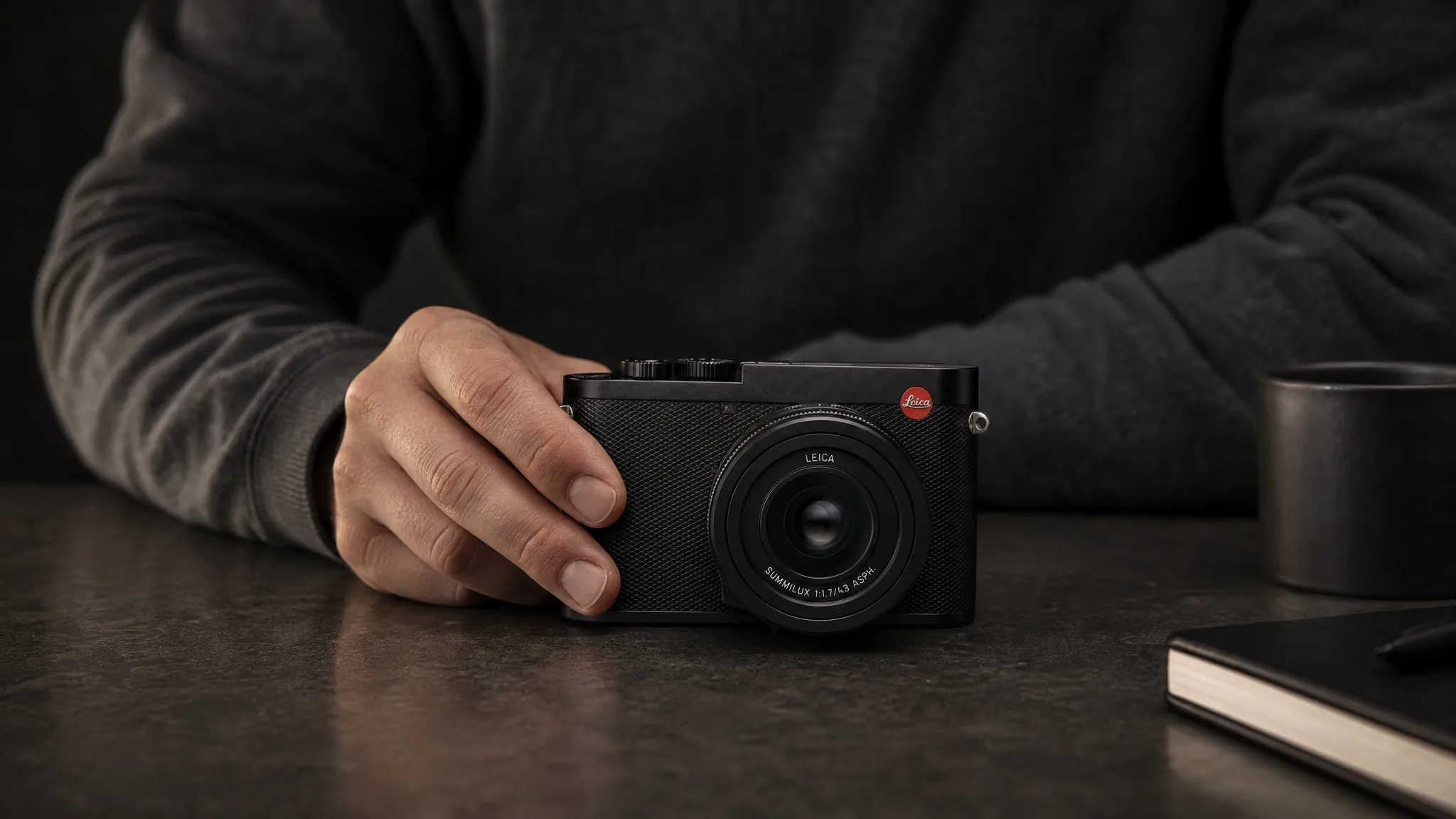
Complete form
Begin far enough back to make the silhouette, proportions, and defining geometry easy to understand.
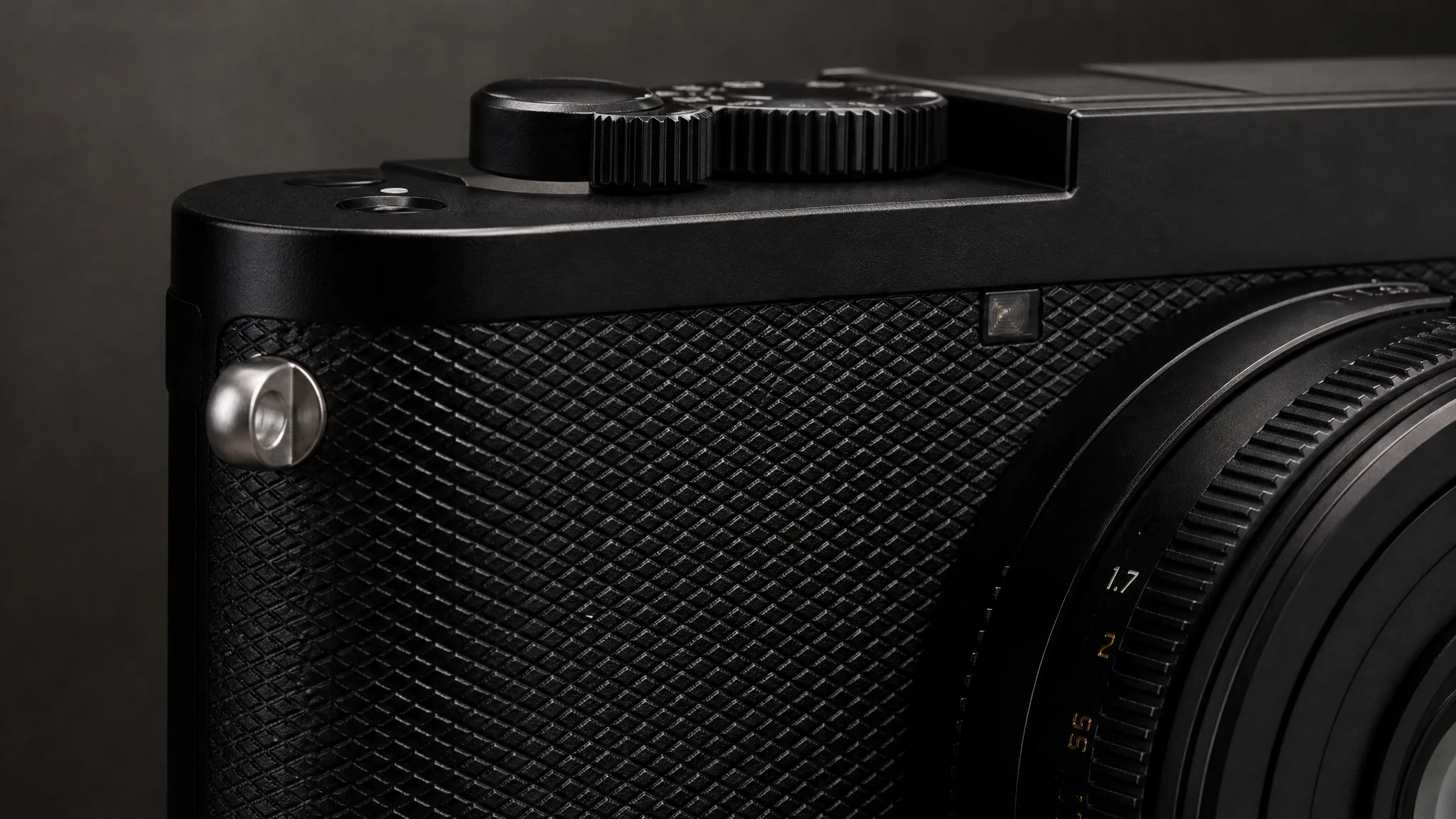
Material and finish
Move closer only when the light and camera angle can reveal texture, edge quality, controls, or finish.
Match the Movement to the Product Detail
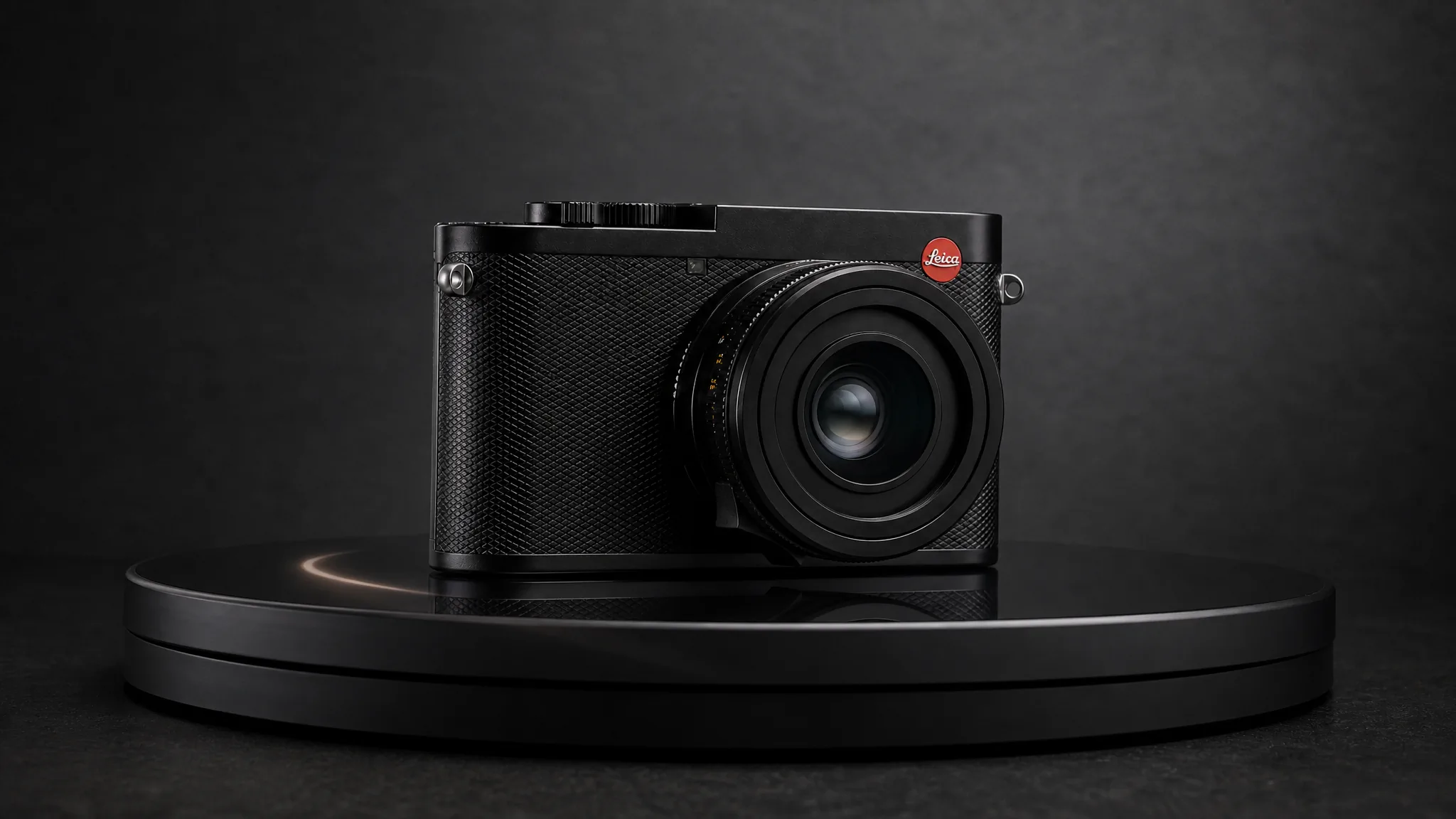
Reveal the Whole Product, Then the Details
 1
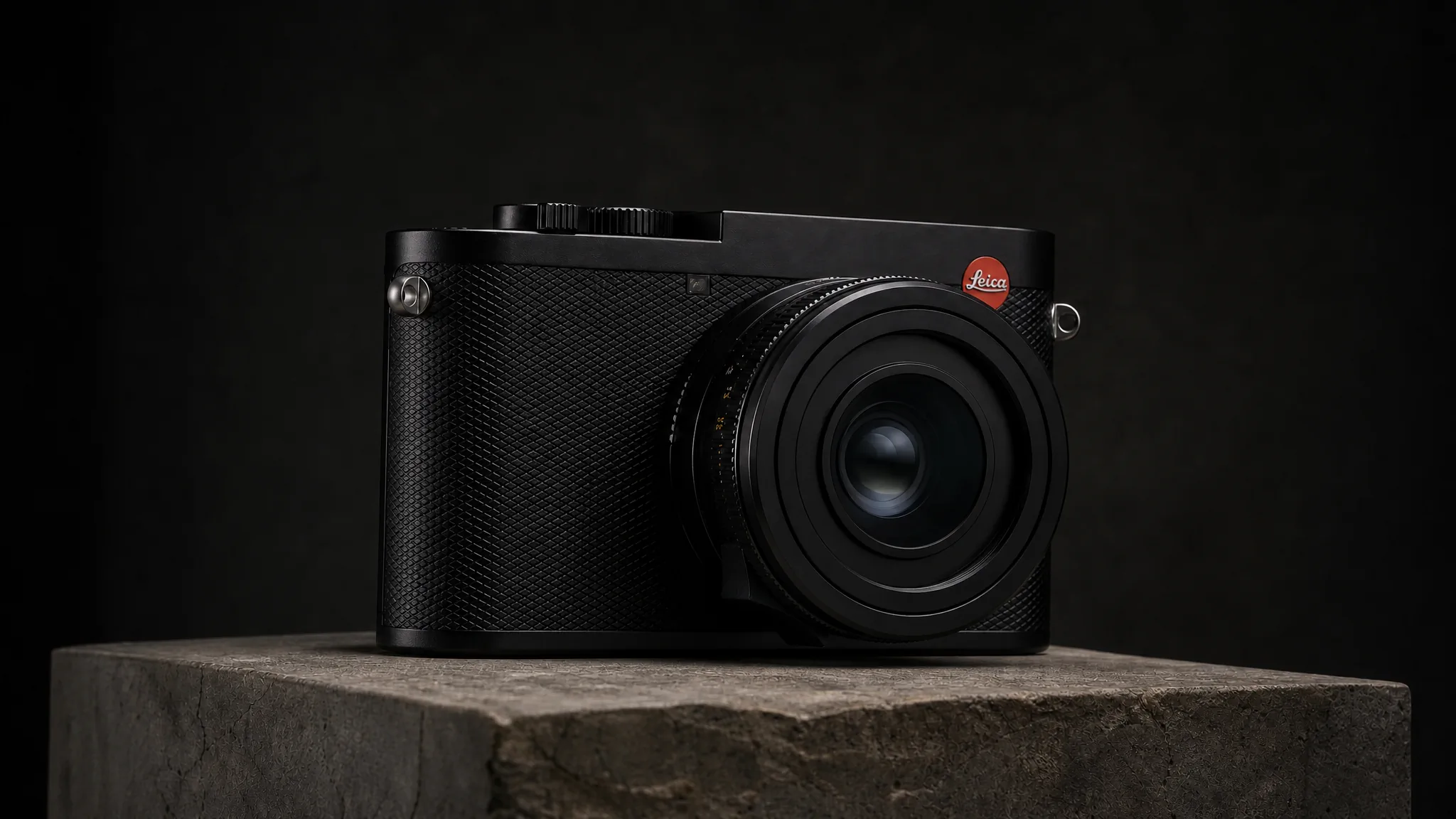
1Complete form
Establish the full product and its visual weight before introducing closer, more selective views.
 2
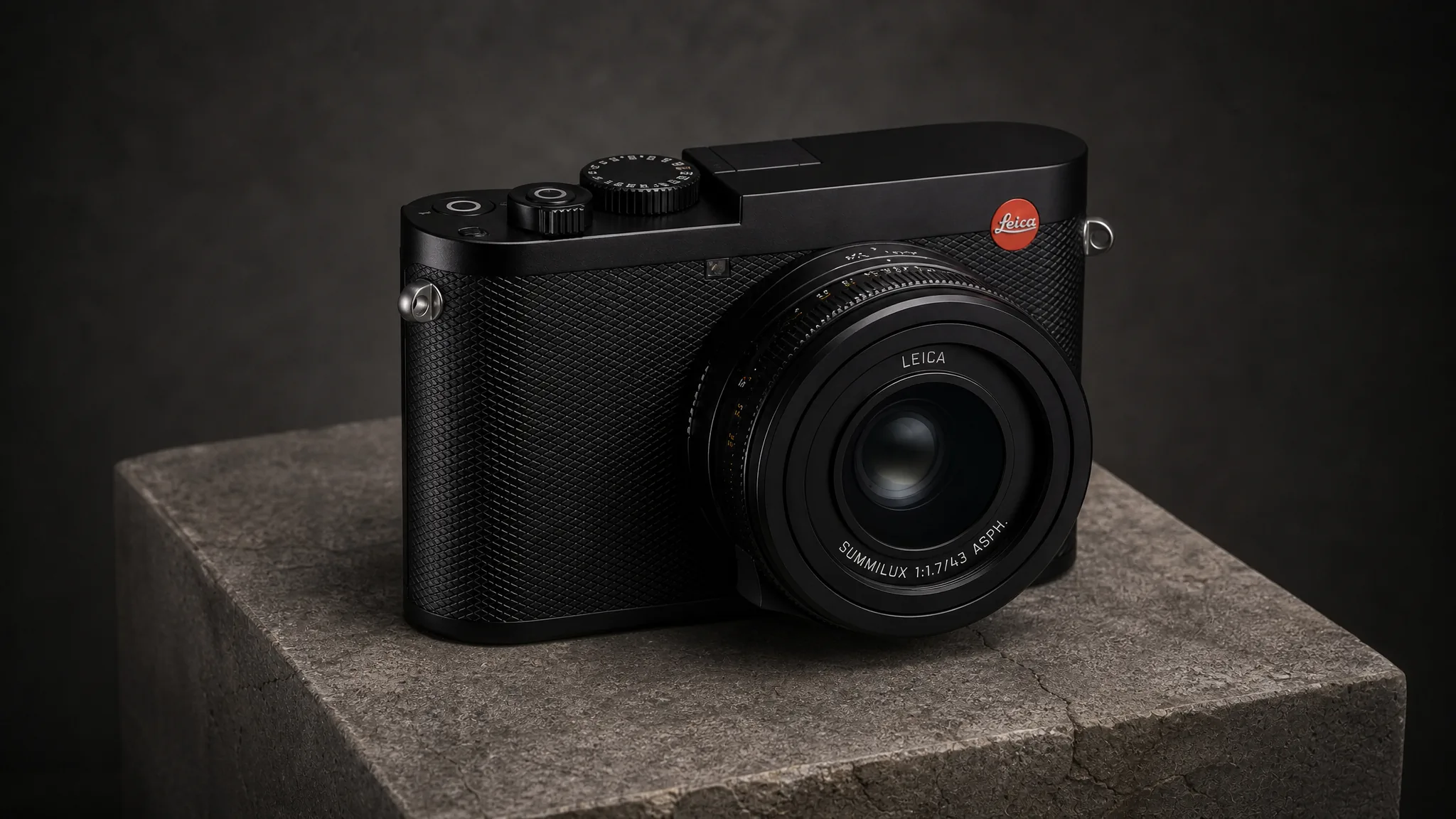
2Material
Use light and camera movement to show how metal, glass, leather, fabric, or another key surface behaves.
 3
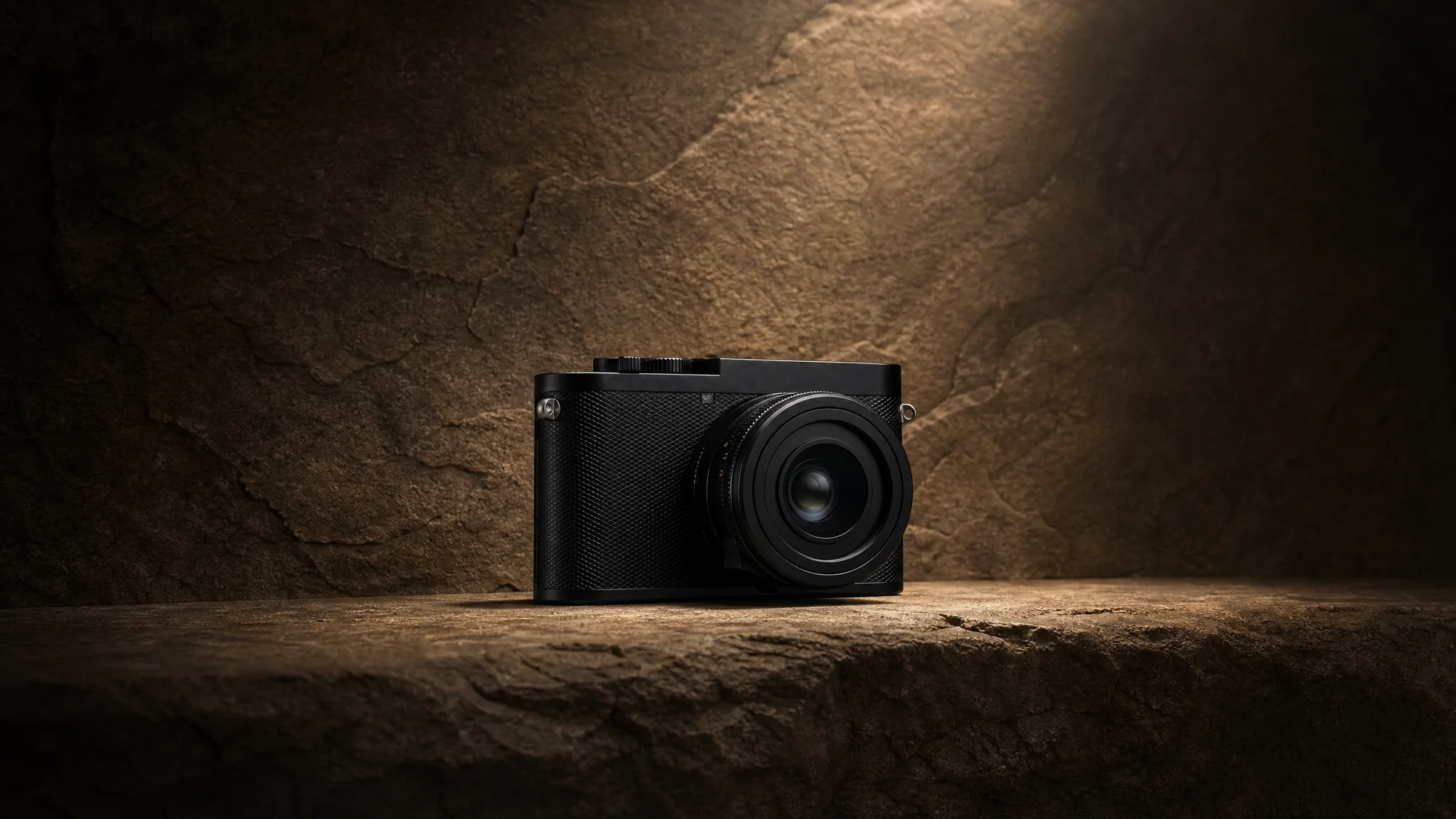
3Defining detail
Hold on the control, joint, texture, engraving, or design decision that gives the product its identity.
 4
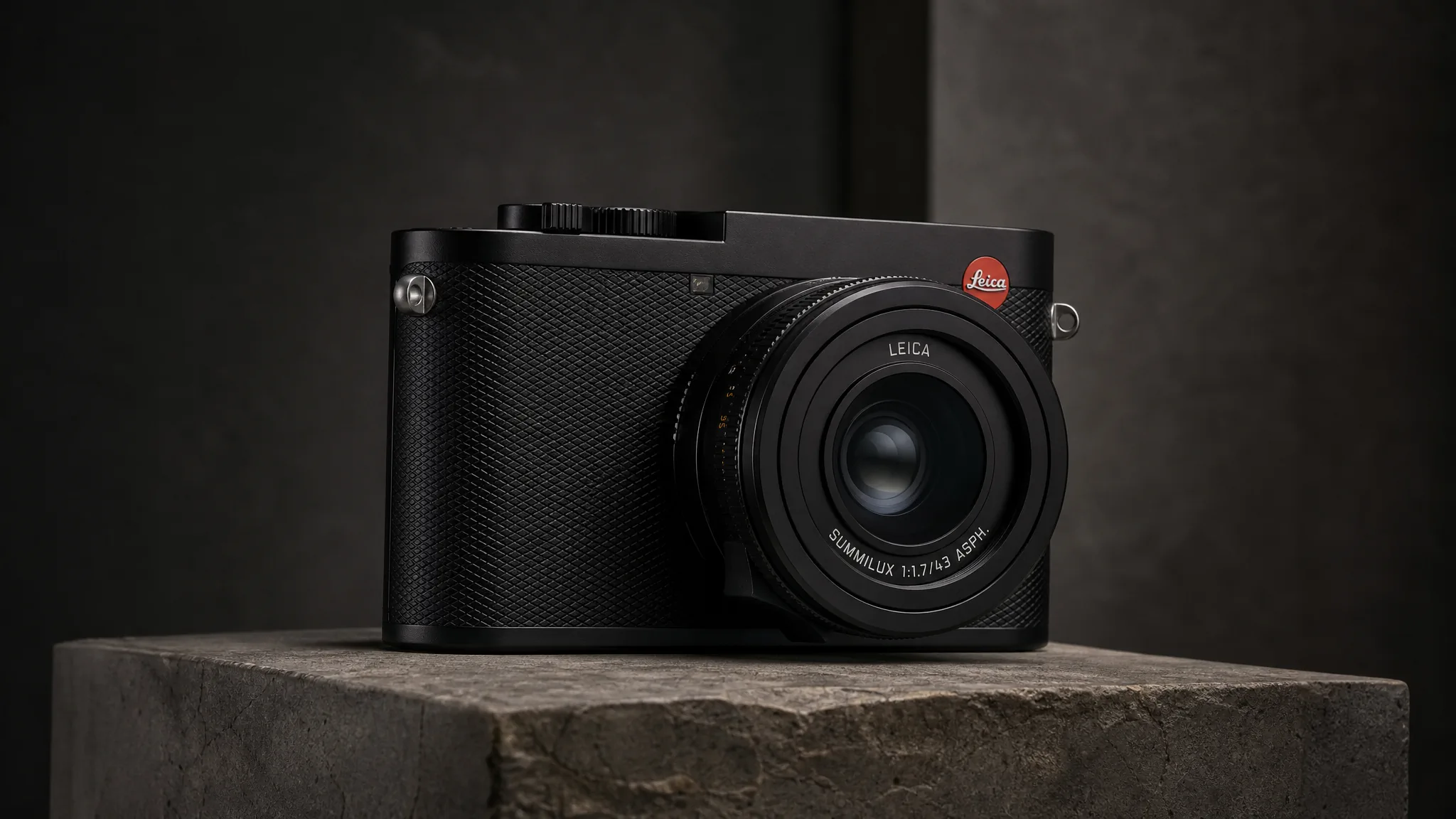
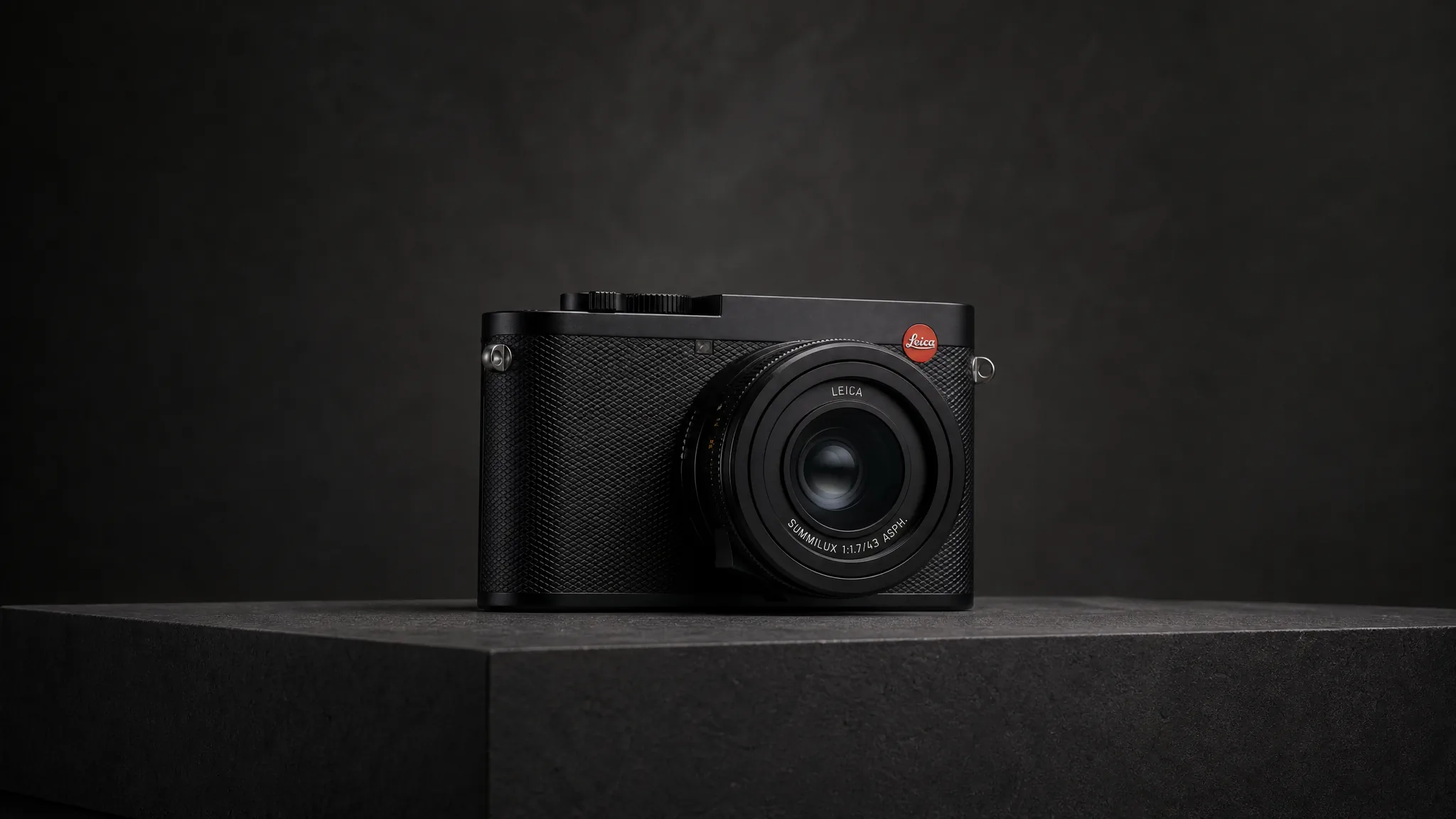
4Hero hold
Finish with a composed full-product frame that gathers the material and detail story into one clear impression.
Use the Scene to Support the Product
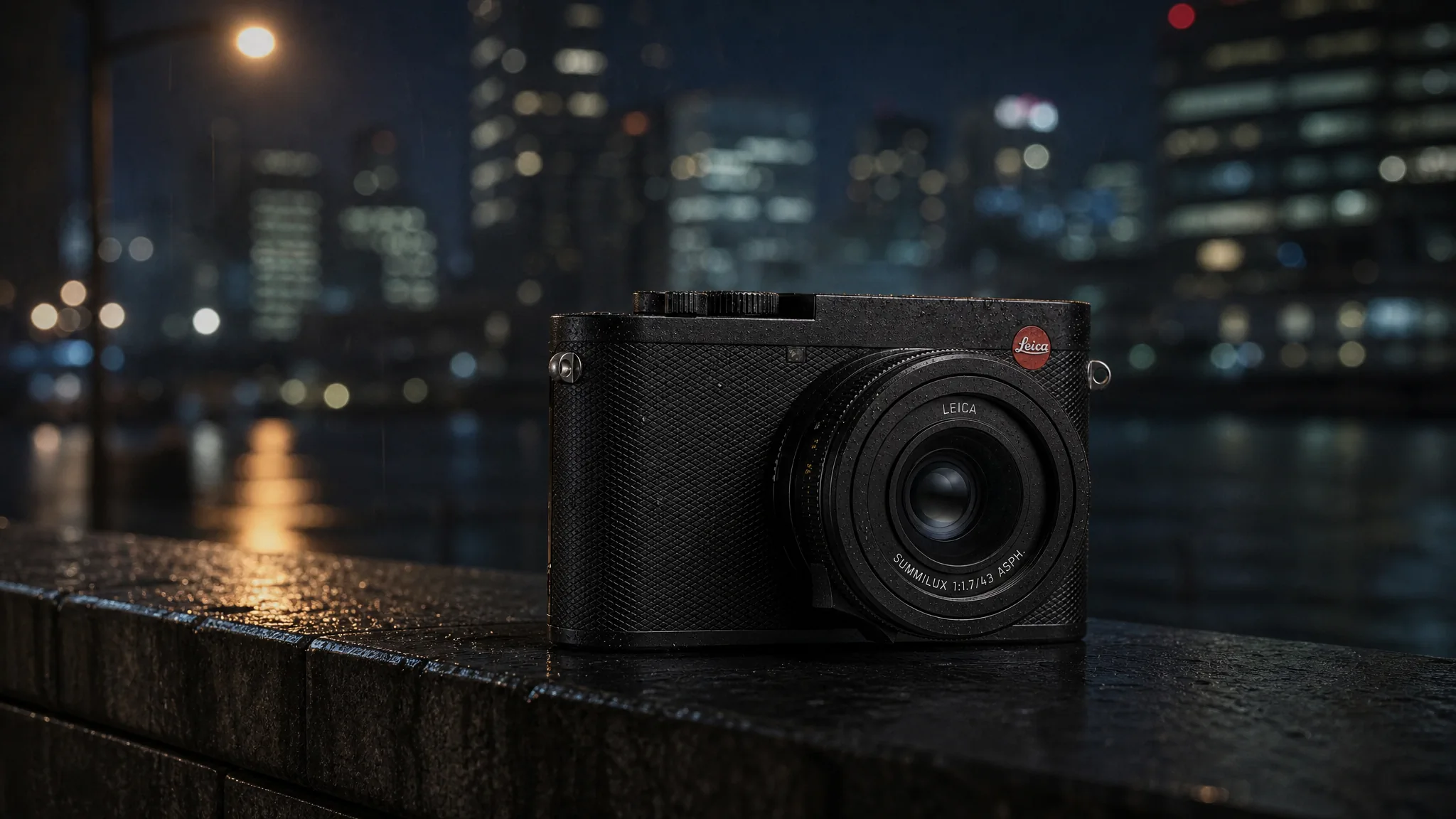
Take the Product Somewhere a Normal Shoot Cannot
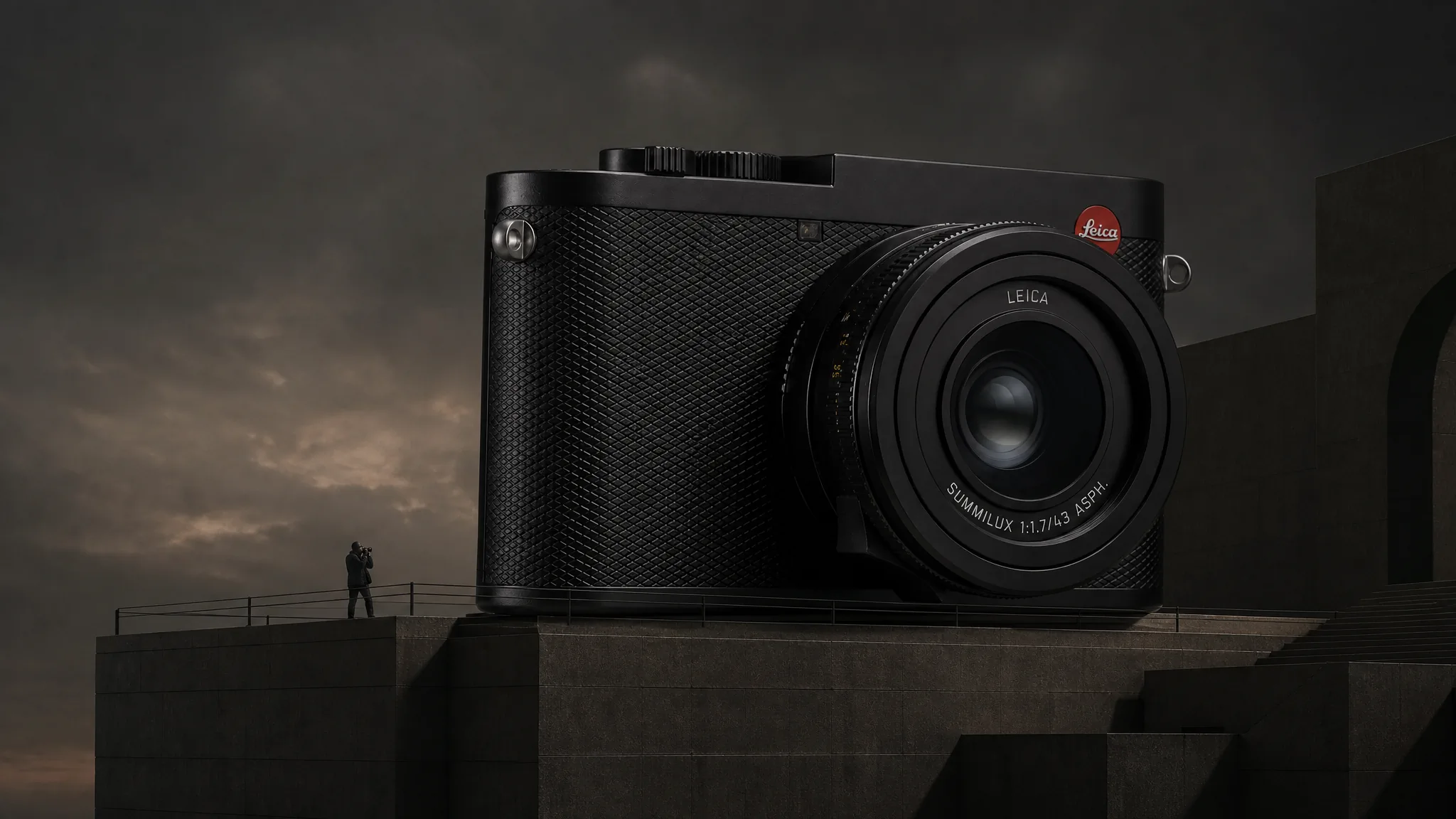
Impossible scale
Place the product in an oversized or miniature world that expresses its character without changing its identity.
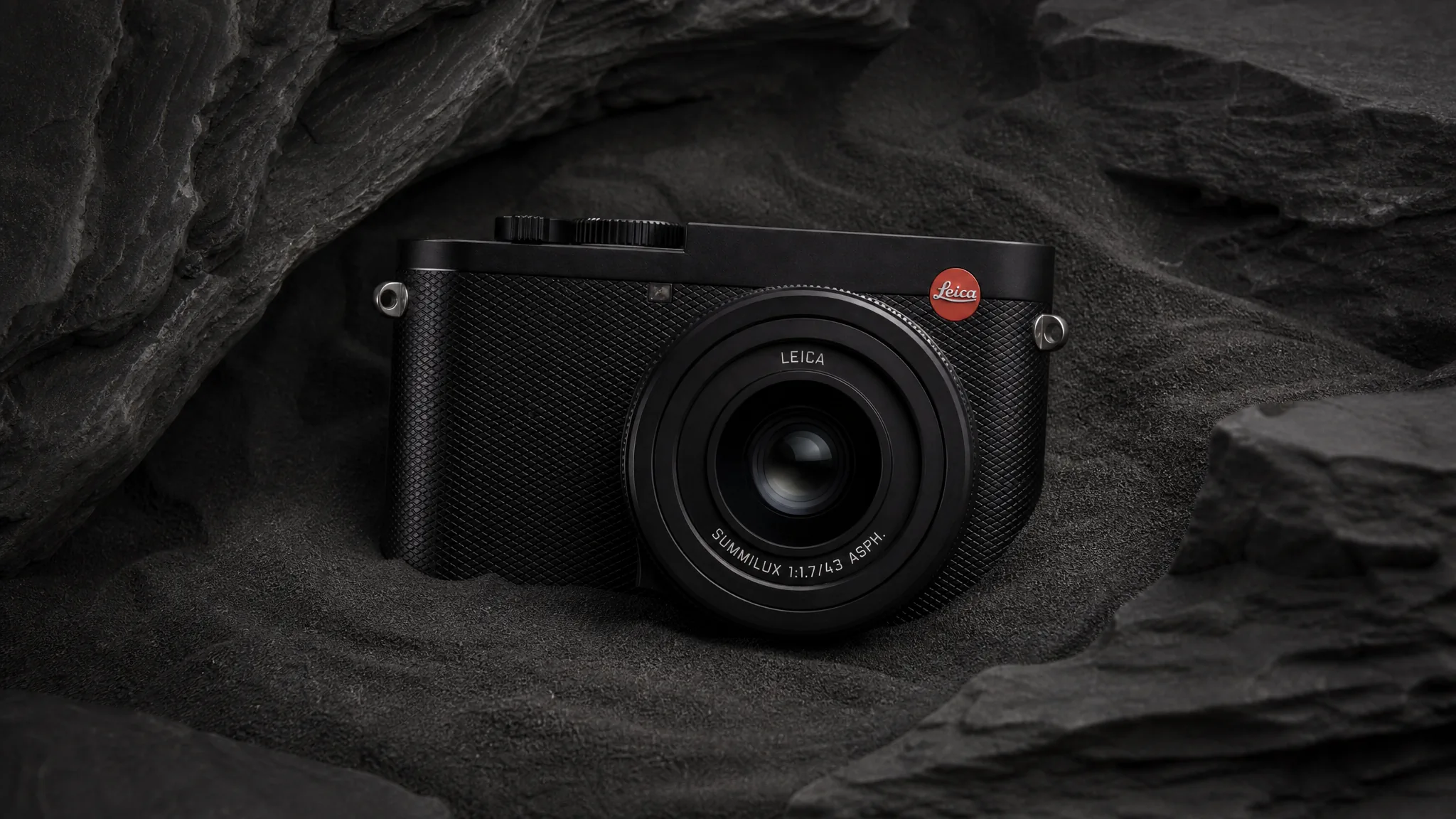
Material world
Build the environment from light, stone, liquid, metal, fabric, or another material that echoes the product finish.
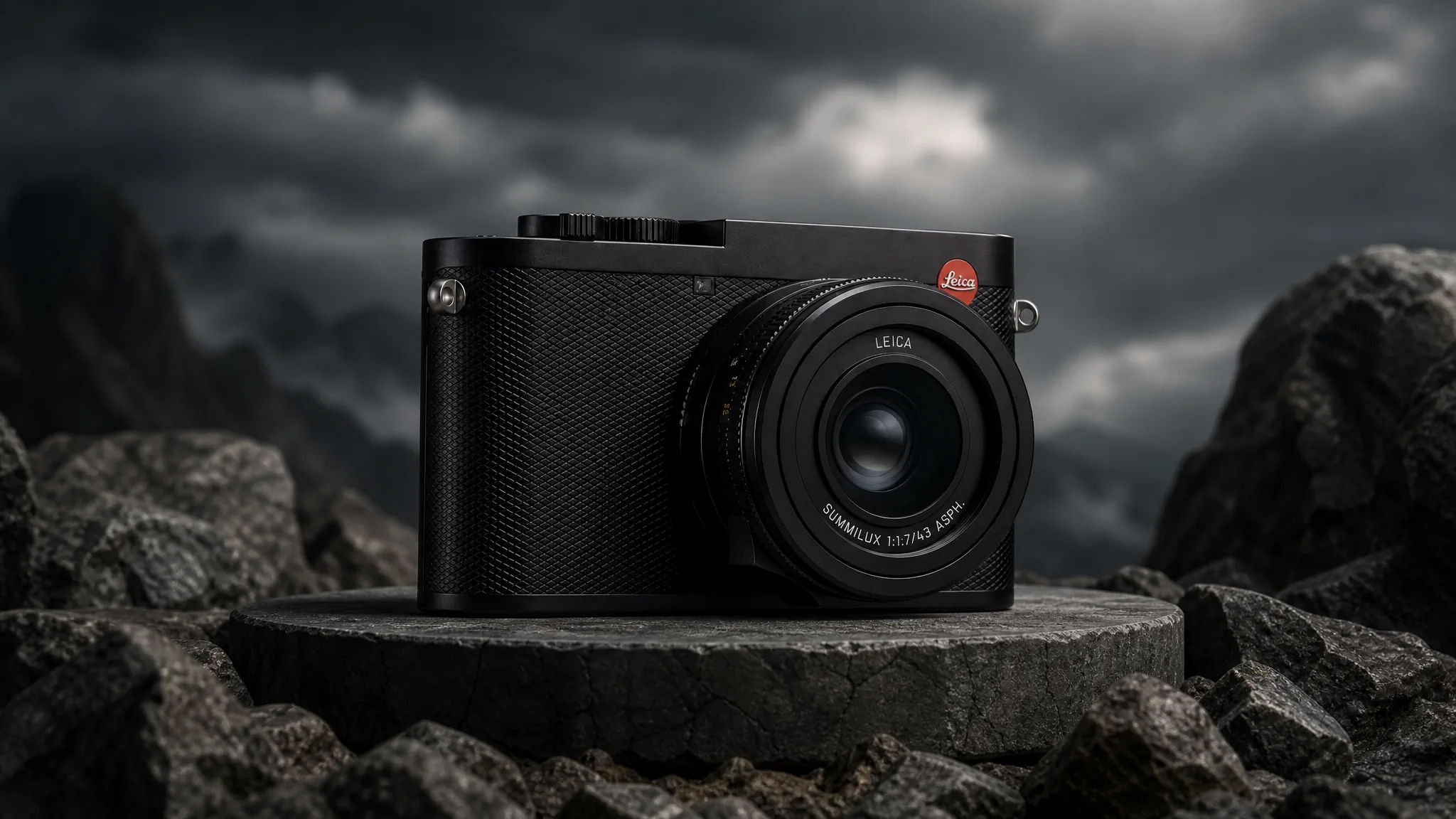
Hero reveal
Combine camera travel, environmental change, and a precise final hold to create a memorable product entrance.
Direct slow pushes, macro flyovers, orbit-like moves, light sweeps, focus transitions, suspended components, elemental effects, atmospheric worlds, and the final hero reveal. Keep the product at the center while the visual world makes it unforgettable.
How Teams Present Product Detail With More Control
“Our product photos were clean but flat - they did not carry the weight the object has in person. I described a slow push with a controlled highlight traveling the leather grain. The result looks like a campaign still from a high-end brand. It genuinely elevated how the product presents.”
“The brushed metal finish is the whole selling point, and stills made it look like gray plastic. I asked for a moving highlight across the surface and a macro pass on the texture. Watching the clip, the metal finally looks like metal - tactile and desirable. The material came alive.”
“I wanted an impossible slow orbit through a suspended environment - the kind of shot that needs a motion-control rig and a week of compositing. I described it in a prompt and the result is exactly that journey. It is a visual we simply could not have filmed.”
FREQUENTLY ASKED QUESTIONS
Product Showcase Video Questions
Answers about showcase purpose, source images, product details, camera movement, and demos.
What is a product showcase video?+
It is a product-first film designed to make form, material, finish, movement, and defining details feel clear and desirable.
Can I create a product showcase video from one image?+
Yes. Upload the product image and describe the visual world, camera journey, light, material emphasis, effects, pacing, and final hero frame.
What details should a product showcase video emphasize?+
Choose the details that create desire or recognition: silhouette, material, finish, mechanism, controls, texture, edge construction, movement, or scale.
What kinds of camera movement and visual effects can I request?+
Describe macro flyovers, slow pushes, orbit-like moves, focus pulls, light sweeps, floating components, particles, liquid, smoke, wind, environmental transformations, or another product-led effect.
What is the difference between a product showcase video and a product demo video?+
A showcase makes the product look desirable and reveals its design. A demo shows how the product performs a specific task.
CREATE WITH MAKEAD
Turn the Detail Worth Noticing Into the Hero Shot
Reveal the material, form, and design detail with controlled camera and light—without booking an expensive motion-control product shoot.