
Make product content feel more social
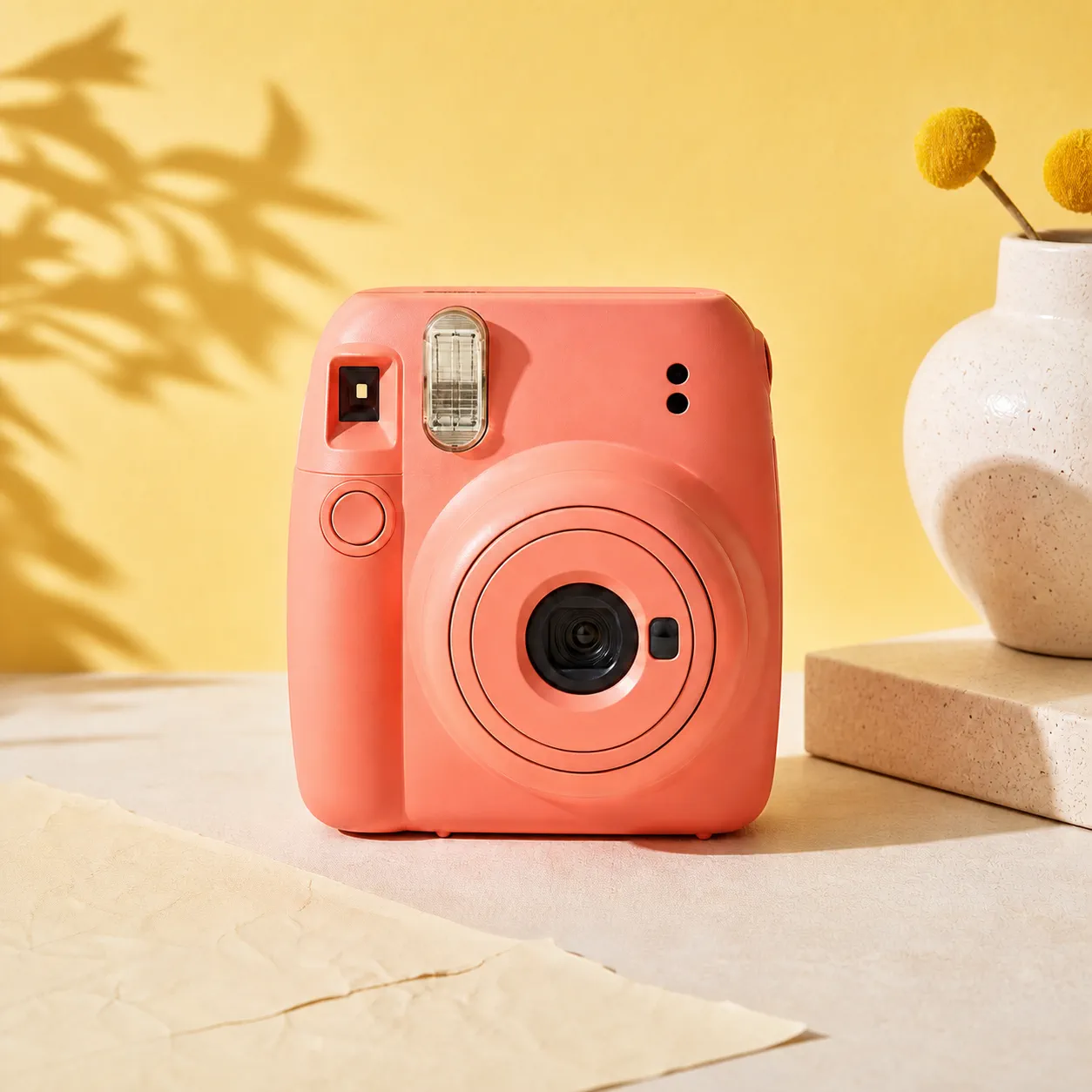
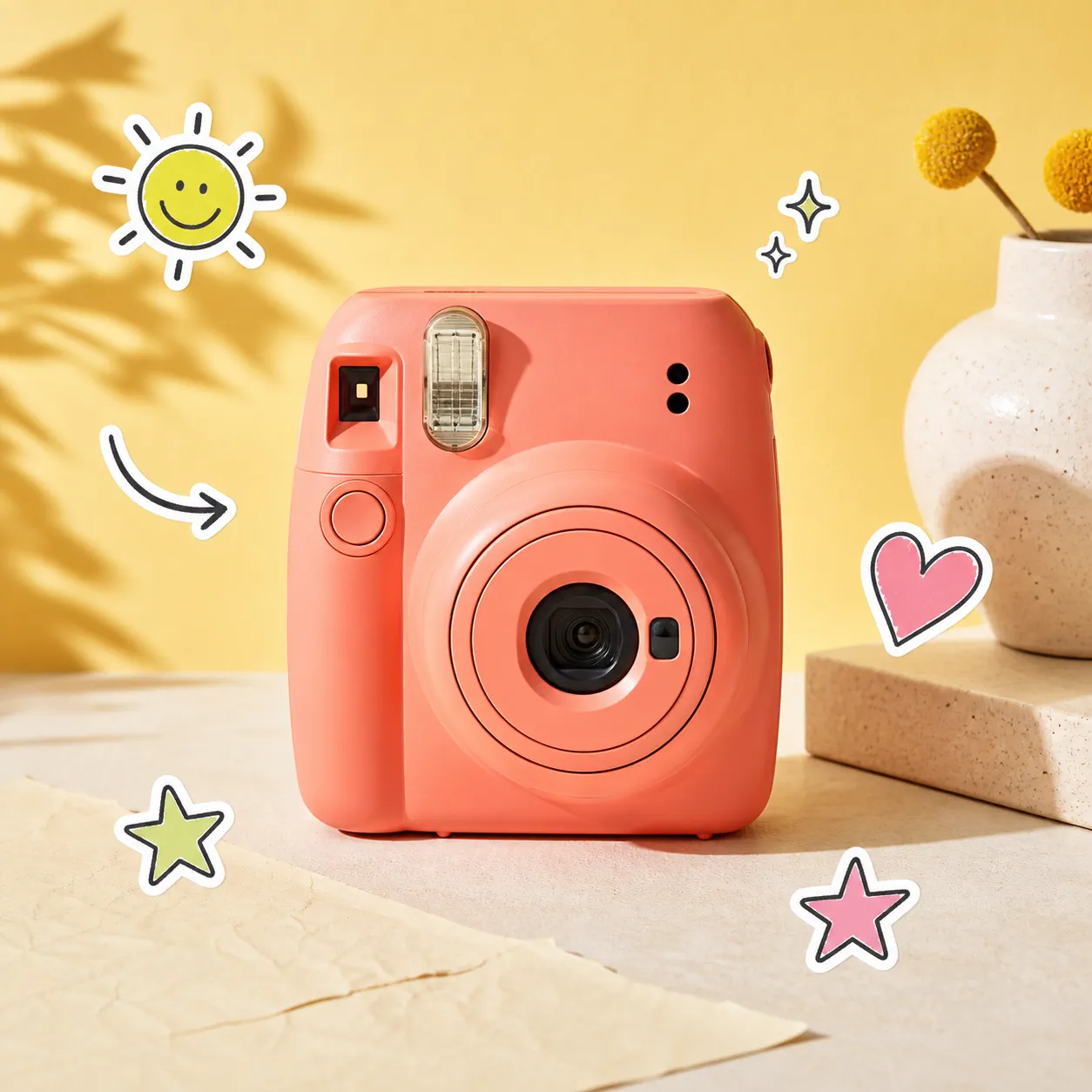
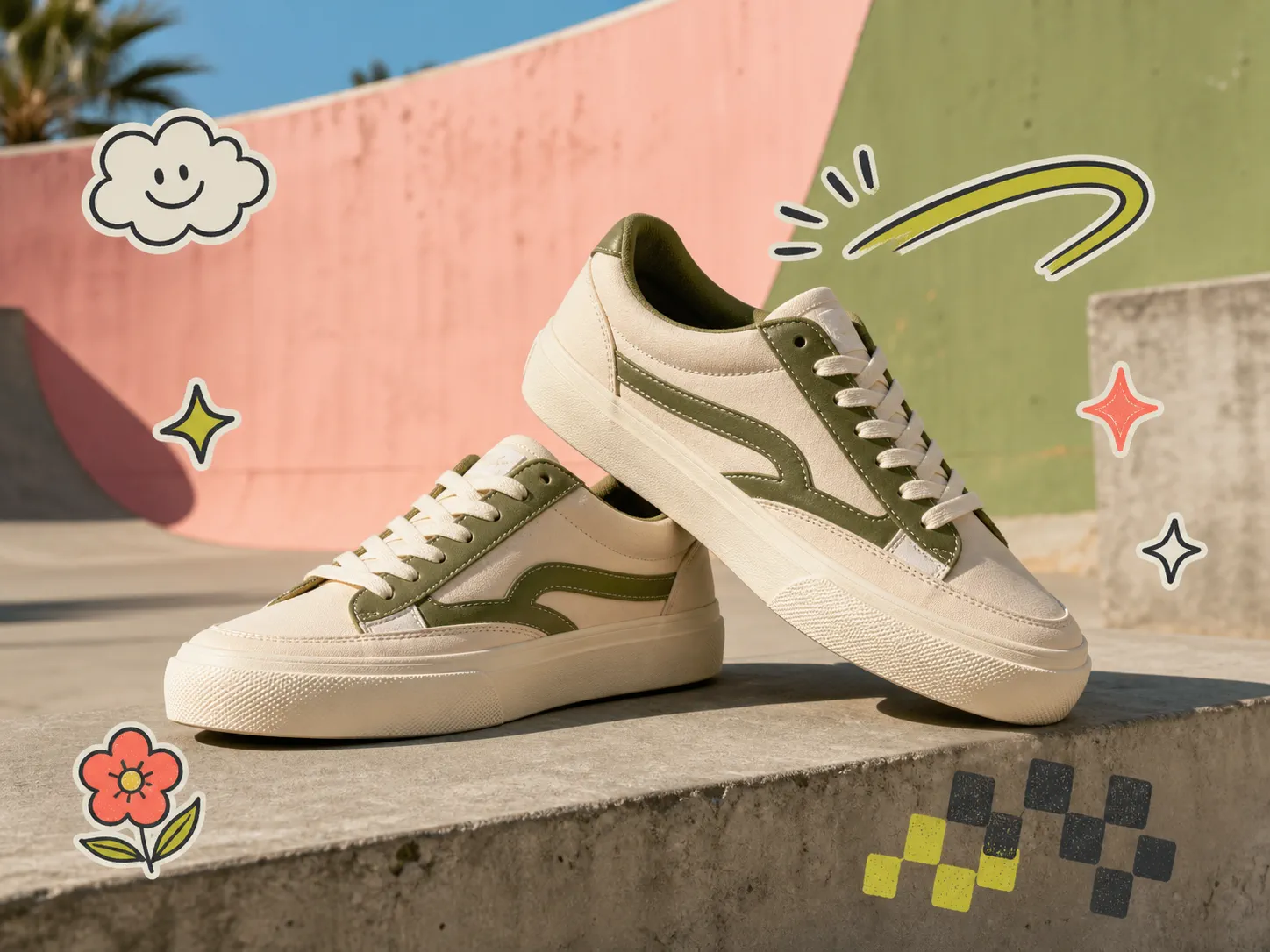
Frame the product with expressive accents while keeping its shape, color, and important details readable.
AI sticker editor
Turn an ordinary product shot, campaign image, or personal photo into a more expressive visual with modern stickers—without rebuilding the image from scratch.
Pick a visual style, decide how much decoration you want, and add an optional placement note.
Your photo and result are saved to your account.
Say more with one image
Stickers give a photo an immediate visual voice. Use them to bring humor to a product launch, emphasize a detail, echo a campaign mood, or make a personal moment feel unmistakably yours.
One editor, many moments
The same simple workflow can add energy to a store visual, a social post, a thumbnail, a launch banner, or a photo shared with friends.
Frame the product with expressive accents while keeping its shape, color, and important details readable.
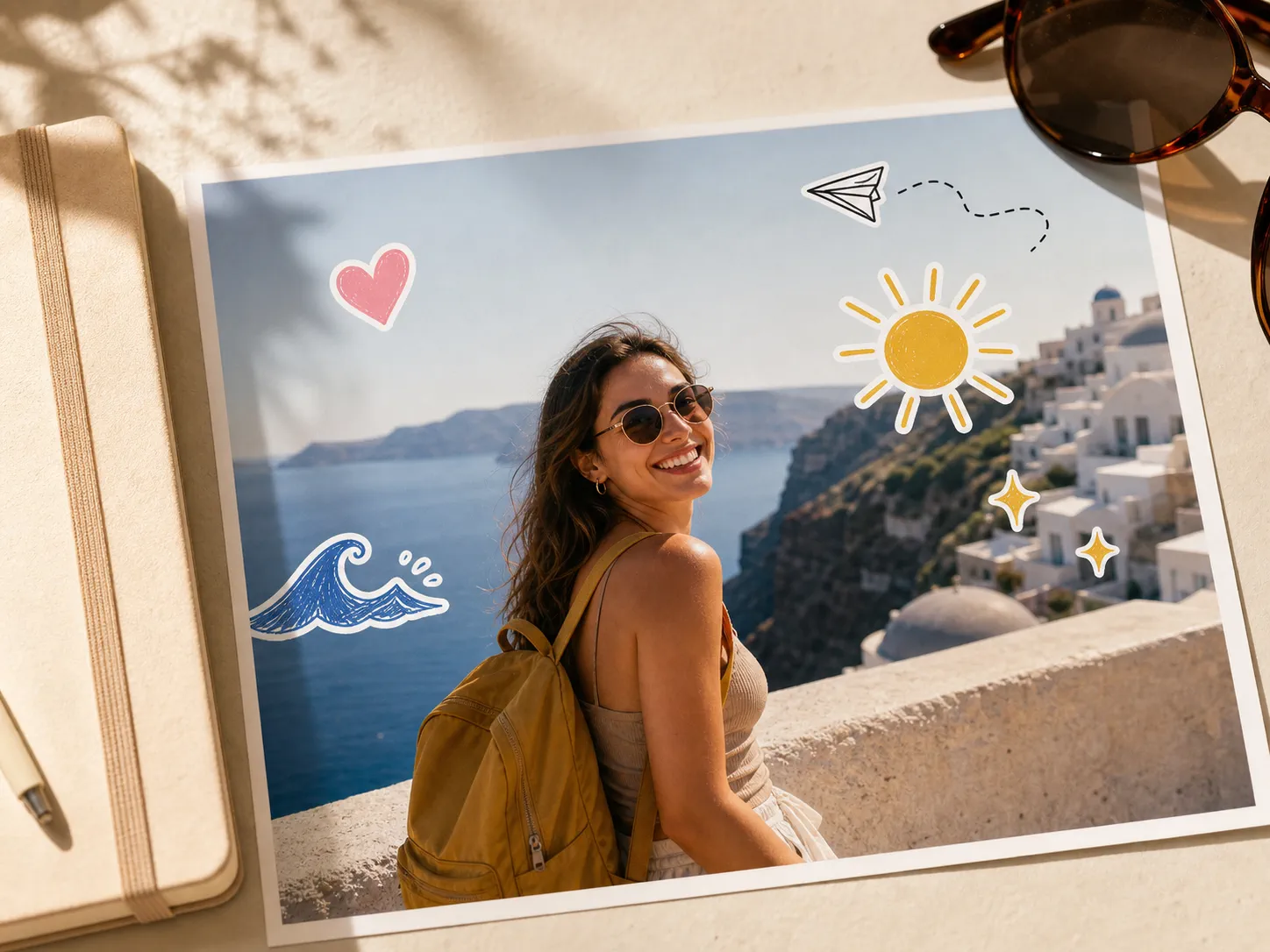
Add mood and personality around a portrait without hiding the face or distracting from the scene.
Three simple steps
Upload one image, give the editor a clear direction, then review and download the finished PNG.
Choose a clear JPG, PNG, or WebP photo with enough open space around the main subject.
Select playful, minimal, doodle, or celebration stickers and tell the editor what must stay clear.
Check the subject, faces, product details, and sticker placement, then download the 1K PNG.
Creative without the clutter
A strong sticker edit supports the focal point instead of competing with it. Give AI one clear direction, then inspect the result before publishing.
Questions
What to know about styles, photo preservation, placement, downloads, and responsible review.
Upload a JPG, PNG, or WebP image, choose a sticker style and amount, then generate the edit. MakeAD returns one 1K PNG that you can review and download.
Give the photo a visual voice
Upload one photo, choose a sticker direction, and create a polished visual in a few clicks.