
PRODUCT LAUNCH VIDEO
Create a Product Launch Video With a Controlled Reveal
Turn one launch-ready product image into a cinematic teaser, detail reveal, transformation, or full hero moment. Describe the world, camera, product action, light, effects, pace, and final reveal, then create it with Seedance 2.5.
Plan the Video for the Moment It Needs to Serve
Product launch videos work best when each asset stays focused on its moment in the release.
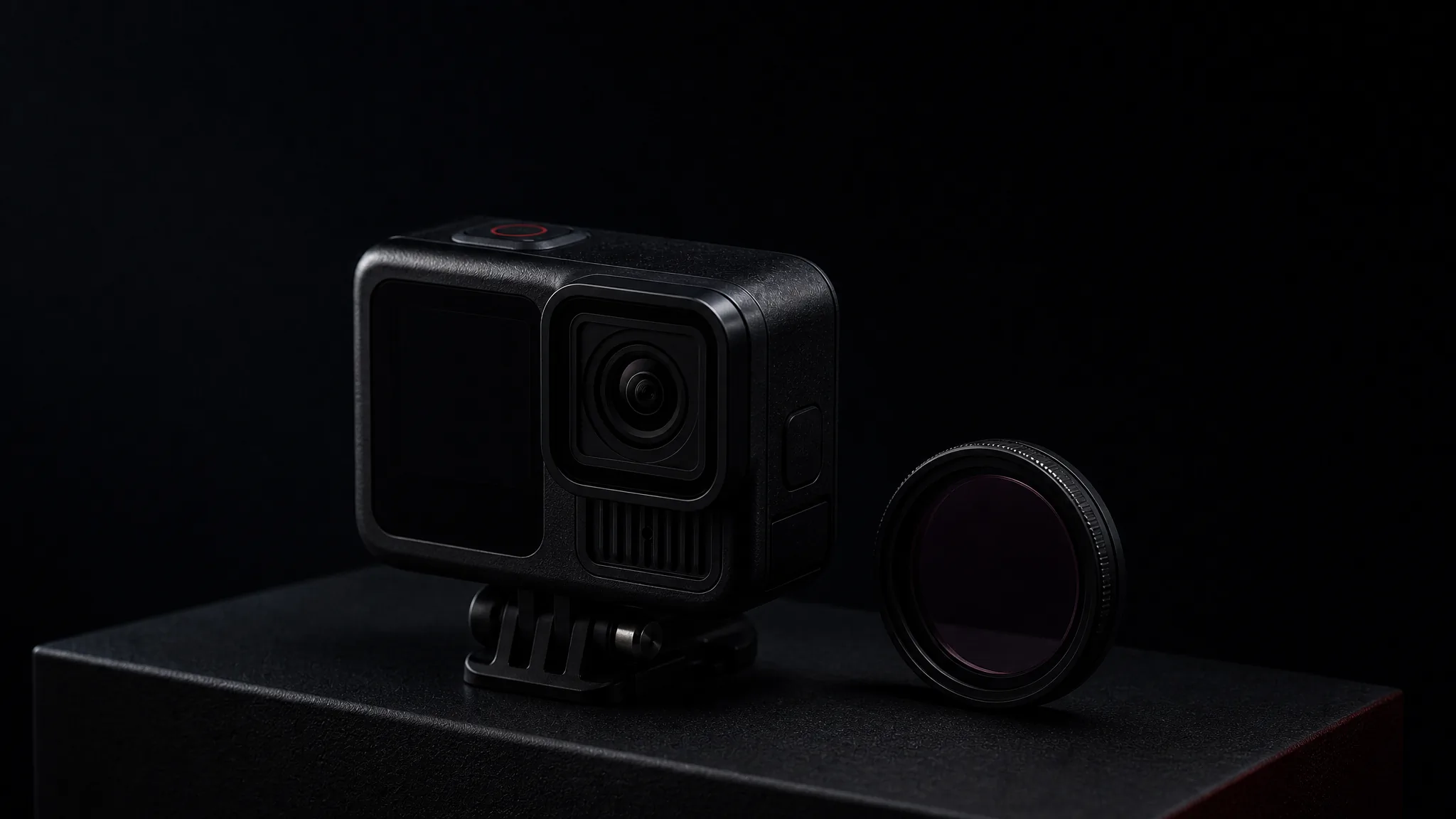
- 1
Tease
Use silhouette, soundless motion, or a partial form to create recognition without giving away the whole product.
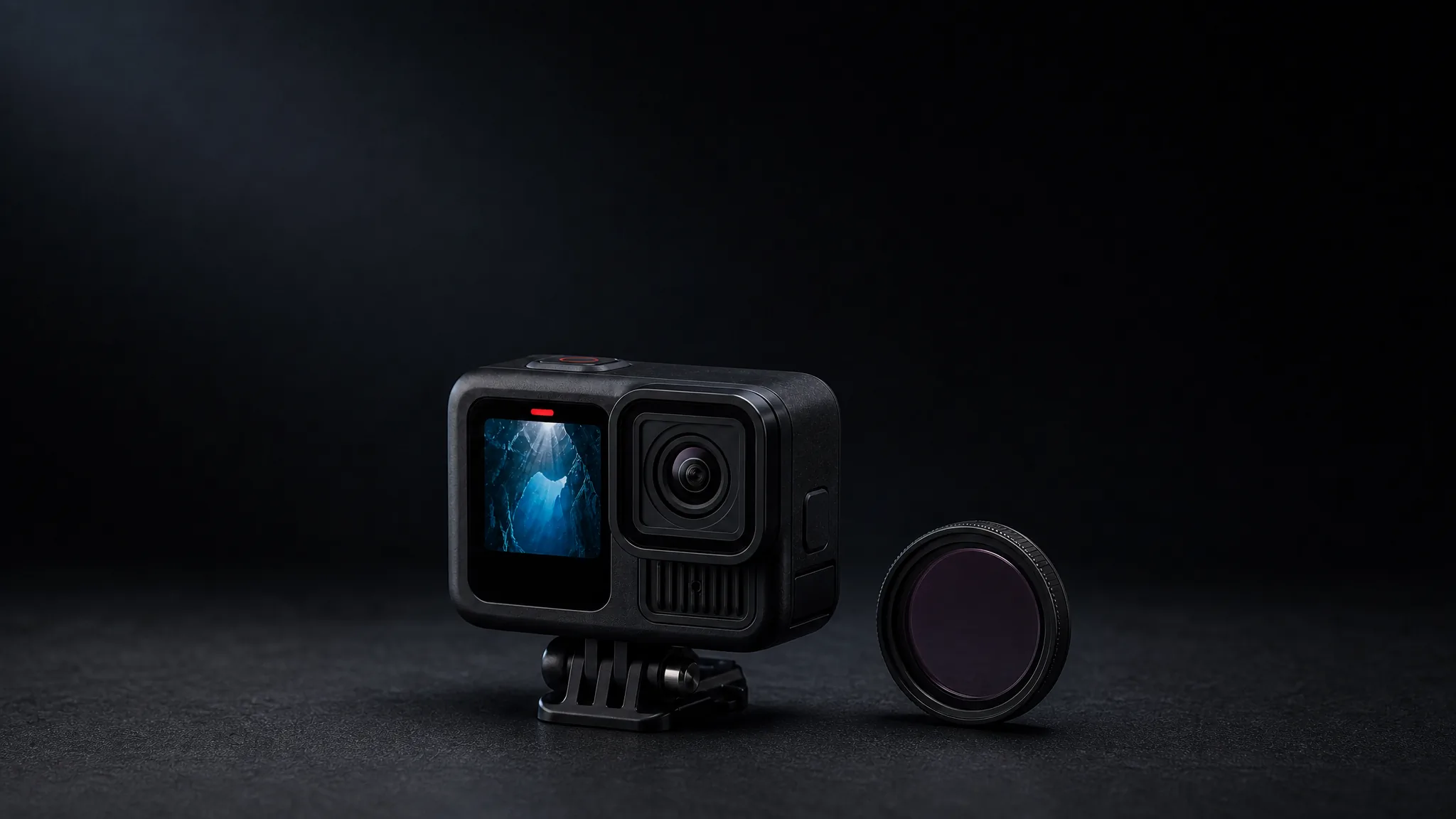
- 2
Reveal one detail
Choose the new feature or material that makes the launch worth noticing and let the camera stay with it.
- 3
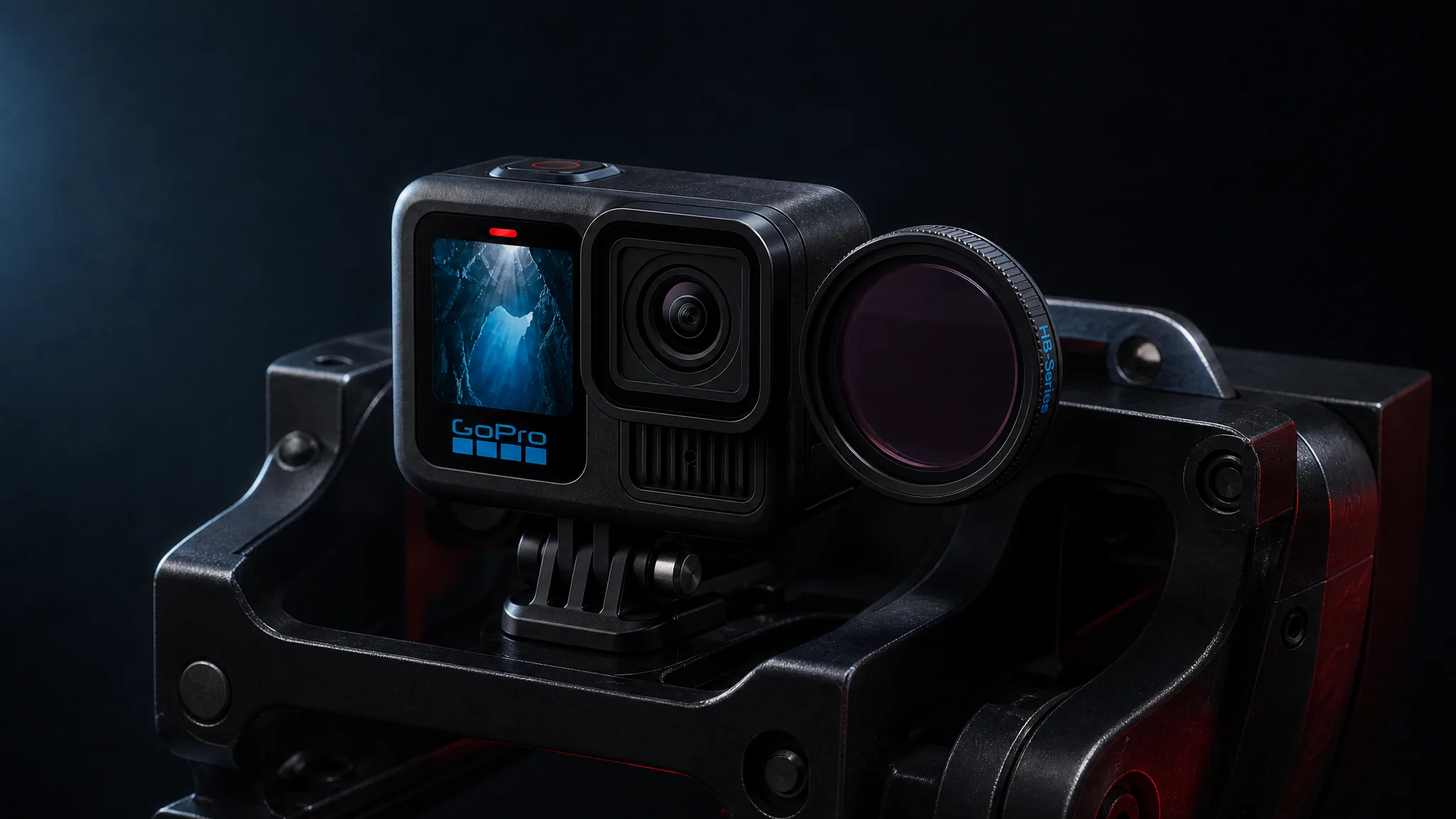
Show the connection
Demonstrate how the new detail connects to the product, accessory, or use case so the reveal gains meaning.
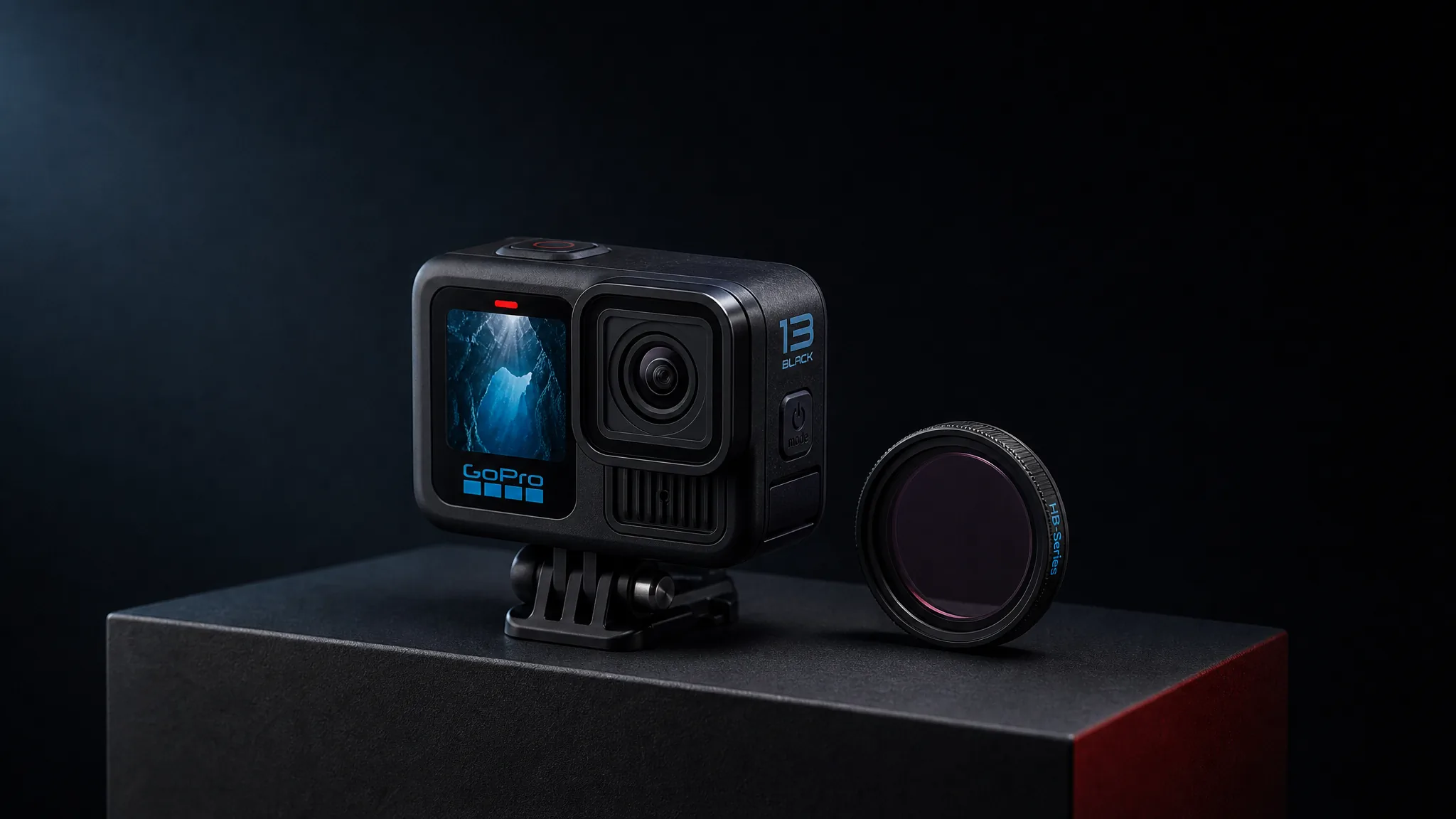
- 4
Full reveal
Resolve the anticipation with a complete hero view that makes the product name, form, and launch message feel earned.
Decide What to Hold Back and What to Reveal
- 1
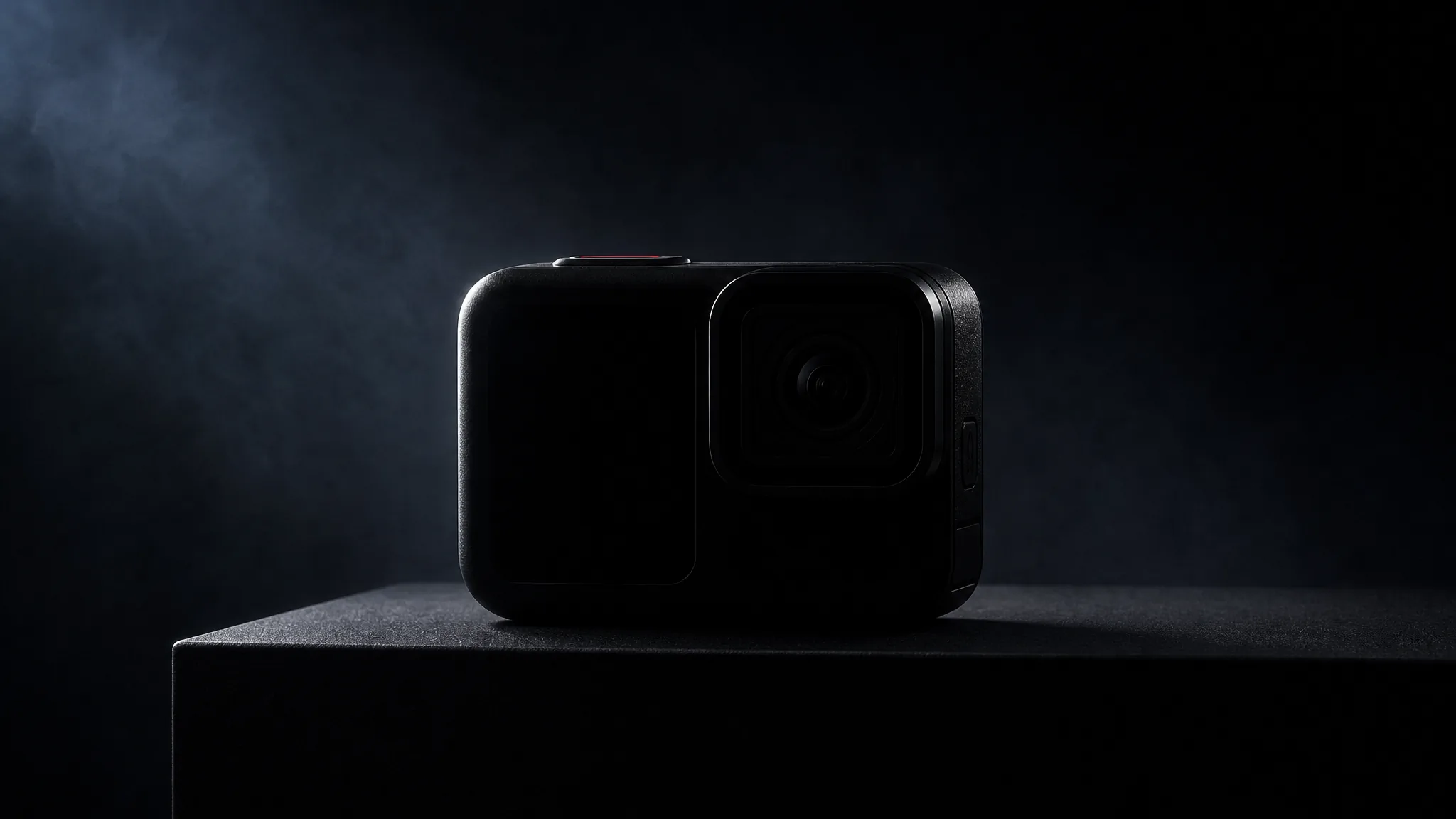
Hold back the whole
Begin with enough shape or movement to create curiosity while keeping the complete product out of view.
- 2
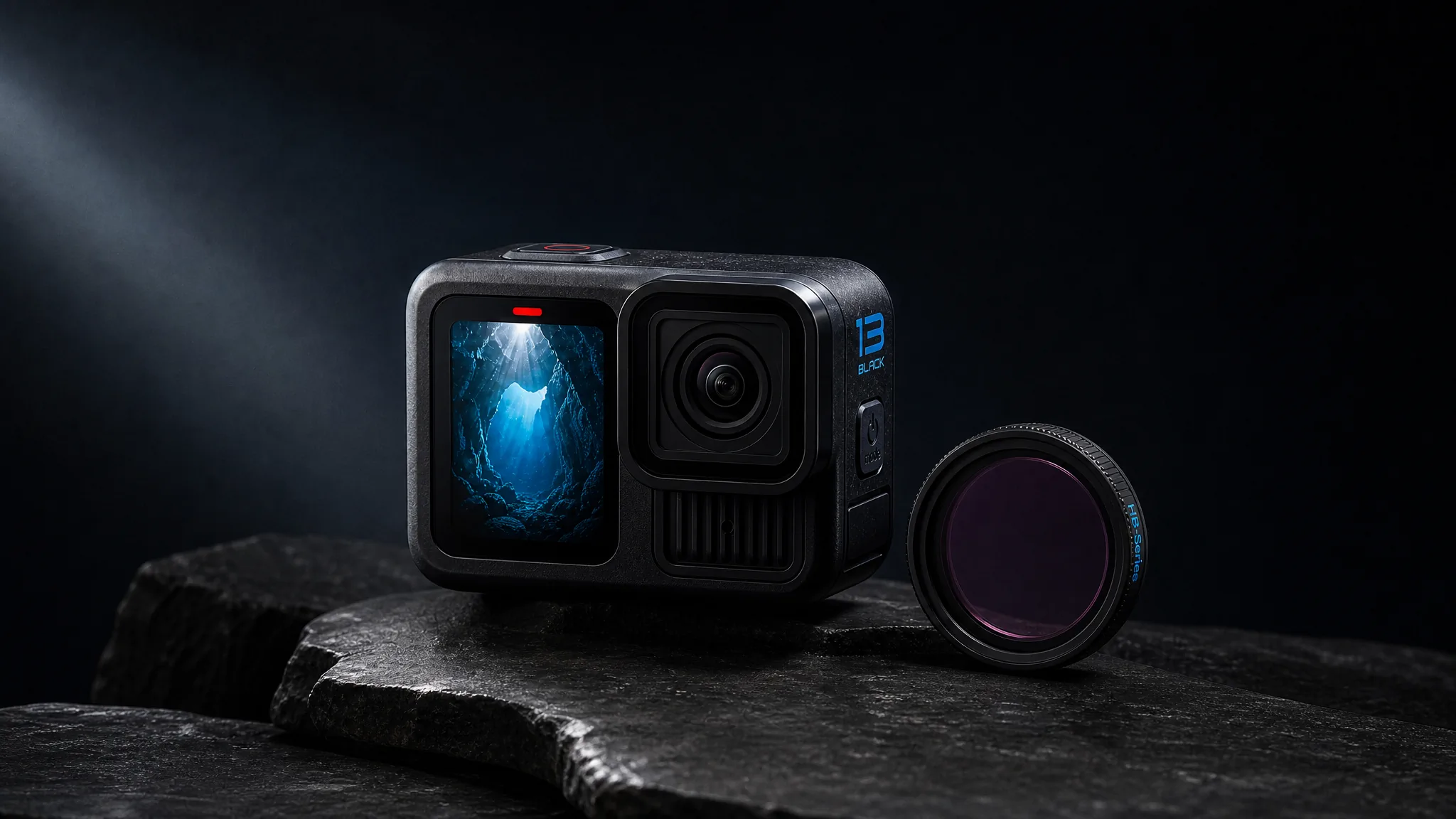
Reveal the difference
Move to the one feature, finish, or interaction that distinguishes the new release from what came before.
- 3
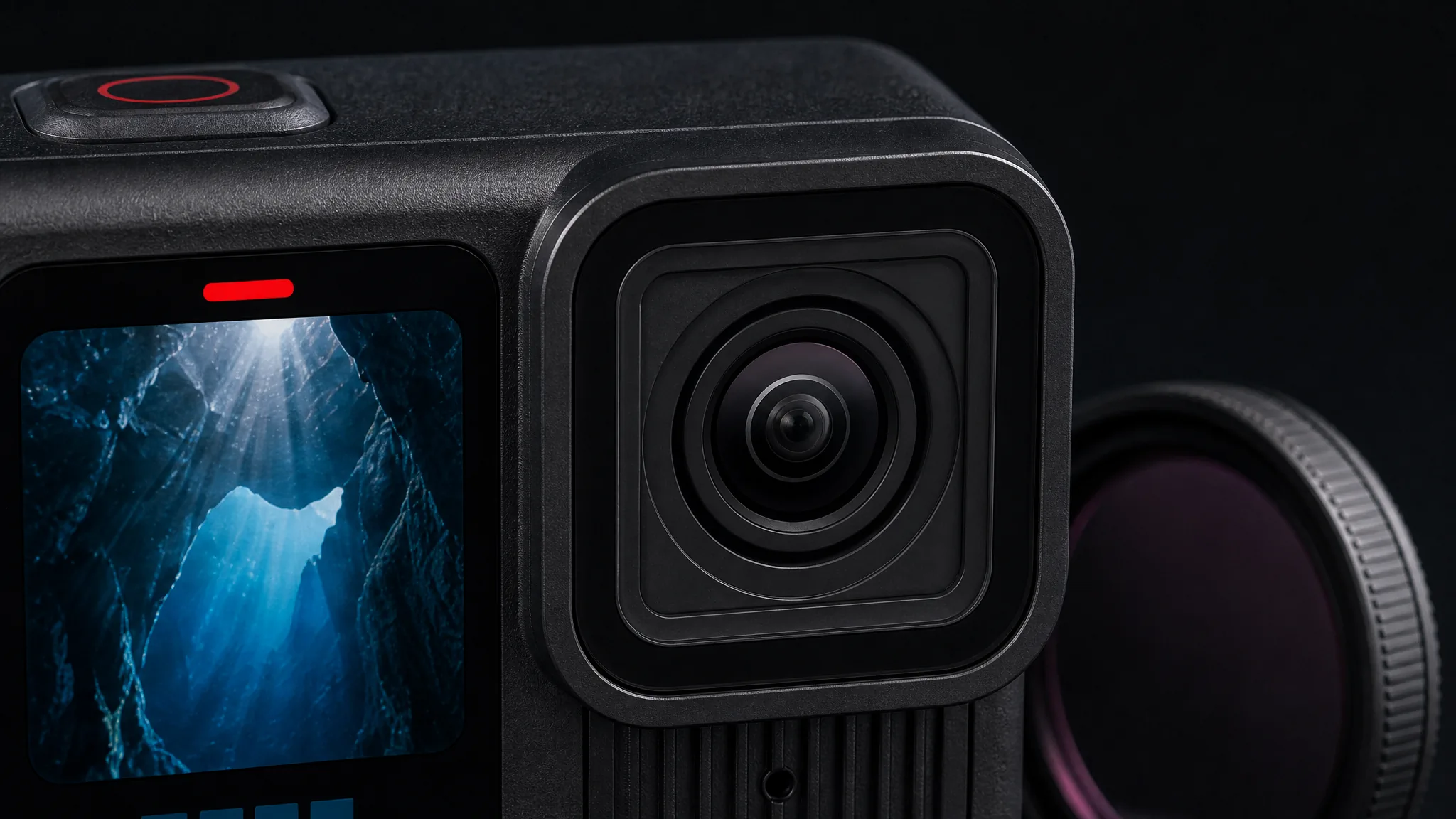
Connect detail to value
Show the feature in context so viewers understand why the detail matters beyond its appearance.
- 4
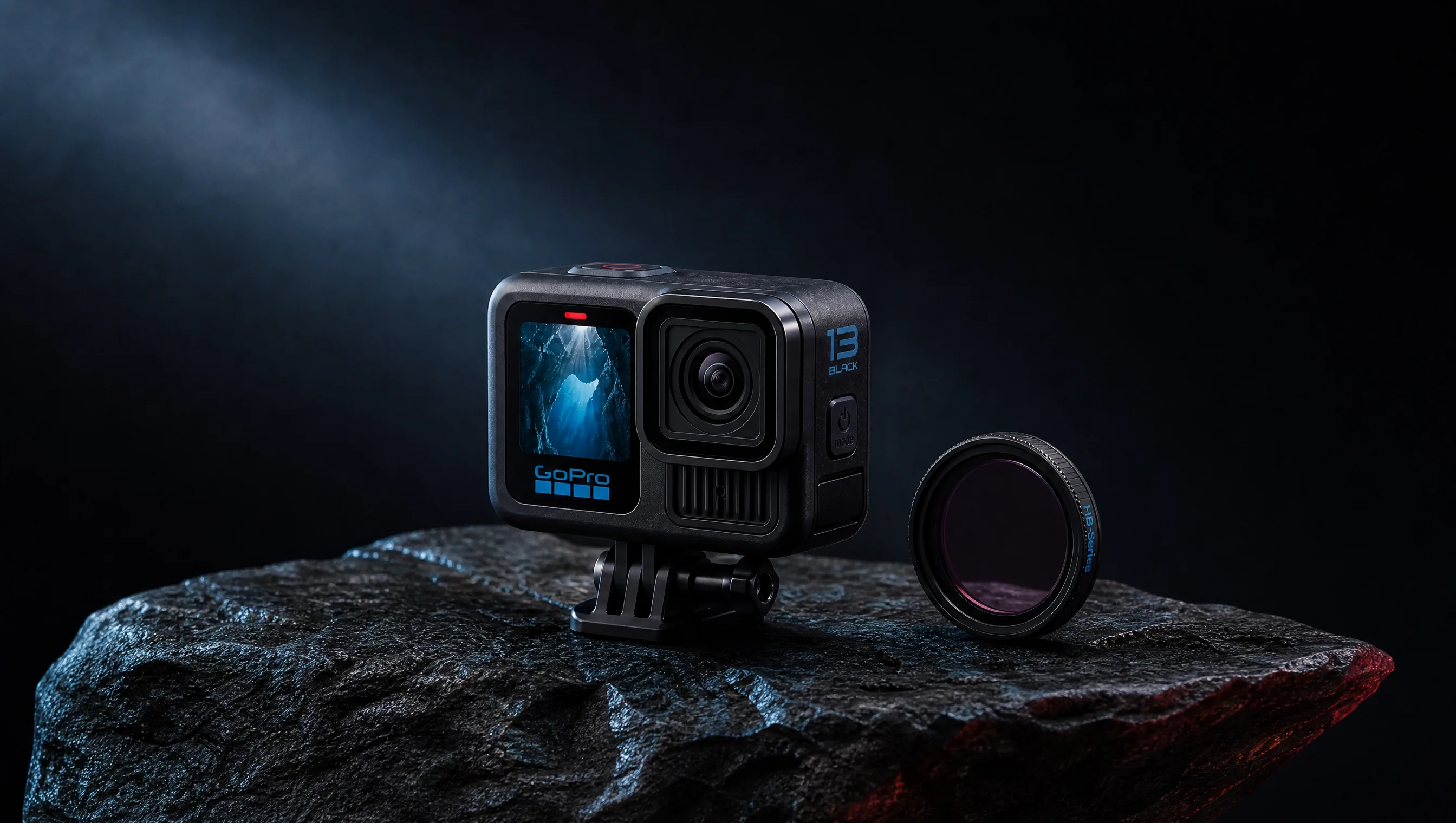
Deliver the hero moment
End with the complete product in the strongest composition for the launch page, feed, or announcement.
Build Curiosity Around One New Product Truth
A new product launch video can begin as a product teaser video, reveal one meaningful detail, and resolve as a complete product reveal video.
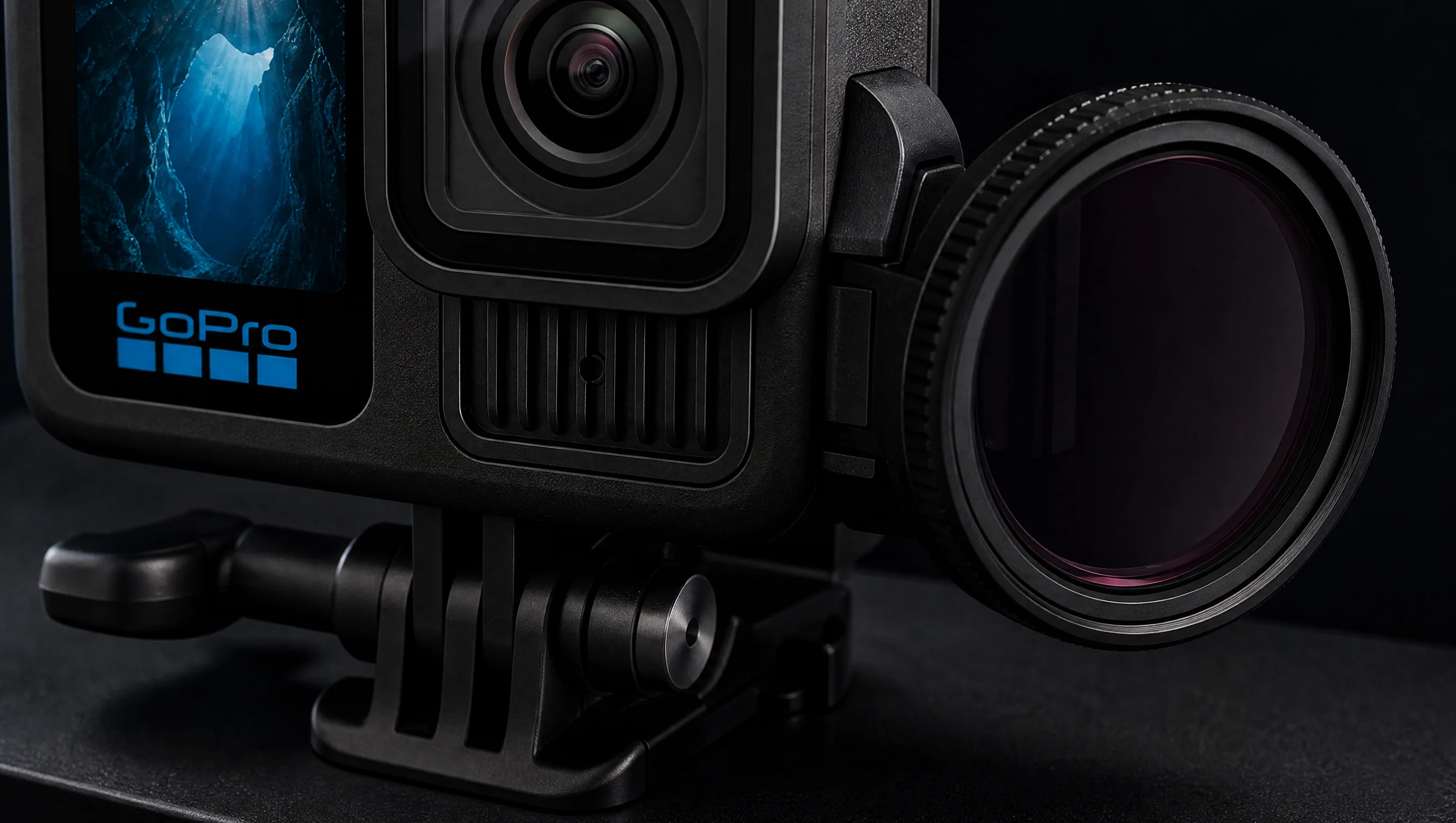
Meaningful new detail
Use a restrained close-up to show the design, mechanism, material, or connection that makes this release new.
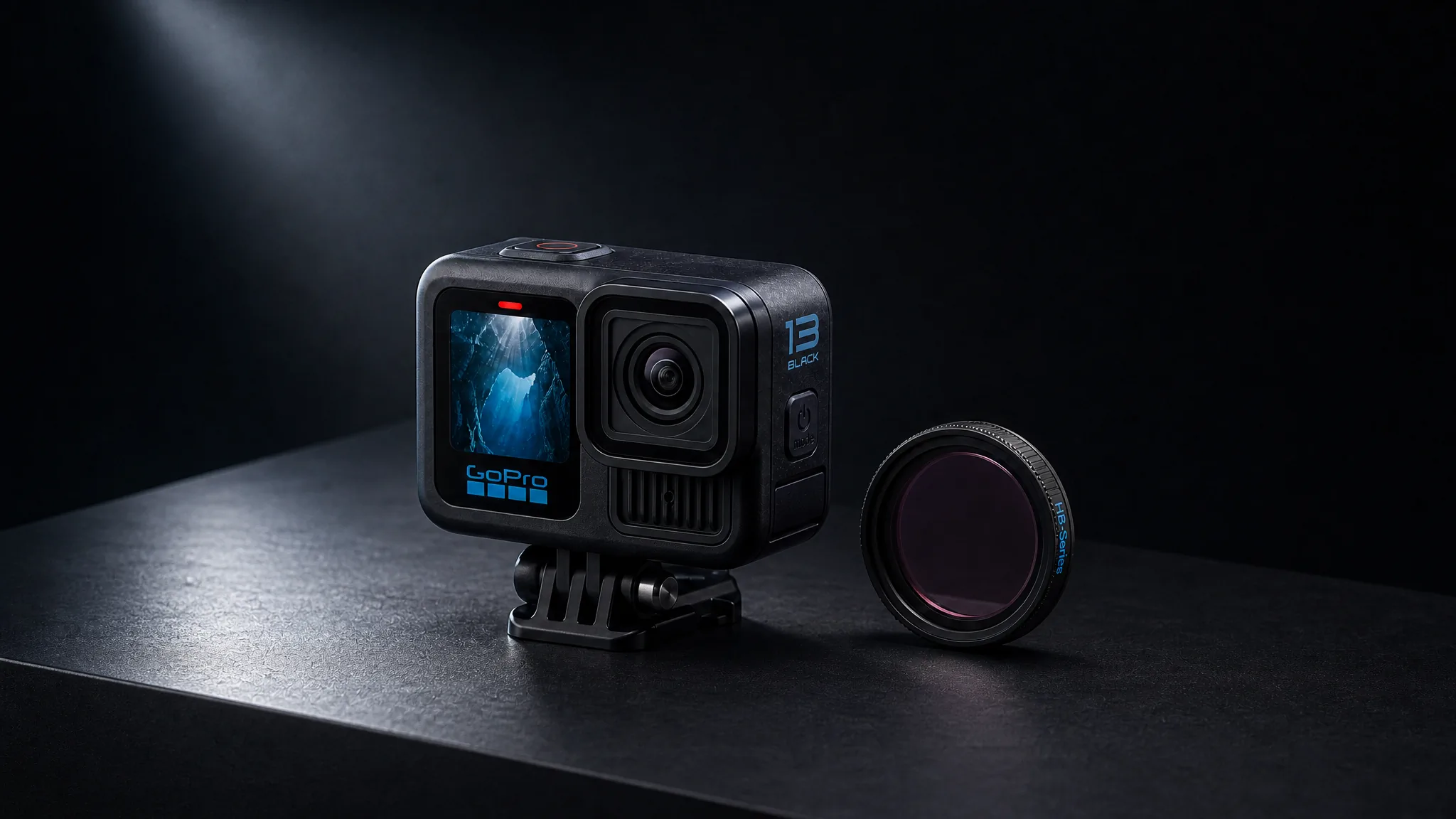
Complete product reveal
Pull back into a complete view only after the viewer understands the detail that gives the launch its reason.
Keep the Launch Idea, Change the Frame
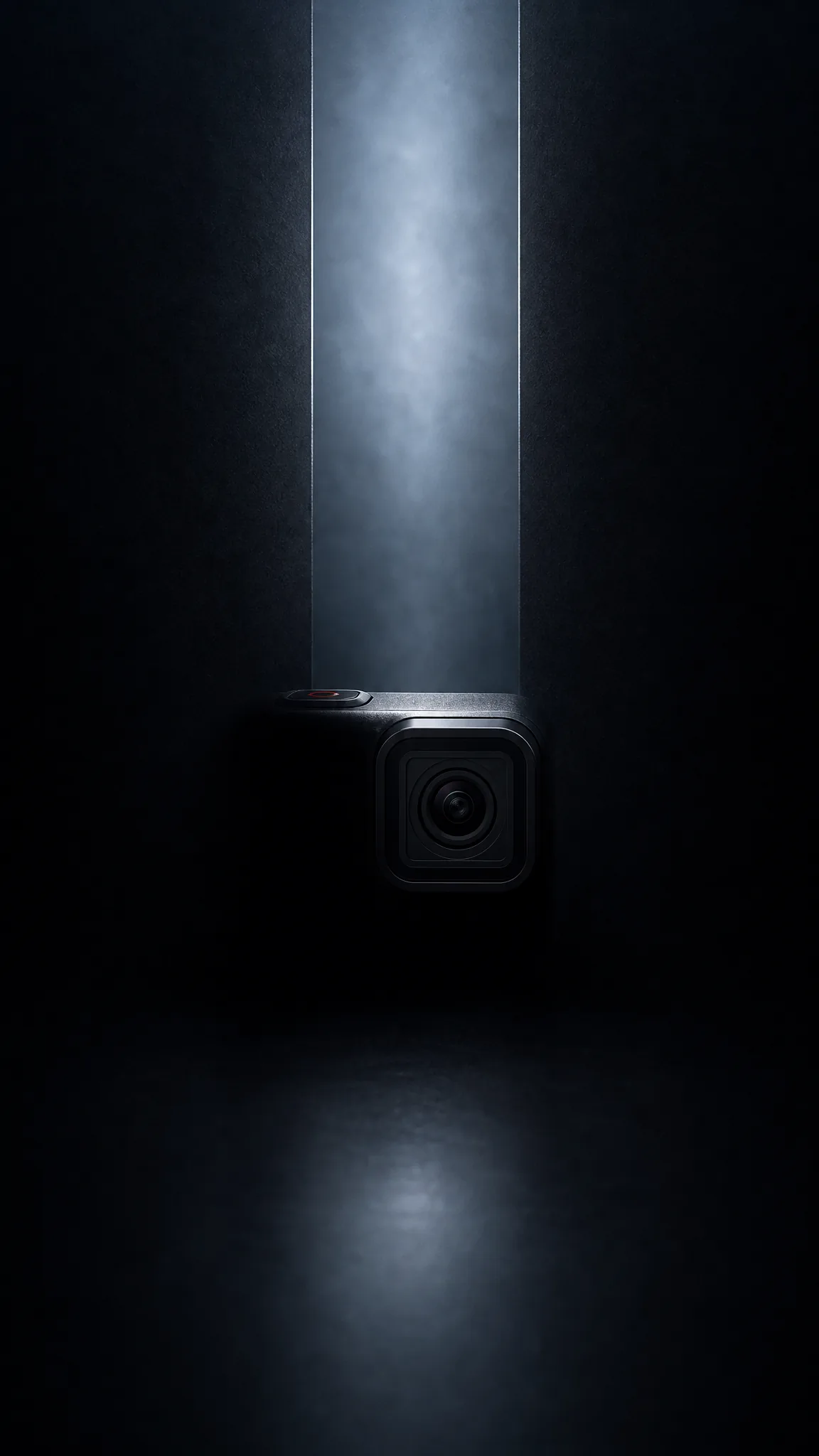
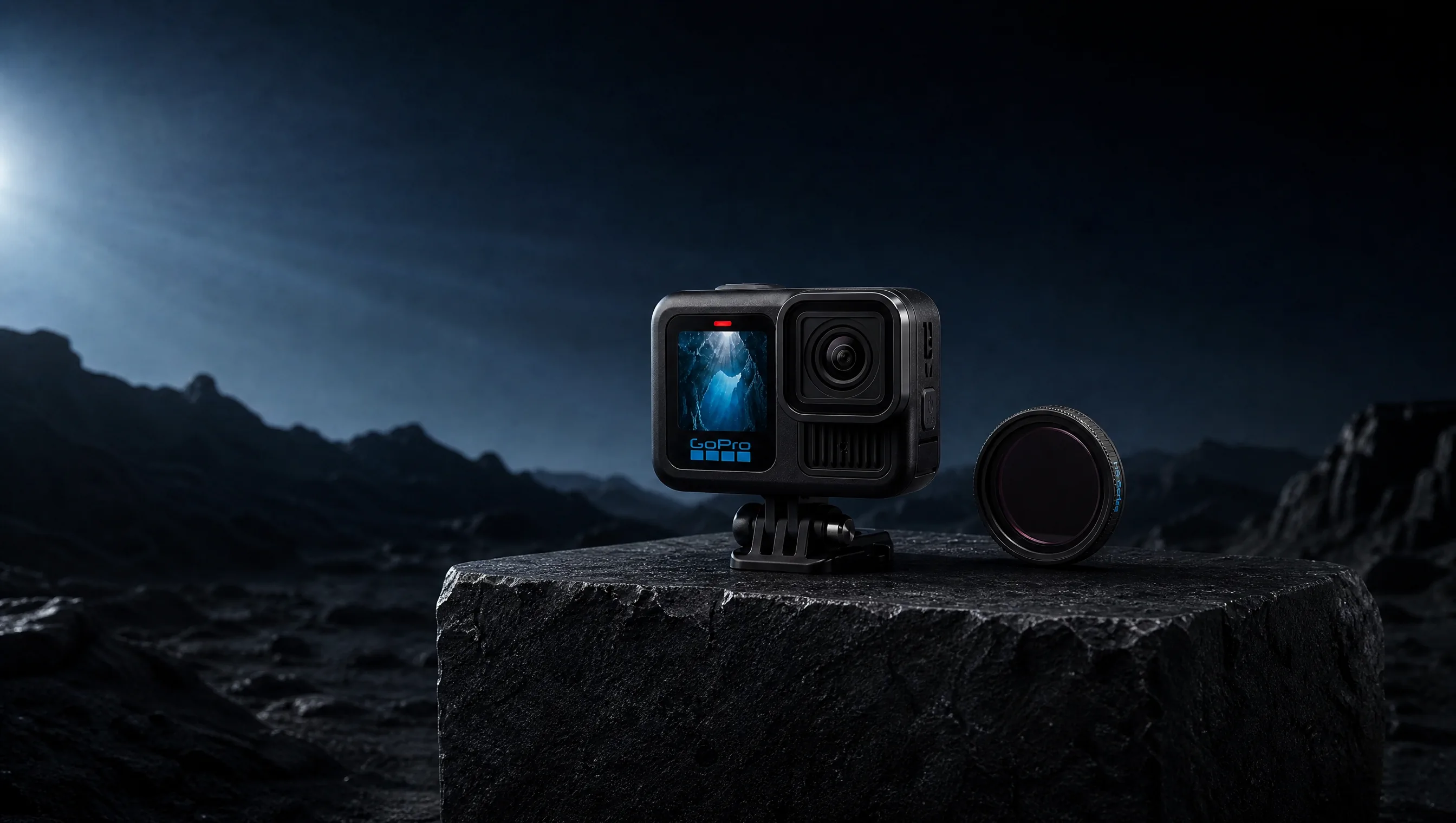
Turn One Product Image Into a Full Launch Sequence
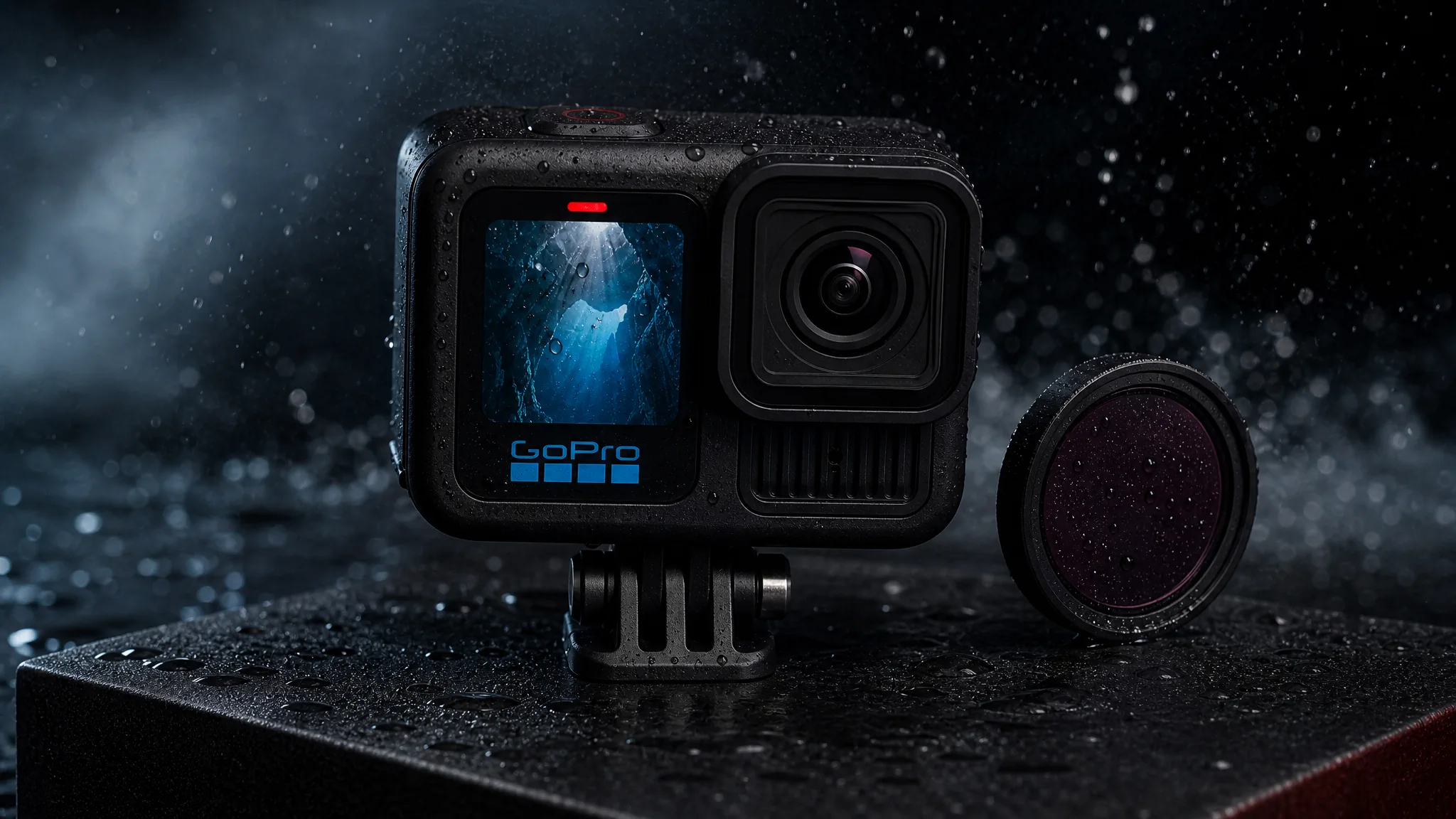
Cinematic hero
Describe a controlled camera journey, dramatic light, and a precise final hold around the complete product.
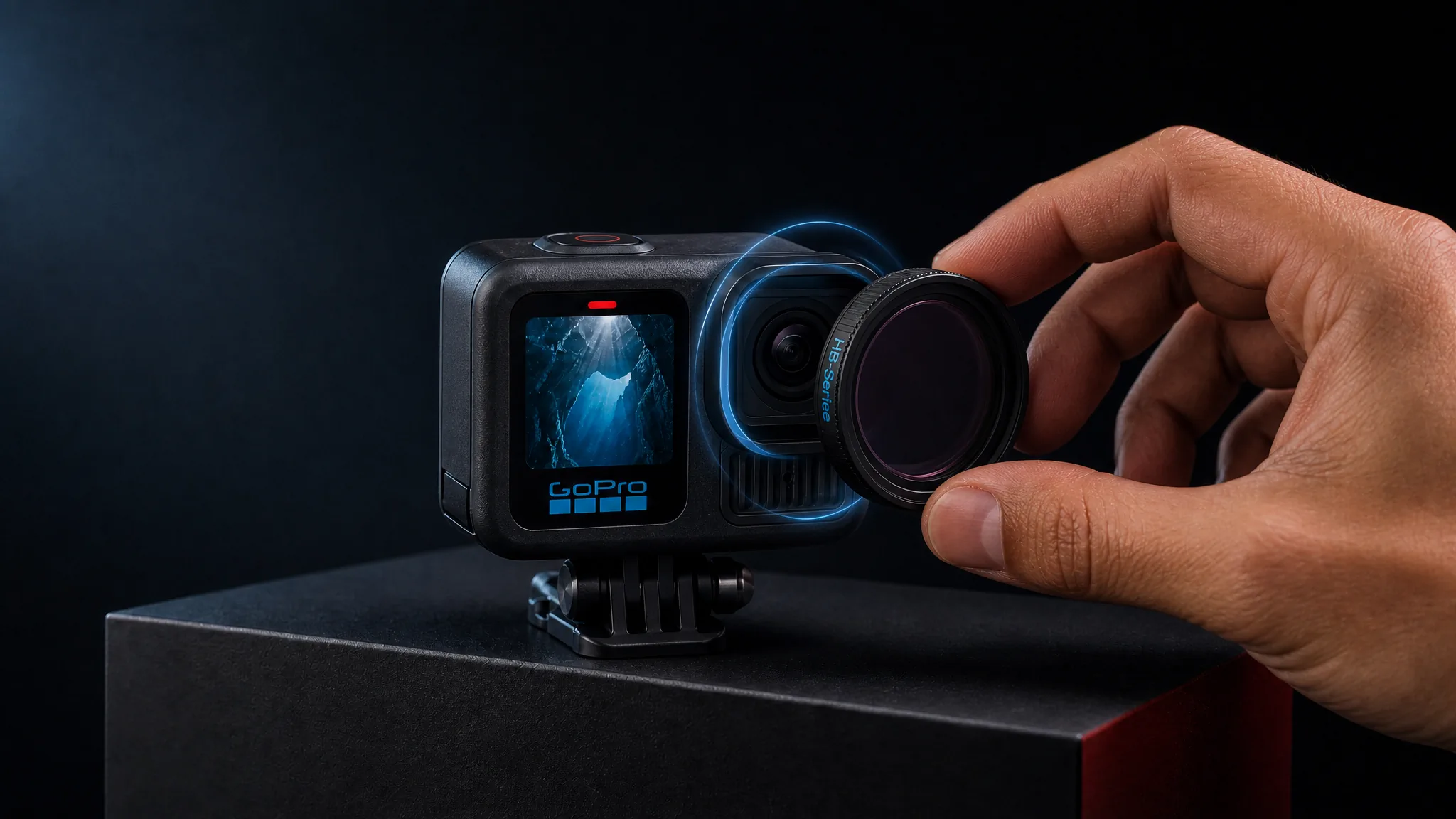
Product transformation
Use material, color, assembly, or environmental change to make the launch feel like a visible transformation.
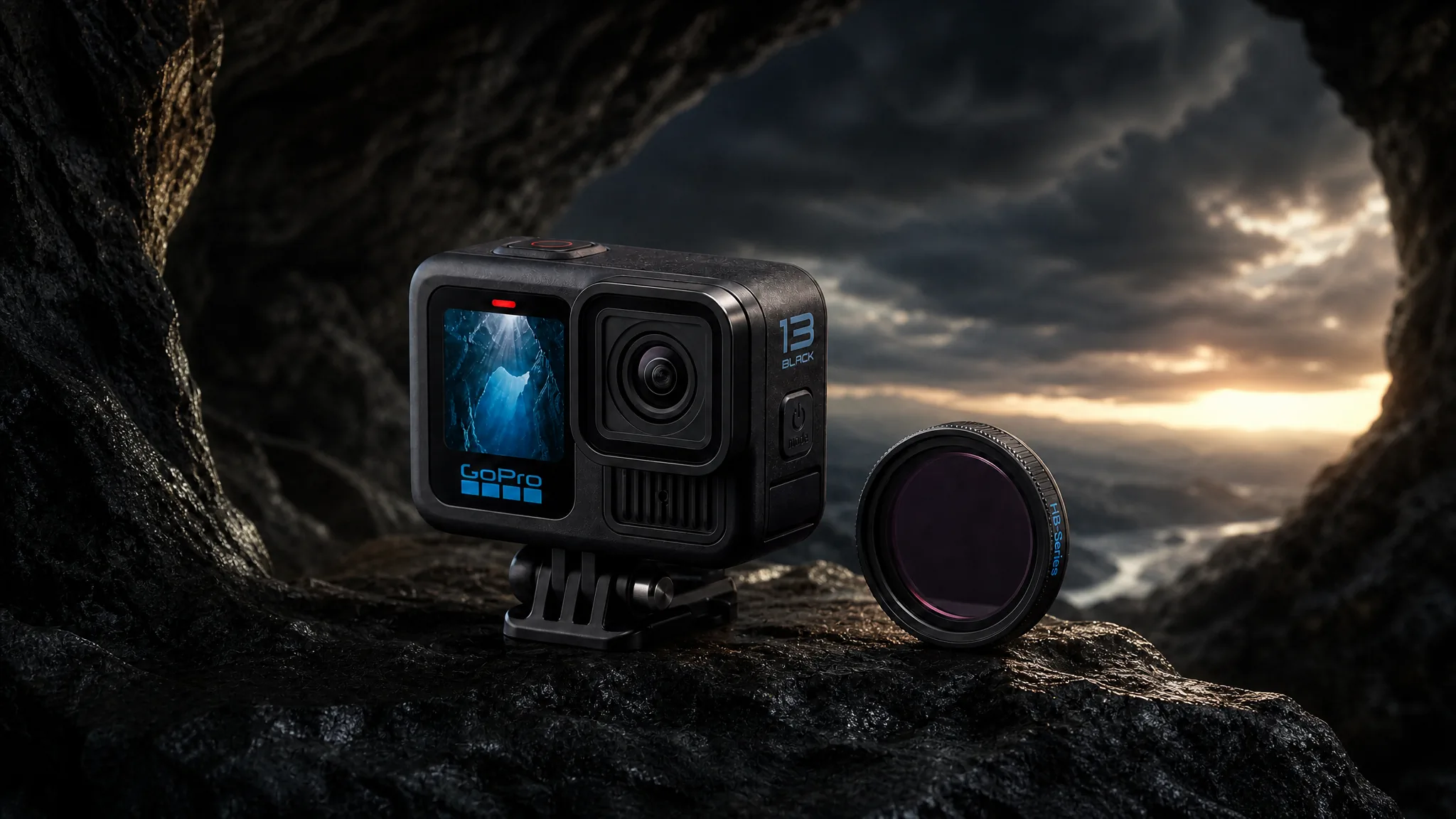
Impossible environment
Place the product in a world that expresses the launch idea while keeping its shape and defining details central.
Create a shadowed silhouette, macro product clue, mechanical reveal, dramatic environment change, floating component story, fast social teaser, or slow premium hero moment. Your prompt defines how anticipation becomes the reveal.
How Teams Move From Launch Idea to Launch-Ready Video
“We were launching a new device and needed something for the announcement that did not look like a render farm. I uploaded the product image and described a slow silhouette-to-reveal. The clip felt like a real launch moment, not a tech demo. It carried the announcement the way a launch video should.”
“I wanted a dark teaser where only the product's defining edge catches light before the full reveal - the kind of shot that is all light setup and patience on a real set. I described it in plain words and the drama came through exactly as intended. The product stayed the hero the whole time.”
“From one product image I built a teaser, a detail reveal, a launch-day hero, and a quieter follow-up - four clips, four different energies. They actually felt like a sequence rather than the same shot four times. One source carried the whole reveal arc.”
FREQUENTLY ASKED QUESTIONS
Product Launch Video Questions
Answers about teaser and reveal roles, source images, launch concepts, and duration.
What should a product launch video include?+
Build around one launch moment: create curiosity, reveal the product difference, show the complete product, and finish on a memorable hero frame.
What is the difference between a product teaser video and a product reveal video?+
A teaser gives the audience a reason to stay curious; a reveal pays off that curiosity with the product, its defining detail, or the new experience it creates.
Can I create a product launch video from one image?+
Yes. Upload the approved product image and use the prompt to describe how the launch world, motion, lighting, and reveal should unfold around it.
What kinds of product launch video concepts can I describe?+
Try a silhouette teaser, macro clue, product assembly, light-driven transformation, dramatic environment reveal, fast countdown-style sequence, or premium final hero shot.
How long can a product launch video be?+
Seedance 2.5 supports one generated clip up to 30 seconds. Use shorter clips for teasers and more time when the reveal needs several meaningful beats.
CREATE WITH MAKEAD
Give the Launch a Reveal People Remember
Turn one launch-ready product image into the teaser, detail reveal, or hero moment your release still needs—without rebuilding the set.