
PRODUCT ANIMATION VIDEO
Create a Product Animation Video From a Still Product Image
Turn one still product image into a camera journey, light reveal, product action, environmental transformation, or effect-led animation. Describe every movement and mood, then create it with Seedance 2.5.
Choose What Should Move
Product animation videos work best when one primary motion has a clear purpose.
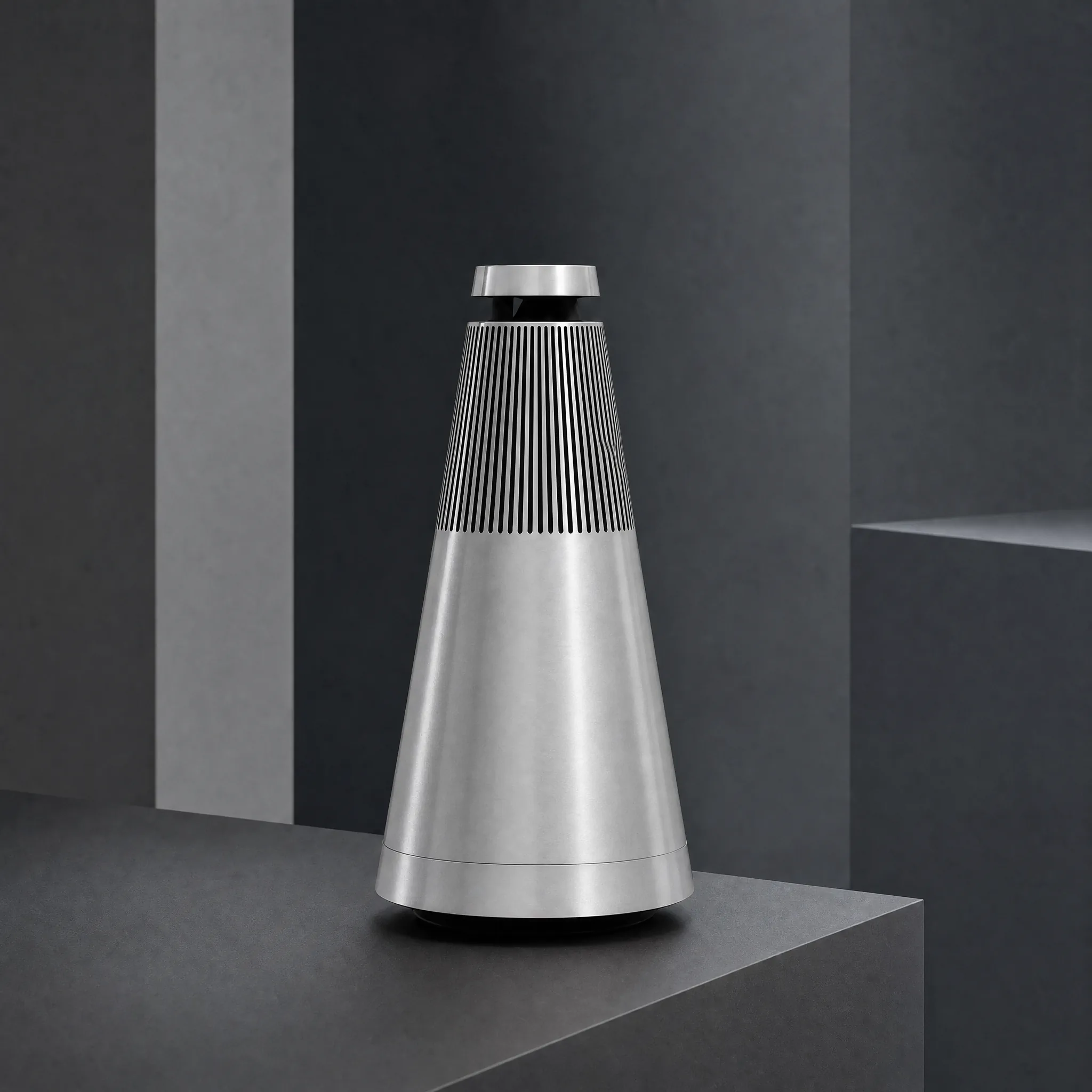
Decide What Must Stay Fixed
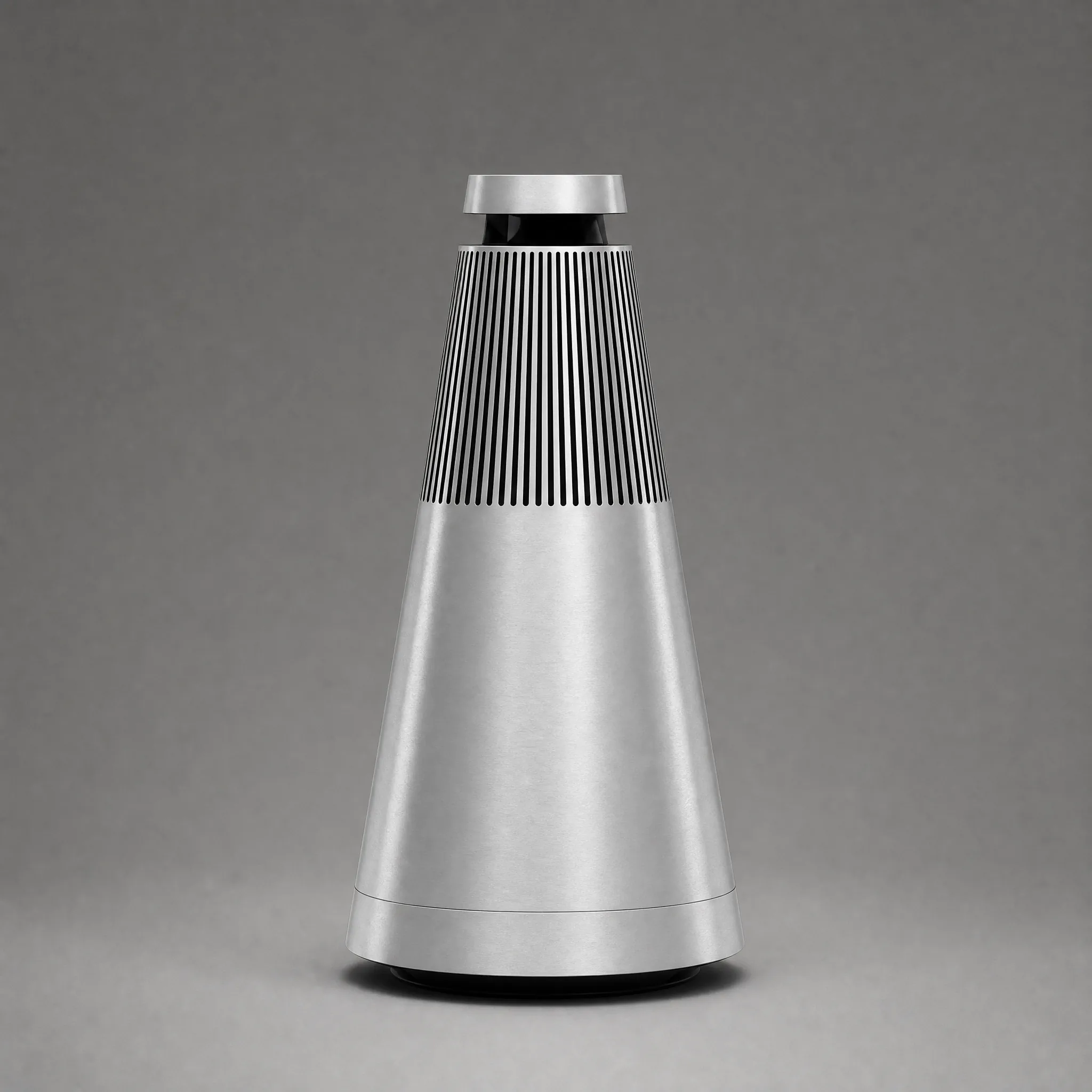
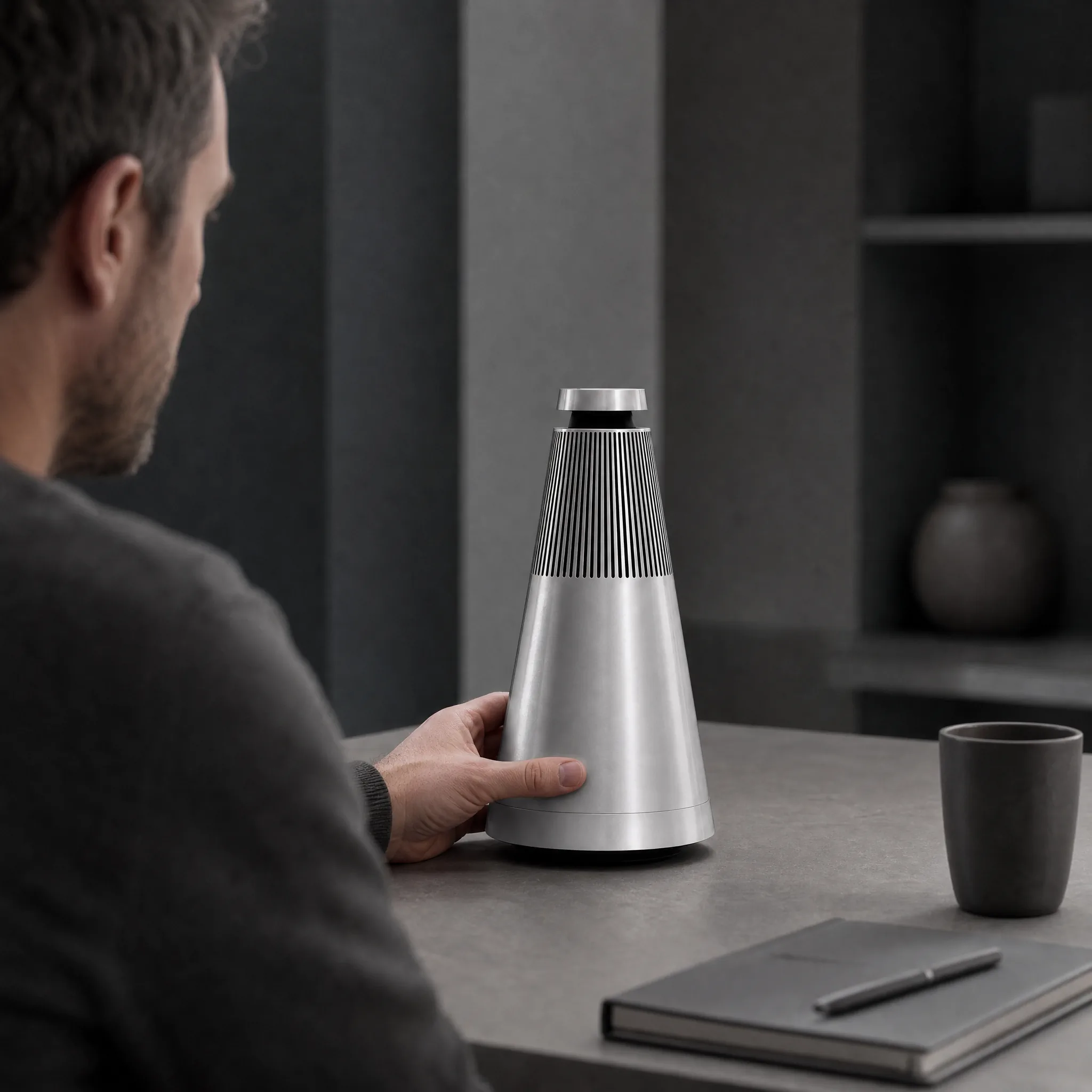
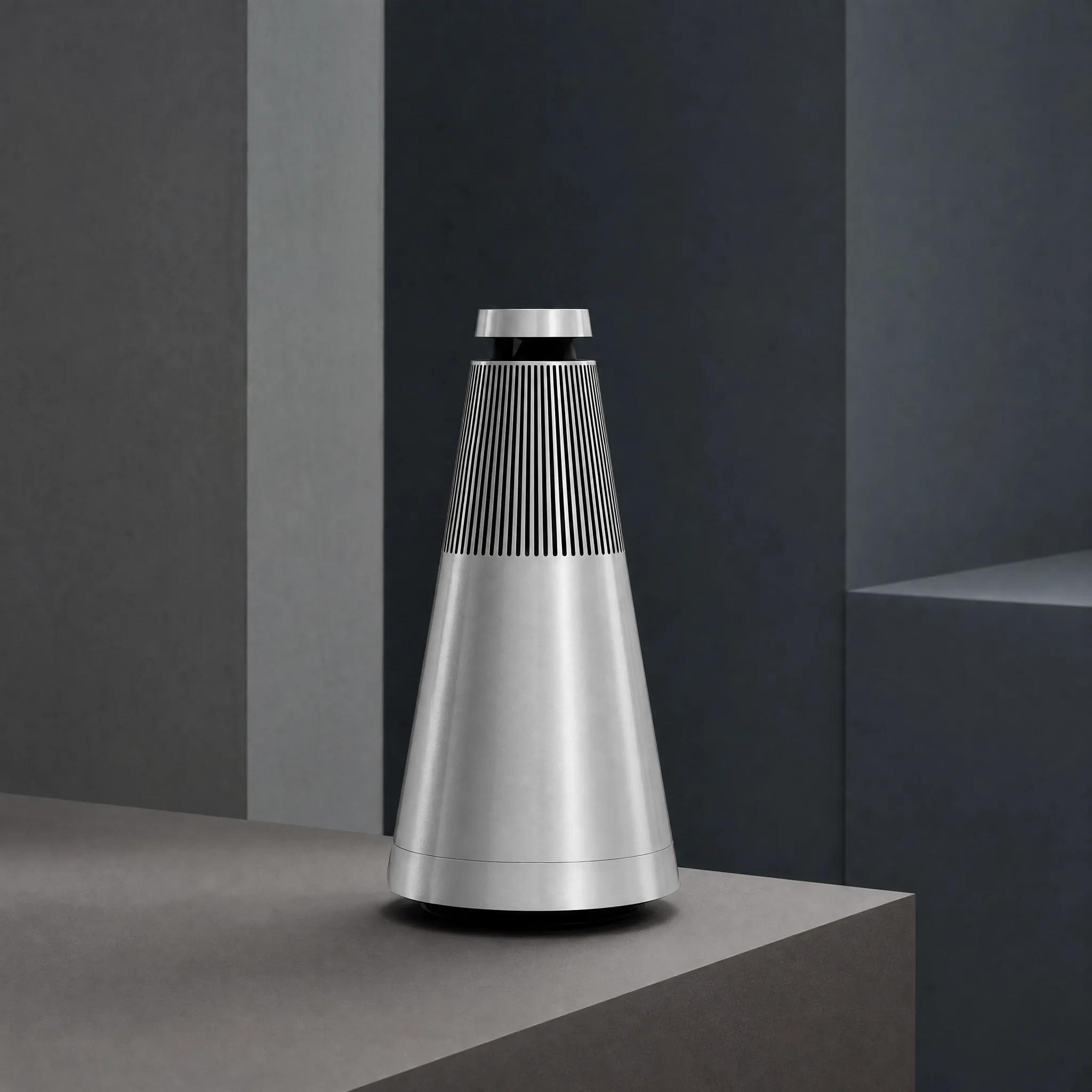
Turn One Product Still Into a Focused Motion Story
 01
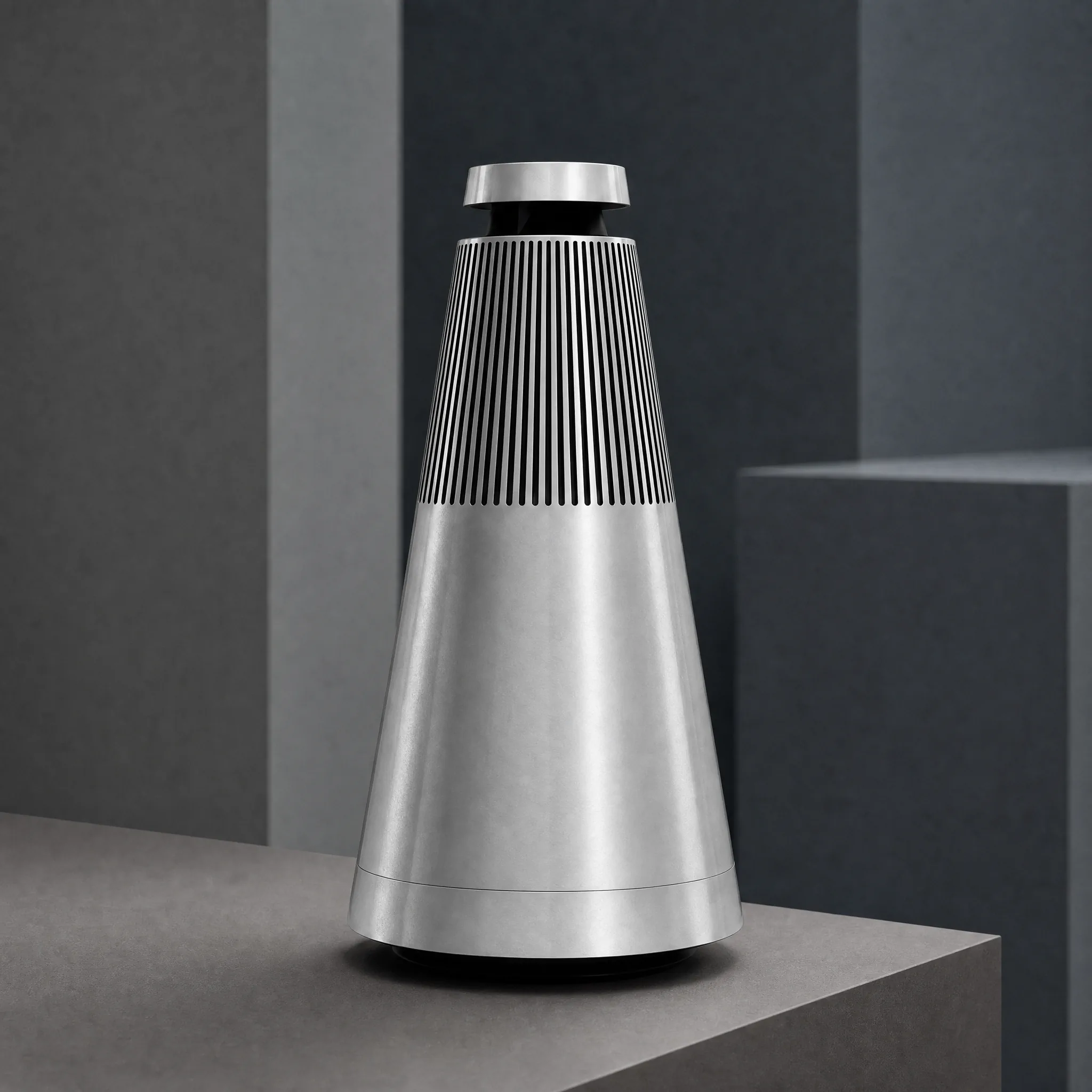
01Source image
Start from the product angle that already shows the identity features the animation must preserve.
 02
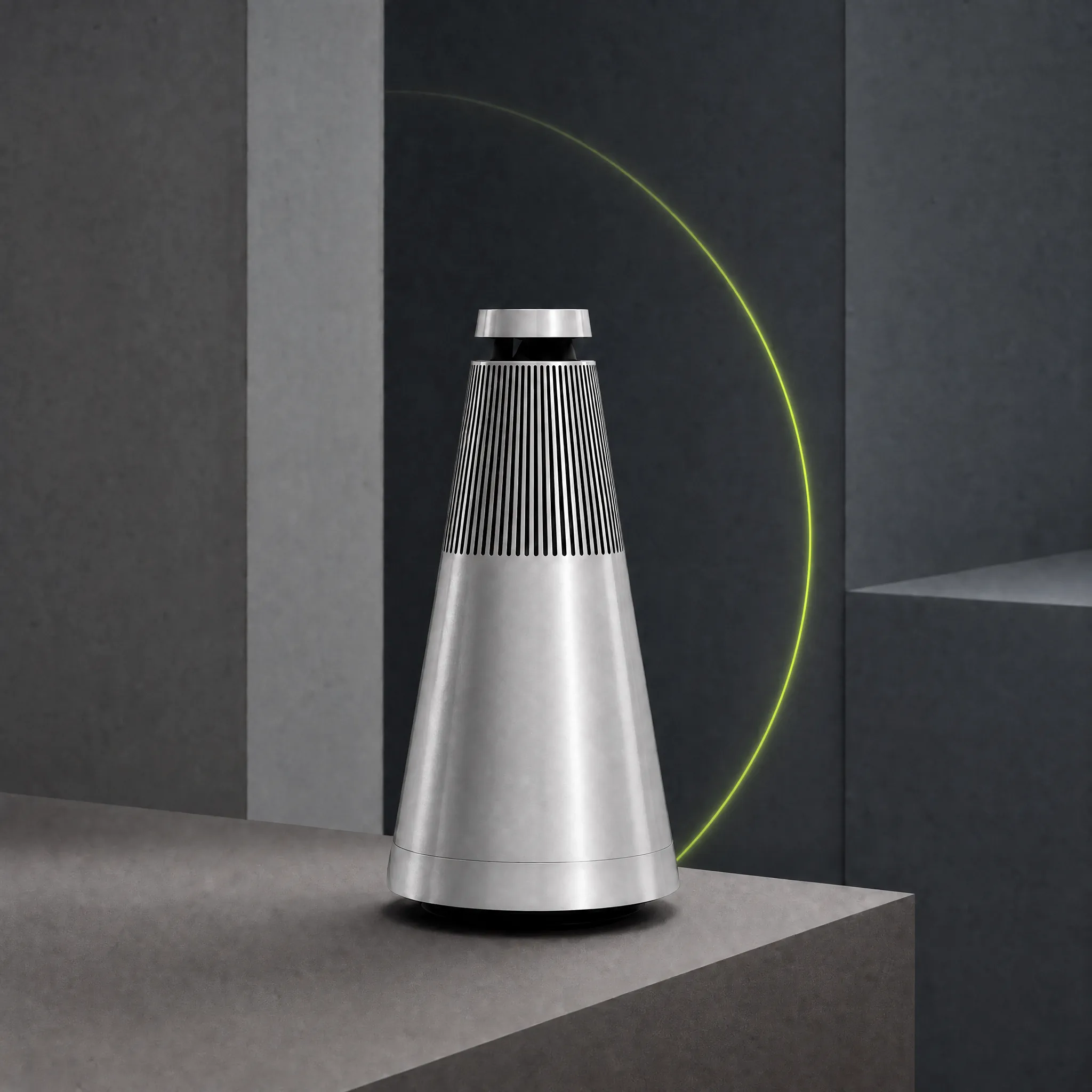
02Primary motion
Choose one dominant movement that gives the clip direction instead of stacking unrelated effects.
 03
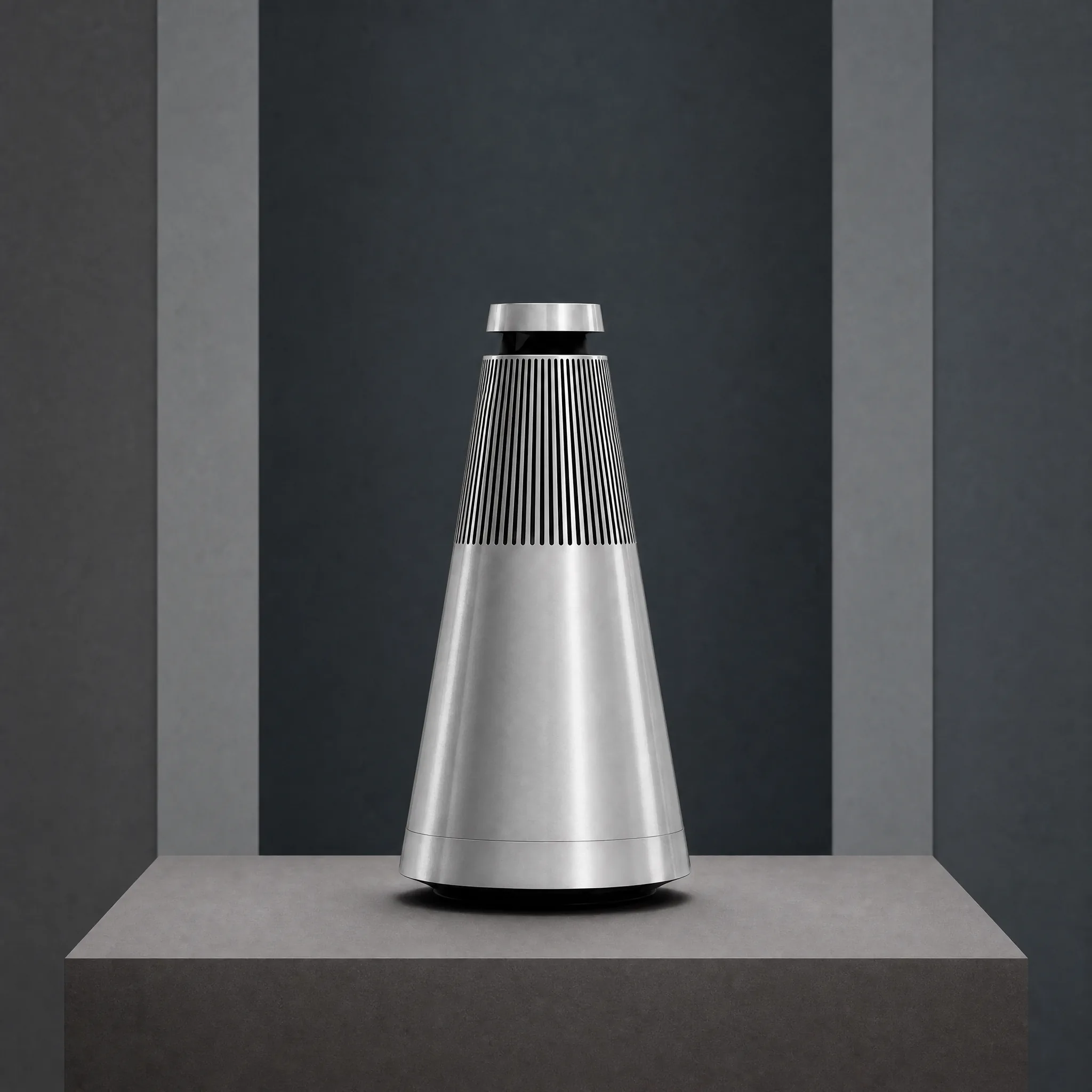
03Depth and light
Use parallax, shadow, and light change to support the primary movement and make the space feel dimensional.
 04
04Final hold
Let the motion settle into a clean product view that works as the final campaign or listing frame.
Match Motion Intensity to the Placement
- 1
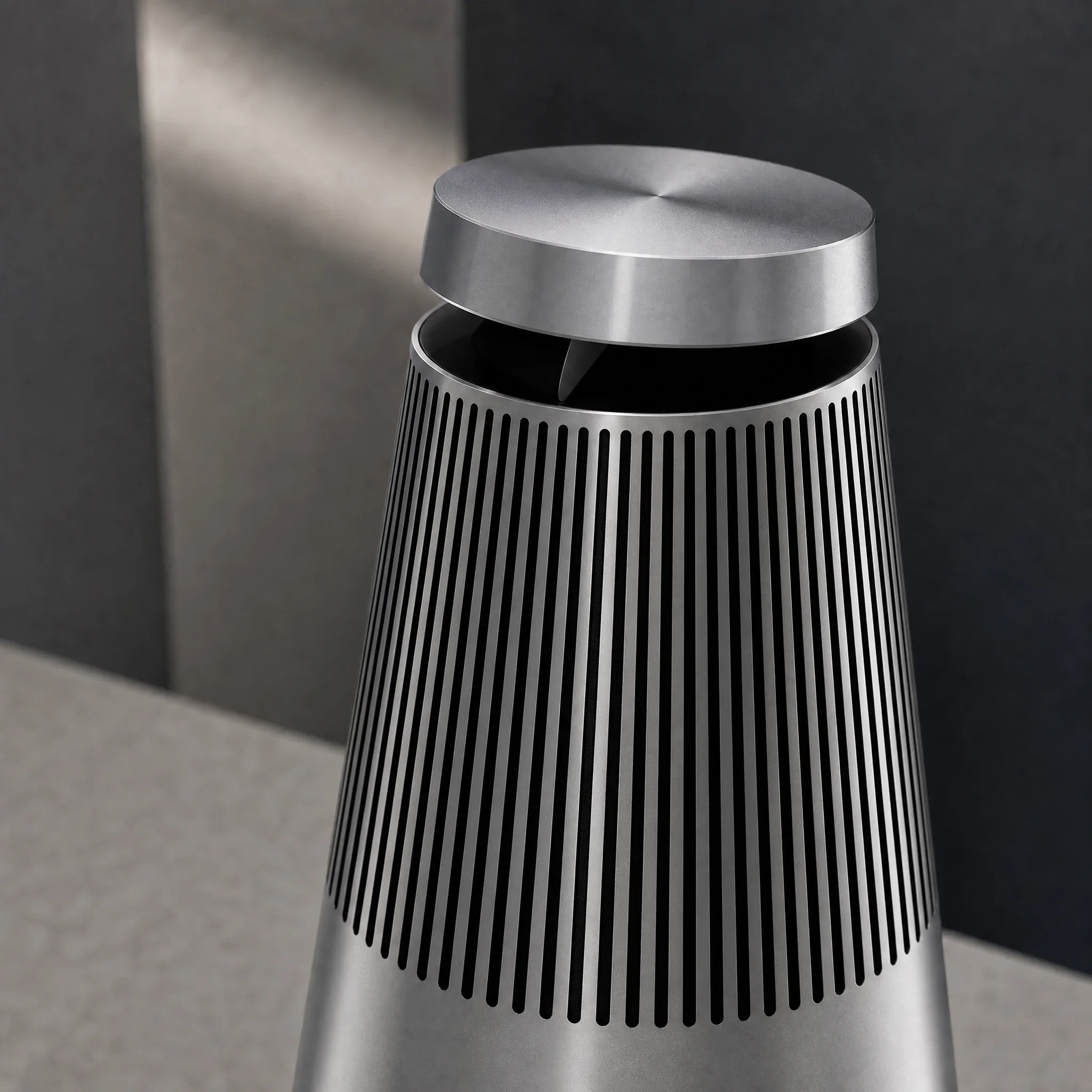
Subtle motion
Use a small camera push, light sweep, or depth shift for product pages and premium detail placements.
- 2
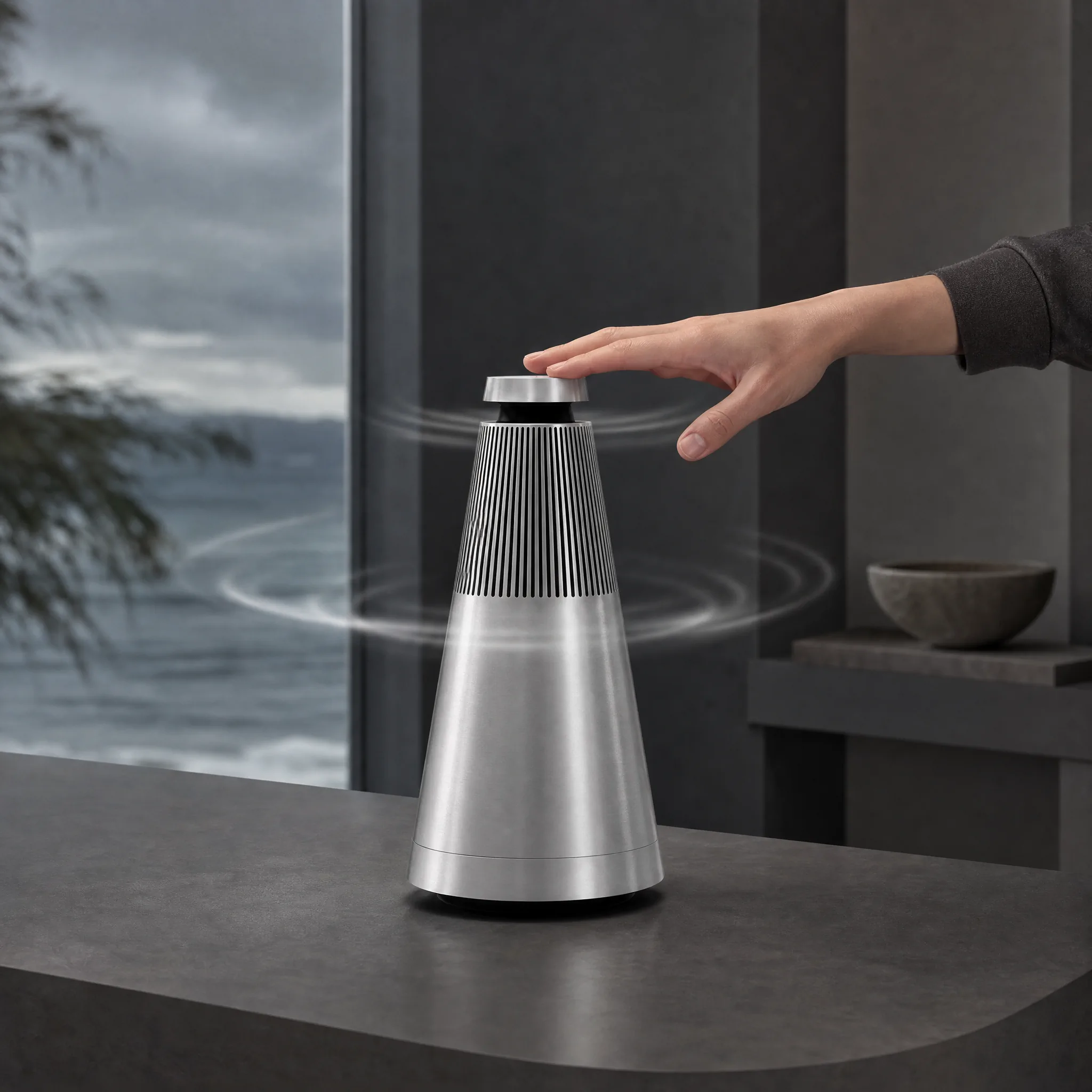
Expressive motion
Add stronger product action or environmental movement when the placement must earn attention in a feed.
- 3
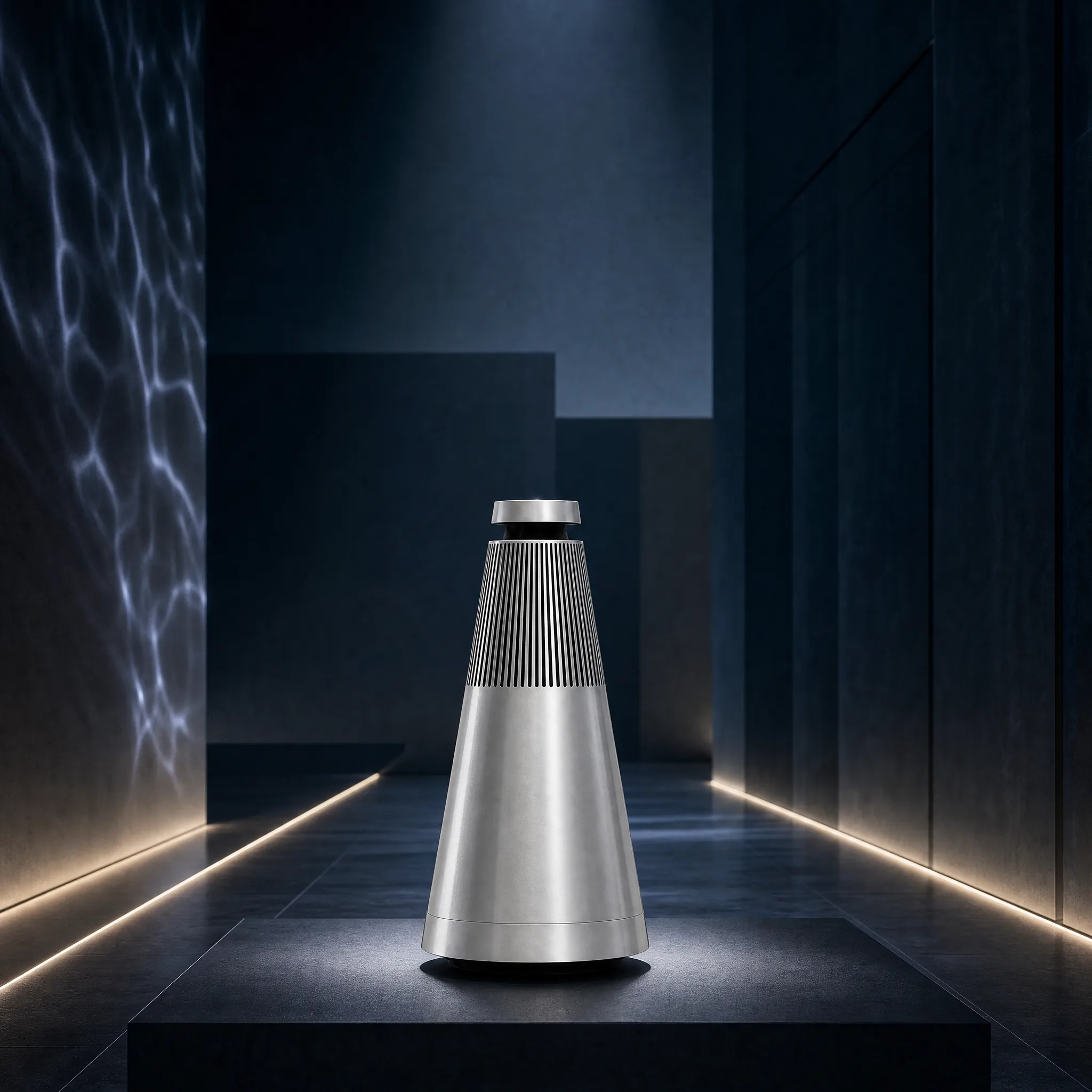
Cinematic motion
Combine a full camera journey, changing environment, and final reveal for launches or hero campaign moments.
Explore Motion Beyond a Simple Zoom
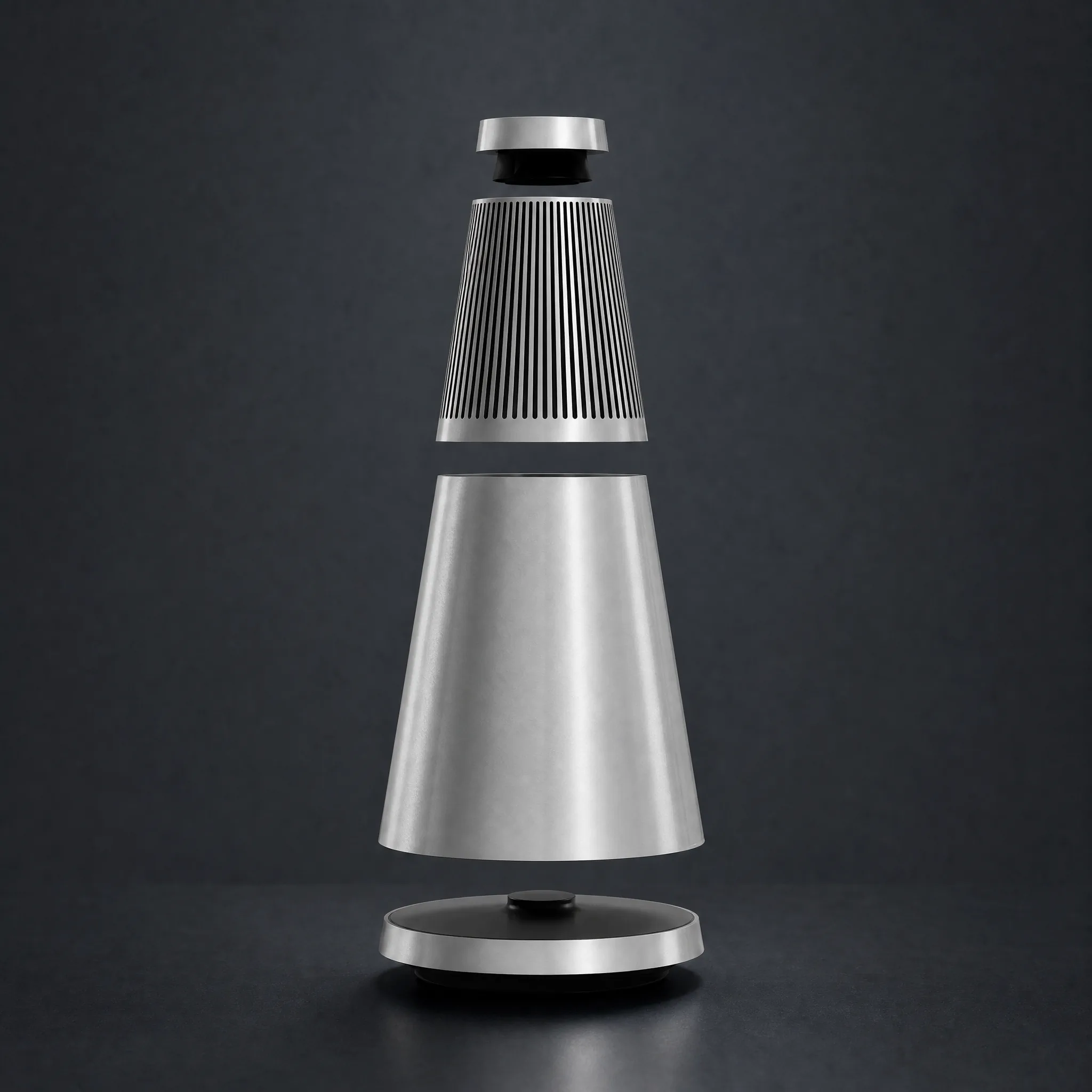
Floating components
Separate and reassemble parts in a controlled sequence to explain construction or create a striking reveal.
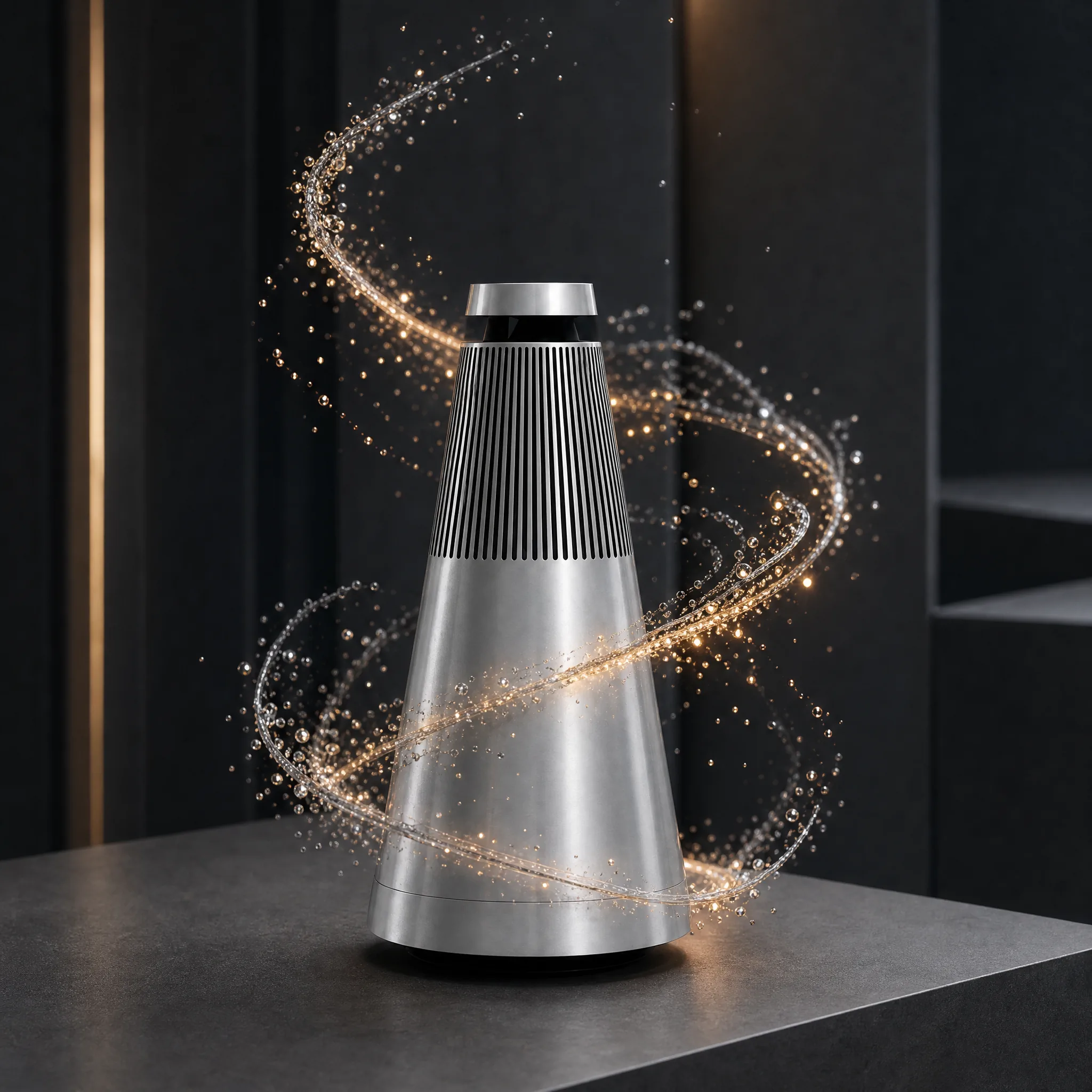
Liquid and particle energy
Use flowing material, droplets, sparks, or particles to express performance, freshness, speed, or mood.
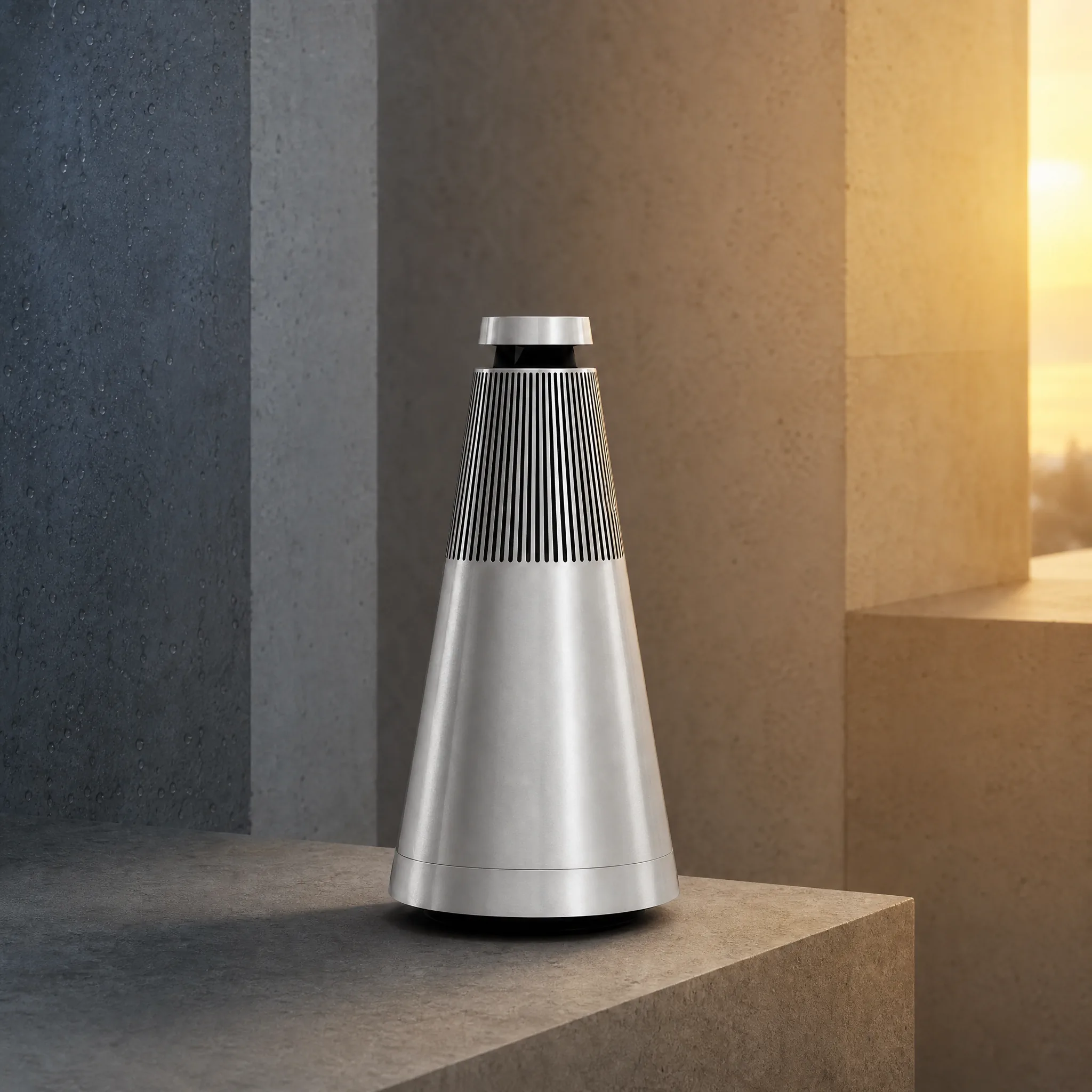
Environmental transformation
Let the world change around the product through season, color, texture, weather, or scale while identity stays clear.
Combine product motion, camera movement, depth, light, particles, liquid, smoke, wind, floating components, graphic energy, environmental changes, and a final hero reveal in one prompt.
How Teams Add Motion to Approved Product Images
“We had one strong product still doing all the heavy lifting on a motion-first placement and it was getting buried. I described a slow camera push with the product staying anchored. The still became a real piece of video that holds attention. It gave the asset a second life.”
“A simple zoom is what every auto-tool gives you, and it reads as cheap. I described a light sweep across the label, particles drifting up, and a parallax shift behind the bottle. The result feels genuinely animated - like someone designed it. It is miles past a zoom.”
“I had a clear picture: the product rotating slowly while the background shifts through three color worlds. I wrote exactly that and the video came back matching the idea in my head. The motion, the color transitions, the final hold - all there. The prompt actually carried the concept.”
FREQUENTLY ASKED QUESTIONS
Product Animation Video Questions
Answers about image-to-video motion, source images, effects, and 3D animation.
What is a product animation video?+
It is a video that brings a product image into motion through the product, camera, light, environment, depth, or visual effects.
Can I animate a product from one still image?+
Yes. Upload the still product image and describe how the product, camera, light, environment, and effects should move around it.
What kinds of product motion can I describe?+
Try camera pushes, orbits, parallax, light sweeps, product turns, floating parts, assembly, unfolding, texture movement, liquid or particle effects, and environmental transformations.
Can I combine camera movement, product motion, and visual effects?+
Yes. Describe how the layers should work together in one prompt, including which element leads, how the energy builds, and where the video should resolve.
Is this the same as 3D product animation?+
MakeAD creates AI image-to-video motion from a product image and prompt. Traditional 3D production starts from a modeled product asset and a 3D animation workflow.
CREATE WITH MAKEAD
Make the Product Move Without Rebuilding the Shoot
Turn one approved still into purposeful camera movement, light, depth, and effects while keeping the product itself stable and recognizable.