
01
Clean, top-down product presentation
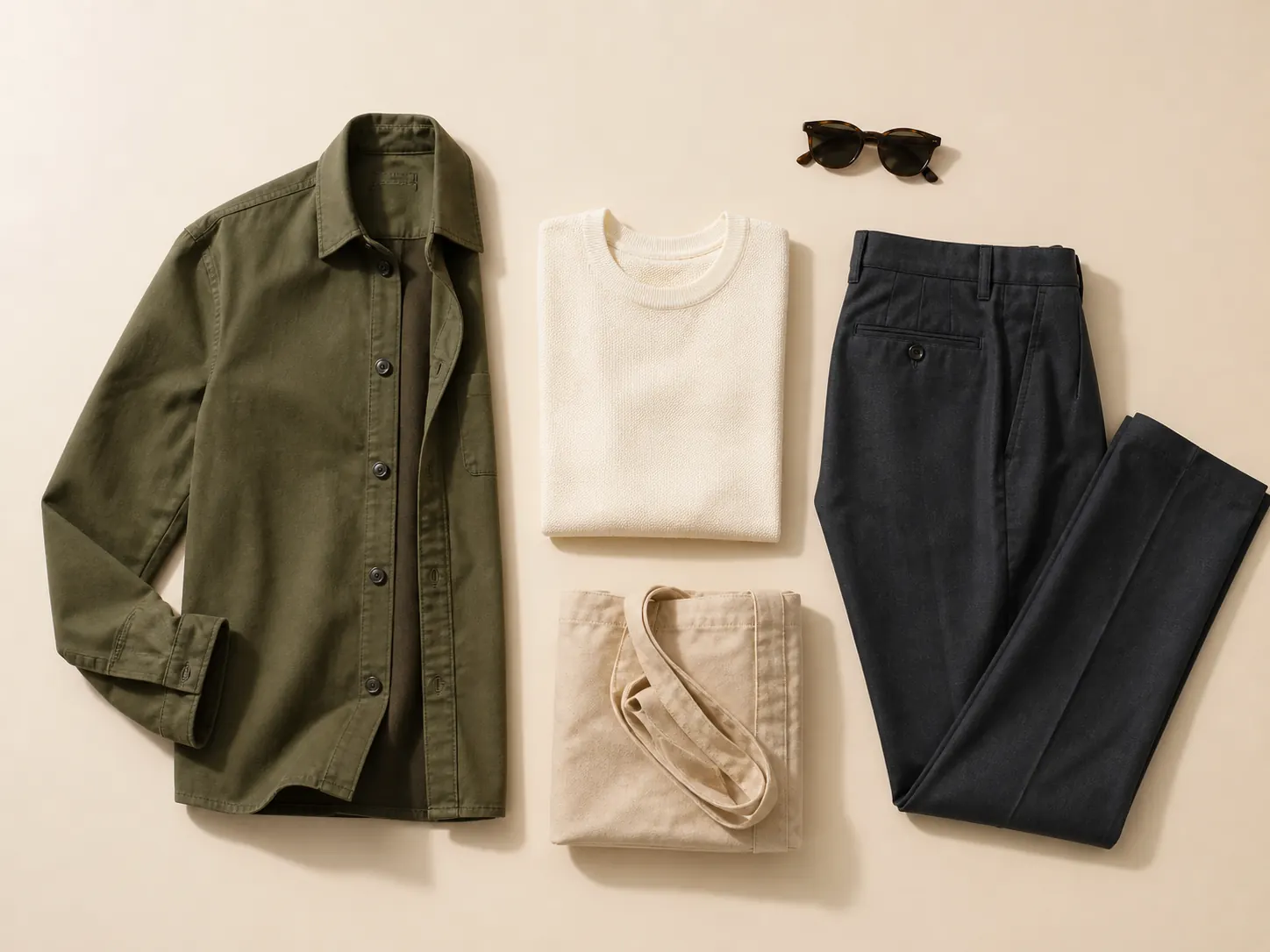
A direct overhead view makes fabric, stitching, shape, and construction easy to inspect. Use a quiet surface and controlled spacing to keep attention on the garment.
AI flat lay clothing tool
Upload a garment photo and turn it into a clean, top-down flat lay for product pages, catalogs, and marketplaces. Direct the arrangement, surface, light, and output shape while keeping the clothing recognizable.
Choose how the garment should be arranged, photographed, and framed.
Selected direction
Full garment shape · Warm white · Soft daylight · Portrait · 4:5
Your upload is processed securely and saved to your account.
A faster workflow
Create consistent top-down clothing photos without arranging garments by hand, moving lights, or repeating the shoot for every listing.
01
A direct overhead view makes fabric, stitching, shape, and construction easy to inspect. Use a quiet surface and controlled spacing to keep attention on the garment.
02
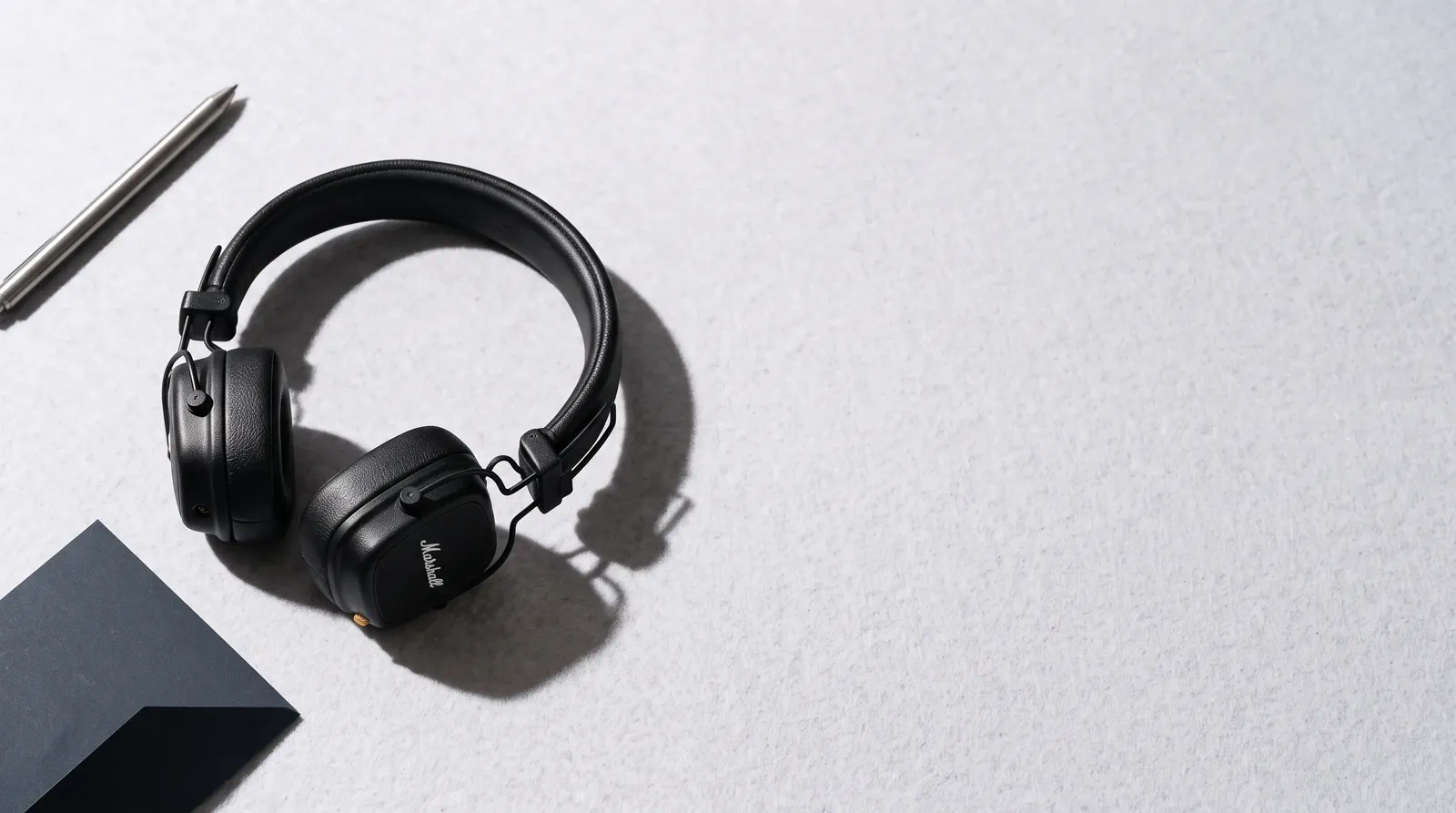
Switch from a complete garment outline to a compact catalog fold, editorial arrangement, or copy-ready layout while keeping the same product identity.
03
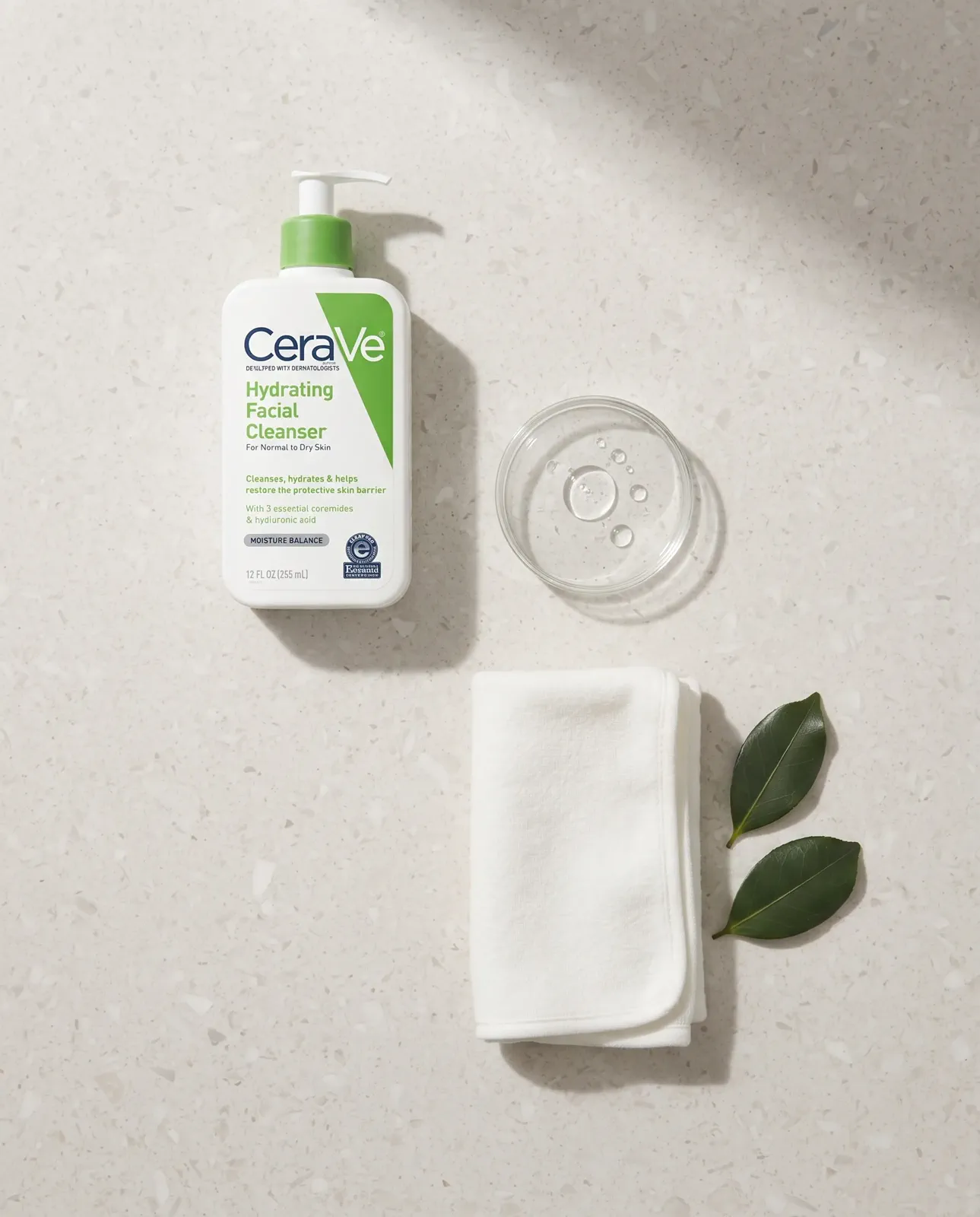
Standardize the camera angle, surface, light, and framing across a collection so product grids feel organized and customers can compare items quickly.
Try it yourself
Go from an existing garment photo to a structured ecommerce visual in three steps.
01
Choose a clear clothing photo. A flat lay, hanger, mannequin, or model image can all work when the full garment and its details are visible.
02
Select the arrangement, surface, lighting, and output shape that match your catalog or campaign.
03
Review the top-down result, check the product details, and download a ready-to-use PNG.
Product details stay visible
The dedicated flat lay prompt treats your upload as the product source of truth. It removes the old presentation while asking AI to preserve the garment itself.
Preserve color, pattern, material, and texture
Keep neckline, sleeves, seams, pockets, and hem
Use believable fabric weight, folds, and shadows
Avoid invented logos, text, people, or hangers
Flat lay shows a garment lying flat from above. When shoppers need to see the worn, three-dimensional shape instead, with the neckline open and the sleeves filled out, use a ghost mannequin image. Create a ghost mannequin image instead
Questions
What to know before turning an existing garment image into a top-down product photo.
It transforms an existing garment photo into a clean image photographed from directly above. You can create a structured flat lay without manually arranging clothing, setting up overhead lighting, or reshooting the product.
Use one sharp, well-lit image that shows the complete garment and its important details. Flat lays, hanger photos, mannequin images, and model photos can all work when the clothing is not heavily obstructed.
The generation prompt explicitly asks AI to preserve category, color, pattern, material, seams, cut, logos, and readable text. Always review the final image closely when exact product evidence matters.
Yes. Clean, top-down images work well for many ecommerce product pages, marketplace listings, catalogs, ads, and social posts. Check the image rules for each channel before publishing.
Choose flat lay when shape, construction, texture, or catalog consistency is the priority. Choose an on-model image when fit, scale, drape on the body, or lifestyle context is more important.
Create with MakeAD
Upload a garment, choose the presentation style, and create a listing-ready top-down visual.