
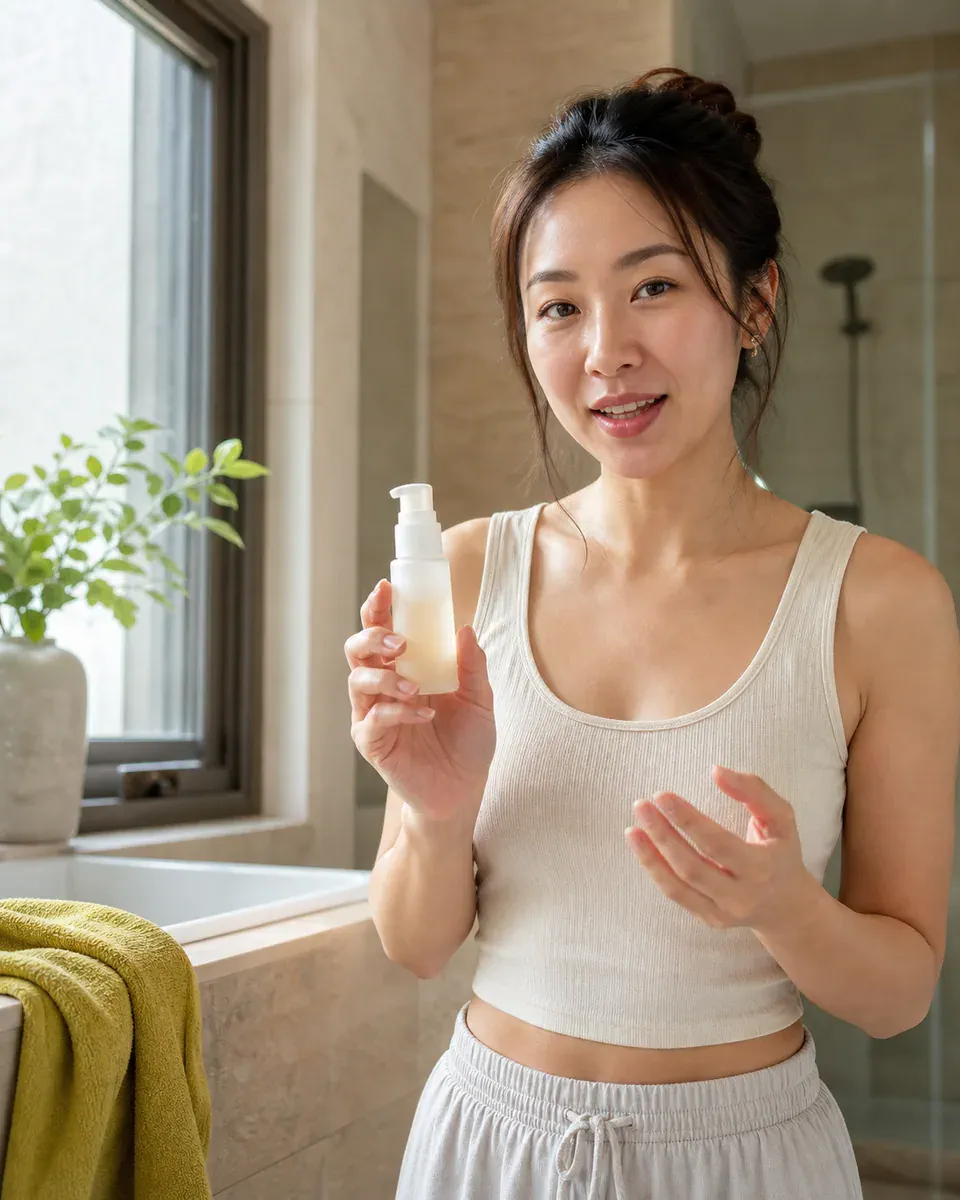
Everyday review
Casual and relatable
A natural home-shot feel for recommendations, routines, and honest first impressions.
AI UGC video generator
Turn a product image, verified product facts, a spoken script, and a creator profile into a natural UGC-style video. This UGC AI video generator gives you control over the character while keeping the product at the center of the story.
A creator presents the product on camera
Real lip movement, natural gestures, and a clear product demonstration.
Ground the video in real product details, then direct the creator and delivery.
Your product image and generated video are saved to your account.
From facts to creator video
Build one clear brief so product truth, creator direction, and spoken delivery stay connected.
Start from a clear product image and list only the facts the video is allowed to communicate.
Choose gender, age, region, and appearance vibe, then add any character detail your audience needs.
Write the spoken message, add optional camera direction, and generate the video without leaving this page.
More than a preset avatar
Use the core character controls as a starting point, then describe a more specific creator, setting, energy, or delivery style in your own words.
Everyday review
A natural home-shot feel for recommendations, routines, and honest first impressions.
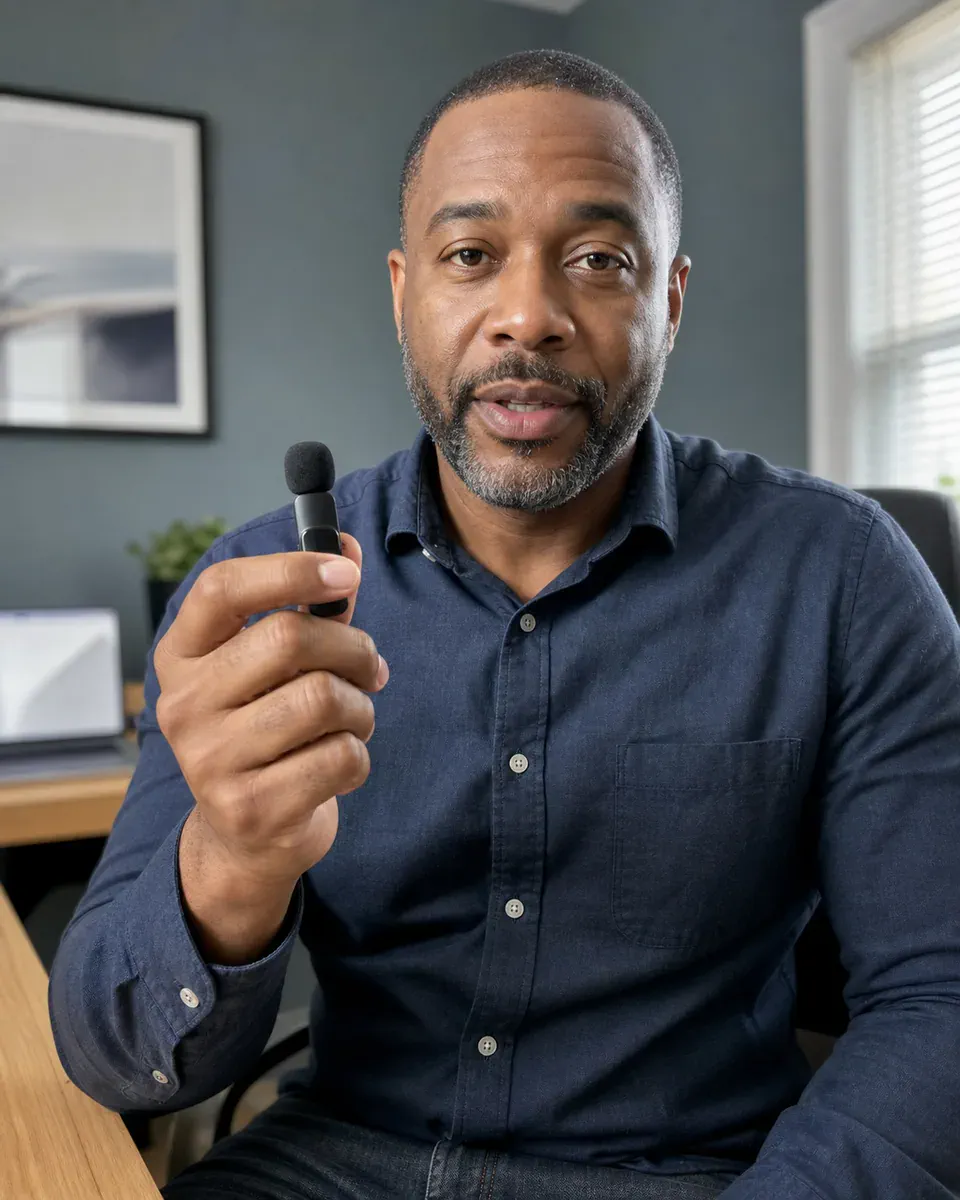
Expert explainer
A polished delivery for feature education, comparisons, and practical demonstrations.
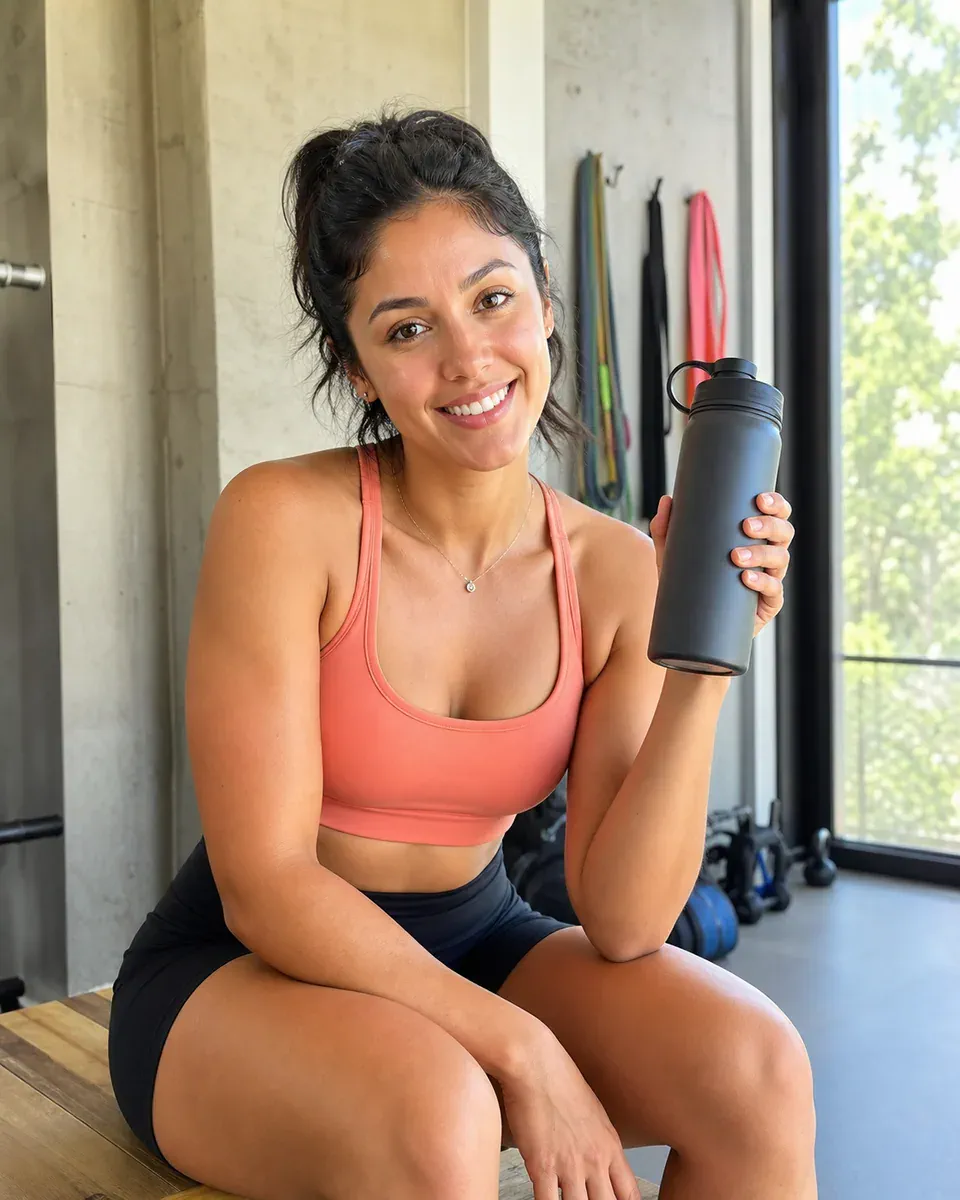
Social hook
An energetic creator style for vertical feeds, quick hooks, and direct calls to action.
A stronger UGC brief
Product facts define what can be claimed. The script defines what is said. Character and creative prompts define who says it and how the moment feels.
Use the uploaded image as the product identity source
Keep performance claims factual and supportable
Write dialogue that fits the selected duration
Describe hands, gestures, setting, pacing, and camera naturally
Questions
Answers about product inputs, character controls, scripts, formats, and generated UGC-style videos.
An AI UGC video generator turns a product brief, creator profile, script, and visual reference into a creator-style product video. It helps teams explore testimonial, demonstration, and social-ad concepts without organizing a new shoot for every direction.
Include verified details such as product type, size, materials, ingredients, features, intended use, and supported claims. Do not add a claim simply because it sounds persuasive.
Yes. Gender, age, region, and appearance vibe are starting controls. Use the additional character field for hair, wardrobe, personality, creator niche, setting, accessibility details, or delivery style.
The generation request includes audio and uses your script as dialogue direction. Always review pronunciation, timing, claims, and product handling before publishing.
Vertical 9:16 is a strong default for short-form social feeds. Square 1:1 and landscape 16:9 can be useful for other placements; choose the ratio that matches the final channel.
AI UGC video generator
Upload the product, define the creator, add the script, and generate on this page.