
AMAZON PRODUCT VIDEOS
Create Amazon Product Videos Around Real Buyer Questions
Turn one Amazon product image into the setup, scale, feature, included-parts, or everyday-use video your listing is missing. Describe the full scene and motion, then create it with Seedance 2.5.
Start With the Question That Could Stop the Purchase
An Amazon product video should answer a buyer question that the listing images leave open.
- 1
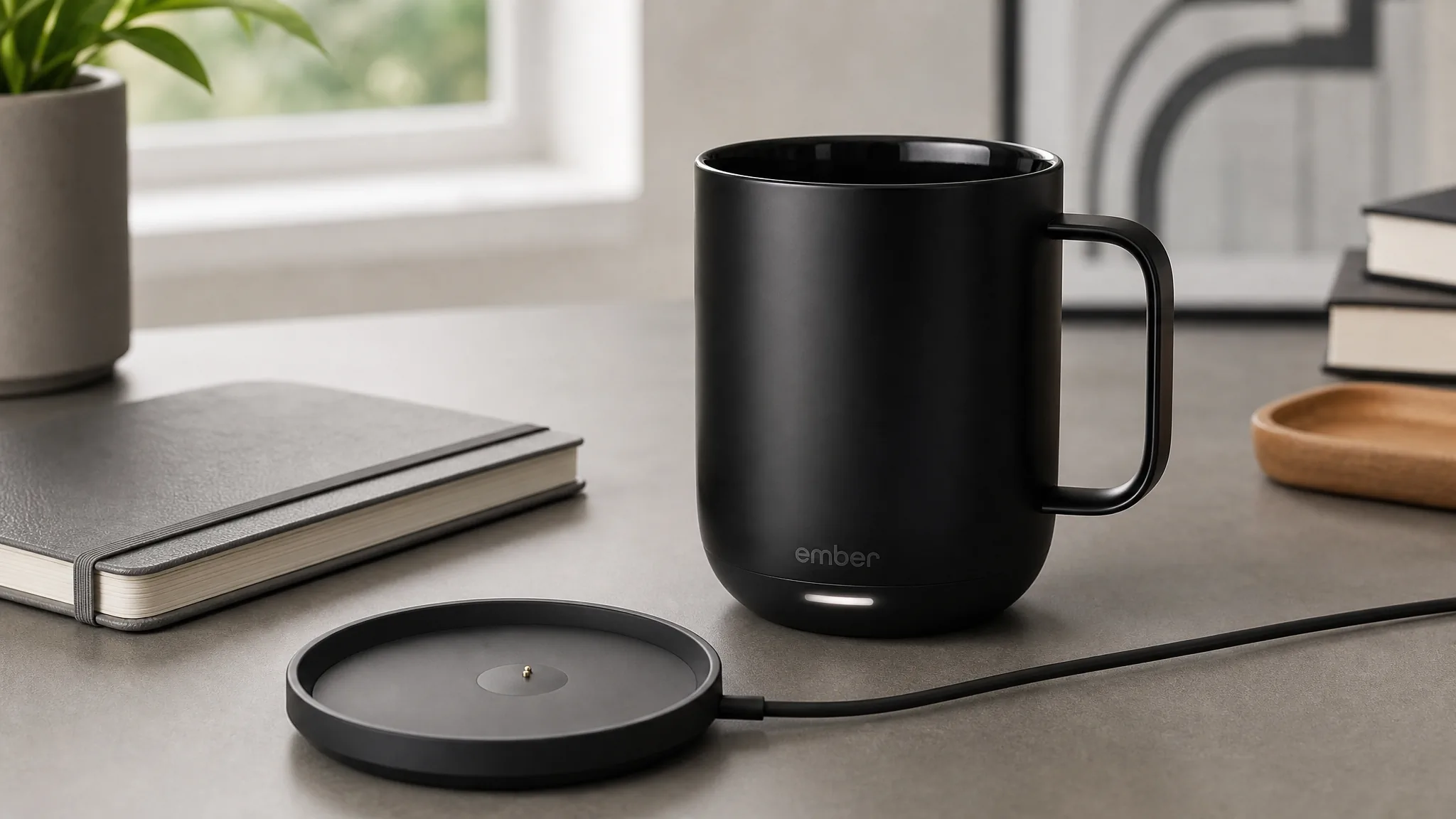
Included parts
Show every piece that affects setup or use so buyers understand what is in the box before they order.
- 2
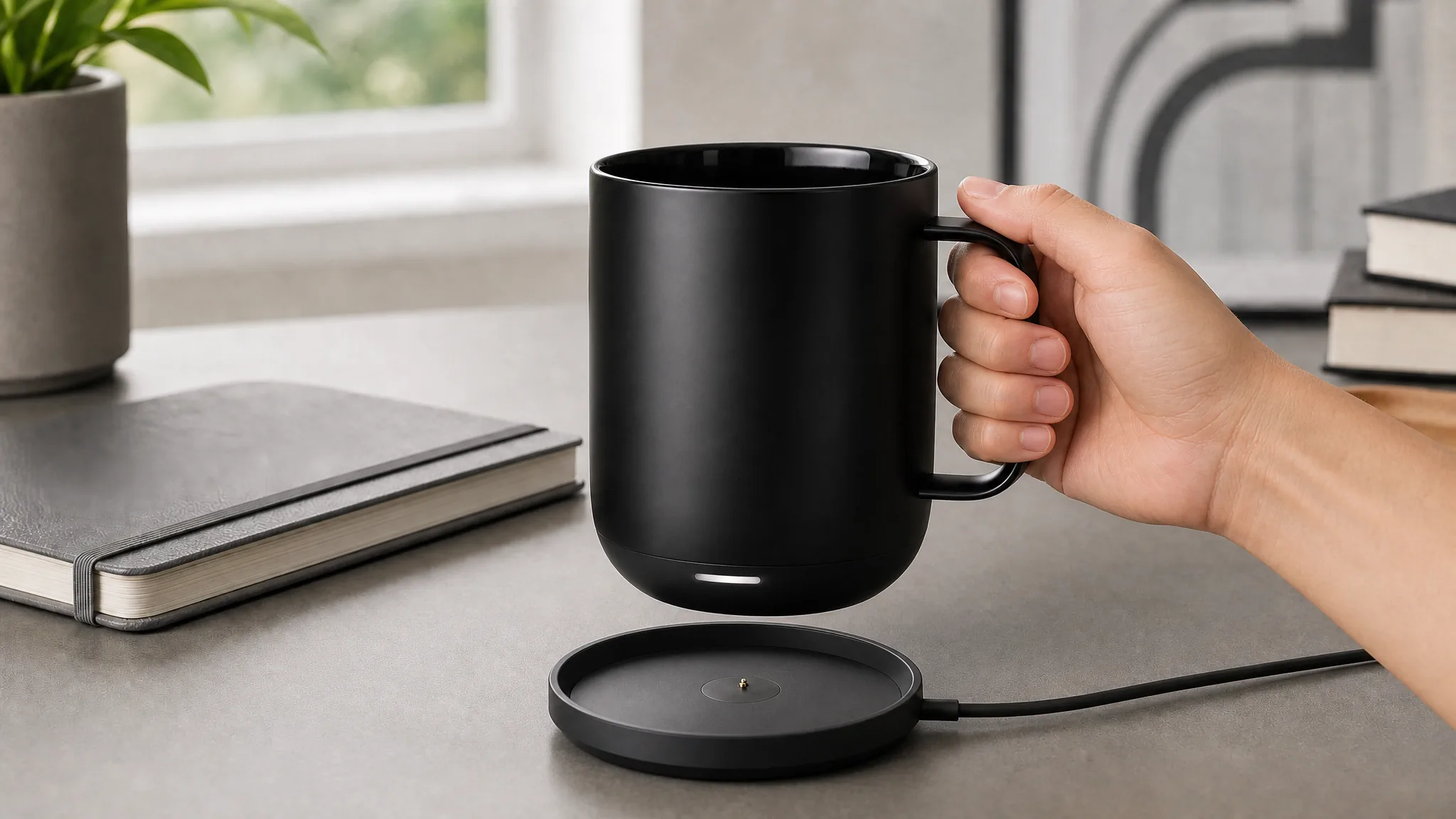
Setup
Demonstrate where the product sits, connects, charges, or stores so the buyer can picture the real setup.
- 3
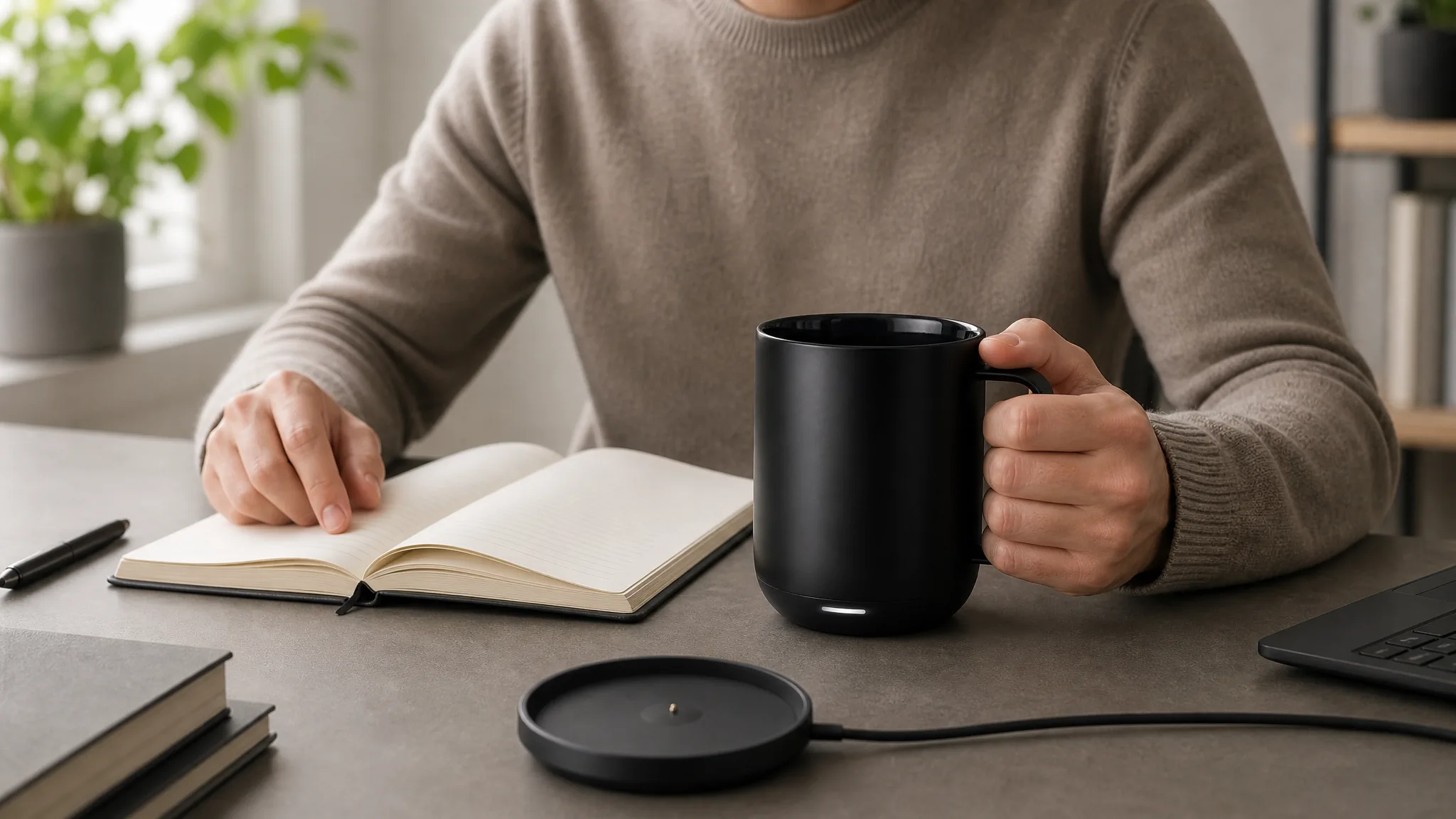
Scale in use
Use a hand, body, counter, or familiar object to make dimensions and capacity easier to judge.
- 4
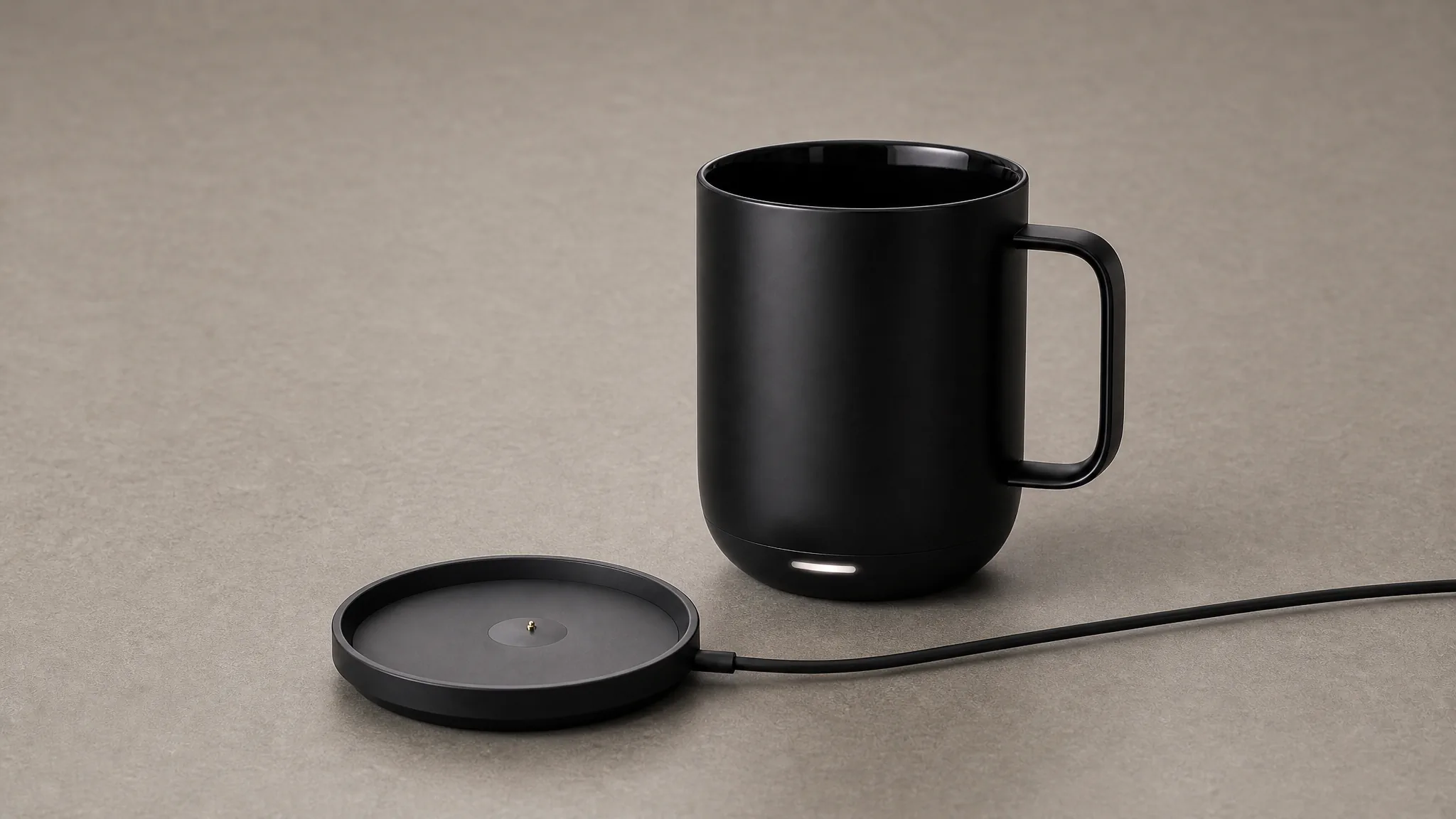
Complete view
End with the assembled product from a useful angle so the buyer can confirm the complete form and finish.
Give Every Part of the Amazon Product Video One Job
 1
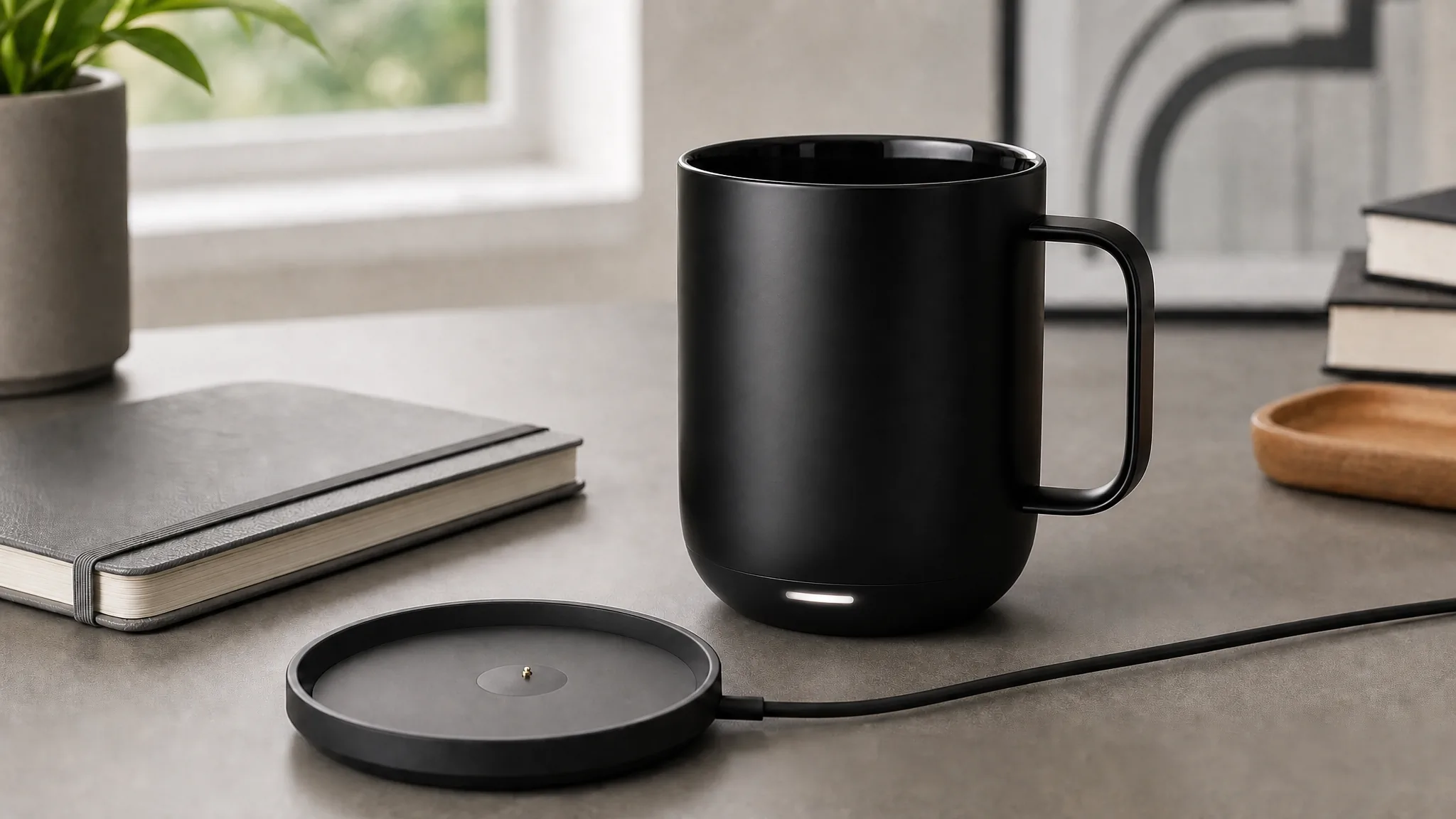
1Show what arrives
Begin with the product and essential accessories together so the rest of the sequence has a clear inventory.
 2
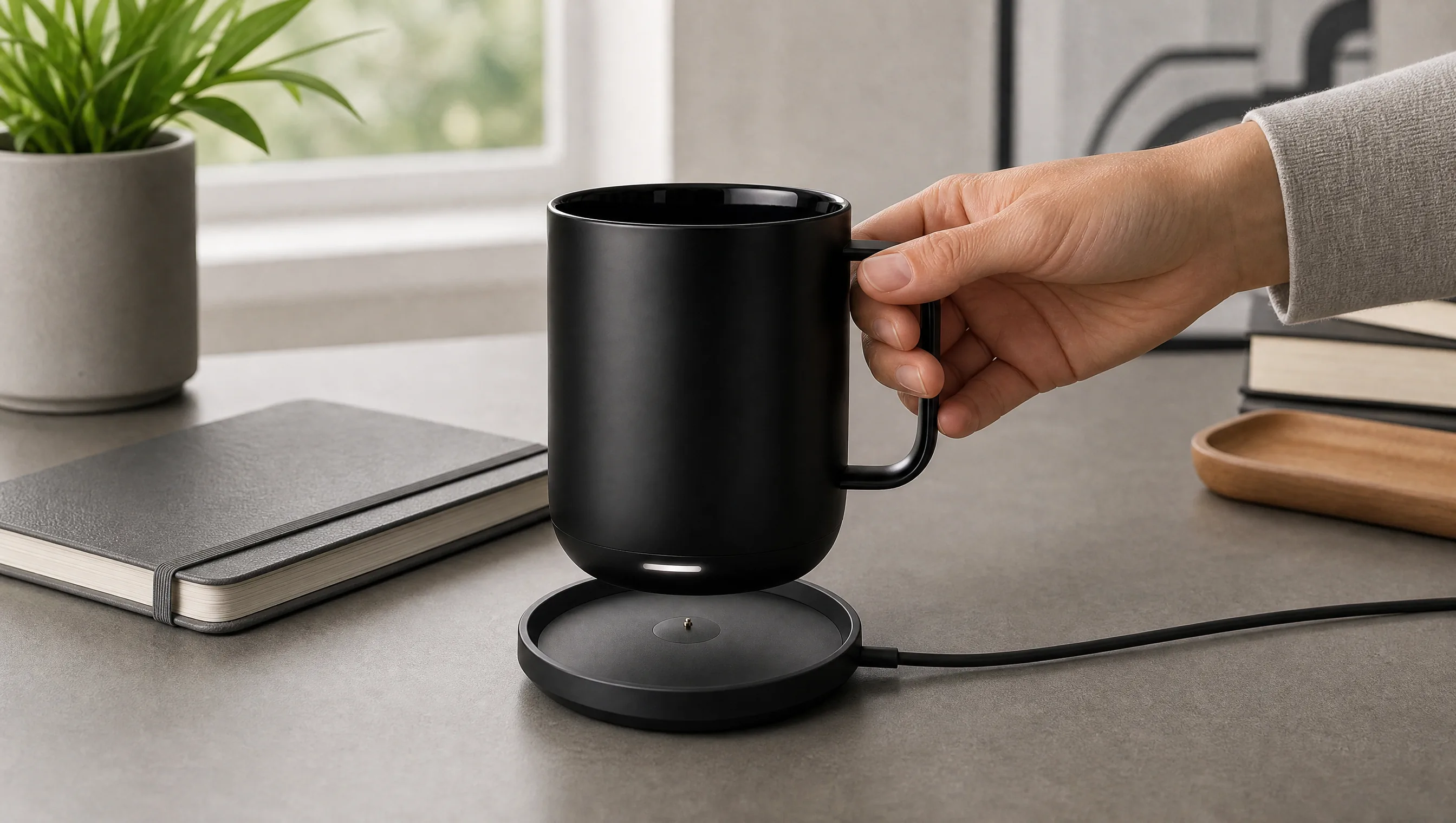
2Show the setup
Demonstrate the one setup step a buyer is most likely to wonder about, using a clear angle and natural speed.
 3
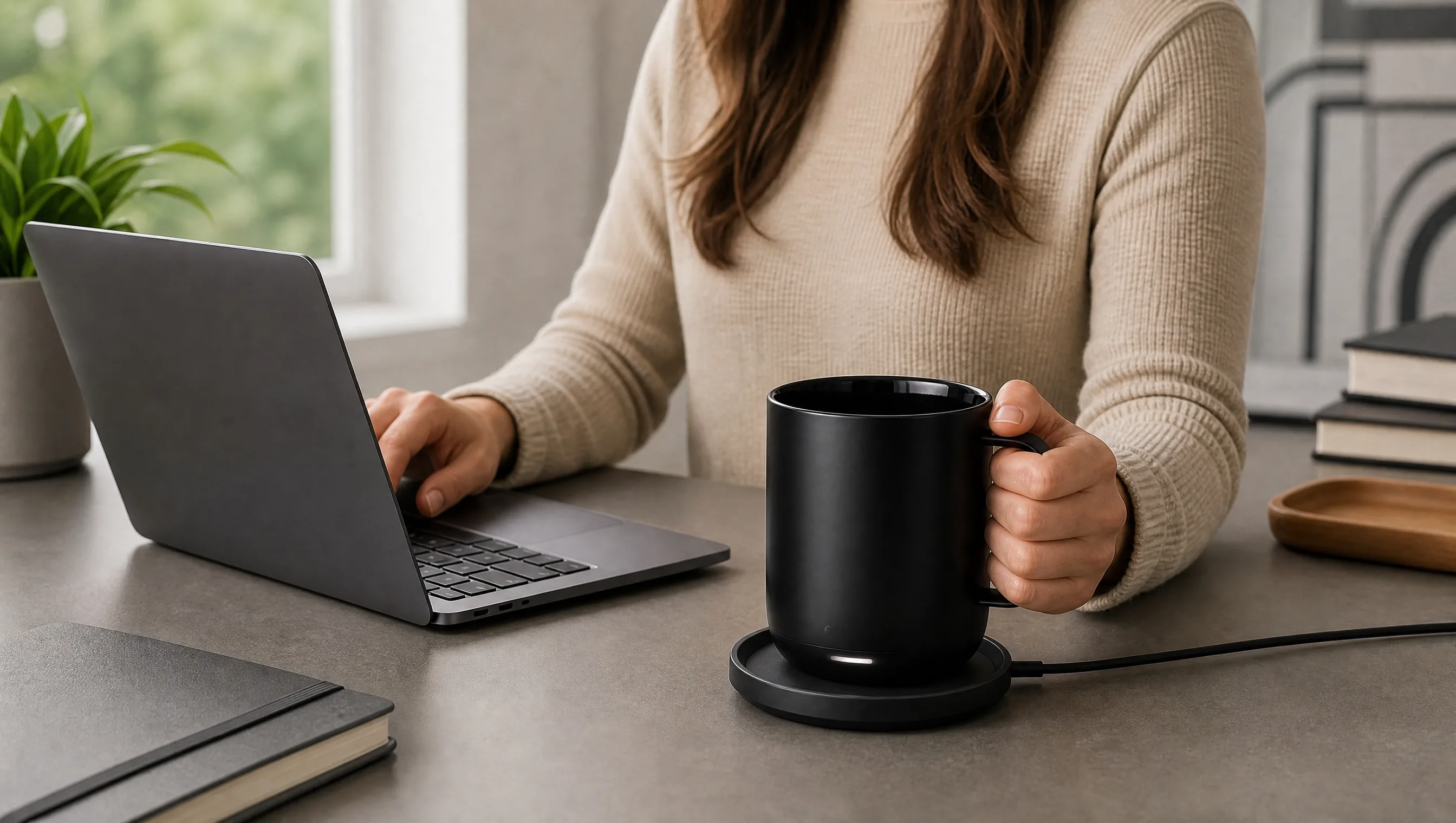
3Show real scale
Place the product in hand or in its normal environment so size and fit no longer depend on guesswork.
 4
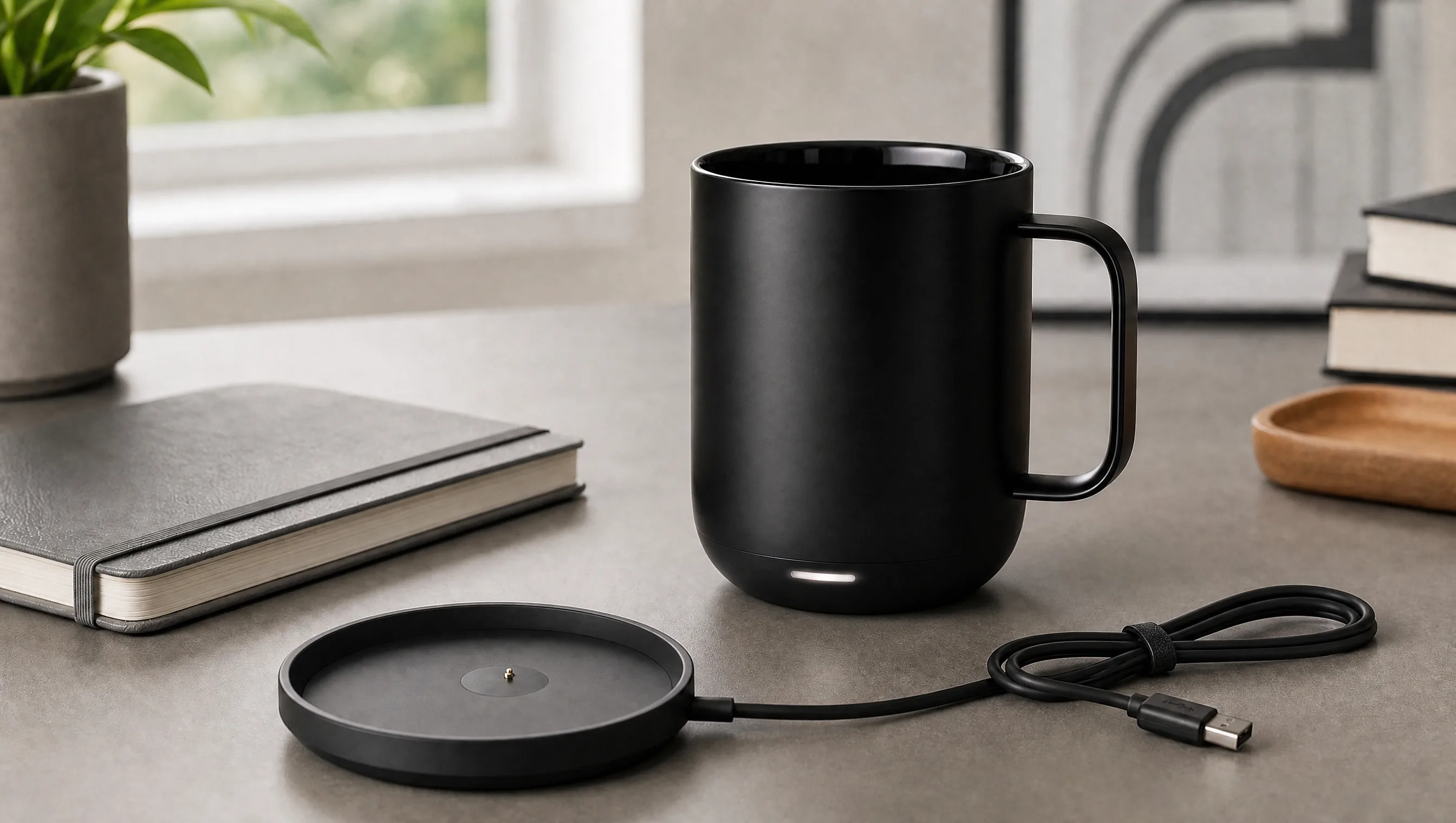
4Confirm the whole product
Close on a stable complete view that connects the demonstrated details to the item the customer will receive.
From Complete View to Everyday Use
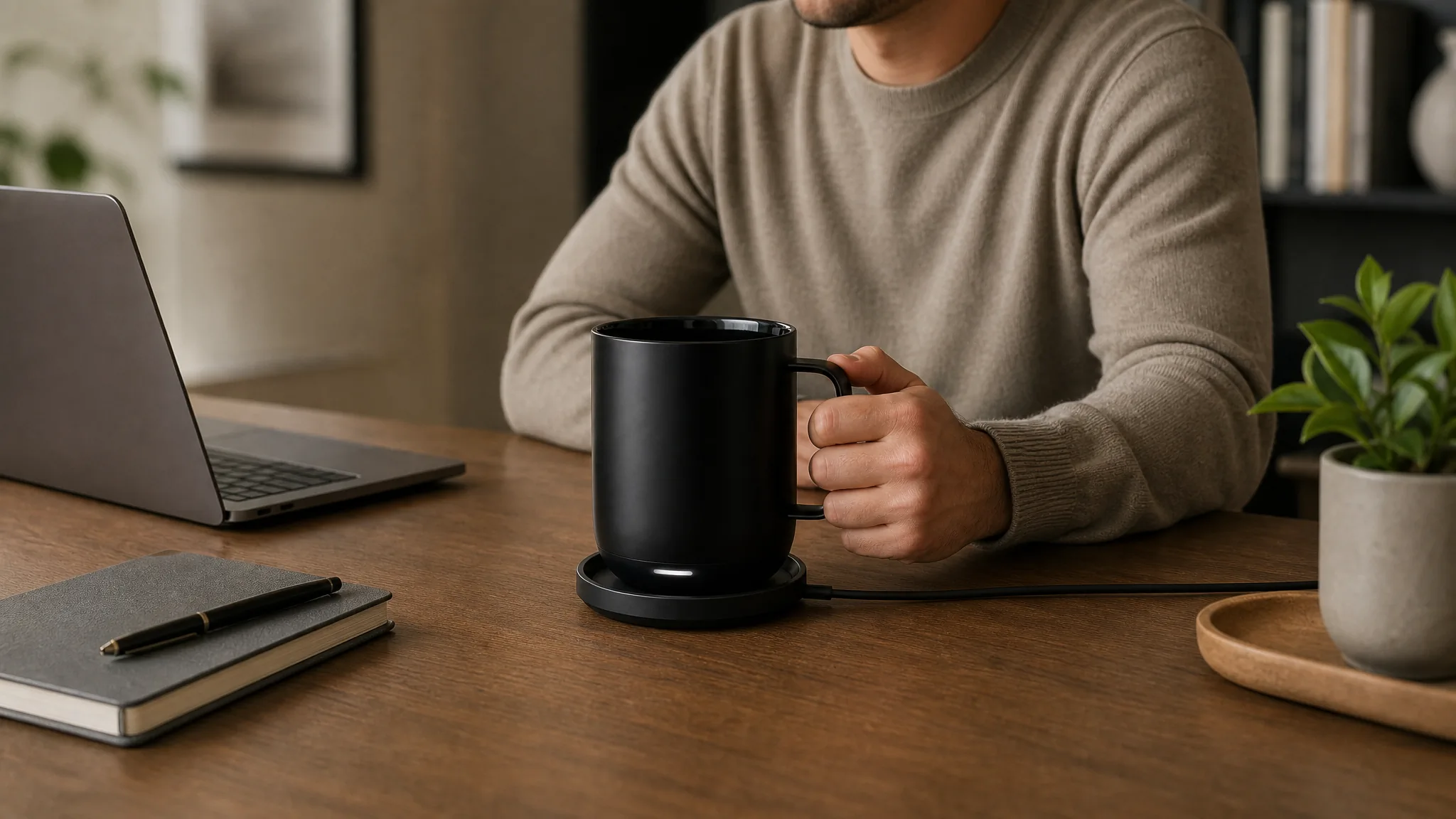
Complete product view
Give buyers enough time to inspect the complete product, its proportions, and the parts that remain visible in use.
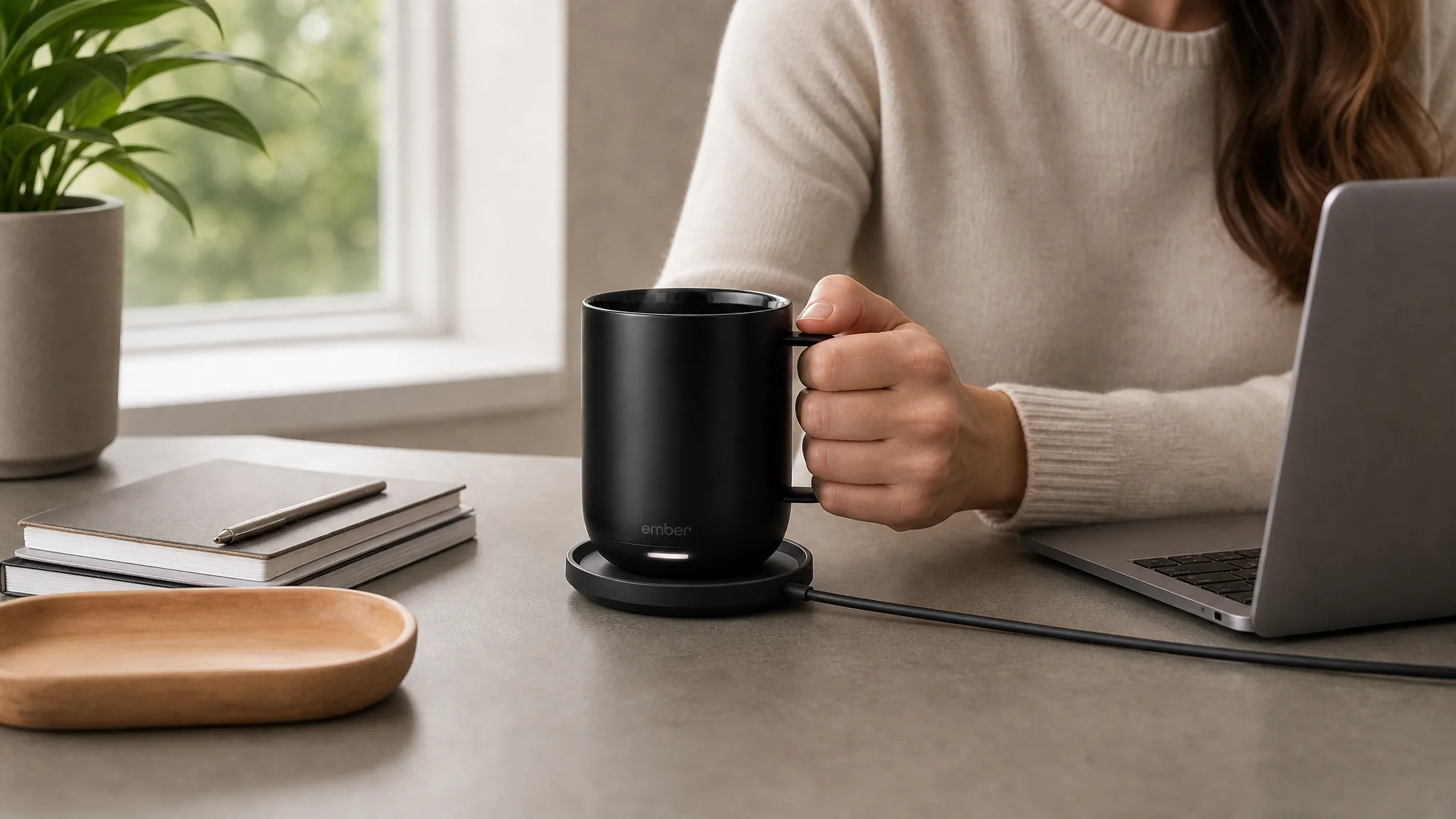
Everyday use
Move into a familiar routine that shows hand contact, scale, placement, and the product performing its main task.
Show the Feature Instead of Overloading the Frame
Plan each product video for Amazon around visible evidence such as included parts, scale, setup, or use.
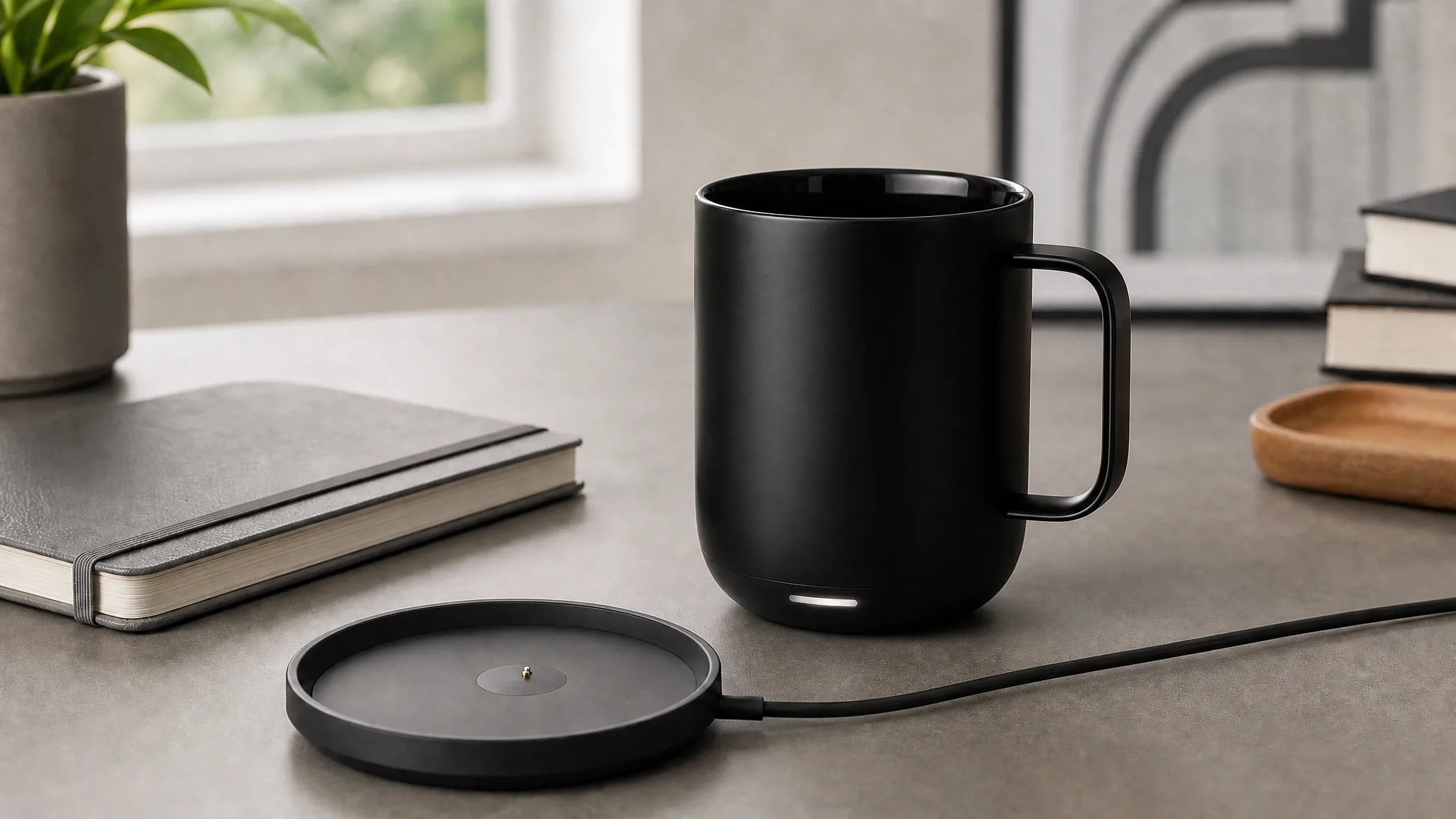
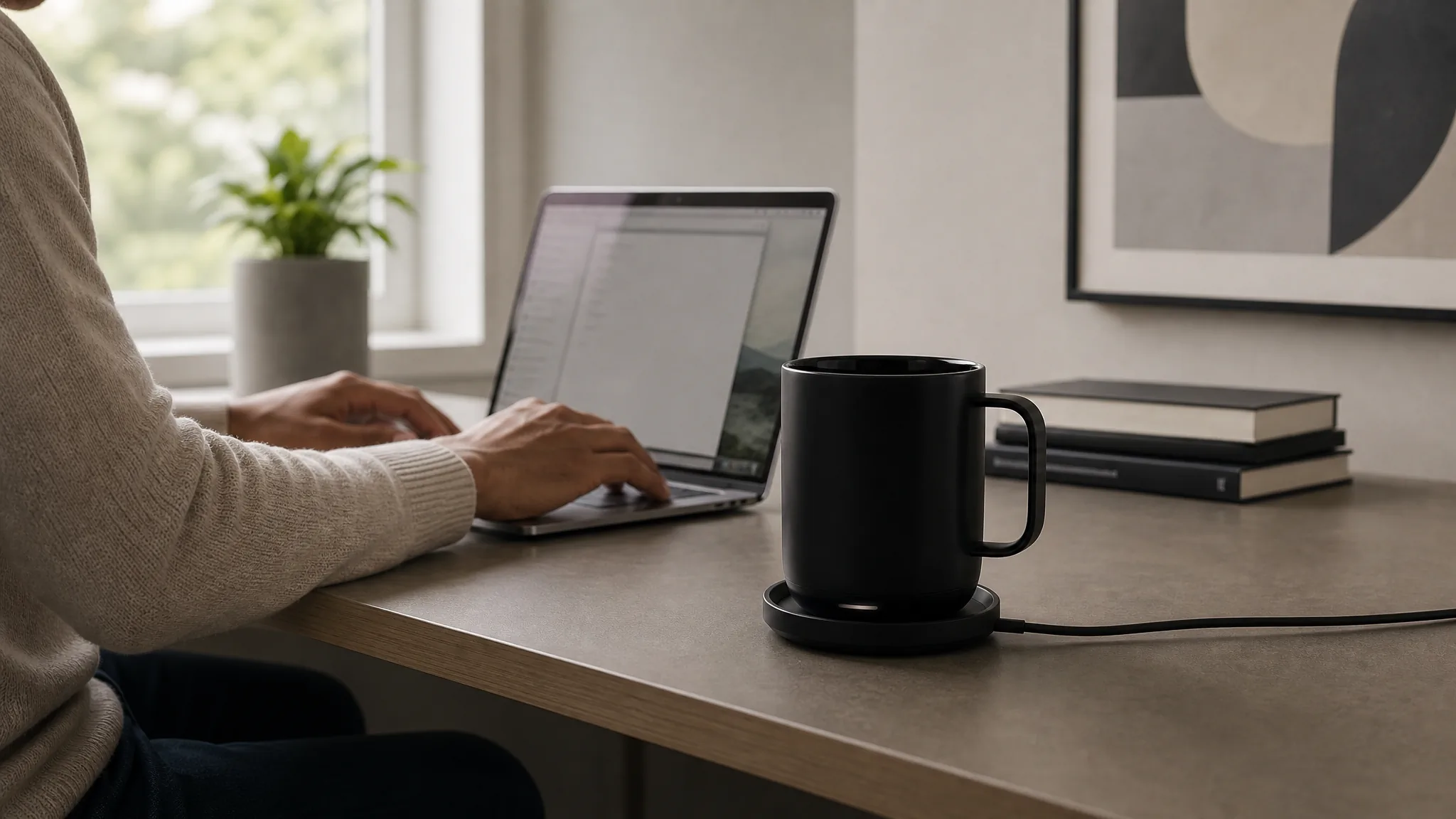
Show the Reason Still Images Cannot
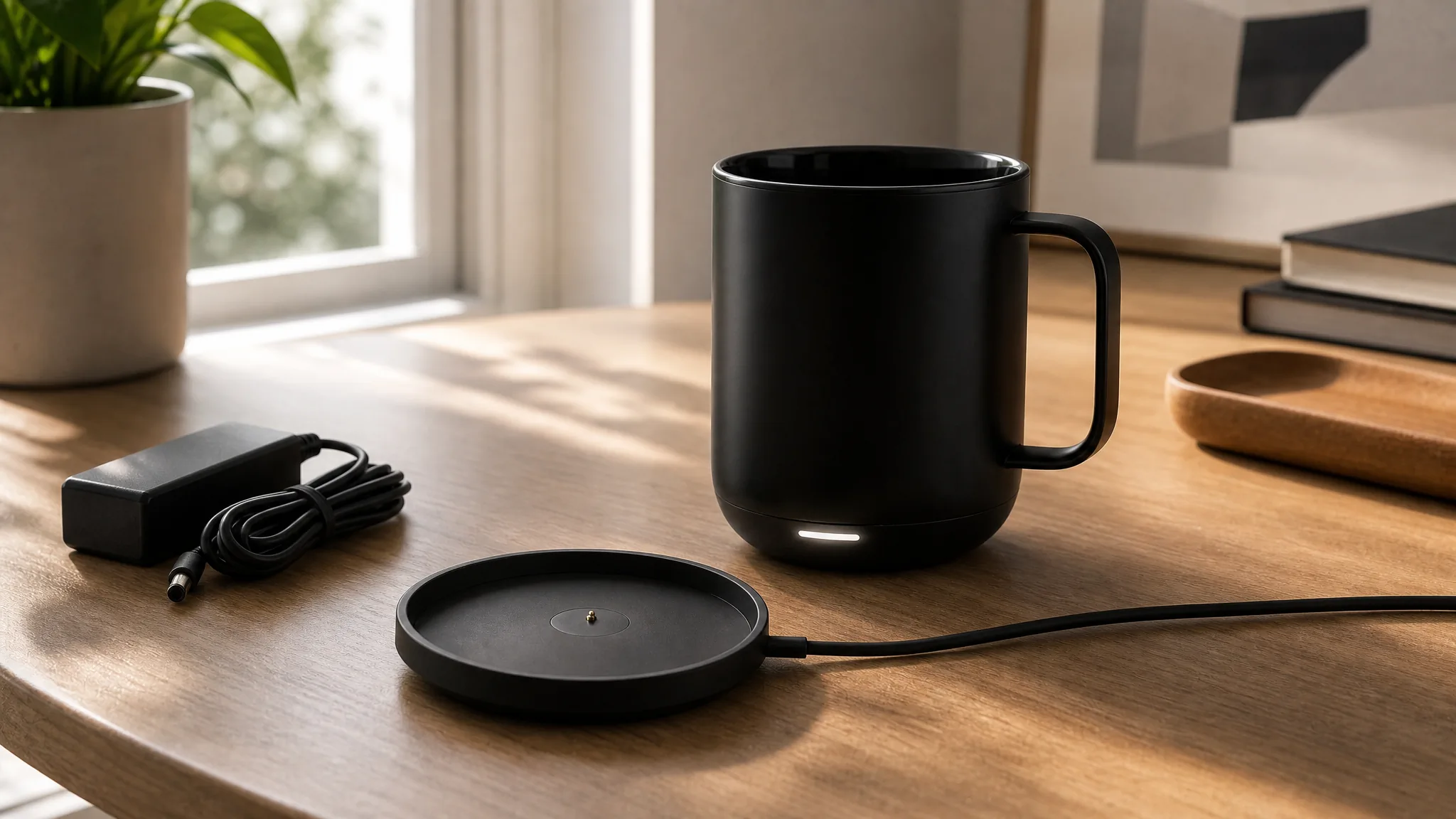
Answer a setup question
Create a clear setup moment for a product whose connections or included parts are hard to understand from photos.
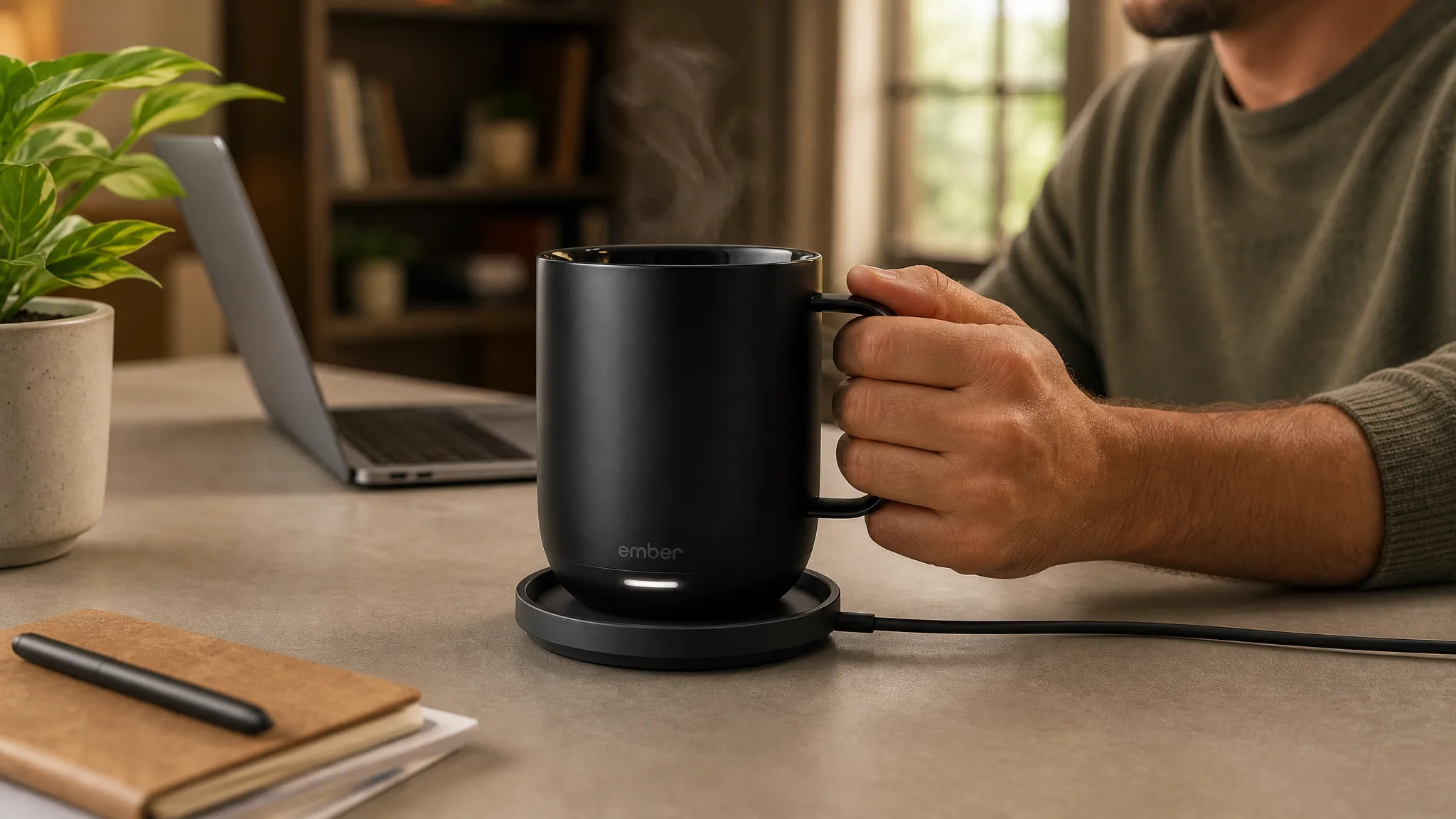
Answer a use question
Show the product completing its main task at a believable speed and from the angle that best explains it.
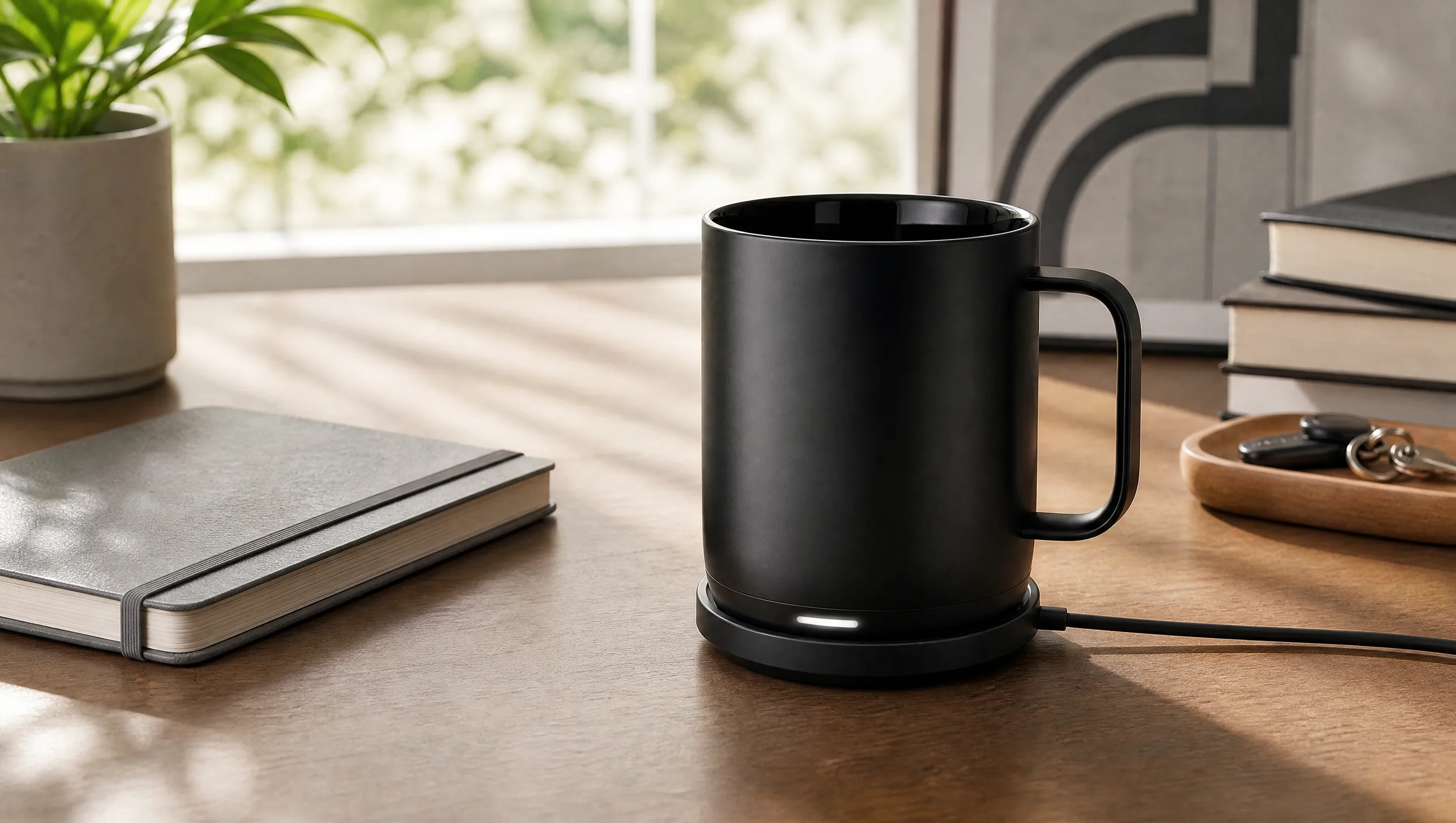
Build complete-product confidence
Finish with the full item, accessories, and result visible together when that complete picture drives the decision.
Direct setup, unboxing-style reveals, feature close-ups, human-scale use, lifestyle moments, camera movement, lighting, pace, and the final product hold. Make the video answer the question your listing photos leave open.
How Marketplace Teams Use Product Video
“Our listing had decent photos but the number-one buyer question was how the part actually attaches. I uploaded the hero image and described the attachment action step by step. The video shows exactly that motion, clear and slow. It is the kind of thing the gallery just could not communicate, and it made the page feel complete.”
“We had just finished a full photo set for a client when they asked for video too - no budget for another shoot. I took the approved hero shot and generated a clean setup-and-use clip from it. The motion matches the photo set so well you would think it was shot the same day. Existing work, brand-new asset.”
“I had a specific idea: open on the tool in the soil, then pull back to show the full handle and grip. I described it that precisely and the video followed it - soil first, then the reveal. It matched the story I had in my head for the listing, which surprised me. The prompt actually carried the idea.”
FREQUENTLY ASKED QUESTIONS
Amazon Product Video Questions
Answers about buyer questions, source images, creative ideas, duration, and visible product details.
What should an Amazon product video show?+
Show the information that can move a shopper closer to a decision: what is included, how the product is set up, its scale, a defining feature, or what normal use looks like.
Can I create an Amazon product video from one image?+
Yes. Upload a clear product image and describe the listing story you want MakeAD to create around it.
What kinds of Amazon product video ideas can I create?+
Try a complete-product reveal, setup sequence, feature close-up, hand-held scale demonstration, included-parts overview, or an everyday-use scene.
How long can an Amazon product video be in MakeAD?+
Seedance 2.5 supports one generated clip up to 30 seconds. Choose the duration that gives the product action enough time to remain clear.
Which product details are most useful to show in motion?+
Prioritize details that become easier to understand when they change, connect, open, move, fit, or appear at a familiar human scale.
CREATE WITH MAKEAD
Answer the Buyer Question Your Image Gallery Cannot
Show the setup, included parts, scale, feature, or everyday-use moment that buyers still have to guess from static images.