
01
Upload the original
Start with one JPG, PNG, or WebP product image. The upload remains the identity and composition reference.
AI light editor for product photos
Use an AI light photo editor to repair dull exposure, hard shadows, and inaccurate color—without rebuilding your product shot from scratch.
Set the overall light, shadow behavior, and color finish. Your product and composition stay the source of truth.
Your image is processed securely and saved to your account.
Before and after
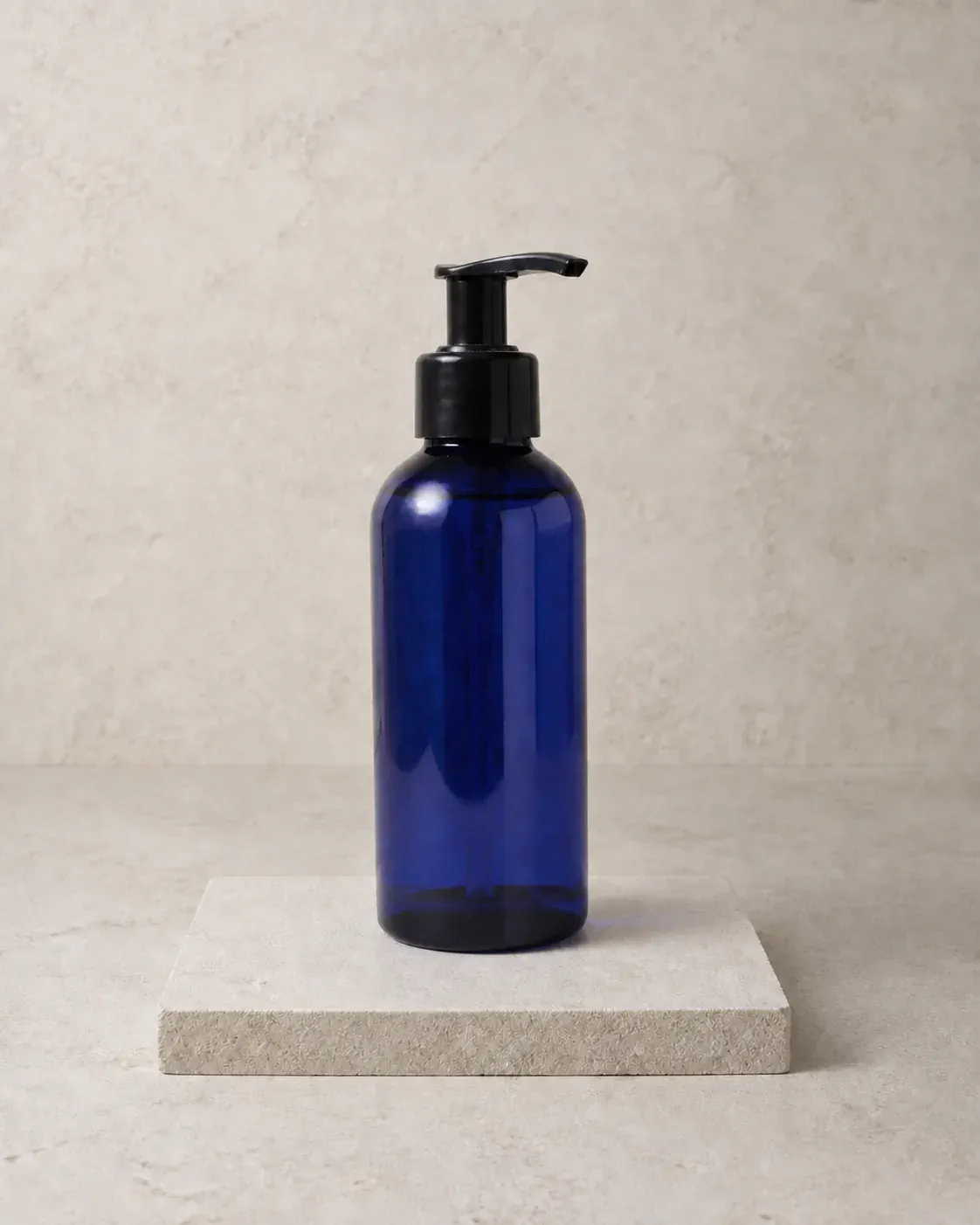
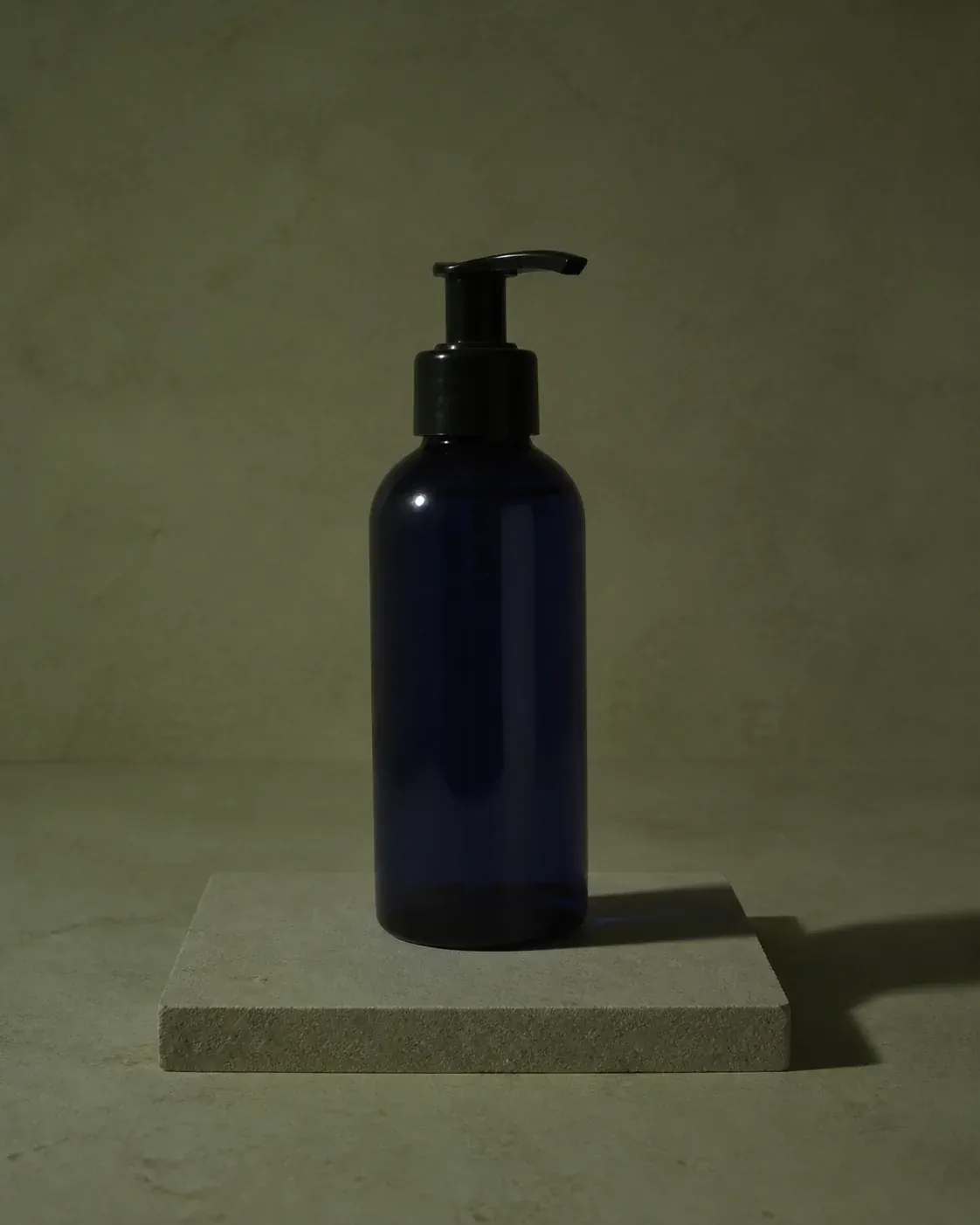
Drag the divider to compare the same product before and after exposure repair, shadow control, white-balance correction, and more accurate color.
Three simple steps
Repair a difficult photo without rebuilding the set or learning a complex photo editor.
Start with one JPG, PNG, or WebP product image. The upload remains the identity and composition reference.
Choose the lighting goal, shadow treatment, and color finish that fit the sales channel.
Create one corrected 1K PNG, compare product details, then download the result.
One focused photo repair
A useful light editor AI should correct the whole lighting system while keeping the original product recognizable.
Lift underexposed surfaces, control blown highlights, and restore readable texture without making the photo look flat.
Soften distracting hard edges or rebuild a clean contact shadow that grounds the product naturally.
Remove unwanted color casts, balance white point, and bring the product closer to its intended color.
Edit the light, not the product
The dedicated prompt tells AI to preserve shape, proportions, packaging, logos, readable text, camera position, crop, background, and every object that is not part of the lighting correction.
Questions
Answers about AI light editors, exposure repair, product shadows, color correction, and output.
An AI light editor analyzes an existing photo and regenerates its illumination, exposure, shadows, reflections, and color balance. This page is tuned for product photos rather than general portraits or scene generation.
Yes. Choose Auto correct or Bright marketplace to lift dark areas and recover product readability. Results depend on how much usable detail exists in the original image.
You can preserve the existing shadow structure, soften harsh shadows, or rebuild a clean studio shadow. The editor also aligns highlights and reflections with the new light direction.
Yes. True-to-product color removes unwanted casts and balances the white point. Warm and cool finishes add a restrained commercial tone after the basic correction.
The prompt explicitly locks product identity, composition, labels, and background, but generative AI can still alter small details. Compare the result with the source at full size before publishing.
Repair the photo you already have
Upload one product photo, choose the correction, and create a polished lighting edit in MakeAD.