
Product video setup
Choose video production equipment by the product shot you need
Start with stability and visible product detail. Add lenses, light control, sound, movement, or rental gear only when the shot gives them a real job.
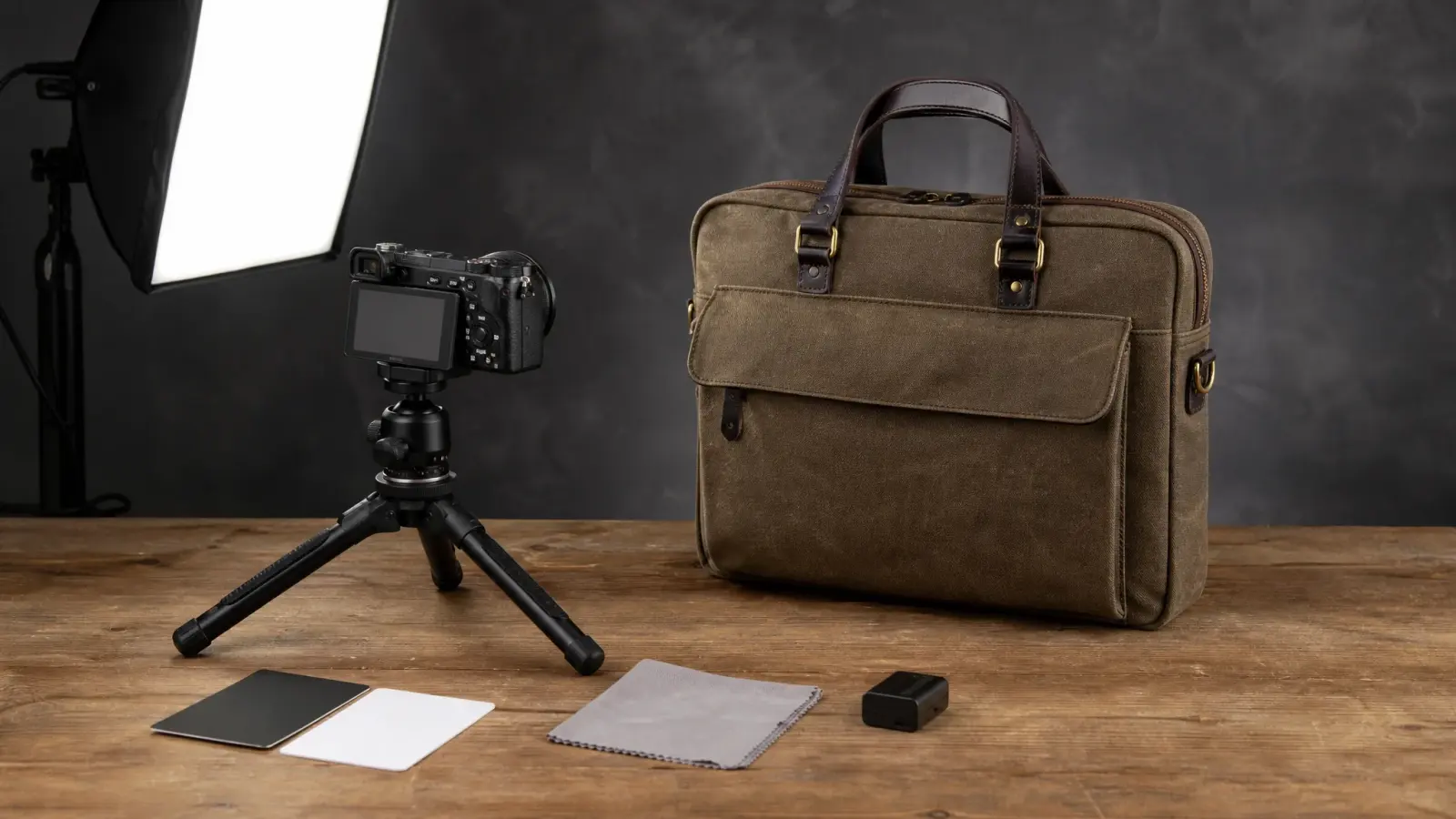
The minimum kit that solves most first problems
Stable image
Phone or camera plus tripod or rigid support.
Visible shape
One controllable soft light or bright diffused window.
Consistent exposure
Manual exposure and white-balance control.
Clean product
Cloth, blower, tape, gloves, and prep tools.
Reliable files
Power, storage, cards or cables, and a backup location.
Build one of three kits
This job needs
Product-page proof
Phone or camera, stable support, one soft light, white and black boards, cleaning kit, background, and backup.
Buy, rent, or skip
Buy
The tool solves a repeated bottleneck, is maintainable, and costs less than repeated rental or lost time.
Rent
The tool is expensive, specialized, rarely used, or needs an operator and insurance.
Skip
The tool has no clear job or creates more setup risk than visible improvement.
Add audio only when sound carries evidence
| Sound job | Equipment direction |
|---|---|
| Dialogue or demonstration | Close microphone, recorder or camera input, headphones, and room control. |
| Product operation sound | Directional or close microphone, quiet room, controlled handling, and reference take. |
| Music-only edit | Licensed track and clear silent fallback. |
| Silent product page | Prioritize image, poster, and visual clarity. |
Pack for the failure that would stop the shoot
- Product, backup, cleaning tools, shot list, references, and releases.
- Batteries, power, media, cables, adapters, stands, weights, and tape.
- Color reference, headphones, file naming plan, backup drive, and weather cover.
Make a better source image even when the final clip uses AI
A stable, sharp, evenly exposed source gives the product identity more visible evidence. Capture the complete product, avoid blocked parts, control reflections, and keep enough resolution for close review.
Frequently asked questions
Product video setup FAQ
Practical answers for a minimum kit, phone-versus-camera decisions, renting, audio and small reflective products.
What equipment do I need for a product video?
For a tabletop product video, start with a phone or camera that allows locked exposure and focus, a tripod or rigid support, one large soft light, white and black cards, clamps, product-cleaning tools, a neutral surface, spare power, and reliable storage. Add sliders, macro lenses, turntables, or extra lights only when a specific shot requires them.
When is a phone enough, and when do I need a camera?
A recent phone is enough for stable demonstrations, UGC-style use, simple scale, and fast catalog volume under controlled light. Use a camera when you need interchangeable lenses, macro detail, shallow depth control, higher dynamic range, precise color workflow, external timecode or audio, or repeatable motion across many takes.
Should I buy or rent professional video equipment?
Buy the repeated essentials you can maintain—support, soft light, cards, clamps, power, and storage. Rent a macro lens, motion-control rig, high-output light, specialty modifier, or extra camera only when a booked shot earns the cost; test the rental before the production day.
What audio equipment is best for product video?
For dialogue, place a lavalier or directional microphone close to the speaker; for product sounds, use a small condenser or shotgun mic close to the mechanism in a quiet room. If the edit is music-only or the destination removes audio, do not let an unnecessary audio setup complicate the shoot.
What accessories help with small or reflective products?
Use diffusion material, black and white cards, flags, museum putty, lint-free cloths, gloves, a macro-capable lens, small clamps, and a sturdy overhead or tabletop arm. For reflective products, the cards and flags that shape what the surface reflects often matter more than adding another light.
Use the source you captured
A clear product image can carry the next video without a full new rig
Capture the complete product with stable light and enough detail, then direct the camera, action, environment, and ending in MakeAD when another shoot is unnecessary.
Turn a clear source into video