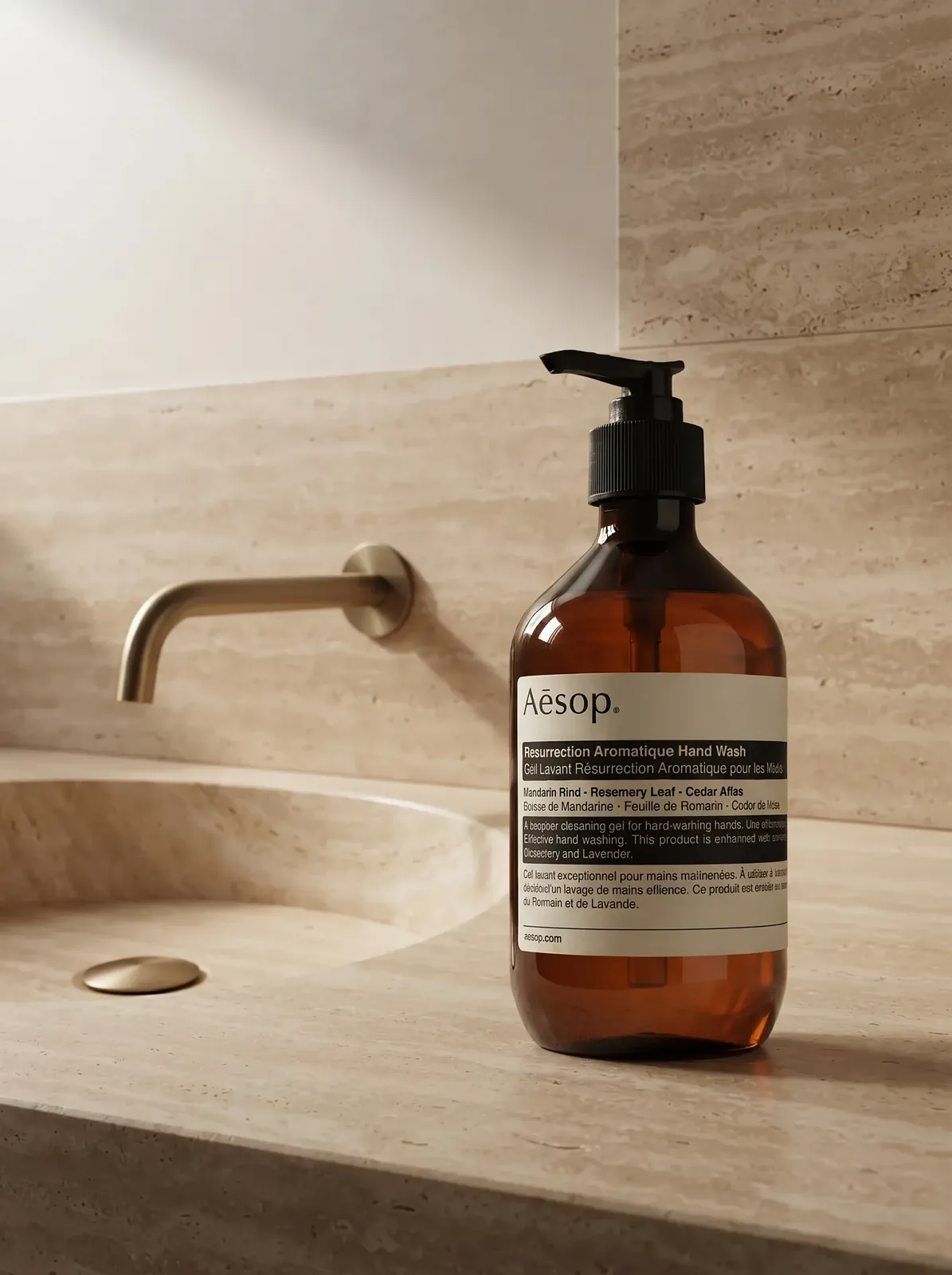
Label and flavor name
The label carries the brand, the flavor, and often the size. Keep it facing the camera, and compare every word with your source photo, because AI can still change small lettering on a curved can or bottle.
LABEL, GLASS, AND CHILL
Drinks are hard to photograph: a curved can bends the label, dark wine bottles mirror the whole room, and condensation or ice can make the product look like something else. Start with one clear photo of your can, bottle, or tub, describe the scene and props you want, then check the label, liquid, and flavor cues before you publish.
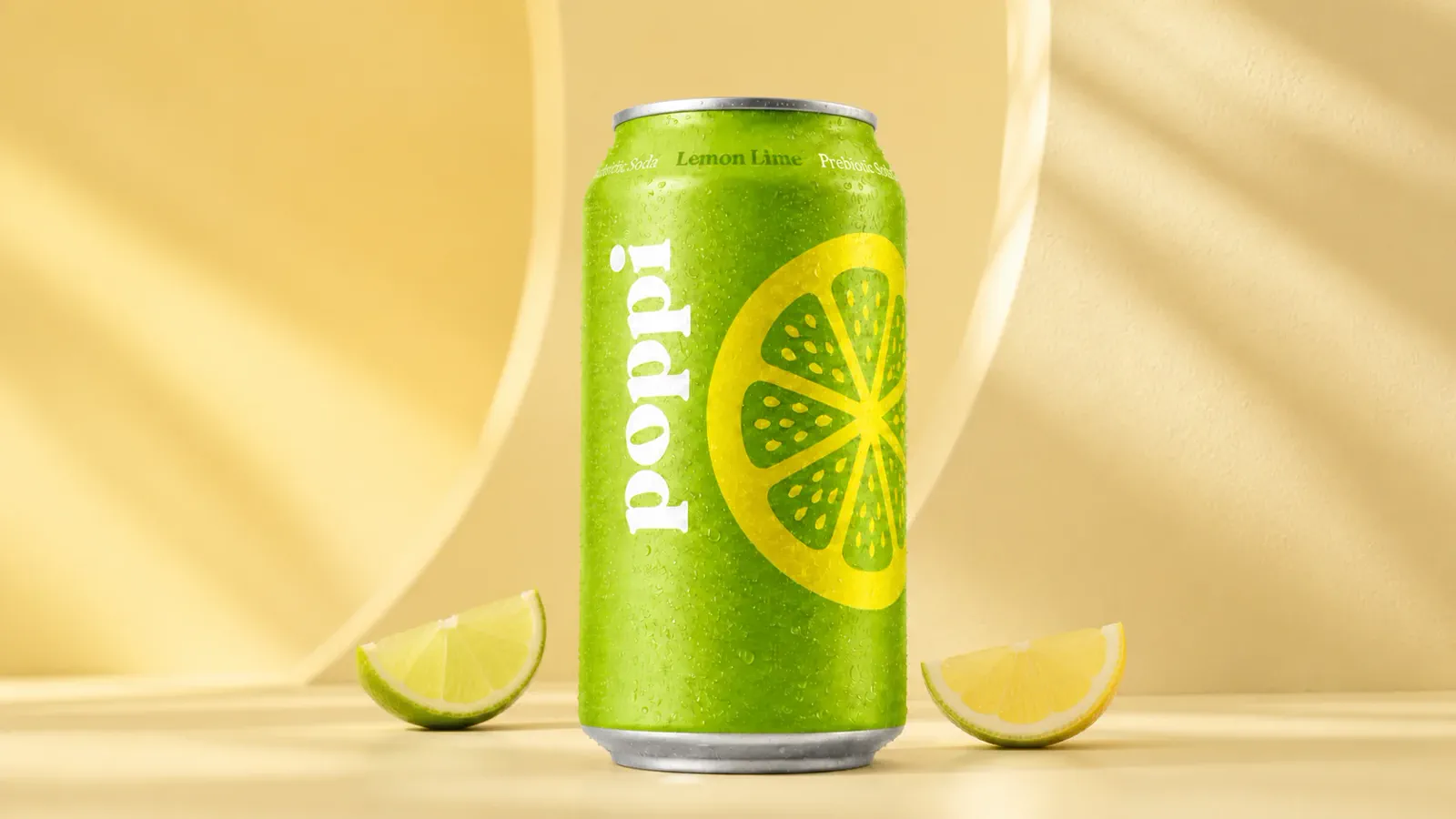 MADE WITH MAKEAD
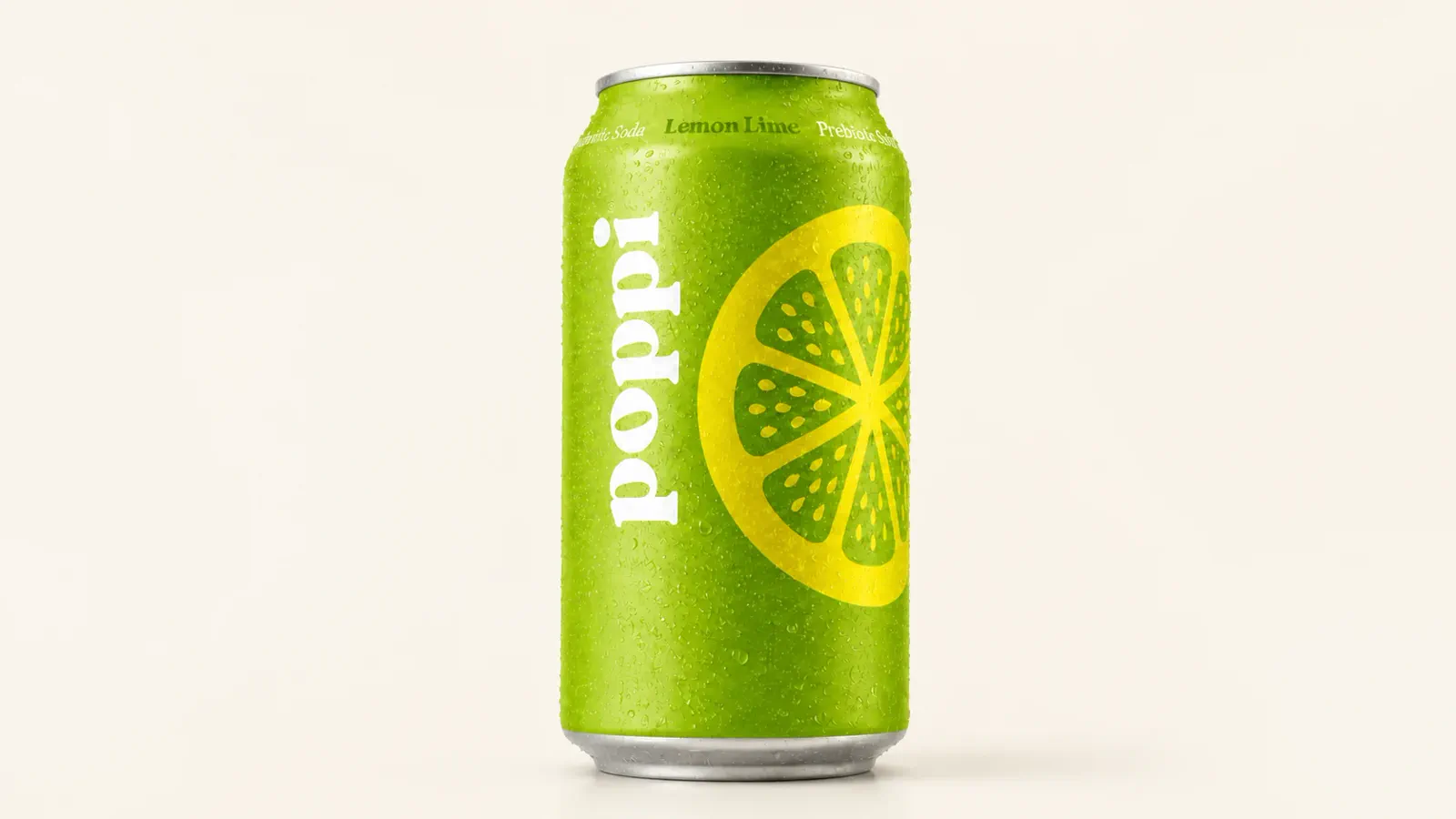 Starting product image
WHAT BUYERS LOOK AT
A shopper cannot taste the drink through the screen. They read the label, the liquid, the chill, and the props around it, so those four details decide whether the image looks like the product they will receive.
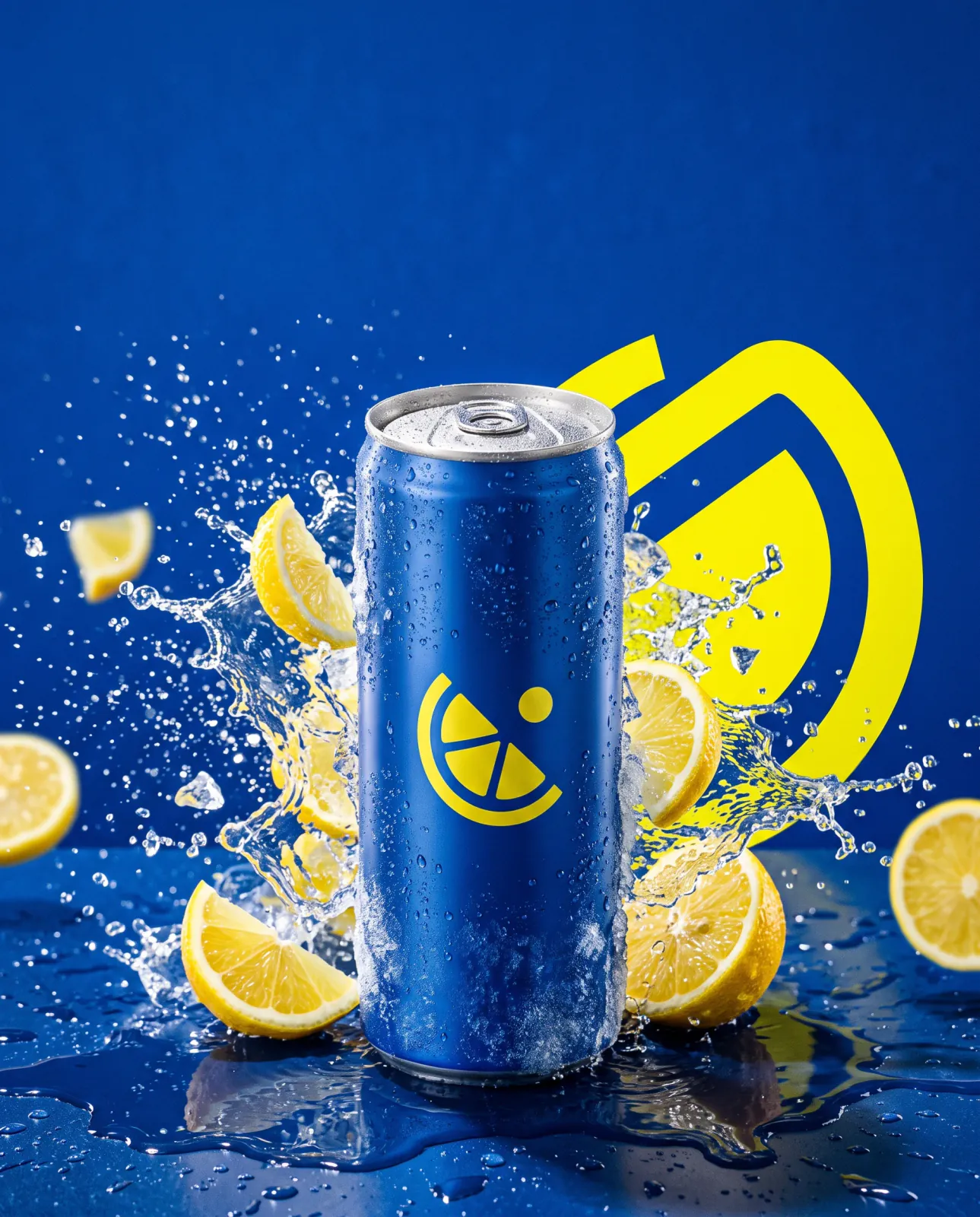 MADE WITH MAKEAD
The label carries the brand, the flavor, and often the size. Keep it facing the camera, and compare every word with your source photo, because AI can still change small lettering on a curved can or bottle.
For bottles, the color of the liquid is part of the product. Name the glass and the liquid in your direction, for example “dark green wine bottle” or “clear bottle of orange juice”, and check that the fill level matches the real bottle.
Water droplets and ice say “cold”, but only use them when the drink is really served chilled. Ask for them in your direction, then make sure no droplet or splash covers the brand name.
Lemon wedges next to a lemon-lime soda help shoppers read the flavor at a glance. Fruit or herbs that are not in the drink suggest a different product, so keep props to real ingredients or neutral surfaces.
CUSTOMER EVIDENCE
Two health and supplement sellers and one food and drink seller describe what had to stay accurate and where the images ended up.
“Supplement bottles have to look accurate — the label and the bottle color are basically the product. It kept the shape and the true tone, so buyers see what they actually receive on the listing.”
Odette_L
MakeAD customer
“Glass dropper bottles usually break these tools with fake reflections. Premium Editorial kept the real transparency and the way light passes through, so the tincture looks true to the actual product.”
Bram_K
MakeAD customer
“I had a summer promo idea on a Friday and needed it live by Monday. No briefing a designer, no booking a shoot. I typed the direction, used Bold Campaign with copy space, and the export went straight into the ad we ran. No rounds in between.”
Lena Fischer
MakeAD customer
BY CONTAINER
Cans, wine bottles, clear juice bottles, and supplement tubs go wrong in different ways. Start from one sharp photo of each product, then write the direction around what shoppers check first on that container.
Shoot the can straight on so the flavor name sits in the center of the curve. Bold Campaign suits a bright color field with ice or a splash, while Natural Lifestyle works for a picnic, cooler, or kitchen counter. Use 1:1 for marketplace grids and 4:5 for social feeds.
For wine bottle photography, dark glass reflects everything around it. Ask for a dark or warm background with soft edge light so the shoulder and neck of the bottle stay visible, and choose Premium Editorial for a cellar, dinner table, or gift scene. A tall bottle fits 2:3, 4:5, or 9:16 better than a wide frame.
Clear and amber glass show the drink itself, so the liquid color has to stay true. Light from behind or from the side helps the liquid glow; describe that light and the true color in your direction, then compare the result with your source photo.
For supplement product photography, the label is the product: name, dose, and count must stay exact. Use Clean Studio or Soft Minimal for listing images, and add a glass or shaker only if the powder is really mixed that way. For a plain cutout, the Background Remover returns a 1K transparent PNG.
Zoom to full size and compare with the source. Label text: flavor names, vintages, doses, and volume can blur or change, so keep a real photo for the main image if they do. Liquid: the color and fill level should match the real product. Styling: ice, condensation, and fruit should match how the drink is really served and what it really contains.
CREATE IN MAKEAD
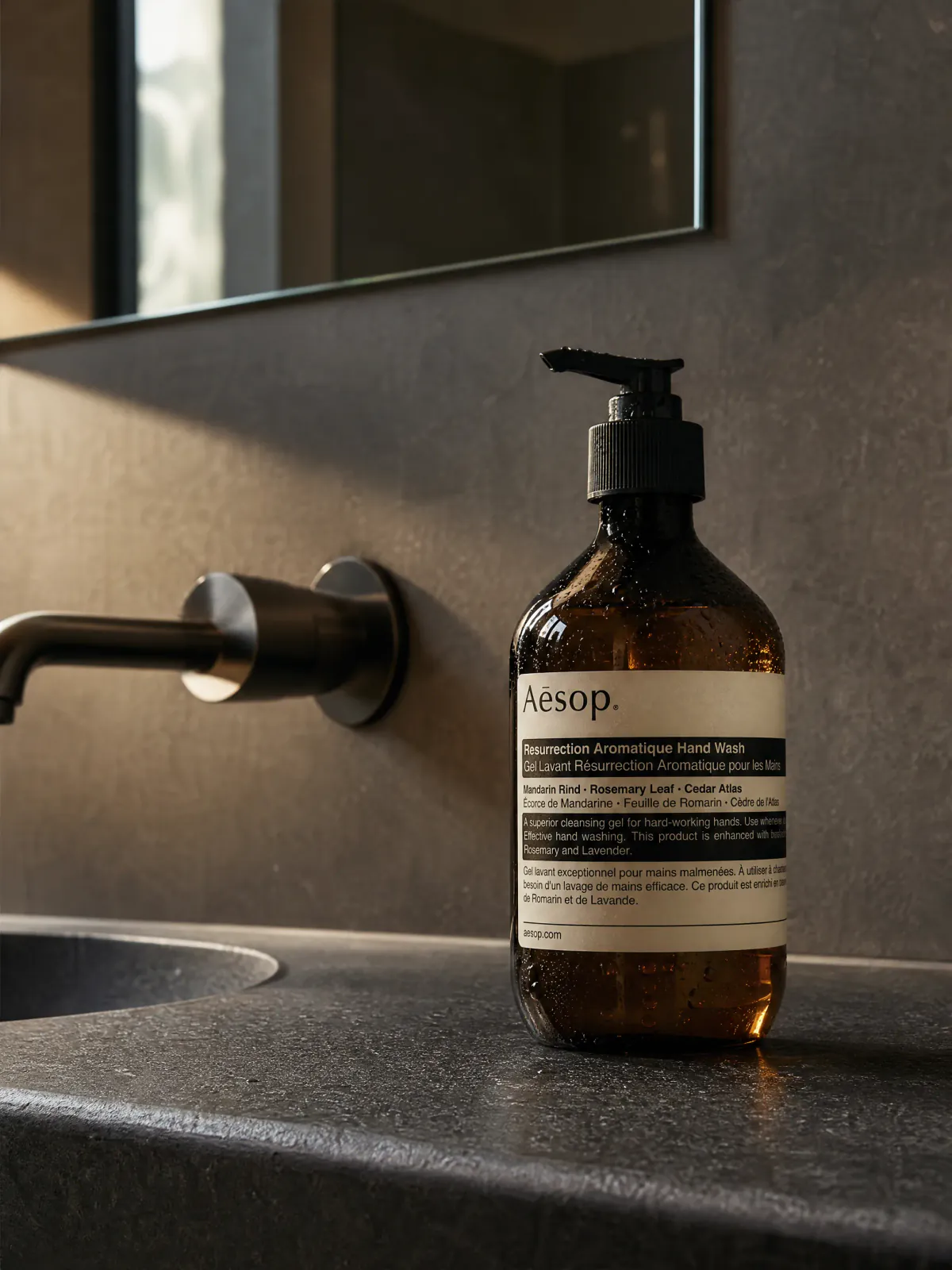
The example below uses an amber glass bottle, the same glass many kombucha, cold brew, and beer bottles use, so you can compare how the glass tone, label, and contact shadow carry from the starting photo to the result. Upload one JPG, PNG, or WebP photo of your drink (up to 10 MB), describe the scene, choose a style, aspect ratio, resolution, and file format, then review and download.
01 · YOUR PRODUCT
 Starting product image
Start with one complete, clear product image that shows the surface that matters.
02 · DESCRIBE THE JOB
“Place the complete amber bottle beside a warm travertine basin. Keep the label hierarchy visible, control the glass highlights, and leave calm space around the product.”
BEFORE YOU CREATE
Plan the label, liquid, chill, and destination before you create the image.
Most drinks come in curved, reflective containers: cans bend the label and glass mirrors the room. Shoppers also judge the liquid, the chill, and the flavor from the picture alone. Plan those details first, then pick a clean studio shot for listings and a styled scene for ads and social posts.
Use a sharp, straight-on photo of the full bottle with the label facing the camera. For the listing, keep a clean background; for social or gift pages, ask for a dark or warm setting with soft edge light so the glass keeps its shape. Check the vintage, the grape, and the small print against the real label before you publish.
Yes. Describe them in your direction, for example “cold droplets on the can, crushed ice, a small splash on the right”. Use them only for drinks that are served cold, and check that no droplet or splash covers the brand or flavor name.
Yes. Supplement bottles, tubs, and pouches work the same way: upload one clear photo with the label facing the camera, then choose a studio or lifestyle direction. Labels with doses and counts need a careful check, and props should not suggest ingredients or benefits the product does not have. One image is supported per generation.
Choose the placement first: 1:1 for marketplace and collection grids, 4:5 for product pages and Instagram feed posts, 9:16 for stories, and 16:9 for homepage banners. Tall bottles often fit 2:3 or 4:5. You can export at 1K, 2K, or 4K as PNG, JPEG, or WebP.
CREATE WITH MAKEAD
Start with one clear photo of your can, bottle, or tub and the scene, props, and light you want shoppers to picture.