Flame and wick
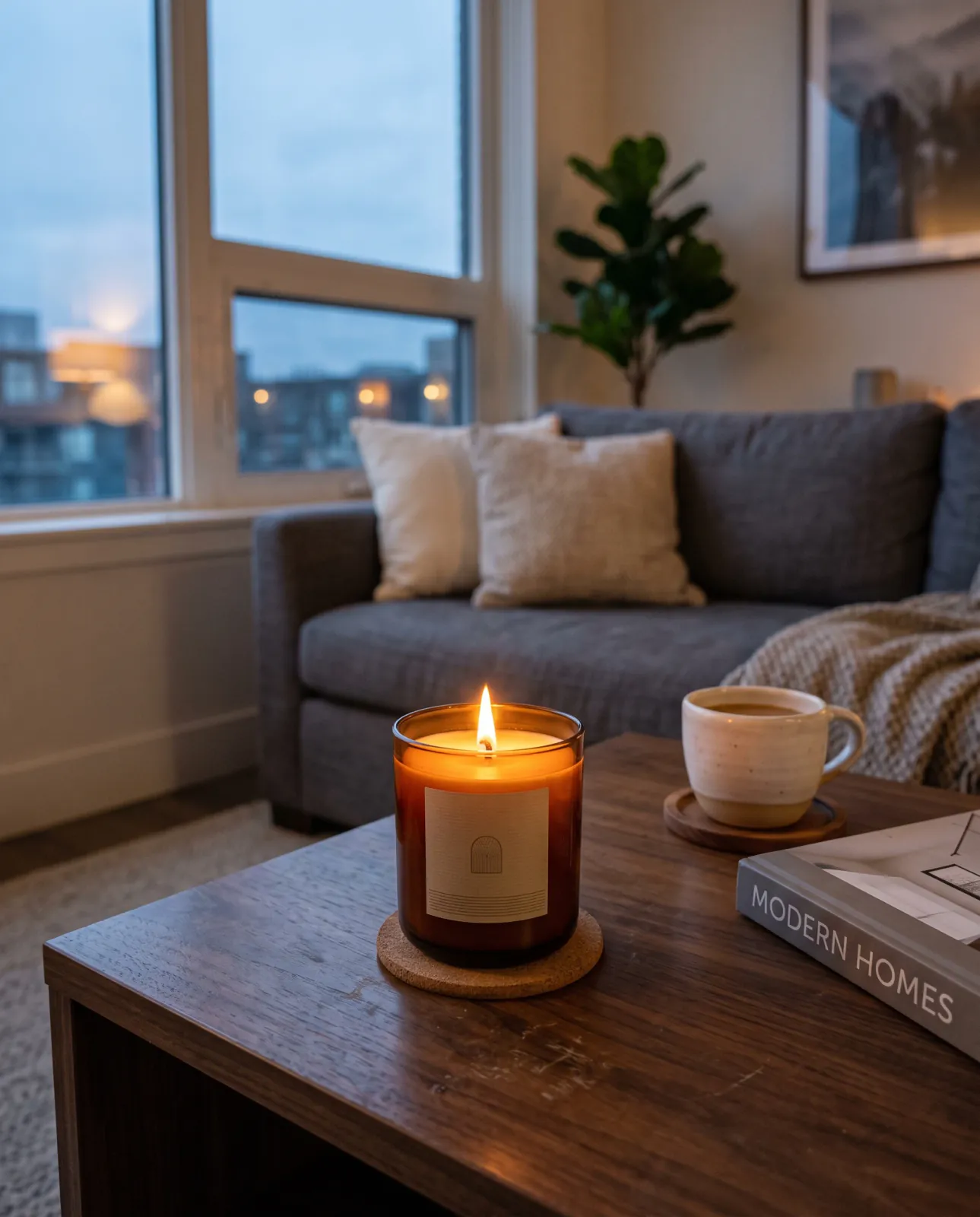
A lit candle sells warmth, but the flame should sit on the wick at a believable size and light the wax pool and glass around it. Ask for the candle lit or unlit in your direction, then check the flame before publishing.
FLAME, GLASS, AND LABEL
Candles are hard to photograph: the flame blows out the highlights, amber or frosted glass turns muddy, and a small jar loses its sense of size on an empty table. Start with one clear photo of your candle, describe the room and the light you want, and review the flame, vessel, and label before you publish.
 MADE WITH MAKEAD
WHAT BUYERS LOOK AT
A candle shopper cannot smell the scent through the screen. They judge the flame, the vessel, the label, and the room around it, so those four details decide whether the image feels like a real product in a real home.
MADE WITH MAKEADA lit candle sells warmth, but the flame should sit on the wick at a believable size and light the wax pool and glass around it. Ask for the candle lit or unlit in your direction, then check the flame before publishing.
Amber, frosted, clear, and ceramic vessels read differently in warm light. Name the vessel in your direction so the glass keeps its real tone instead of turning flat brown or gray.
The label carries the scent name and the brand. Keep it facing the camera and readable, and compare the text with your source photo, because AI can still change small lettering.
A cup, a book, or a coaster next to the jar tells shoppers how big the candle is. A soft contact shadow on the table keeps it from looking pasted in.
CUSTOMER EVIDENCE
Two candle makers and one homeware seller describe where the images ended up and what they replaced.
“One studio session for our candle line used to run about $600 once you add the photographer and half a day of retouching. I've replaced most of that. The real win is our $12 SKUs finally get proper shots instead of a phone photo on a table.”
Rachel_T
MakeAD customer
“The lifestyle scene I made is now the hero banner on our homepage and also went out in a promo email. Same image, two published spots, zero extra work.”
Bruna_C
MakeAD customer
“Homeware needs to feel lived-in. Natural Lifestyle put my mug on a believable kitchen counter with soft daylight, and that scene is what carries our product page now.”
Dahlia_R
MakeAD customer
CREATE IN MAKEAD
The example below uses an amber glass bottle, the same vessel material as many jar candles, so you can compare how the glass tone, label, and contact shadow carry from the starting photo to the result. Upload one JPG, PNG, or WebP photo of your candle (up to 10 MB), describe the scene, choose a style, aspect ratio, resolution, and file format, then review and download.
01 · YOUR PRODUCT
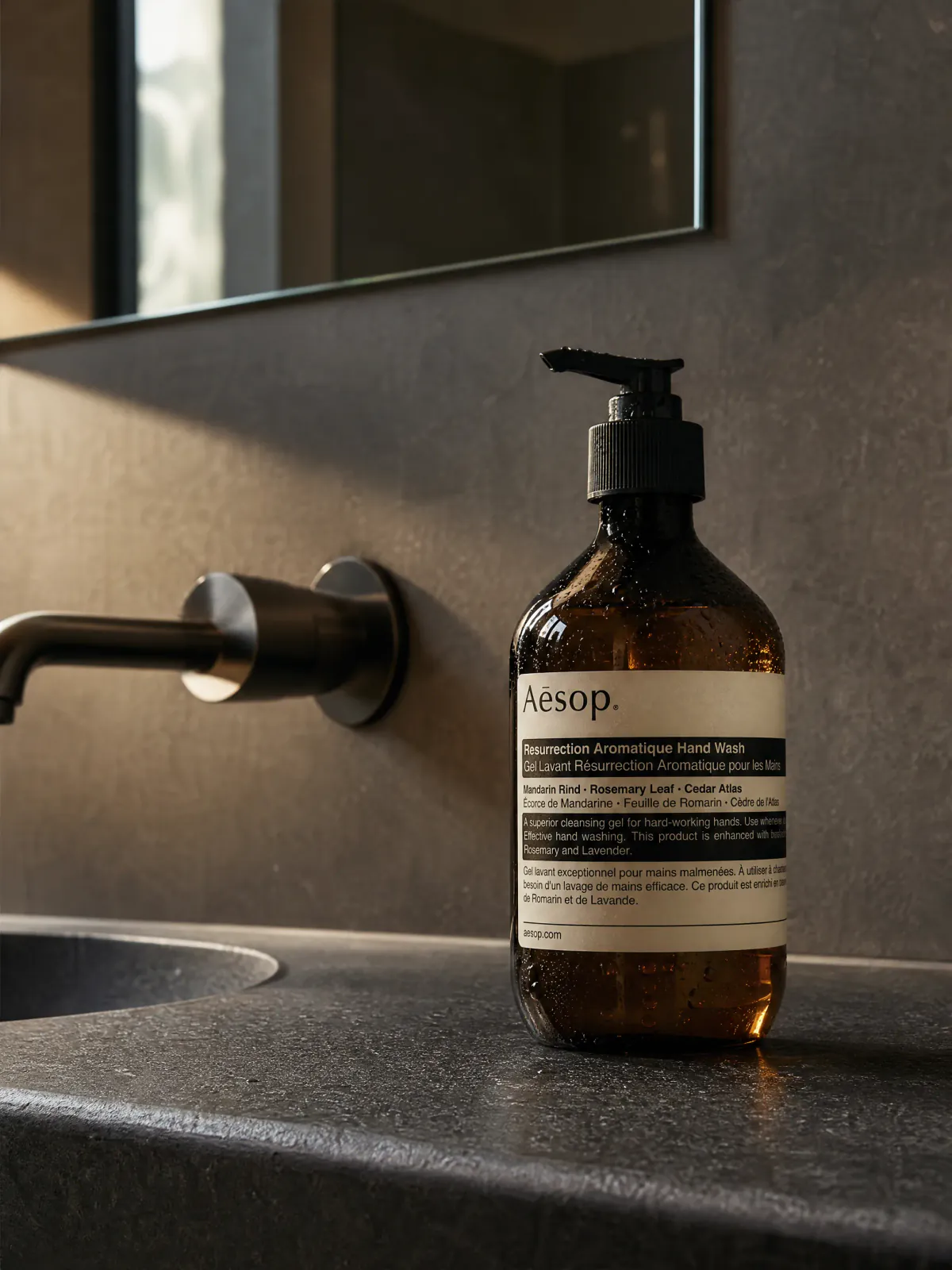 Starting product image
Start with one complete, clear product image that shows the surface that matters.
02 · DESCRIBE THE JOB
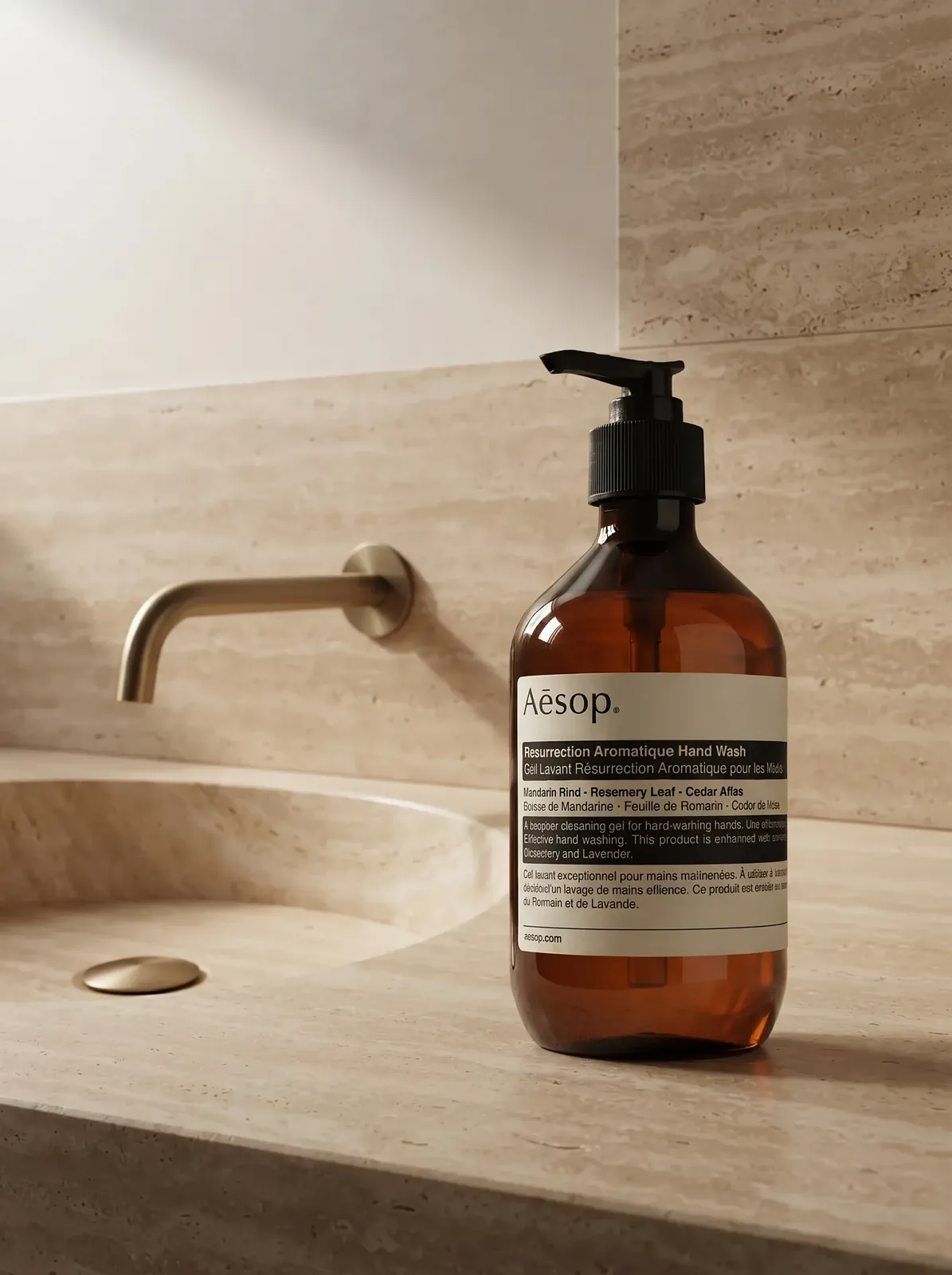
“Place the complete amber bottle beside a warm travertine basin. Keep the label hierarchy visible, control the glass highlights, and leave calm space around the product.”
BEFORE YOU CREATE
Plan the flame, vessel, label, and destination before you create the image.
Use a lit candle for lifestyle, homepage, and social images where warmth and mood matter. Use an unlit candle for main listing images where shoppers need to see the wax color, the wick, and the full label. Many candle brands use both for the same product.
Common directions are a clean studio shot for the listing, a coffee table or bedside scene at dusk, a bathroom shelf or bathtub edge, a styled tabletop with dried flowers or matches, and a seasonal or gift scene. Pick the scene where the scent would realistically be used.
Use a sharp photo with the whole candle visible, the label facing the camera, and some space around the edges. Even, soft light on the source makes the glass color and label easier to keep accurate. One image per generation is supported.
The uploaded photo is the reference for the product, but generative AI can still change small text, logo details, or the shape of the lid. Compare the result with your source photo and regenerate if anything on the vessel or label changed.
Choose the placement first: 1:1 for marketplace and collection grids, 4:5 for product pages and Instagram feed posts, 9:16 for stories, and 16:9 for homepage banners. You can export at 1K, 2K, or 4K as PNG, JPEG, or WebP.
CREATE WITH MAKEAD
Start with one clear candle photo and the room, light, and mood you want shoppers to picture.