
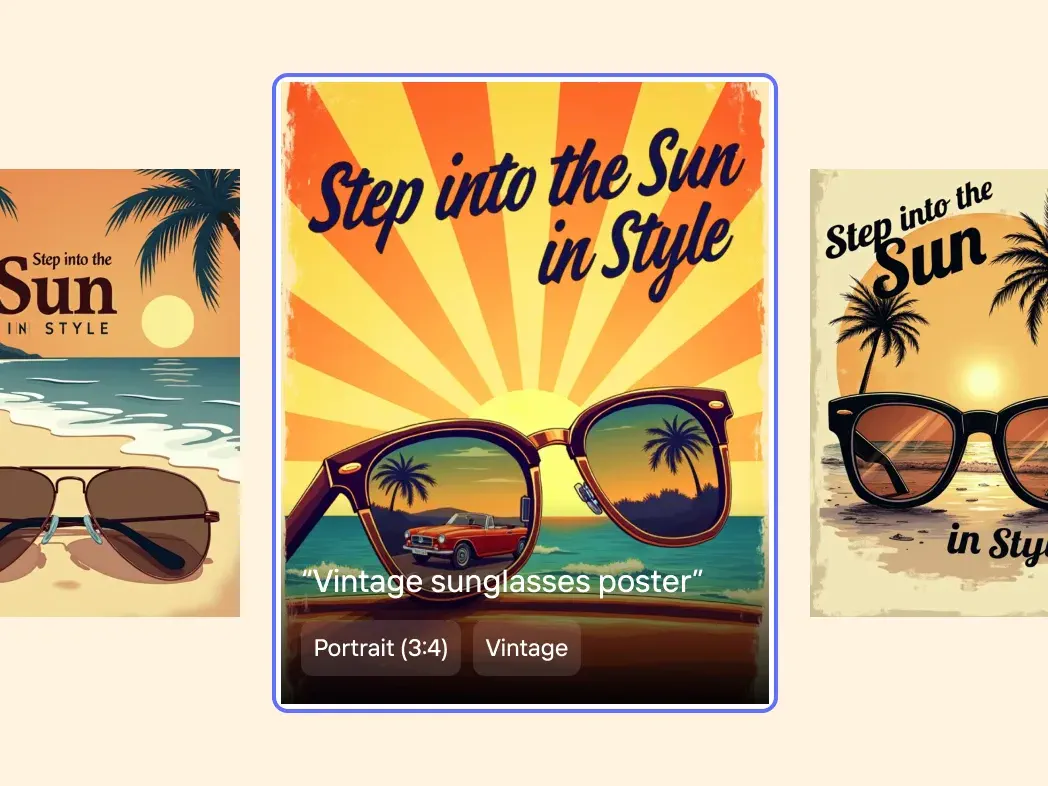
Launch without a complicated layout
Describe the release and let AI establish the headline, focal point, spacing, and supporting visual rhythm.
AI poster generator
Turn one clear idea into a ready-to-use poster for a product launch, promotion, announcement, or ecommerce campaign—without building the layout from scratch.
Poster preview
4:5 · PNG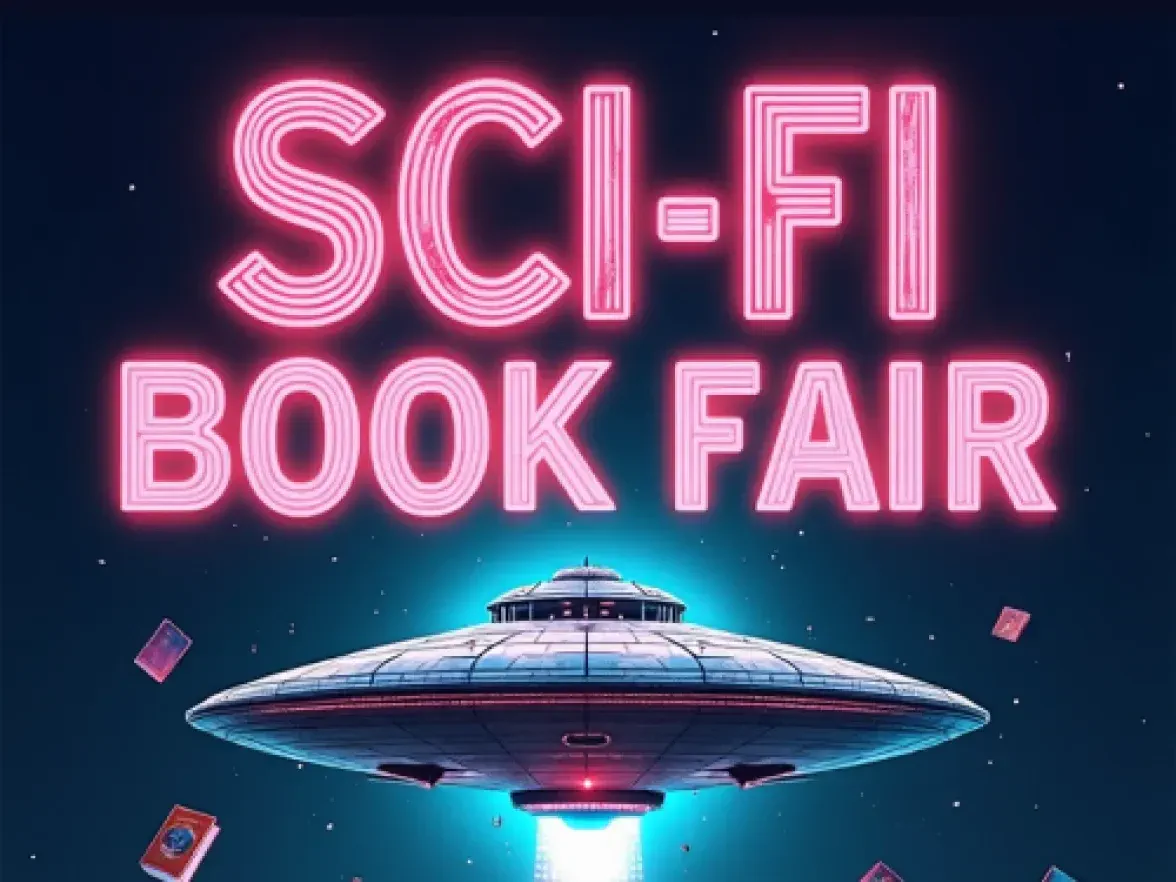
MakeAD · AI poster
Choose a direction and format. Your generated poster will appear here.
Include the message, audience, exact wording, colors, and the feeling the campaign should create.
Your brief and generated poster are saved to your account.
Ready-to-use campaign visuals
Create a clear visual moment for launches, bundles, seasonal promotions, and fast-moving campaigns while keeping the message at the center.
Describe the release and let AI establish the headline, focal point, spacing, and supporting visual rhythm.
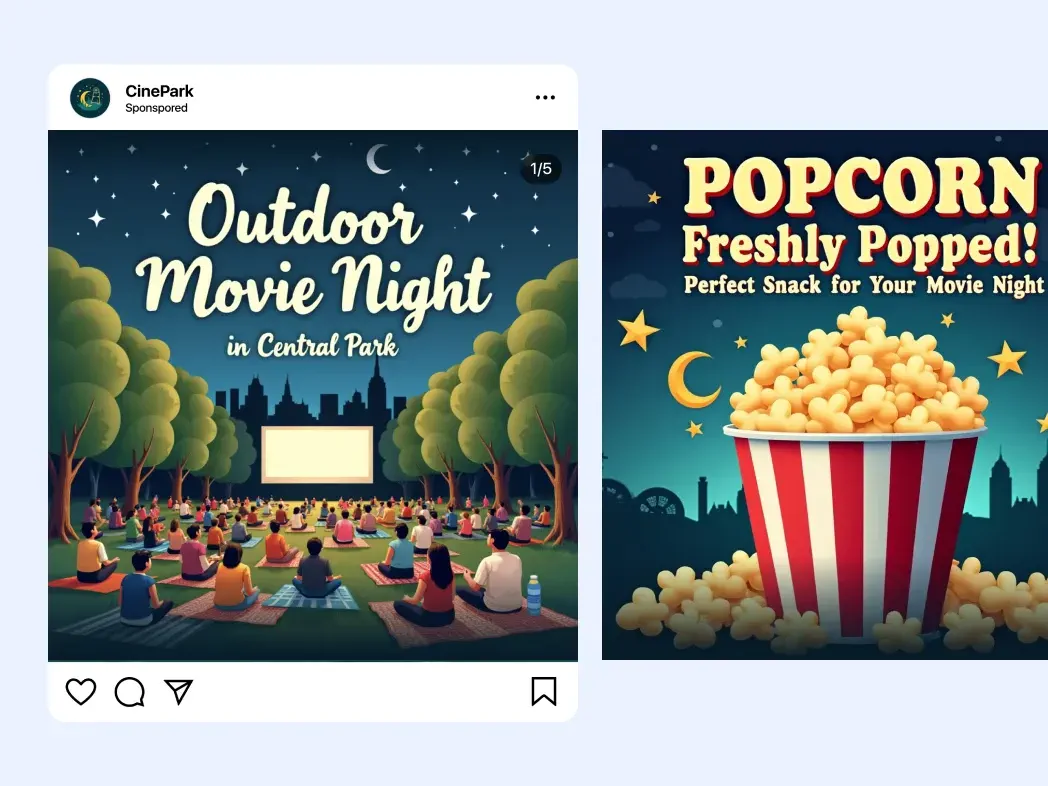
Give sales, limited editions, and bundles a focused graphic that customers can understand quickly.
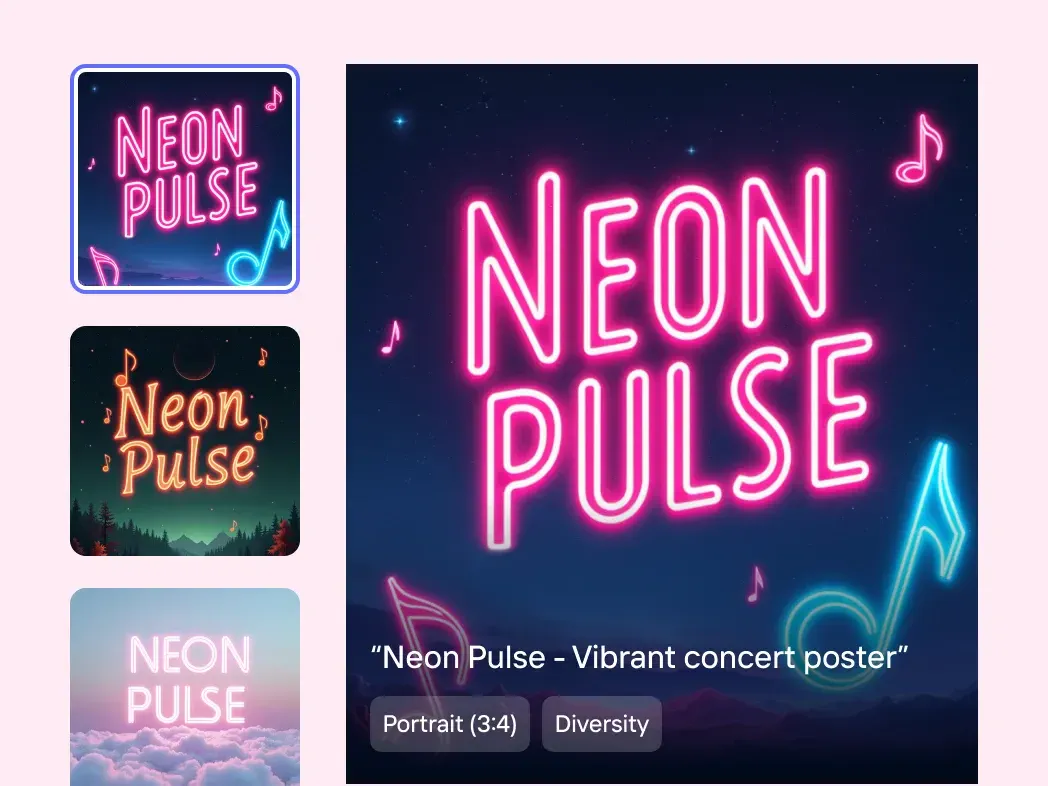
Adjust the description or campaign style to explore a fresh direction without rebuilding every asset.
Three simple steps
Move from a focused campaign message to a downloadable poster in one short workflow.
Describe the purpose, audience, exact headline, verified details, colors, and overall mood.
Select a launch, promotion, event, or editorial style, then choose the format for your main channel.
Check every word and campaign detail, then download the 1K PNG for your ecommerce workflow.
One message, more places
Start with the destination in mind so the hierarchy, crop, and amount of copy suit the way customers will see it.
Highlight a launch or seasonal moment near the products it supports.
Build a bold square or portrait visual that reads quickly in a feed.
Use a tall format for mobile-first reveals, reminders, and limited offers.
Give a launch or promotion one clear visual anchor above the supporting copy.
Clear by design
AI can establish a strong visual direction, but the final campaign still needs a careful human review before publishing.
Questions
What to know about briefs, formats, promotional copy, and reviewing generated posters.
Include the poster purpose, audience, exact headline, verified offer details, preferred colors, visual mood, and where the poster will be used. A focused brief gives the model a clearer hierarchy to build.
Yes. The generator turns a written brief into one complete poster direction, so you do not need to arrange every element manually. You should still review the result carefully before publishing.
Choose a 1:1 square, 4:5 portrait, or 9:16 story format. Generate the poster for its intended channel so important text and imagery have the right amount of space.
No. Image models can misspell, omit, or distort text. Supply exact wording, then inspect every letter, price, date, discount, and legal detail before using the result.
Use reviewed posters for launches, bundles, sales, marketplace headers, social posts, stories, emails, landing pages, and event announcements. Confirm you have the necessary rights to every brand and campaign element.
Start with one clear idea
Write the brief, choose the destination, and generate a complete visual direction in a few clicks.